In a previous post, I set up the SQL Clone server. This is really a metadata store and web front end, but it does no real work. The Agent service, which is installed on each SQL Server instance that will work with clones, does the work.
This post looks at installing the agent and then creating the first image and clone of a database.
Downloading the Agent
To get a SQL Clone agent, you need to have access to the SQL Clone Management server. This is a web application, with a URL that defaults to the name of the machine where you installed the server and port 14145. You do not have to be logged into this machine, but rather, logged into a machine with SQL Server that you need an agent on.
For me, I installed this on Aristotle, so I go to:
http://aristotle:14145/dashboard/
The Getting Started screen appears, which we saw in the last post. I want to click the “Download agent”.

This downloads a file, but before I run this, I need a service. On the Agent installation doc page, you see some architecture. While I am using the same machine, for many PoCs, I’d likely have installed the server on a central machine, such as the SRV-SQLCLONE machine in the image below.
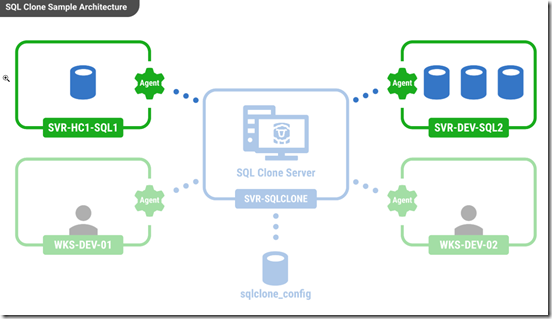
In many POCs, my laptop, or some shared development SQL Server instance, is represented by SRV-HC1-SQL1 above. This is where I connect to as a developer and deploy clones. Or maybe I need an agent on my local workstation, WKS-DEV-01.
In any case, I need a service to run the agent. While I could use my local account, I don’t recommend this. I really want a separate account. Get in this habit. Learn to use Group Managed Service Accounts or deal with separate domain service accounts.
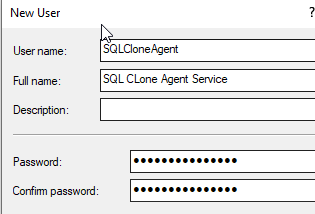
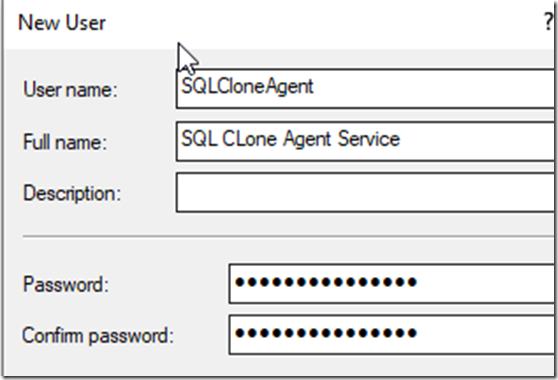
For me, I use SQLCloneAgent on each machine that runs as an agent, so I’ll create that account.
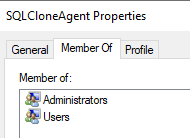
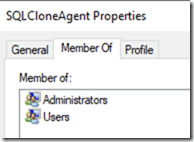
This does need some special Windows permissions. The install will allow it to be a service, but this does need to be an admin to use the Virtual Disk Service. Let’s ensure this is working.
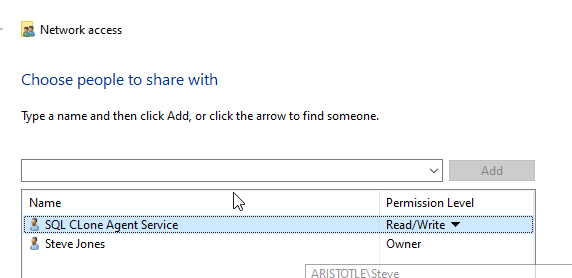
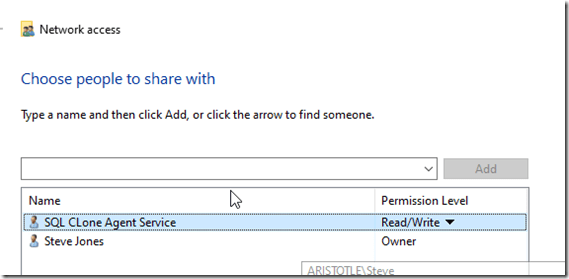
This account also needs read/write access to the share, so I’ll alter the share with permissions to allow read and write.
This does need SQL Server permissions. This agent will create and drop databases regularly on the local SQL Server instance, and so it needs to be able to do that and manage those items. While you may be able to get away with CREATE DATABASE permissions, the documentation notes this account needs sysadmin privileges.
It might seem that create/alter any database is sufficient, but that’s not the case. The agent checks this access, so grant this.
With the account created and the permissions on the share, let’s install the agent.
Installation
This is a standard Windows install process. There is a procedure for a silent install, but I’ll do this interactively. Double clicking the downloaded EXE runs the install.
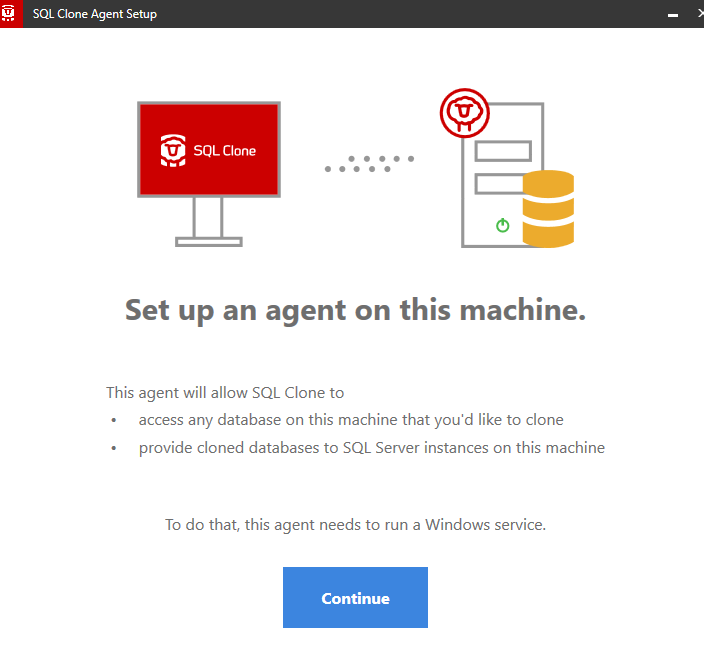
When this completes, I get the config process.
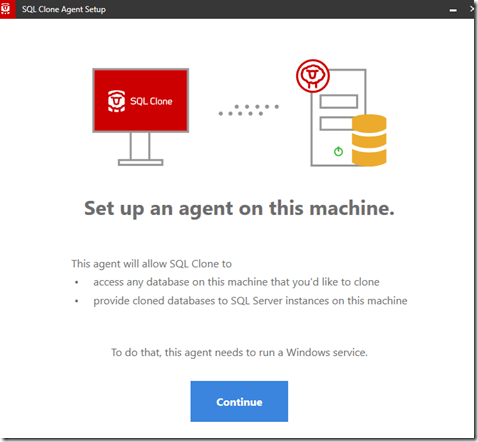
Clicking Continue asks for my service account.
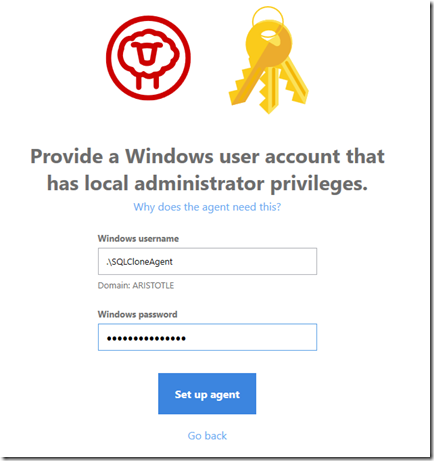
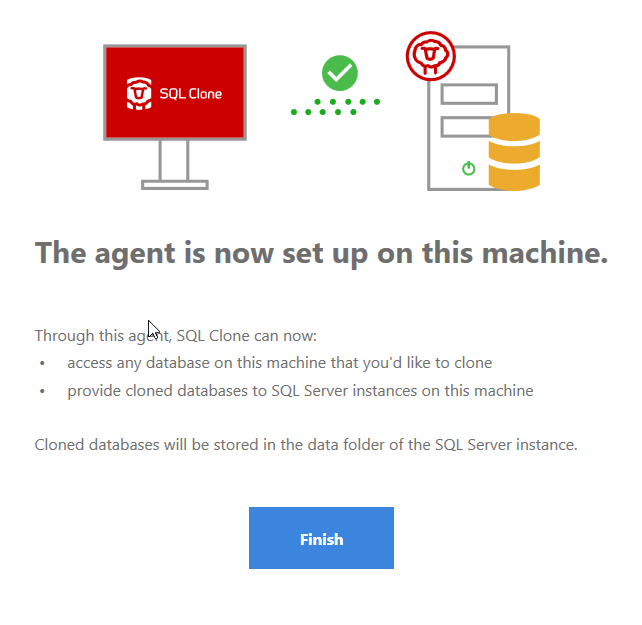
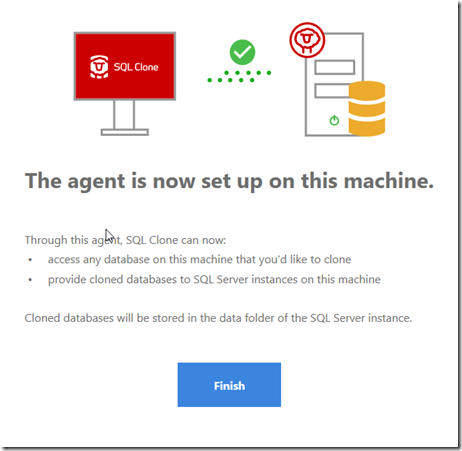
In a moment, if I’ve typed the credentials correctly, I see this.
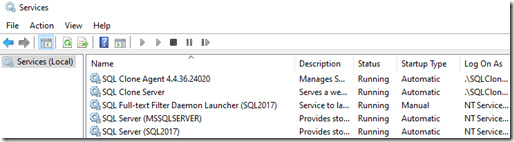
In Services, I see this running. Note, the Clone Management services happens to be here, but this isn’t required. This could be on another machine.
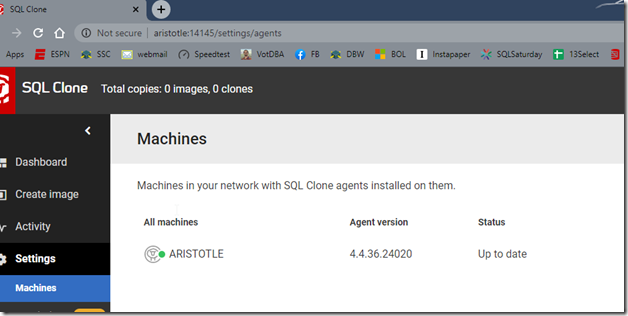
In the settings of the SQL Clone application, I can see my agent listed. In fact, as you add new agents, their version and status is listed.
This is working, so let’s proceed.
Creating a Cloned Database
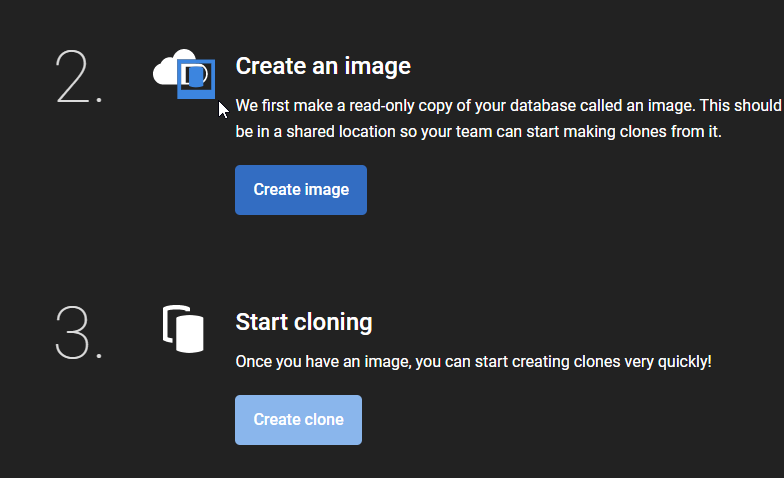
Once I have an agent, the Getting Started flow has a new option: Create an image.
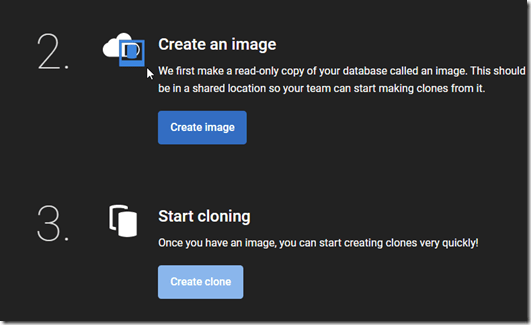
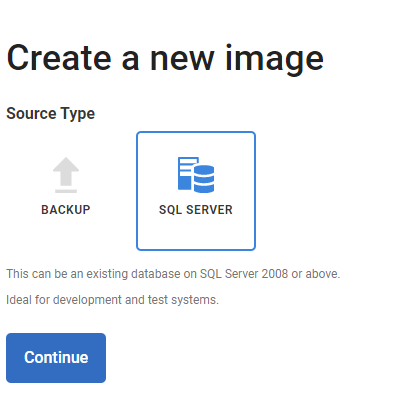
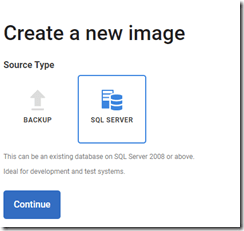
I click this and I need to pick a source. I’ll pick an existing database on this instance, so I select “SQL Server”.
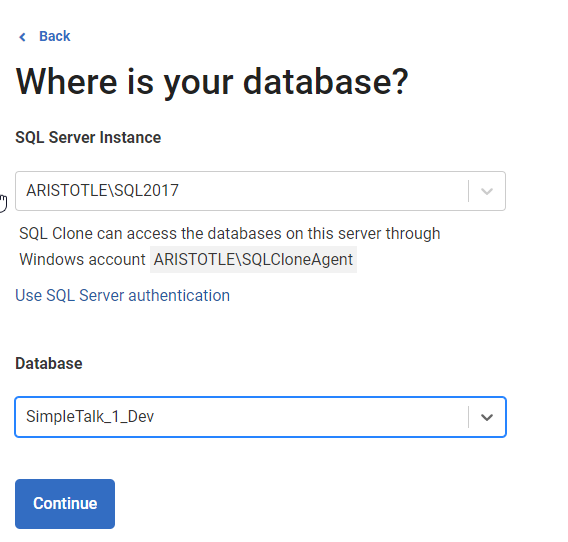
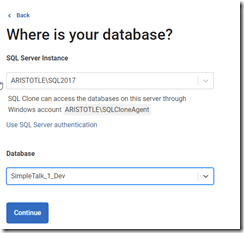
This gives me two dialogs. I enter a SQL Server name, and SQL Clone will check that my agent has sysadmin access. Once it does this, I can select a database on this instance.
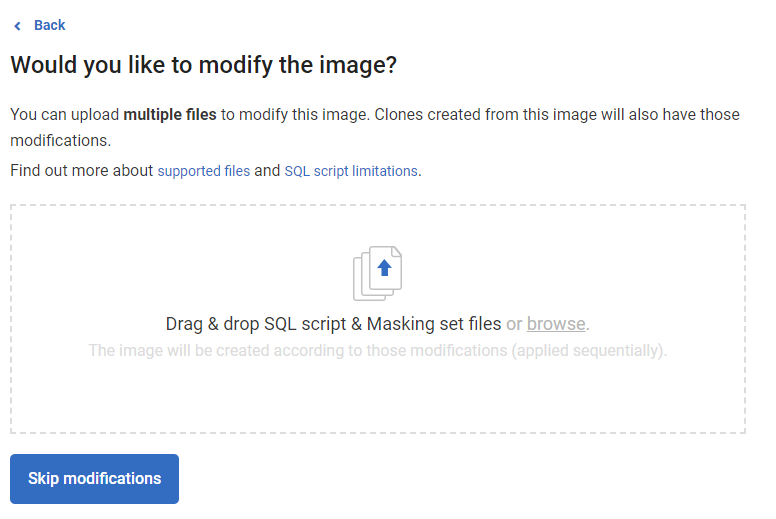
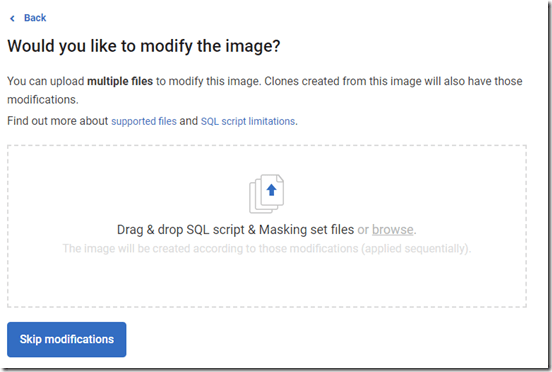
I click Continue to set up modifications. The main purpose of SQL Clone is to allow you to use full size production databases in development, by saving space and masking out PII data. This is a test, and I’m picking a dev database to make an image, so I’ll leave this alone and move on.
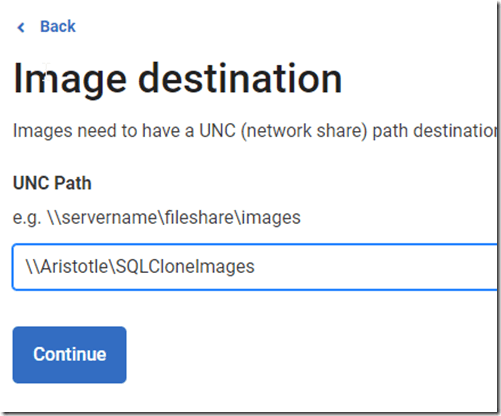
I need to select a location for my image. In this case, I’ll enter the share I created in the first post.
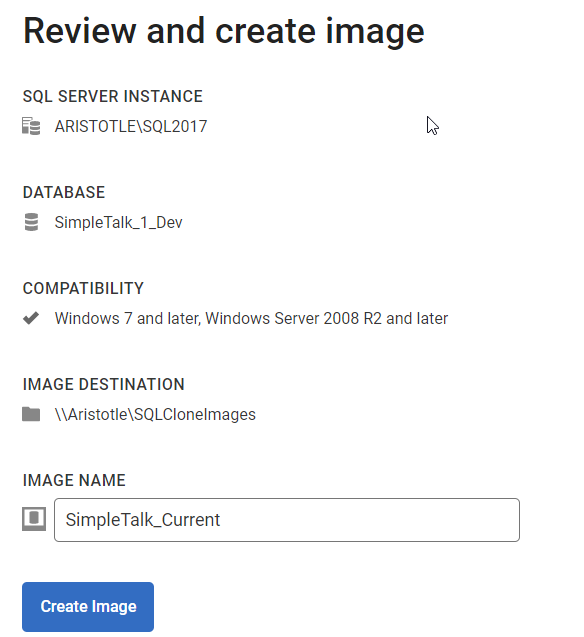
Now I need to enter the name for this image and check that I have what I wanted to be entered.
A word on naming. I know some people will name these with dates, which I used to do. However, for the most part you will have 2-3 images for any database in rotation.
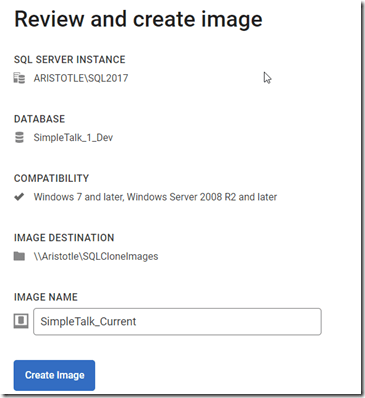
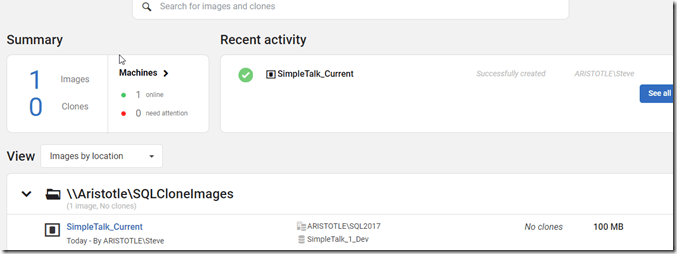
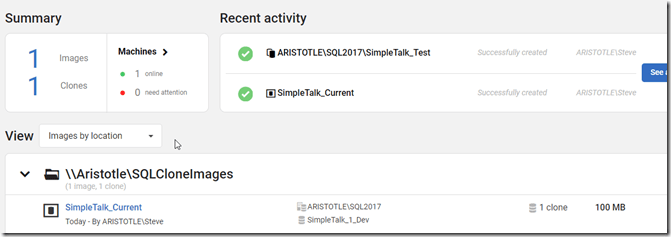
When I click create, this starts running. I can see some progress on the dashboard. In this case, this is a 10MB database, so it runs quickly. When the creation is done, the dashboard updates with the activity item in the upper right, and I can see the image at the bottom.
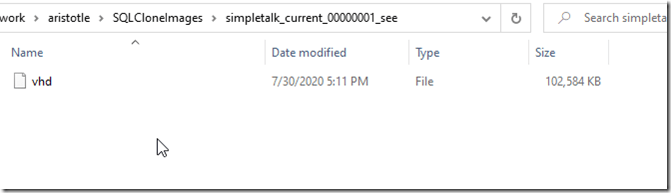
I can see my image in the share. This is a VHD in a folder, and I don’t want to mess with this. I can see the size, however, which is my data size.
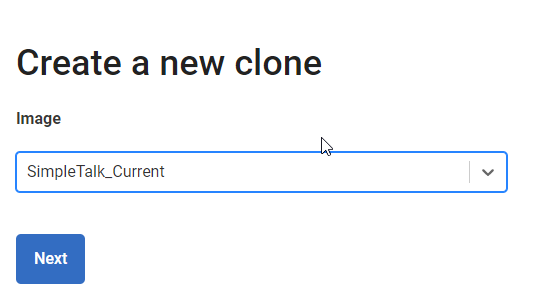
This is an image, but I don’t have a database, so let’s quickly deploy a clone. On the left menu of SQL Clone, let’s click Create Clone. This gives me a place to select an image (of which I only have one now).

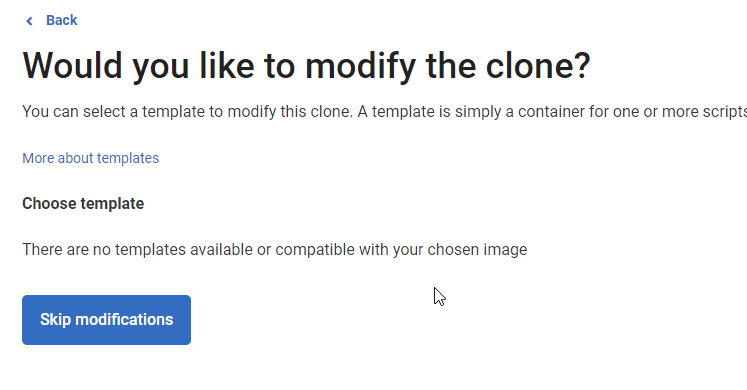
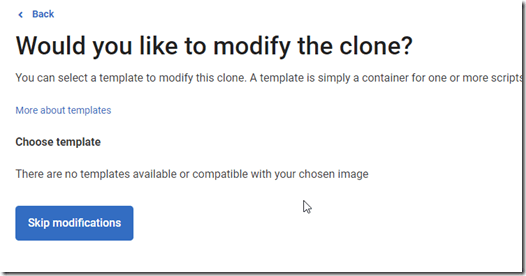
I can modify this during deployment, but let’s skip that.
Next I need to pick an instance to deploy this clone on. I’ll pick my local instance.
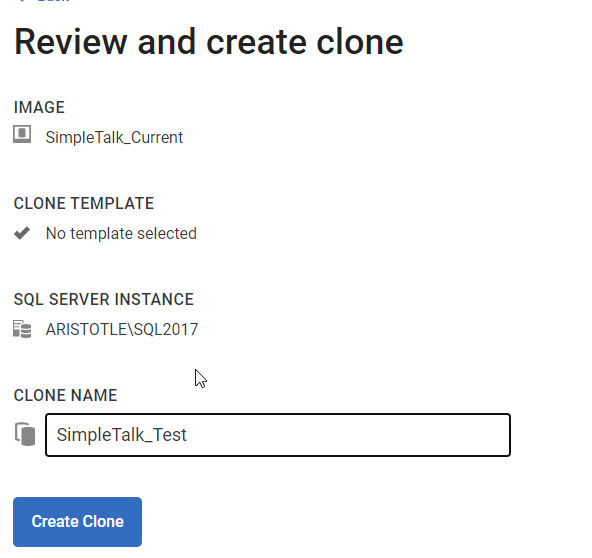
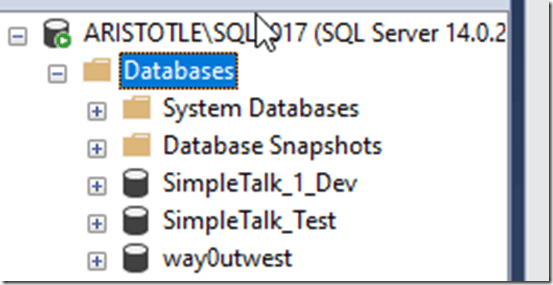
Once I do that, I give this a name. This is the database name I see in SSMS.
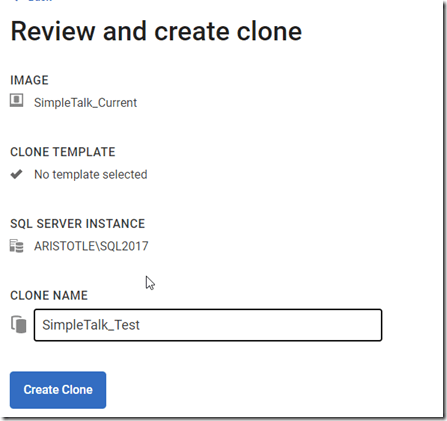
I create this, and I see it in SQL Clone:
and SSMS:
Summary
That’s a quick look at getting an agent installed and testing it’s working with an image and clone. I can now work with the SimpleTalk_Test database as I would any other. Once I’ve tried something, I can get rid of it and recreate it easily, or create copies if I want to test multiple things.
SQL Clone is a valuable tool that changes the way you work with databases, allowing developers and automated systems to work from a known base for their code changes. With frequent recreations of updated images after deployments, you can always be sure that your developers have a consistent foundation.
Try SQL Clone today if you are looking for a way to consistently and easily deploy databases for your developers.