Category: Blog

  • Sabbatical – Sawhorses

    My company, Red Gate software, has given me a 6 week sabbatical. I’m documenting the time with all the posts under a tag if you want to follow along.

    I need a few sawhorses for my flagpole. It’s 22ft in length, and I’m thinking I need at least 4, perhaps 5 sawhorses in order to work on it properly. With that in mind, I went looking for plans last week. I didn’t want to buy more, especially since many of them I’ve seen at the store don’t last, don’t work well, or aren’t that strong.

    I found a guy selling folding ones, and selling plans. I thought, hmm, I could do that, and embarked on a prototype last week. My thought was that I’d see if this worked, and then build more.
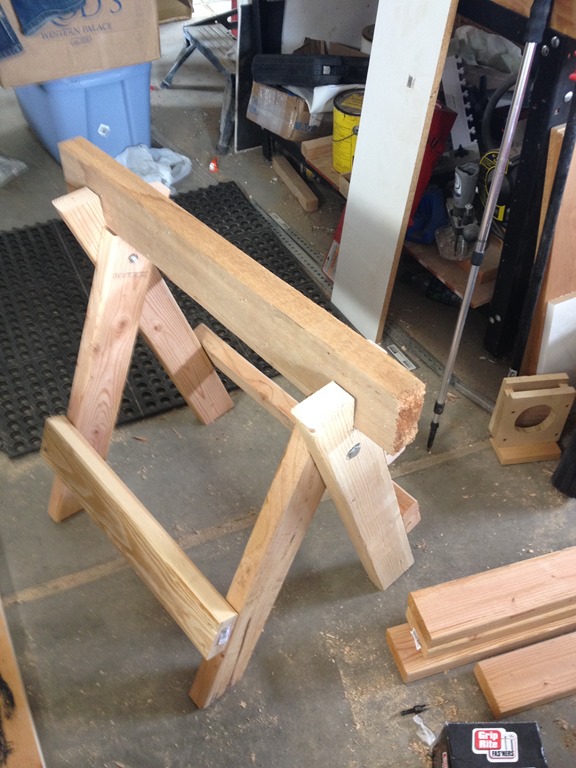
    IMG_6240

    It didn’t. Apart from being too low (though it was a test), I couldn’t get the angles right and it wasn’t as stable as I wanted. The folding thing is nice, but I think I can do better.

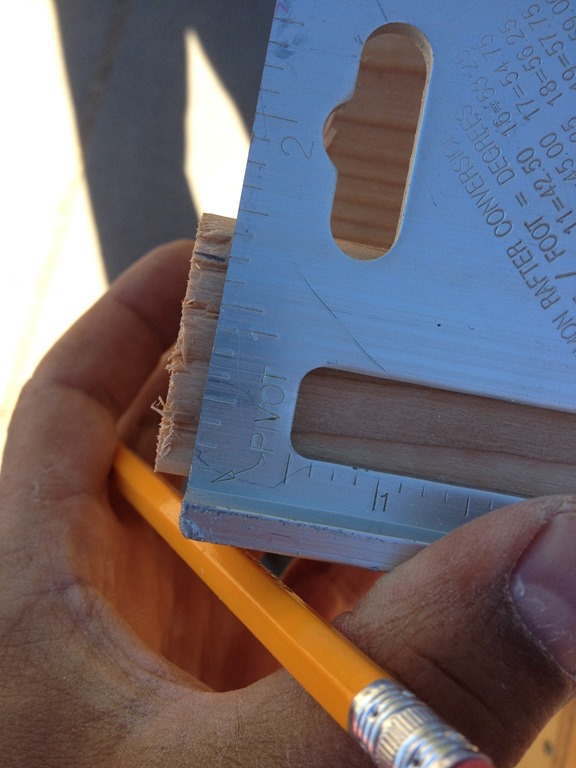
    I searched again this week and found this guy’s video and article. I wasn’t impressed at first, but when I saw him show the strength and simplicity, I thought this was a good plan. I started off measuring things, marking up my wood.
    IMG_6297

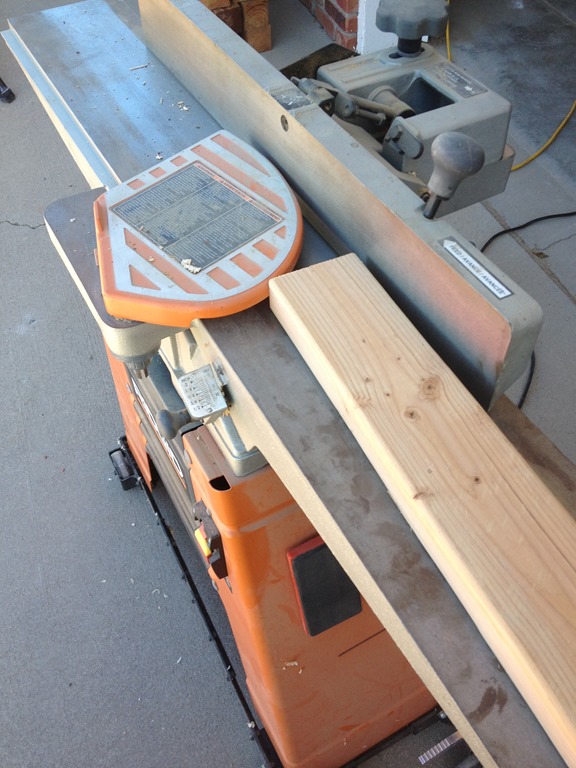
    Next I jointed the braces so they’d glue together cleanly. I also jointed the tops, even though that was a bit of overkill.
    IMG_6302

    Once that was done, I glued the pieces together. No metal in here, just glue. I won’t want to accidently get into trouble with cutting at some point.

    IMG_6304

    While that was going on, I trimmed the ends of the legs. I had to shave off an angle, and I used the circular saw first, but that was a problem. I actually messed up a couple of them. I fixed things later, but a lesson learned.

    I also had to dado out a place for the legs to attach. Once the glue dried, I used the circular saw to cut out a slow. Slow going, but I got it done.
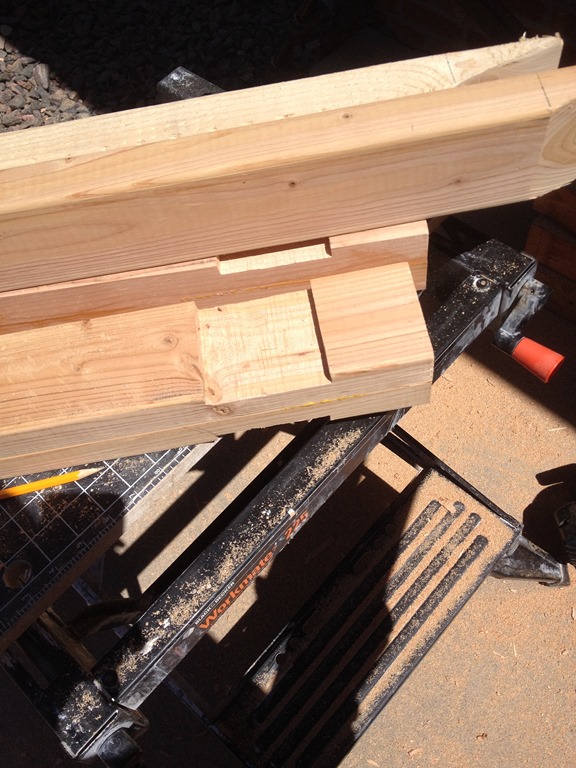
    IMG_6308

    Now time to put things together. Here’s the first leg going on. I glued and screwed it to the cross brace.
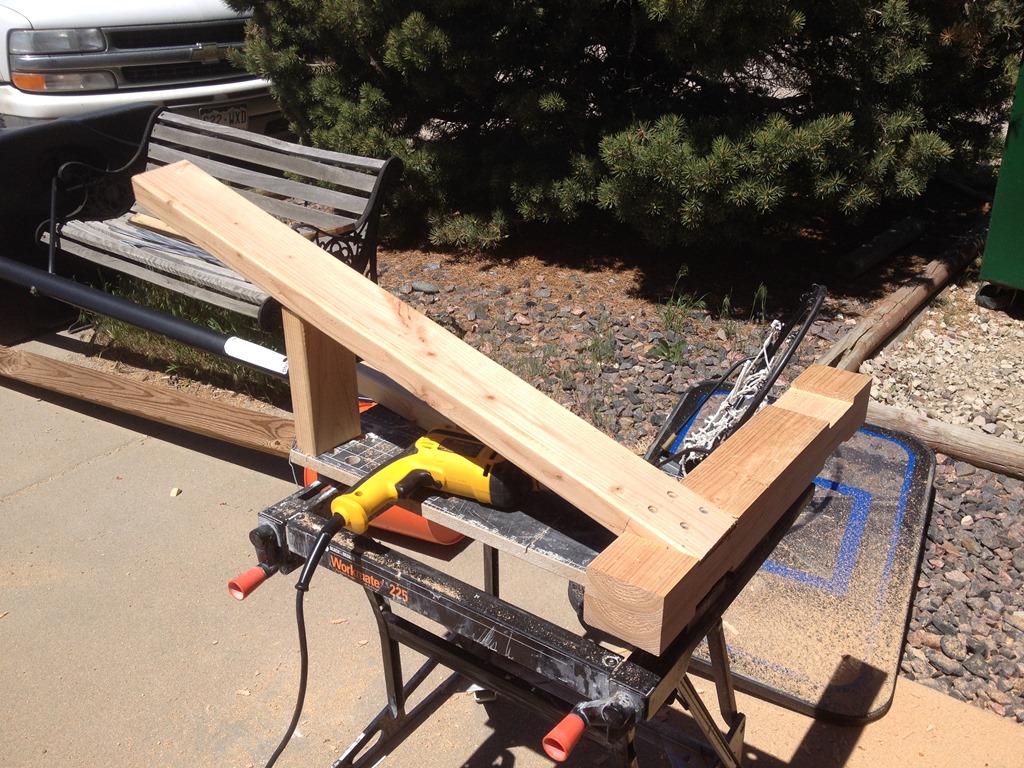
    IMG_6310

    From there, it was pretty easy to add the other four legs. I wasn’t worried about glue drying here, so I turned it upside down right away and went to work on the angle braces made of plywood.
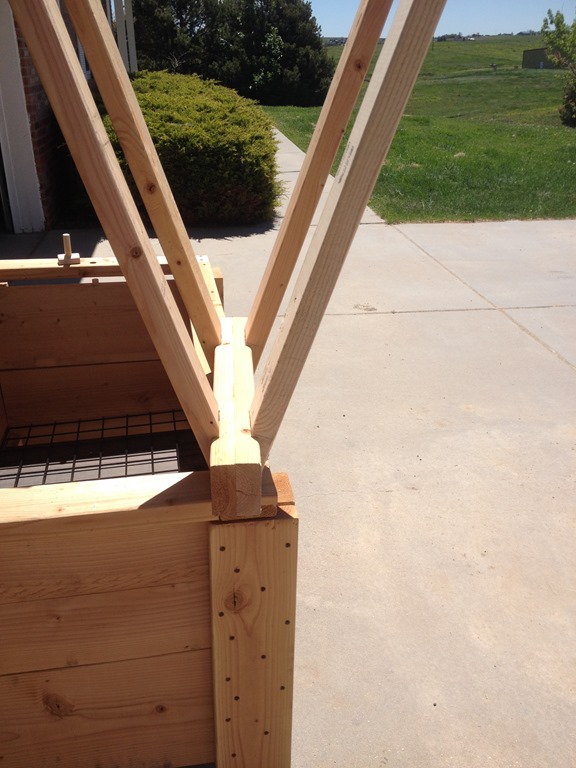
    IMG_6312

    Here’s the first finished one. It was fairly solid and level.

    IMG_6314

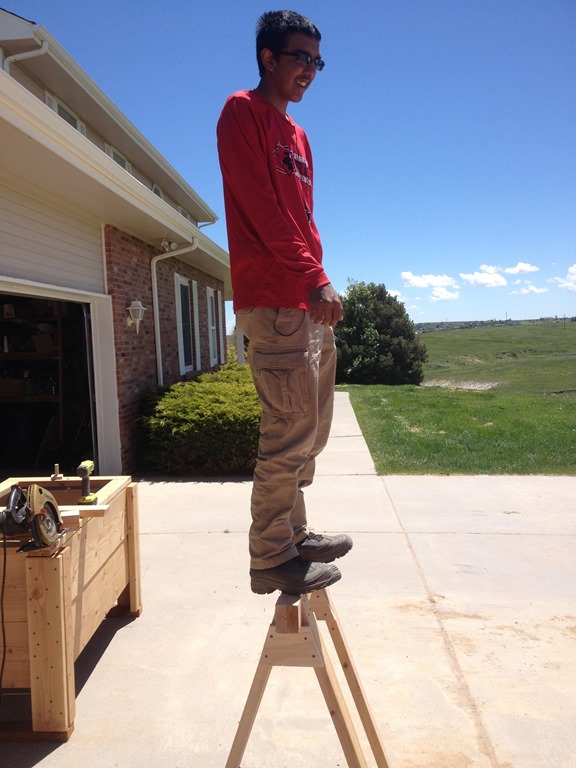
    And strong!

    IMG_6315

    I took a break, hit the store, and came back to finish the second one. I have parts for 2 more, but I needed to tackle a few other things today.
  • Sabbatical – Volunteering as a Speaker

    One of the things I noticed on the Habitat for Humanity – Denver site is that there is a speaker’s bureau. I was looking for a few other ways to help during the sabbatical, and thought this was right up my alley.

    I emailed the contact, and included some of my speaking CV. We’ll see if they take me up, and if this is one of those things that will extend beyond this short time.

  • Sabbatical–Paid in Full

    The sabbatical moves forward. I paid for college today, settling my bill for the woodworking class that starts on Tuesday.

    Yeah!

    I’m not thinking to do anything else until Tuesday afternoon when school starts and I get to class. I’m hoping these aren’t too many more costs other than materials here and there. I’m assuming there will be some, though I don’t know what projects we’ll be tackling, though I’m hoping for just some basic skills to improve my abilities.

  • Quick Tips–SSMS Select a vertical block

    I saw this years ago in a presentation from Aaron Bertrand. At the time I thought it was super cool and I’d use it all the time, but I haven’t found many uses. However since I needed to do this recently, this helped.

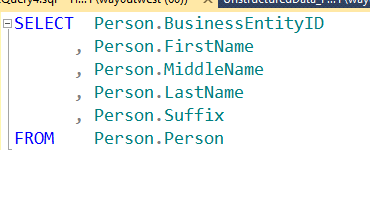
    Imagine that you have this:

    blockselect_a

    A normal select statement. Perhaps you’ve qualified columns with SQL Prompt, or you’ve used some tool to enter this (or you’re a typing masochist). Now you add an alias for the column because you don’t want to type the full name everywhere. That causes SSMS to complain.

    blockselect_b

    You can’t run this because once you use an alias, you need to use it elsewhere. The full table name isn’t valid anymore.

    Now you could do a search and replace (CTRL+H), but that presents other problems, not the least of which is replacing the table in the FROM name. Unless you want to go through and approve or deny every replacement. You could also edit Person to “p” on each line manually.

    Hey, this is programming, we don’t do things over and over when we can avoid them.

    Enter Block Select

    If you place your cursor here, shown with the arrow as my capture tool missed it.

    blockselect_c

    Now I can click ALT+Shift and hold them down while I move my cursor to the lower right of the block I want to select. In this case, it’s between the “n” and period on the last line of the column list, above the FROM clause. Look at the image below.

    blockselect_d

    I’ve now selected a block, and I can hit delete. This gives me:

    blockselect_e

    Notice that my selection is a thin cursor still visible. I can actually type here. Imagine I typed “sn” now. This is what I’d get.

    blockselect_f

    I fixed the alias before I shot this, and once I moved the cursor, I lost my selection, but a simple ALT+Shift, lets me highlight, select, and type in a vertical block.

    Handy when trying to correct a number of items on separate lines.