I hadn’t used full-text indexing in production throughout my career. We hadn’t had the need in the applications I worked on, all of them depending on LIKE searches in specific, normalized data.
However I have always been interested in it and as I try to find data more often in various systems, I’ve been playing with it on the SQLServerCentral systems. One of the first things I had to do on a copy of the system was build an index. It’s surprisingly easy. I’ll build a basic index and explain a few options.
If you don’t know what a full-text index and full-text search (FTS) is, here’s a short introduction from BOL.
Creating an Index
Let’s take a basic table. In this case, let’s look at the AdventureWorks 2008 database. There’s a table called ProductDescription in there without an FTS index. Let’s add one there. First we right click the table and select the full-text index item.

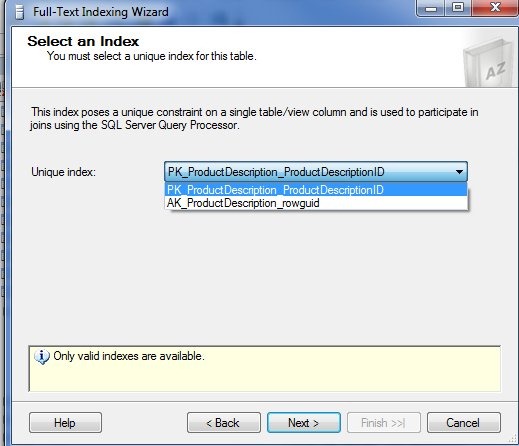
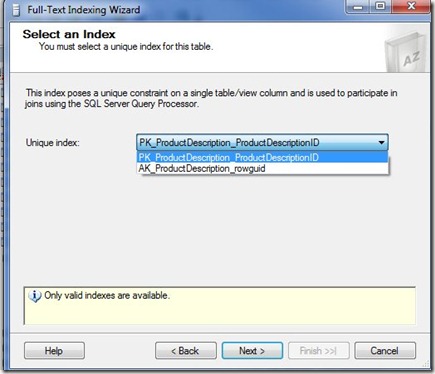
This starts a wizard that we can use to pick the full text index. The first step is basing this on a unique index. The wizard is smart enough to only show those valid indexes for you to choose. I tend to choose the PK in most cases. That’s what I’ll do here. If your situation calls for something different, be sure you understand why.
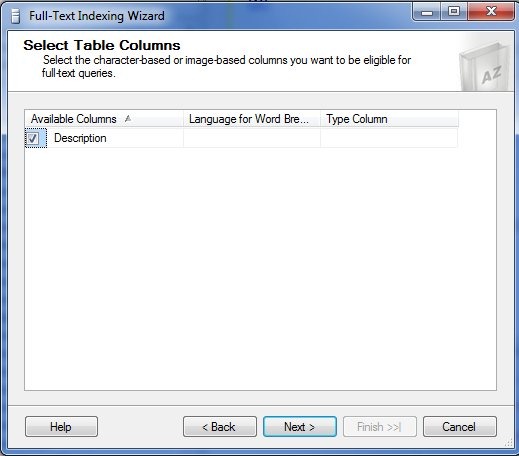
The next step for is to choose from the available columns that are valid for full text indexes. In this case we only have one, so I’ll pick it.
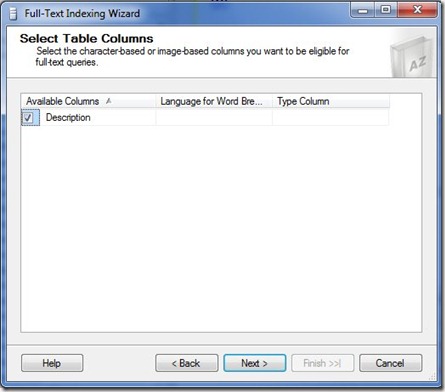
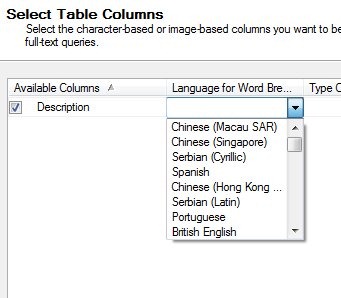
Once I do that, I then can examine the other options. The middle item is for Word Breakers. These are the rules by which we decide where word boundaries are.
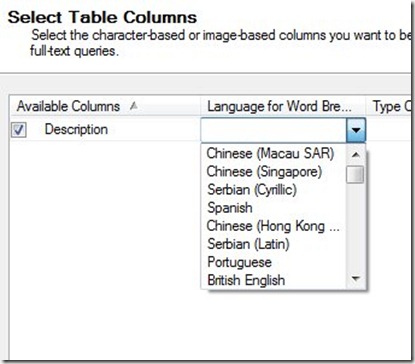
These rules can vary by language, and as you see above, there are multiple language choices. We’ll stick with English.
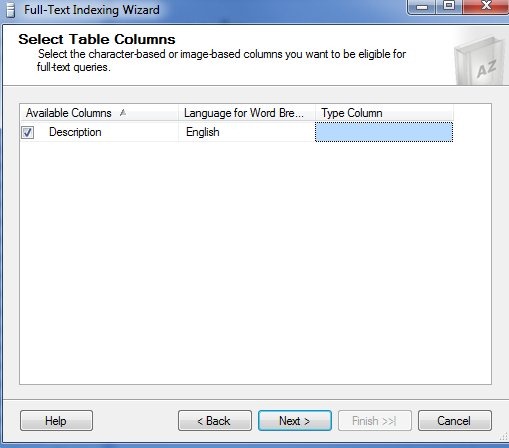
The last column is for the “type” of data stored in the column we are indexing. This is for the use of iFilters for our data.
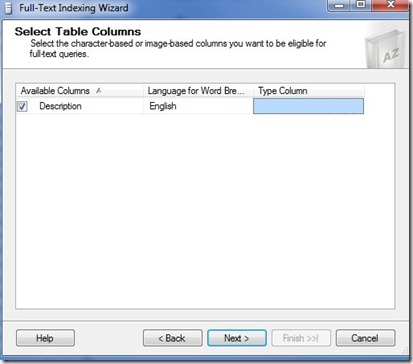
In this case there is no other column that makes sense for a type. If you examine the full text index on the Production.Document table, there is a “FileExtension” column that is specified here.
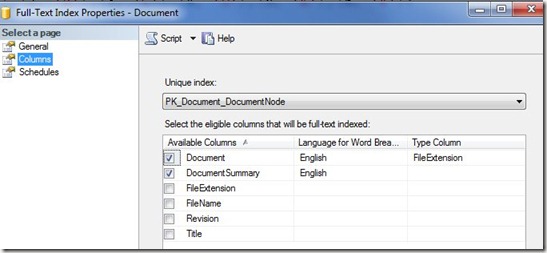
That column is named appropriately, but the name has nothing to do with the use here. If the column were named “Type” or “Extention” or even “Blue” it would still work as long as it contained the correct file type extension for the data stored in the full-text indexed column.
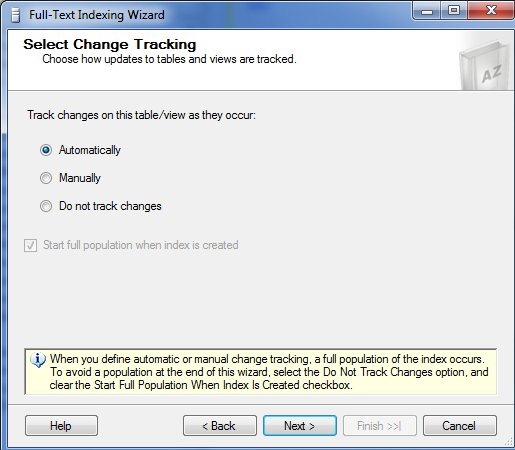
Next we have the change tracking. You have three choices: automatic, manual, or do not track. The default is automatic, which I’ve often used.
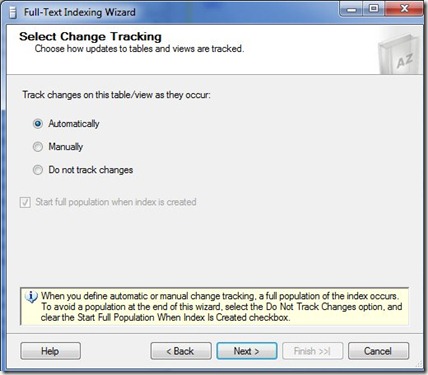
If you have a large index, with large changes, you might choose to manually update the index, but you then need to do that. If you don’t want an automatic population to start after the wizard, then you need to choose “Do not track changes” as noted at the bottom.
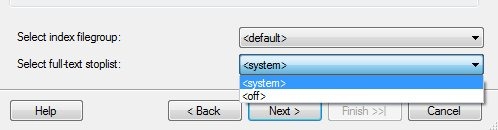
The catalog is like a filegroup for the full text index. There can be multiple indexes in one catalog, but an index is only in one catalog. Note that you can select the actual filegroup in which this will be stored at the bottom.
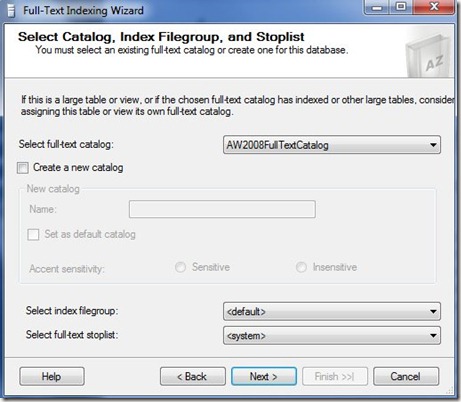
I haven’t had enough experience here to give guidance. I’ve just had one catalog for the systems I’ve worked on.
The stoplist is the list of words ignored in the index. This was called the “noise word list” in SQL 2005 and prior. You can create your own stoplist, or use the system one.
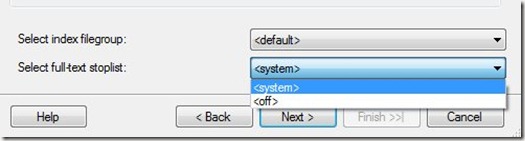
Here I only have one, though I could not use one and allow all words in the index, which tends to bloat the size.
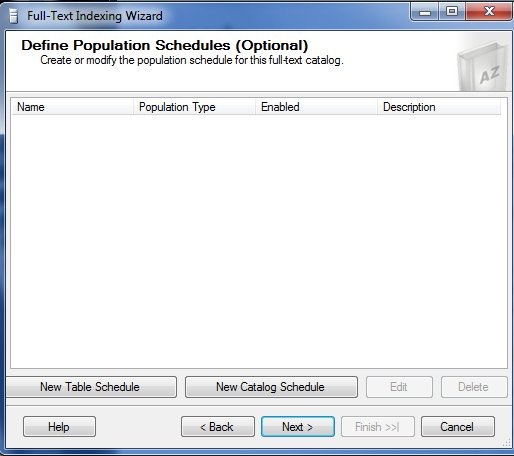
Next we have the standard scheduling mechanism in SQL Server. Here it’s applied to the index population, or what you might see as the rebuild.
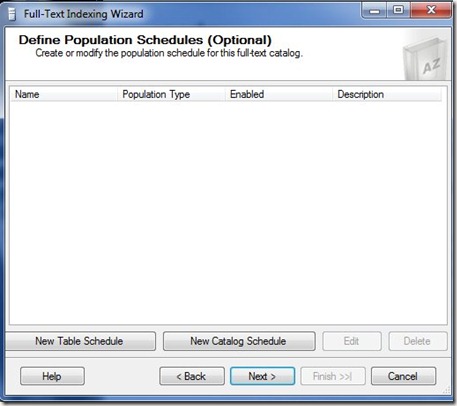
No guidance here other than choose what works. If population is an issue, pick a low time to schedule things.
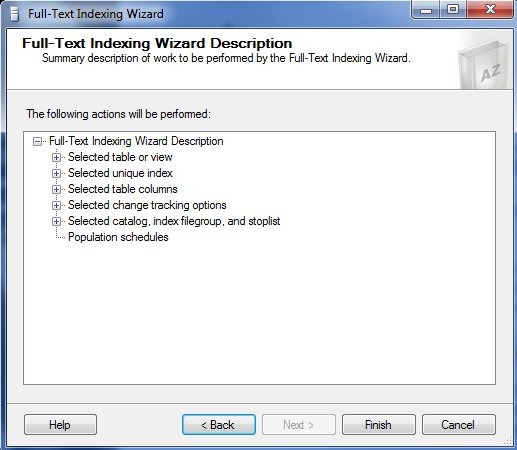
The last part is the summary.
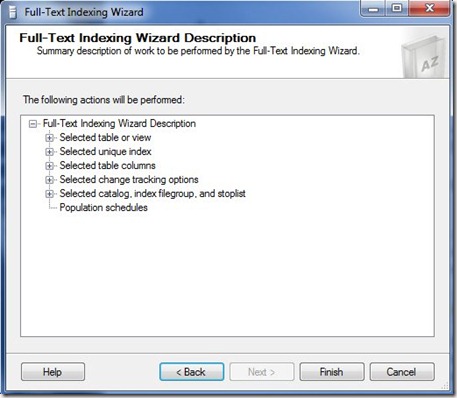
My one complaint here is the fact that there is no “Script” button for this. That’s a royal PIA and it’s why I’m showing the GUI here. This is the easiest way to build the index. Once it’s done, you can go into SSMS and get the properties.There’s a script button there.

However if you press this, you get this
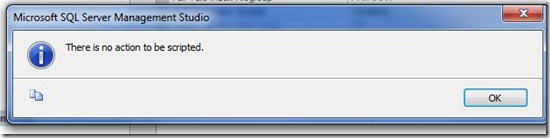
No scripting for the index, which is a hole. I’ve submitted an item on Connect, which you can vote for.