I once rowed in the Head of the Charles Regatta. I had the 3d seat, starboard, in a 4 man boat and it was quite exciting to come up to Boston and row down the famed Charles River. It was hard, and the river was rough, tossing waves in our boat at times, but it was a great experience. This year I won’t be rowing in the Charles, but I am looking forward to a chilly run along the Charles on Oct 7. I’ll get into Boston around 4:30pm, race to the hotel, and then have an evening run. Follow me on Twitter if you want to join me. I’ll probably do a couple miles that evening, and again around 6:30am on Monday.
The SQL in the City tour comes to Boston on Monday, Oct 8, 2012 with another great lineup of speakers. In addition to myself, g, and a number of our Red Gate developers, we have Adam Machanic (b | t) joining us to deliver a full day of free training to SQL Server professionals.
Free. Just register and come down to the Joseph B. Martin Conference Center at the Harvard Medical School on Oct 8, 2012. It’s training The Red Gate Way at a great location, with fantastic material and plenty of refreshments. The staff is there to make sure you have a great day, as we do at every stop.
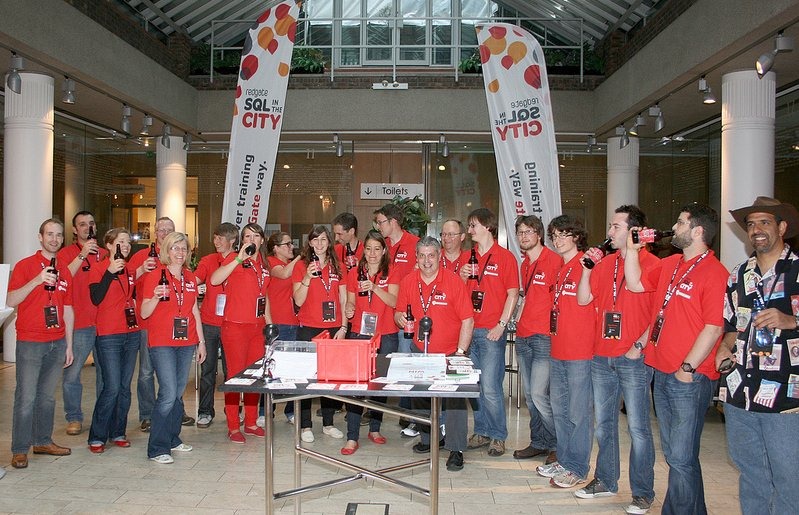
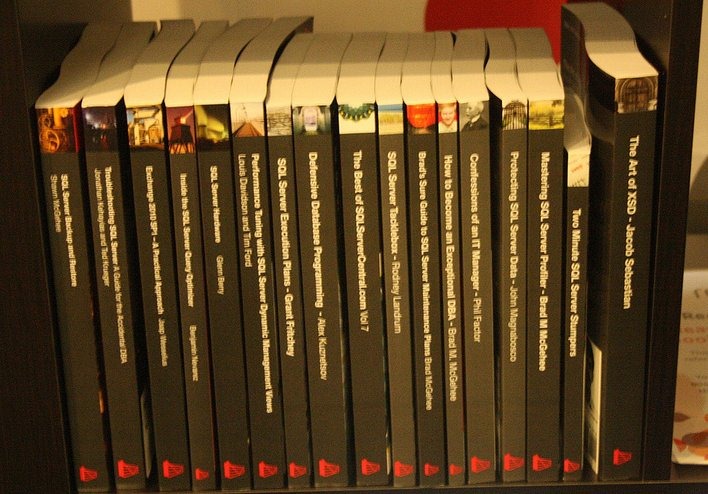 We’re looking to teach you a few things, give you tips and tricks for working with SQL Server, debate you, answer questions, and have an inspiring day. Stop any of us, and ask a question, pick up a book for your library, and maybe even win a prize as we sip a beverage at the end of the day.
It’s a great time and I’m sure you’ll find it worth your time to come spend a day with us talking about SQL Server.
Register today, and come shake my hand in Boston on Oct 8.
This is part of my SQL in the City series, covering a few thoughts on the US tour.