Tag: privacy

  • Searching for People

    Inside Redgate Software, someone posted a picture and was asking if anyone knew who the person was. In this case, there had been a conversation at an event, and a picture was taken, but our employee couldn’t remember the individual’s name to whom they’d spoken.

    This happens a lot, especially to me. I’m really good with faces, and often remember what we talked about, but I’m horrible with names.

    Someone suggested an image search, so I decided to give that a try and see what happened. For privacy reasons, I won’t put the person’s image here, but use mine instead.

    Google Searches

    Google will perform image searches, but it’s not doing facial recognition. They talk about that somewhere, but I’ve seen that listed a few times for privacy reasons. I took a picture of myself and decided to test this.

    First, go to the Google home page. In the search area, you can see an icon, which lets you pick image search.
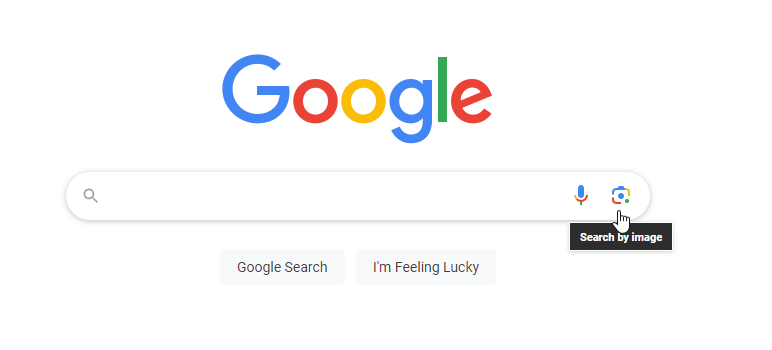
    2023-07-28 12_05_11-Google

    If you click this, you can upload an image.
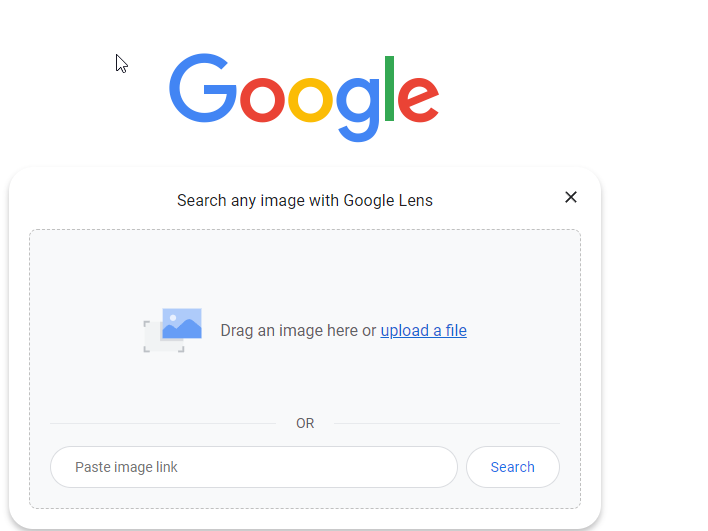
    2023-07-28 12_05_14-Google

    I did that, and it clearly wasn’t looking for a person, but rather a shirt. My results are shopping oriented, and not good.
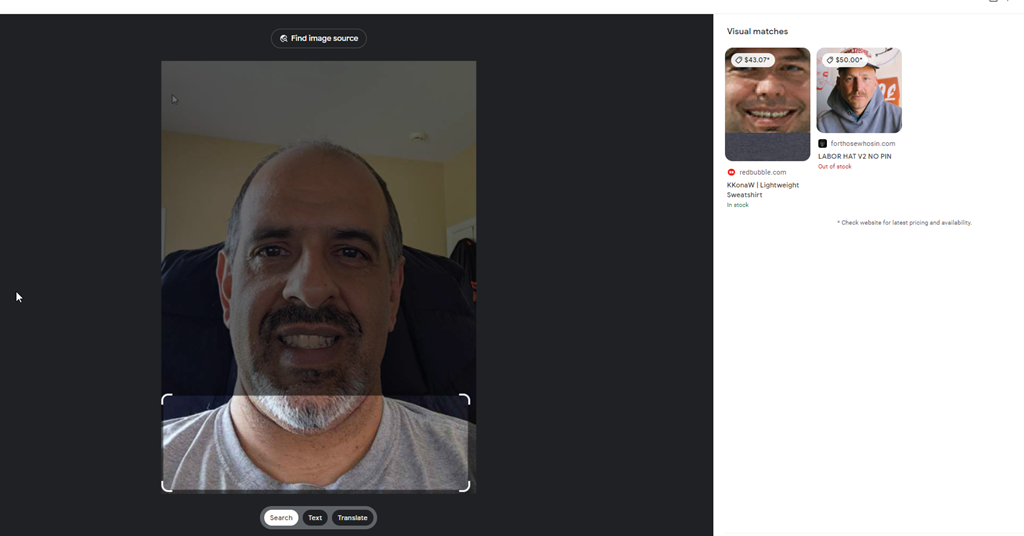
    2023-07-28 12_05_22-Google Lens

    Of I change the focus, it’s still bad.
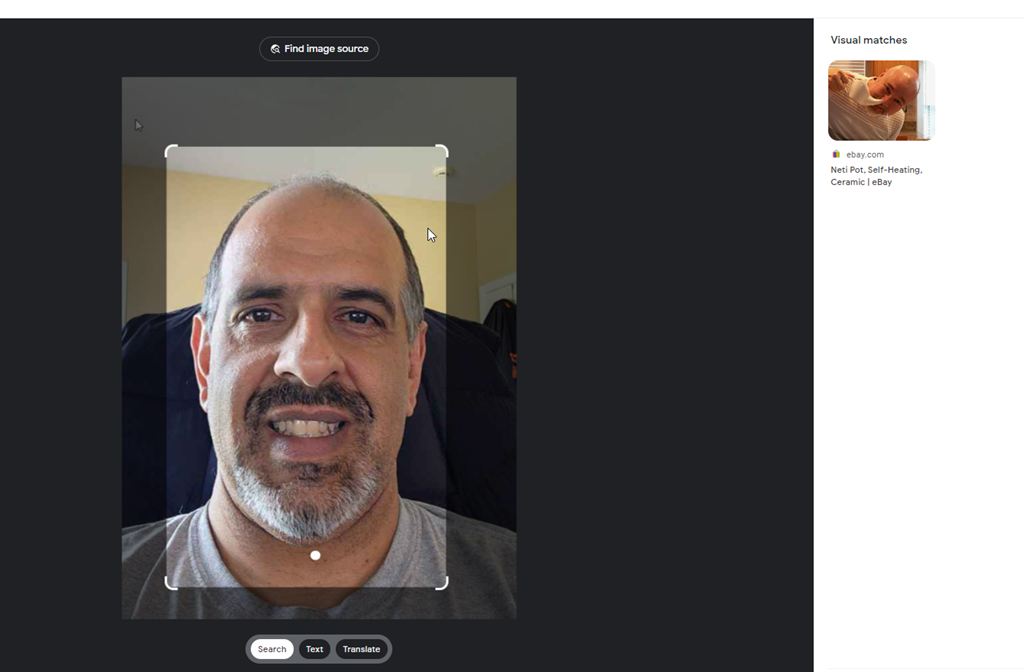
    2023-07-28 12_05_54-Google Lens

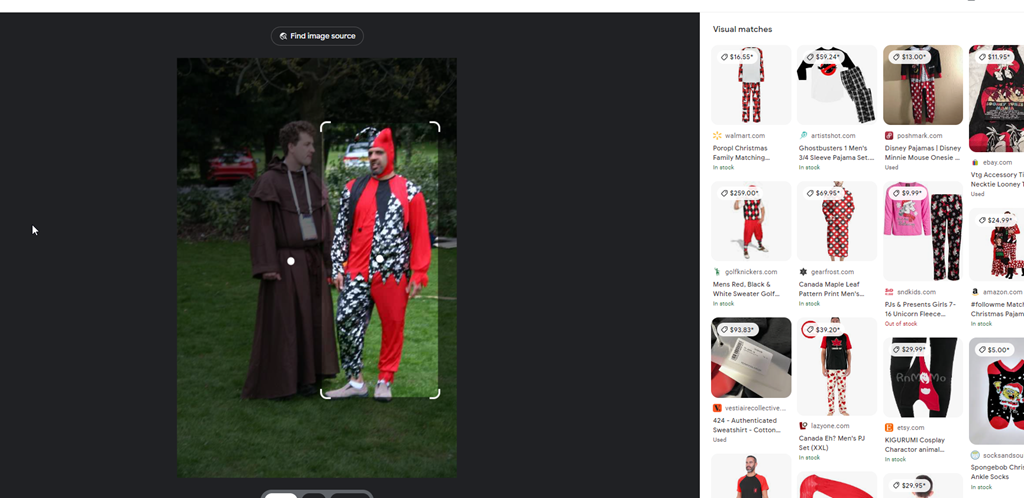
    Supposedly it’s looking to match real images, not people, so I’ll give a photo I know is on the Internet. I know because I searched in Google for this image with text, and then screenshot’d it.

    The initial focus was on Simon’s robe, but even changing this to me, it doesn’t find this picture.
    2023-07-28 12_06_43-Google Lens

    Google isn’t great here. I think because it’s really looking for something to buy. Good if that’s your focus, less helpful here.

    PimEyes

    There are other engines. PimEyes is one. This is a paid service, but I uploaded my first picture, and saw these results:
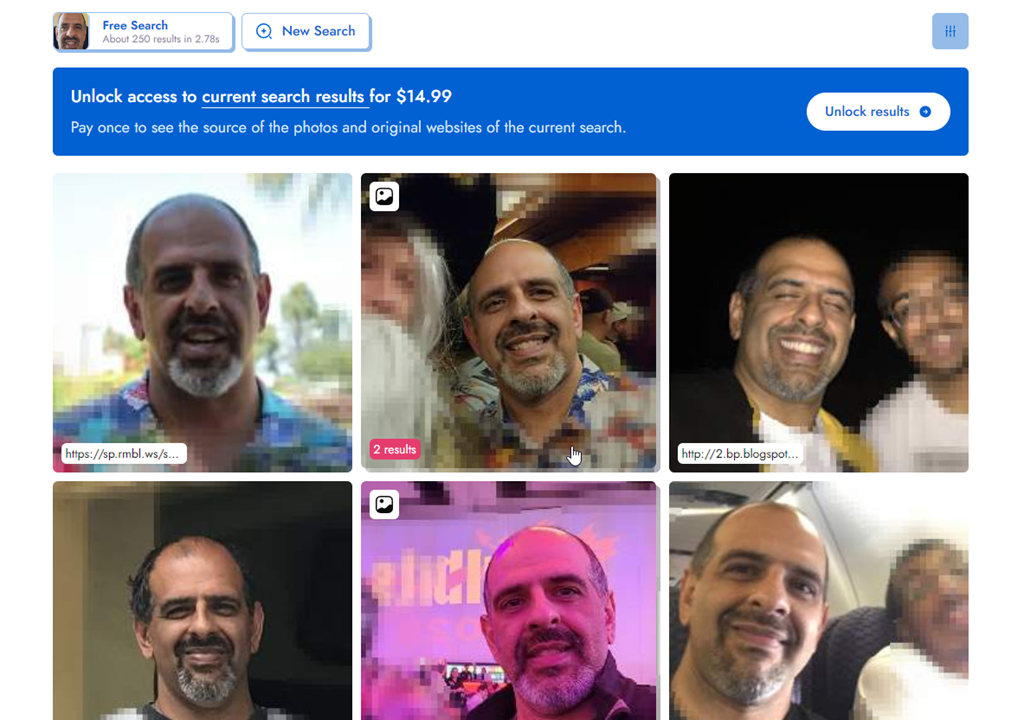
    2023-07-28 12_20_17-Look at the face I found with PimEyes! Try it yourself on PimEyes.com! _ PimEyes

    I like that they’ve blurred out some of the others, and instead focused on me. These are all pictures of my, and if I paid, I assume they would have my name. If I scroll down a bit, I’ll see some URLs, like my blog site, which would help me figure out where to find this.

    2023-07-28 12_55_51-Look at the face I found with PimEyes! Try it yourself on PimEyes.com! _ PimEyes

    I only had 3 free searches, but this seemed to work well.

    TinEye

    TinEye is another engine. This one was less useful than Google.
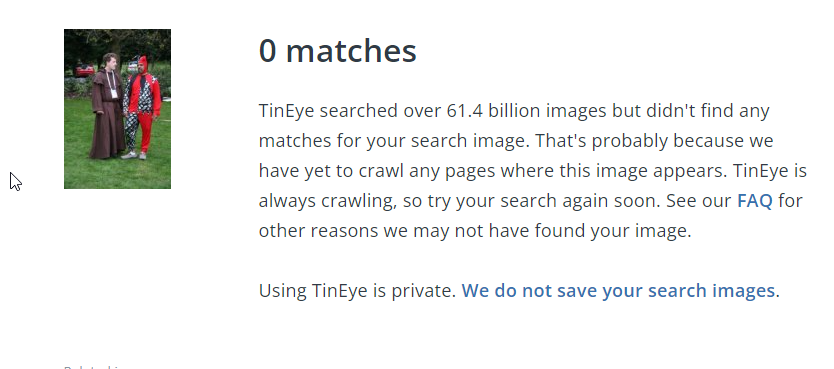
    2023-07-28 12_57_46-0 TinEye search results

    FaceCheck.ID

    I tried https://facecheck.id/, which made me feel like a Private Investigator. I had to agree to terms, meaning I won’t do this for nefarious purposes, and then also fill out a puzzle captcha.

    2023-07-28 13_00_47-FaceCheck - Reverse Image Search - Face Recognition Search Engine

    My request was queued, as I’m guessing they only have so much compute that they share amongst people that want to the service. Once the search started, it was interesting. Face flying by my image.
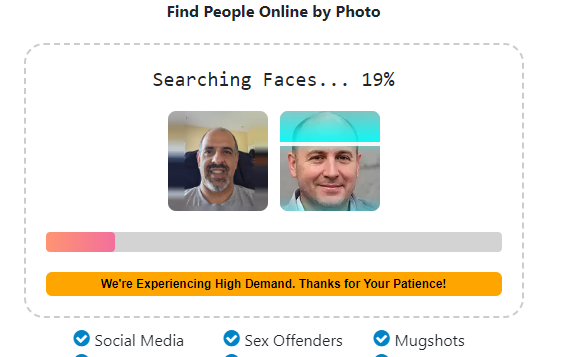
    2023-07-28 13_02_40-FaceCheck - Reverse Image Search - Face Recognition Search Engine

    When this was done, I get some great results. With rankings.
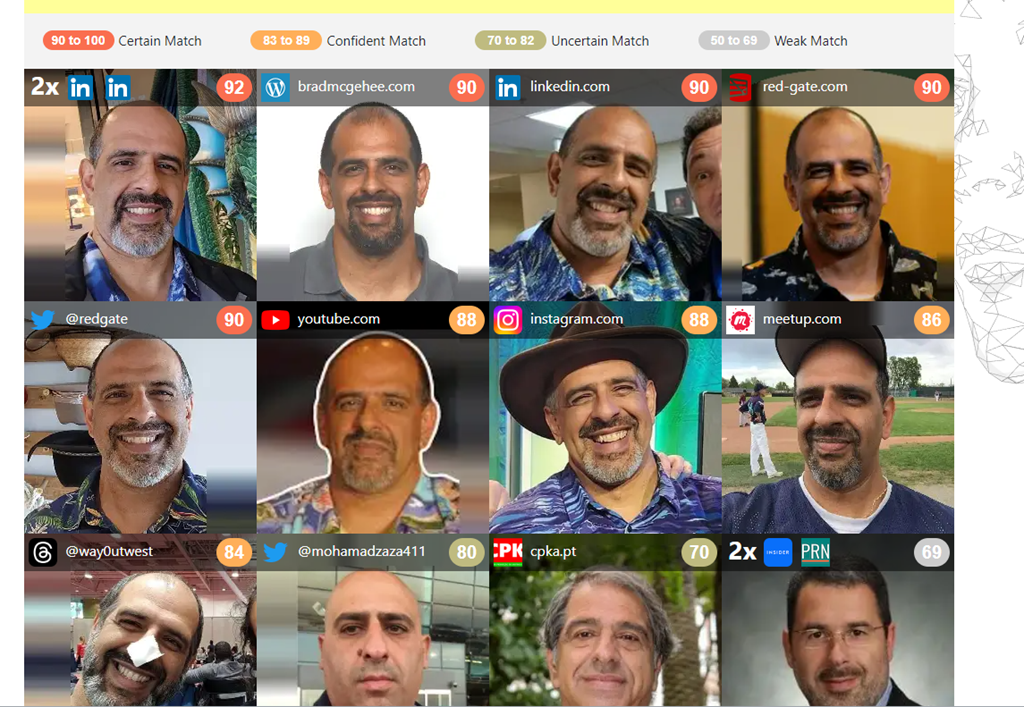
    2023-07-28 13_03_16-FaceCheck - Reverse Image Search - Face Recognition Search Engine

    The lower ones clearly aren’t me, and the rankings are in the 60s, though the lower left ranks a 68 and that is me. The lower ones made me laugh a bit. Do I look like these?

    2023-07-28 13_04_29-FaceCheck - Reverse Image Search - Face Recognition Search Engine

    Privacy Concerns and the Future

    I don’t know where this will go, but more and more people are being captured in images and uploaded to the Internet. Even if you don’t do this yourself, if you go to public places, especially while traveling, who knows if someone taking their own photo will capture you and upload your image.

    Certainly many governments and even private companies do this, though often their results aren’t uploaded to the public Internet. Not that they aren’t or that those images are safe, but hopefully those aren’t easily searchable.

    I don’t know how we get around things, but I do like that lots of companies don’t want to allow AI bots to search their content and are limiting API access. I appreciate that in this case.

    Conclusion

    Looking for someone is interesting and I was surprised both how hard it was and how easy.

    If you haven’t looked for yourself, give it a try. I wonder what you find.
  • Using Data Masker on Chinese Surnames

    A customer had a question recently on masking Chinese characters. I thought that was interesting, so decided to test this out. This is a short post on using SQL Data Masker to accomplish this task, but I’ll a longer one on the Redgate Product Learning site.

    Setting Up A Table

    The first thing here was to get some test data. I was looking for Chinese names, since that was the request. I found this page on the most popular Chinese surnames. With that in mind, I build a small table and a few insert statements with this code. I only used the names Chén, Yáng, Zhào, Huáng, Zhōu, Wú, and one Western name for the demo

     CREATE TABLE dbo.CustomerFromChina
    ( customerid INT NOT NULL CONSTRAINT CustomerFromChinaPK PRIMARY KEY ,
       customersurname nvarchar(100)
    )
    GO
    INSERT dbo.CustomerFromChina
       (customerid, customersurname)
    VALUES
       (1, N'陈'),
       (2, N'杨'),
       (3, N'赵'),
       (4, N'黄'),
       (5, N'周'),
       (6, N'吴'),
       (7, N'Joe')
    GO

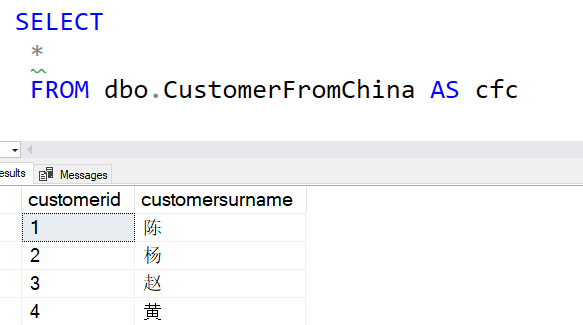
    I ran this and saw the results I needed.

    query results with Chinese surnames

    Creating a New Data Set

    SQL Data Masker ships with a number of masking sets, but you can add your own. There is a process, but essentially you create a text file with the data in it and the udef extension.

    The masking sets are in Program Files below the Redgate folder. This is an administative folder, so you need to have admin rights to make a new file. I did that and opened my file in VSCode, which defaults to UTF-8 format. Since I want to use Chinese characters, I need to use a text file that supports unicode.

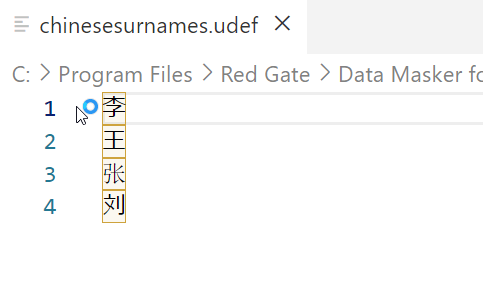
    I entered four names into my test file and saved it. You can see the entries here.

    2023-05-26 12_29_02-chinesesurnames.udef - Visual Studio Code

    I made the file name, chinesesurnames.udef. Make sure that this doesn’t have the .txt extension at the end.

    Setting The Masking Set

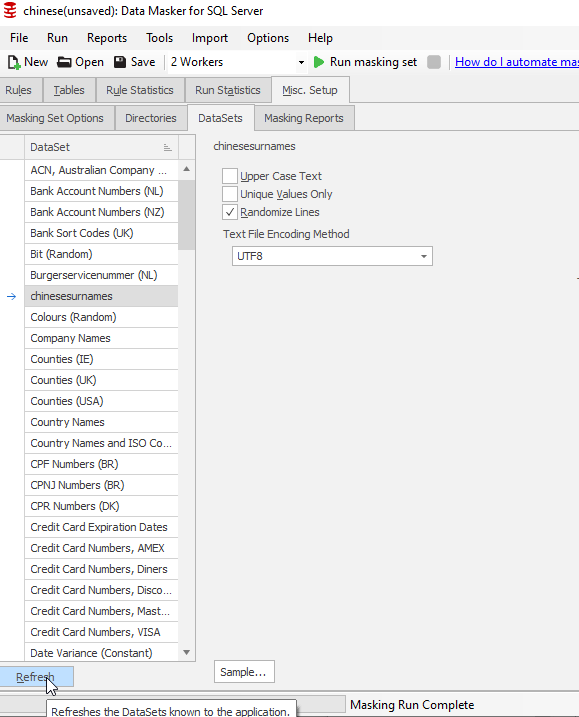
    I opened SQL Data Masker and created a new masking set. I connected this to my database and then went to the Misc. Setup tab. I didn’t see my set (I had this open), so I clicked “Refresh” at the lower left. This brought the data set into the list view. As you can see, I should have capitalized the file name.

    2023-05-26 12_30_25-chinese(unsaved)_ Data Masker for SQL Server.

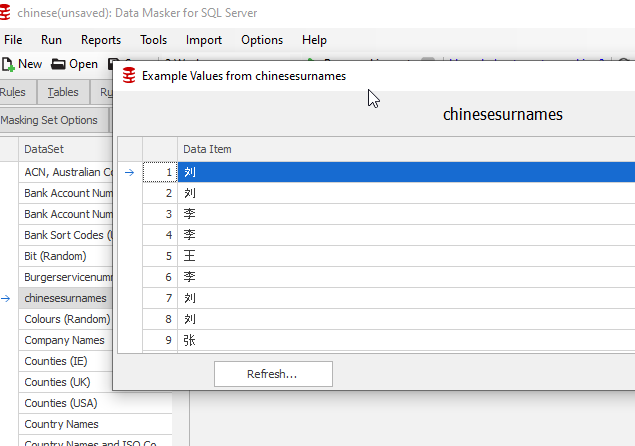
    If I clicked “Sample” at the bottom, I see my data:

    2023-05-26 12_31_34-chinese(unsaved)_ Data Masker for SQL Server

    Note that the sample window shows a bunch of rows, but they are repeating the same four values.

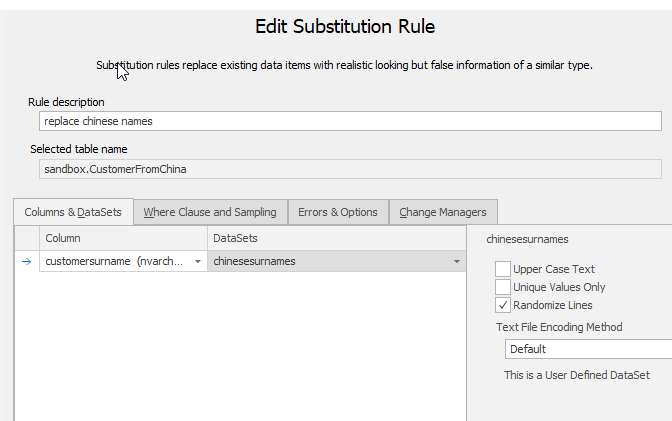
    Next, I added a new Substitution rule. I picked the CustomerFromChina table and the ChineseSurname column. I also selected my custom data set. This is noted on the right of the image below.

    2023-05-26 12_32_22-Edit Substitution Rule

    I saved this masking set and I was ready to test.

    Testing

    I first connected to the database and ran the query above in one window. Then I opened a vertical tab set, which moved this window to the right.

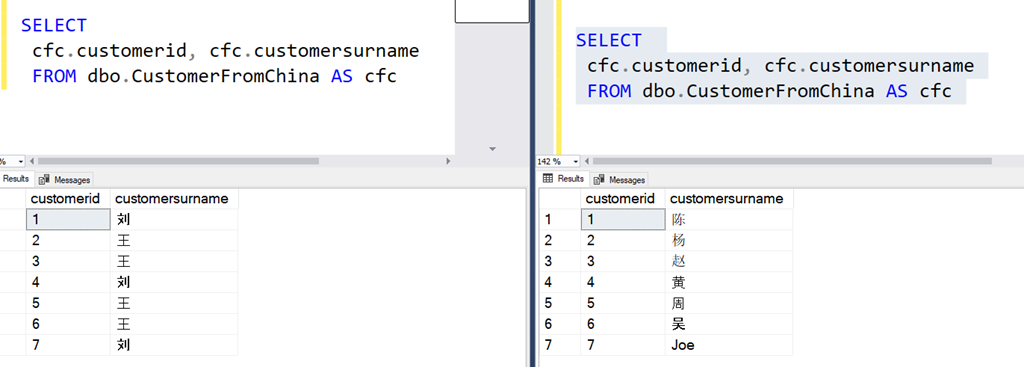
    Next, I ran the masking set, which was quick on 7 rows of data. I then opened a new query window on the left side of SSMS and ran the same query  I’d run on the right. You can see the results below:

    2023-05-26 12_36_26-SQLQuery1.sql - ARISTOTLE.sandbox (ARISTOTLE_Steve (57))_ - Microsoft SQL Server

    In the image, the right has the original data. CustomerID 1 is Chén on the right, but on the left, this is now Liú. The others are also changed, with Joe also being masked to Liú.

    This worked.

    You can do the same thing with custom masking sets, in any Unicode format or language.

    SQL Data Masker is a great product for managing a set of update scripts that will remote PII data from a database. It is clunky, but it works well for building and updating a project across time and with a team. Way better than T-SQL scripts.

    Give it a try today.

  • Losing Track of Data

    I saw this article a few months ago, which talks about engineers at Facebook not knowing where their customers’ personal data is stored. The engineers were being questioned in a legal matter, where they were asked to definitively state where all personal PII data for any human was stored by Facebook. Their answer was that they didn’t think anyone in the company would be able to answer that question.

    Facebook has been controversial over the years, and plenty of people dislike the way the company conducts business. I noticed no shortage of data people (and many others) commenting on this situation, saying that Facebook should be shut down because they don’t know where data is being stored.

    However, I don’t agree. In working with lots of customers, on all aspects of how they handle, process, and manage data, I expect this to be a problem in many organizations. Whether large or small, whether they have few or many software engineers, it is highly possible that there isn’t a good list of where personal data is being stored. As we work with customers to classify data with SQL Data Catalog, that process takes a long time, and very often the system administrators or developers who undertake take the task are unaware of all the places where data is stored.

    That’s just in relational databases, ignoring all the Excel spreadsheets, text exports, mail merge operations, and uploads to services for mailing, analysis, or something else. Very often the control of personal data is fragmented among groups, with there being few efforts made to coherently manage a customer’s data.

    The world has adopted computing at an incredibly fast pace, often by people with little knowledge or forethought of the implications of gathering and processing data. In many cases, probably most cases, there is no overriding strategy. Just like with applications slapped together quickly, we find data being gathered and stored based on the requirements and demands of business people, with no planning for management or archival, and often not even with any security requirements.

    I liked the GDPR as a step forward, asking companies to not only handle data appropriately, but remove it when not needed, not use it without consent, and to be able to keep track and delete it if not necessary. I don’t know that this has been successful, but it has changed handling practices in some organizations. At least in responsible organizations, and many of them have had to track down personal data to delete it. I’m not sure they know where it all is, but I at least assume they know where all of the data about a person is in their various relational stores.

    As a technical person, do you know where all data is stored about a customer? Are you sure you know where marketing has been keeping information and what other mailing, analysis, reporting, CRM, etc. systems they’ve put data? Any idea how many copies the operations group keeps? Test systems, QA, UAT, and others? What about test data sets, are they sanitized? Perhaps legal or finance has gotten extracts of data to reconcile their systems.

    Tracking down all data can be hard, and I’m not surprised Facebook struggles. I would guess engineers in many organizations would have similar answers.

    Steve Jones

    Listen to the podcast at Libsyn, Stitcher, Spotify, or iTunes.

  • Location Data Is Not Anonymous

    We are truly in the era of big brother and 1984, where any of us can be tracked if we use a mobile device. That’s a scary thought and one that many people might not like. There are plenty of people in management that want to increase revenue or profits from the use of data, even if we might think their decisions are unethical or immoral. When there’s money to be made, often they ignore other issues.

    There was a post from Bruce Schneier earlier this summer that noted various public data, some sold by brokers, was used to track location and usage of a device by de-anonymizing aggregated data. The post ends with these statements:

    “Location data is not anonymous. It cannot be made anonymous. I hope stories like these will teach people that.”

    That’s a somewhat scary thought. While I like knowing where my loved ones are, I’m not sure I want any random person to be able to track me with public information. Unfortunately, that is unlikely to be the case in the future. Lots of the data we have rarely worried about being public is much easier to access when records become available digitally to anyone. They ability to work with large amounts of data allows anyone with a connection to gather information that might be used in ways we never imagined.

    For me, public records of property at the most annoying, as I constantly get unsolicited real estate offers to buy houses. For others, there could be concerns about safety, stalking, or other nefarious purposes. Swatting and other forms of harassment are far too common in the modern world.

    While many might see the GDPR, and similar laws, as too restrictive for businesses and government, I think privacy is more important than ever. We ought to have more strict regulation on the use of data about humans, and force companies to obtain consent, allow it to be revoked, and be forced to properly manage and secure our data.

    This doesn’t just apply to location data, but any data about humans. I hope the future becomes a place where we globally consider digital privacy a human right.

    Steve Jones

    Listen to the podcast at Libsyn, Stitcher, Spotify, or iTunes.