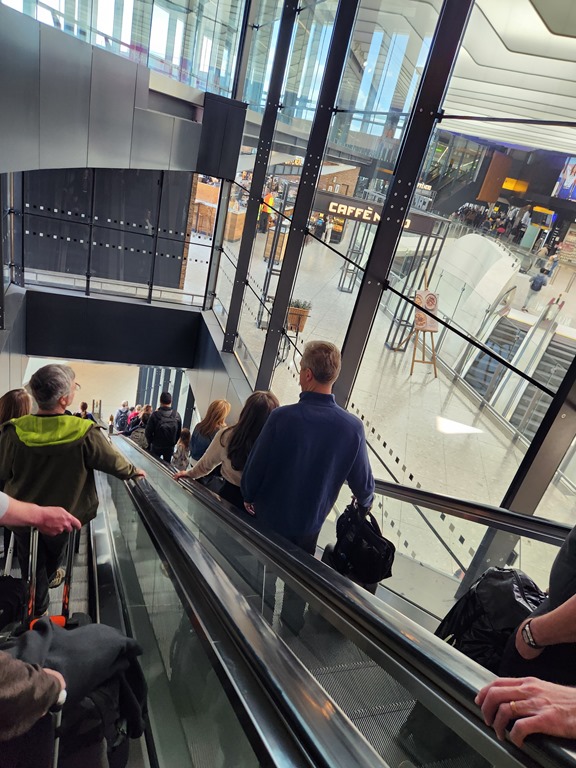
Yesterday was a long day in London. I arrived late in the am, and as I was walking from the plane to the border check, I went down the escalator on the entering-the-country side of the terminal. I had this view:
There’s nothing special here, but through the glass there are the outbound escalators that I’ve taken up and a Caffe Nero coffee shop. That’s a place I used to stop often on my way out of the UK early in my time at Redgate.
I used to always stay at a hotel near the airport, first the Renaissance Hotel with Brad McGehee and later at the Hilton or DoubleTree with Grant. I’d often have an early flight, which meant getting up and trying to catch the Hoppa bus or get a cab. The hotels usually didn’t have breakfast ready then, so I’d stress over the transport, which could be funny, get to the airport and through security and then stop here for a cup of coffee and a chocolate croissant.
Hectic, but very impressionable trips on me. So many memories of sitting near a gate, eating and looking forward to coming home. I didn’t travel much those early days outside of a few UK trips, and it was a relief to be going home.
The last 5-6 years, with a direct flight to Denver and more airline status, I get a late flight, enjoy the lounge, and skip Nero, but I always reflect on my memories there as I think of the early days, paying with coins or bills, or swiping my American credit card and having to sign, something so few European travelers did.
Hotel Confusion
I spent the night in the Hilton at T4, which is one of two hotels I use now. There is a Garden Inn at T2 as well, which I often pick when leaving since I can walk to the terminal. Yesterday, arriving tired in the morning, I was on autopilot and walked to the Garden Inn. They said they didn’t have a reservation for me.
Doh! I hadn’t even checked, assuming I was there, but when I looked in the app, I realized I was at the T4 Hilton, which is a nicer hotel, just a bit of a trek. I walked back, found a train and was at the Hilton 30-45 minutes later. Not a long time, but also not quick for a tired traveler.
A nap, some work, and a workout made me feel more human, but still a long day. Plus I had a 730p call in Denver, which was 230a in London. It’s been a long 24 hours.
However, I had a quiet dinner in the hotel and snapped this picture after.
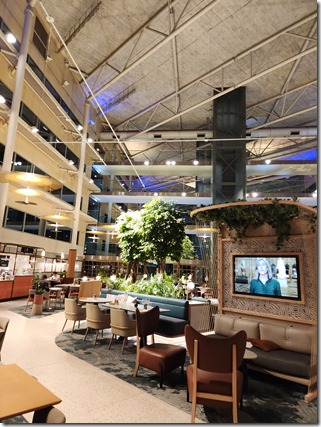
This large atrium has a lot of memories for me. I’ve been here often, including quite a few times with my wife. We’ve eaten in this spot, grabbing dinner after a trip in the EU somewhere, having a quiet night before a morning flight. While this hotel is a walk and train to T2, in the morning, it’s an early morning and stressful, so an early night here is often on our agenda.
This hotel also has a special place in my mind as the gym is on the ground level (this is the first floor), but it’s on the side of the hotel with no windows. It’s a dark, quiet spot, and it’s where I once got up at 430a to run.
I had a long running streak (day 1000 here) where I ran at least a mile every day. I did this for 1564 days, over 4 years. During that time I had a few trips to the UK and back, with the return trips back being hard. Depending on weather and equipment, I’ve had 20+ hour trips. Most of the time I’d get home and manage a jog at home, though one time at 1130p at night. Rather than chance things, I got up one time in this hotel, the only person on a treadmill at 435a trying to get a mile done before heading to the airport.
That sticks with me.