Tag: syndicated

  • A Problem with POWER()

    I ran into an interesting problem while working with the POWER() function. I was trying to do some binary conversions and had a statement like this to process powers of 2.

    SELECT POWER(2, n)

    This was designed to take a value and return a power of 2. I then used a different value to determine if this was added to my conversion factor or not. In trying to work with some larger numbers, I ran into this error:

    Msg 232, Level 16, State 3, Line 3
    Arithmetic overflow error for type int, value = 2147483648.000000.

    The error tells me I’ve exceeded the size of an integer. When I looked up the POWER() function, it tells me that it returns a bigint for a bigint input. Since I had ensured my “n” was a bigint, I was confused for a few minutes.

    Then I realized that it’s not the n, but the “2” that’s the problem. By default, this scalar value is an integer. That means I need to ensure that this is a bigint to make this work. I changed to:

    SELECT POWER(CAST(2 AS BIGINT),n)

    And things worked.

    Double check all the data types when you get a conversion error. SQL Server knows what’s wrong, but sometimes you need to dig in to determine where in your code you’ve made the mistake.

  • Fun with Savepoints–#SQLNewBlogger

    Another post for me that is simple and hopefully serves as an example for people trying to get blogging as #SQLNewBloggers.

    I haven’t spent a lot of time with savepoints, but I did find a question recently and thought I’d take a moment to dig into how they work. They are interesting, and they can be useful for you in certain situations.

    Warning: Anything involving transactions can be tricky, so be sure you test, test, test and check out how things work with a wide variety of situations, including some you might not expect.

    Here’s a basic setup. I’ll create a table to log some actions.

    CREATE TABLE TransLogger
    (ID INT IDENTITY(1,1) NOT NULL CONSTRAINT TransLoggerPK PRIMARY KEY
    , LogMessage VARCHAR(200)
    )
    GO

    Now that I have a table, let’s do something in a transaction. I’ll start a transaction, make two inserts, but set a savepoint between them

    BEGIN TRANSACTION
    

    INSERT dbo.TransLogger (LogMessage) VALUES ('First insert inside transaction')

    SAVE TRANSACTION Firstsave

    ROLLBACK TRANSACTION Firstsave

    COMMIT

    SELECT top 10
      *
      FROM dbo.TransLogger AS tl

    If I look at the results, I see this:
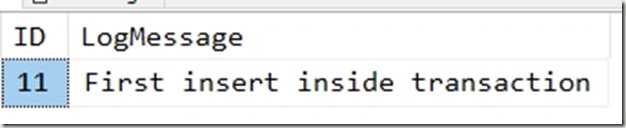
    2018-11-12 16_46_08-SQLQuery8.sql - Plato_SQL2017.sandbox2 (PLATO_Steve (57))_ - Microsoft SQL Serve

    That makes sense. I inserted this row (I’ve been testing, so that’s why it’s 11), and marked a savepoint with the SAVE TRANSACTION Firstsave line. Then I rollback a transaction to this savepoint, which does nothing. Finally I commit. I see my one row.

    Let’s add something. I’ll add a second item, and decide to roll it back.

    DECLARE @rollback INT = 1
    

    BEGIN TRANSACTION

      INSERT dbo.TransLogger (LogMessage) VALUES ('First insert inside transaction')
       SAVE TRANSACTION Firstsave

      INSERT dbo.TransLogger (LogMessage) VALUES ('Second insert inside transaction')
       IF @rollback = 1
         ROLLBACK TRANSACTION Firstsave

    COMMIT

    SELECT top 10
      tl.ID, tl.LogMessage
      FROM dbo.TransLogger AS tl

    Note I’ve added a variable so I can decide to rollback or not. I’d often have some condition or error handling that might cause a rollback, so this simulates that. Note that work before the savepoint is committed, but work after is removed with the ROLLBACK TRANSACTION Firstsave.

    My results are a single row. Note, I cleared the table between runs.

    2018-11-12 16_49_42-SQLQuery8.sql - Plato_SQL2017.sandbox2 (PLATO_Steve (57))_ - Microsoft SQL Serve

    Savepoints give me a place to commit work if I need it before doing more. This potentially allows me to capture some changes and not others if I don’t want to fail my entire transaction.

    Personally, if I’m doing this, I would likely just have two transactions if I can have one commit without the other.

    SQLNewBlogger

    A few minutes of experimenting gave me a quick post. I need to do more, and certainly test more, but this is a basic idea of what savepoints are. You can write something similar.


  • Random Pix from the 2018 PASS Summit

    A few memories from me. First, a beautiful late arrival view.

    IMG_20181108_113204

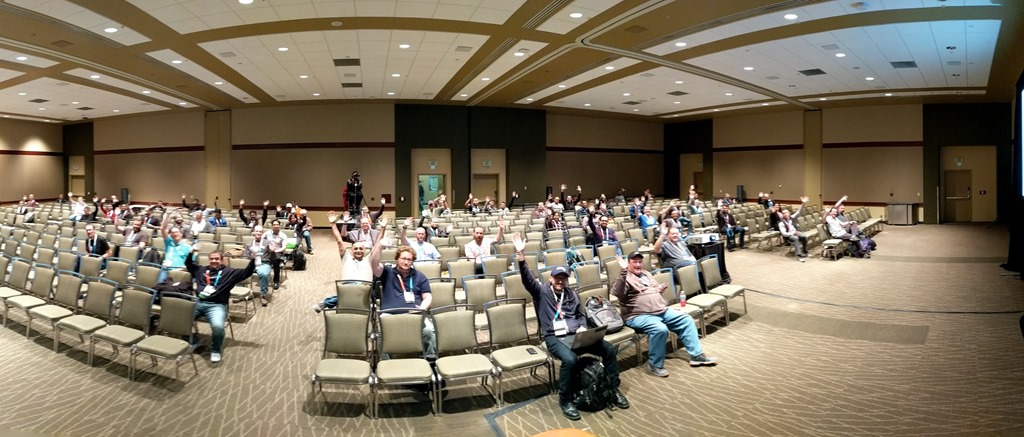
    My first session feels a little lonely

    IMG_20181108_123916

    It started to fill a bit later

    PANO_20181108_132835.vr

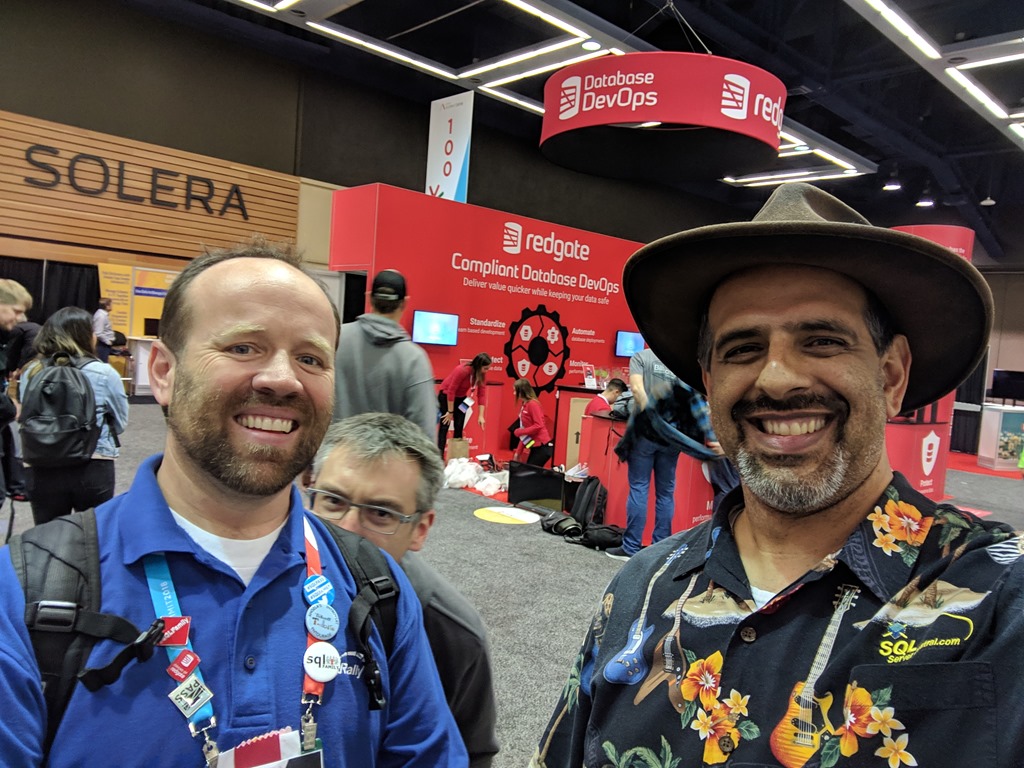
    A few selfies, Angela

    IMG_20181108_152737

    Mala

    IMG_20181108_153104

    Bert

    IMG_20181109_101630

    David

    IMG_20181109_104203

    Brent

    IMG_20181109_140649

    TJ

    IMG_20181109_140711_1

    and my view during a break after Thursday’s sessions.

    IMG_20181108_184625

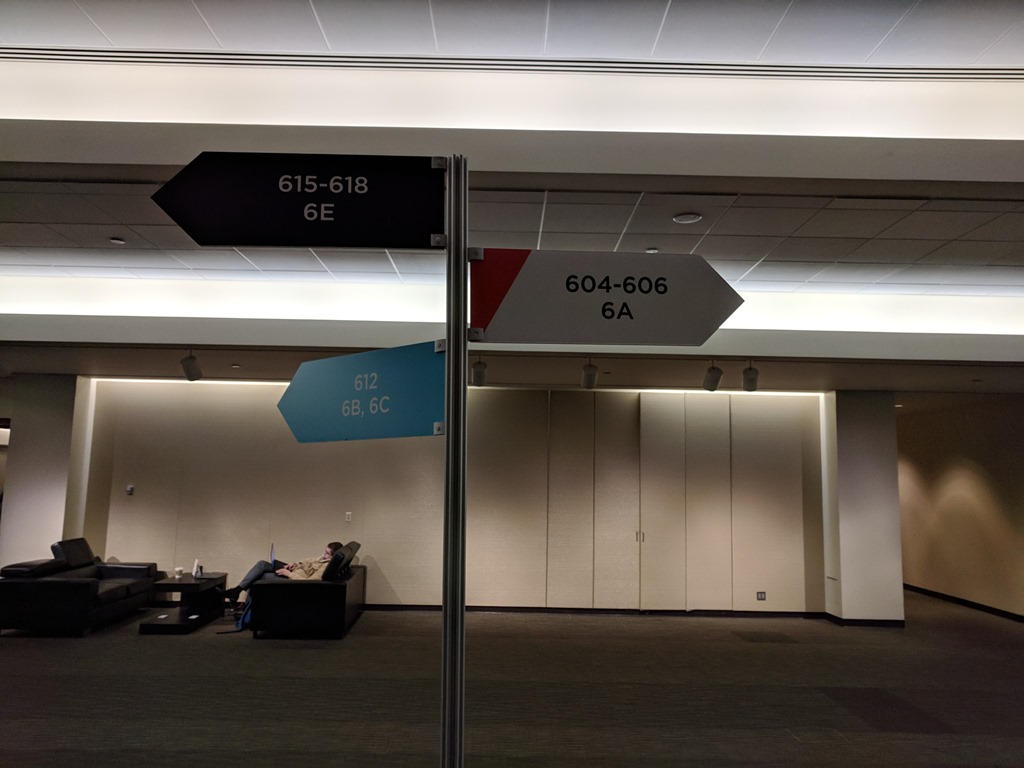
    Where’s my room?

    IMG_20181109_170845

    It’s a wrap

    IMG_20181109_171149IMG_20181109_171153

    After Friday, a nice walk out the convention center and outside

    IMG_20181109_171323

    IMG_20181109_172519

    Until next year.

  • Vote for the PASS Board of Directors

    Voting is open for the PASS Board of Directors. It’s a non-event this year, with three open positions and three candidates. That’s disappointing, as I would hope to see new candidates, new blood, and some change in the organization. I’m not complaining, since I didn’t run, but I hope that more people will run in the future.

    You might think there’s no reason to vote, but one of the people voting will win a free registration to the 2019 Summit. That alone is worth a few clicks and a moment of your time.

    Log into your MyPASS account and you can vote. Good luck in the contest.