Tag: syndicated

  • Installing Azure Data Studio

    Azure Data Studio is the newest tool from Microsoft for working on the data platform. Last year we saw the preview release of this, called SQL Operations Studio. No one liked the name, and as the tools team at Microsoft worked to update the tool, they changed the name this year. At Ignite the rename and release was announced, and this is now a 1.x tool, available on Widows, OSX, and Linux.

    If you search for Azure Data Studio, you should end up at this link:
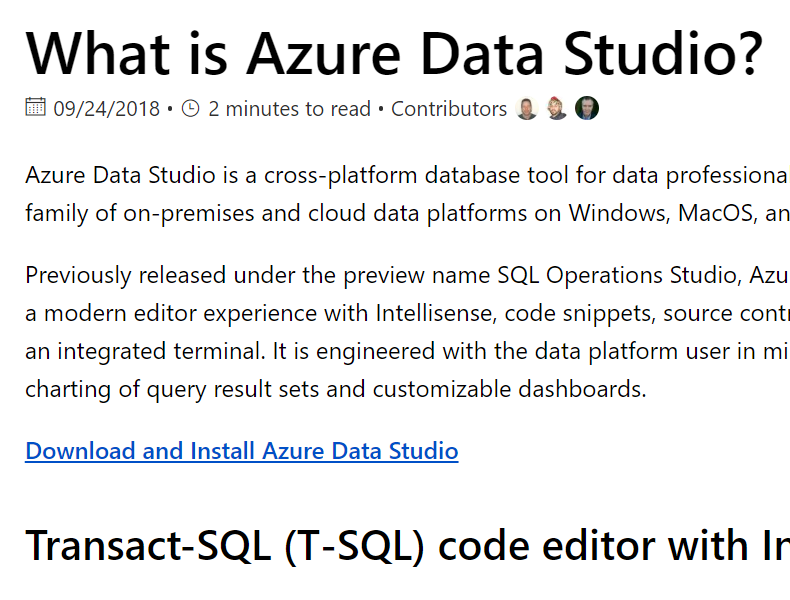
    2018-10-19 16_24_03-What is Azure Data Studio_ _ Microsoft Docs

    The download link has a series of installed. You can choose installers for all the platforms, in a series of formats. I picked the Windows installer.

    2018-10-19 16_24_13-Download and install Azure Data Studio _ Microsoft Docs

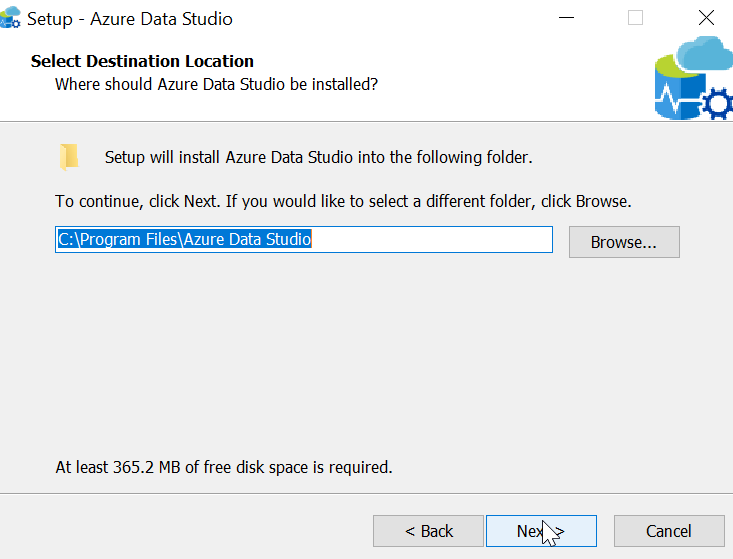
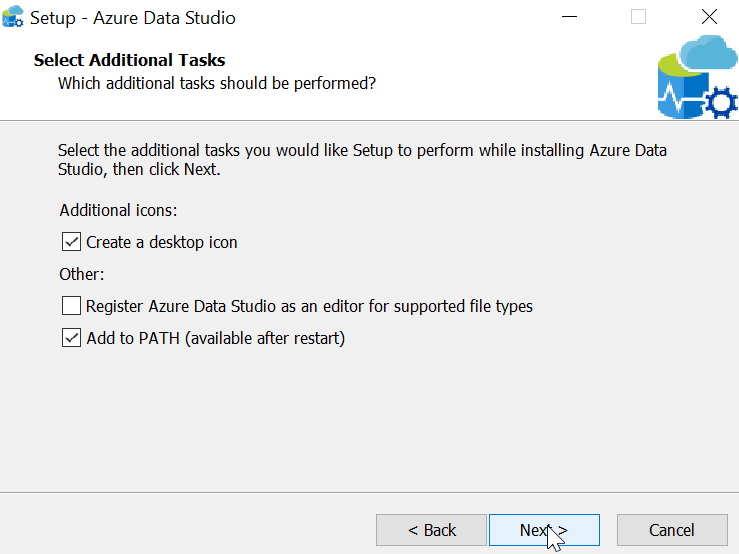
    When you start the installer, you get a standard setup wizard. Here’s what you see, but these are all really next, next, next dialogs.

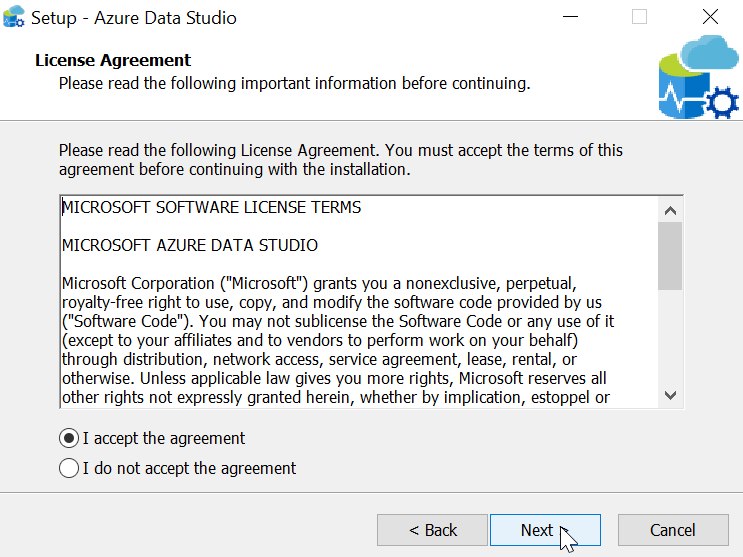
    2018-10-19 16_27_17-Setup - Azure Data Studio

    2018-10-19 16_27_25-Setup - Azure Data Studio

    2018-10-19 16_27_38-Setup - Azure Data Studio

    2018-10-19 16_27_48-Setup - Azure Data Studio

    2018-10-19 16_28_00-Setup - Azure Data Studio

    2018-10-19 16_28_10-Setup - Azure Data Studio

    2018-10-19 16_29_00-Setup - Azure Data Studio

    Running the Program

    When you start Azure Data Studio, it opens with a large pane and a connection dialog. Before I can do anything, I need to connect.

    2018-10-19 16_40_57-Azure Data Studio

    I need to provide details, as expected, but I can optionally group my connections into a name. This is similar to the Registered Servers grouping I can do in SSMS. Here I’ve filled out some details, and given my connection a nickname for quick connections in the future.

    2018-10-19 16_42_22-Azure Data StudioOnce I click Connect, I get a dashboard when ADS makes a connection. At a glance, I can see a few things. This is the “Manage” widget that Microsoft provides. You can make your own if you like.

    2018-10-19 16_43_30-2017Sandbox_sandbox - Azure Data Studio

    There are some mappings for keyboards, and CTRL+N (of File | New Query) gets me a query window. Some basic intellisense is here.
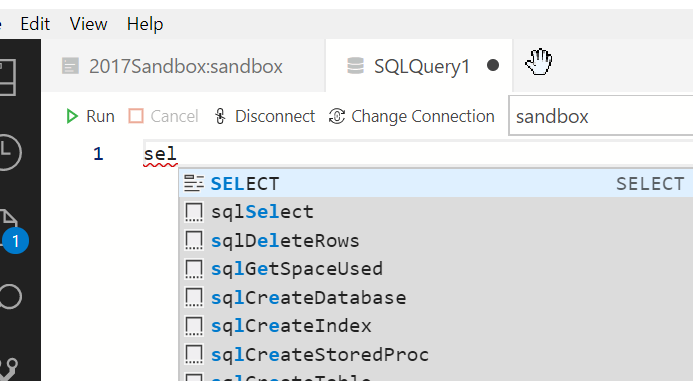
    2018-10-19 16_55_26-● SQLQuery1 - Azure Data Studio

    It’s no SQL Prompt, which I miss when I use this tool.

    2018-10-19 16_55_34-● SQLQuery1 - Azure Data Studio

    CTRL+E doesn’t work, so I need to click the arrow to run the query. That’s OK, but it’s not ideal. Fortunately, there’s an extension to help here.

    The results are slightly odd for me, since I’ve used SSMS for so long, but they work fine.

    2018-10-19 17_02_15-● SQLQuery1 - Azure Data Studio

    There is a column of icons on the left, the top of which is my list of server connections. If I click this, I see the list on the left side.
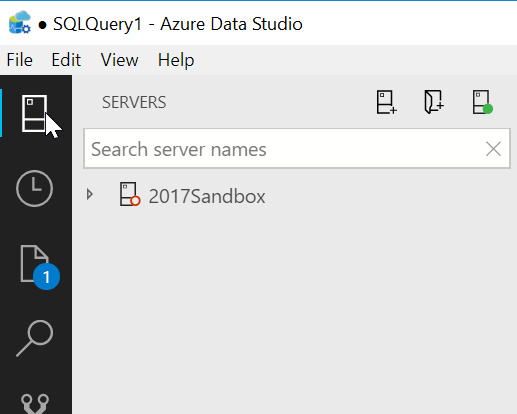
    2018-10-19 16_58_21-● SQLQuery1 - Azure Data Studio

    There’s lots more to do here, and you should experiment with this if you want a lightweight query tool. I’ll do a bit more work here, and see what I think, but I’m not sold on this for now as any sort of replacement for SSMS. I don’t know if MS will go that way, but for now, this still feels fairly bare bones.

  • How does data file size relate to log file size?–#SQLNewBlogger

    Another post for me that is simple and hopefully serves as an example for people trying to get blogging as #SQLNewBloggers.

    The other day I saw someone asking about a way to determine which databases have a log file larger than a data file. It’s an interesting query, but not necessarily an issue. I did query as to what their thinking was, and this was more a first step to investigation rather than an alert or concern. That’s good, because that’s what this query is.

    I’ll write a query to check this in another post, but here I wanted to just discuss the meaning of data file size and log file size.

    Data File Size

    In most databases, you likely have a single .mdf file. Some might have more with other .ndf files, and others could have Filestream/MOT objects as well. The file sizes here are a combination of two things.

    1. your data
    2. free space allocated to the database for data in tables and objects, but not used.

    These files make up your data, and are roughly the equivalent of the characters in a Word file, plus any whitespace you’ve added. This isn’t quite right as Word doesn’t pad out some allocation, but it’s similar. If I create an 8MB file for my database, I use 8MB on disk. This whether I’ve added a 1 table with 1 character, 1MB, or 7.999MB of data.

    Log File Size

    The log captures transactions, or the changes to my data. This includes inserts, updates, and deletes. The size of the log file is an indication of a couple things.

    1. workload
    2. log backups

    The more activity in my database, the more log data I’ll capture. A busy database could have a lot of activity, as each change needs to be recorded. If I have a lot of inserts, I’ll grow my data file and my log file. If I have a lot of updates, I grow my log file, but may or may not grow my data file. If I have a lot of deletes, I grow the log file, but the data file remains the same, though I would have the option to shrink it.

    Side Note: DO NOT USE AUTOSHRINK

    The second influencing factor is the log backup frequency. If I generate 24MB of log records every day, do I need a 24MB log file? Not necessarily.

    I could run log backups every hour (24 a day), which would mean I only need a log file to contain the largest amount of activity that occurs during any hour. If my log gets even levels activity every hour, I’d need roughly 1MB of log file space, which would then be marked for reuse after every hourly log backup. Of course, I’d want some padding so maybe 2MB is enough.

    If I get 4MB of log record generation every hour during the business day and none outside those hours, maybe I need a 4 or 5 MB log file.

    If I’m in simple mode, I need a log file big enough to contain my largest transaction x2 (to allow for rollback).

    Is the Log File Larger than the Data File Normal?

    I wouldn’t say this is common, but it’s perfectly normal, if you follow a certain pattern in your database. If your workload consists mostly of updates or deletes, and few inserts, you might have a need for a large log file. This would also mean the level of activity is larger than your data size, and that you don’t have frequent enough log backups to allow for a lower size.

    Have I seen this? Yes.

    I managed a database for our other sysops that powered our anti-virus application. This tracked the activity for all workstations and servers. The number of nodes was relatively fixed (small additions and deletions every day or so), but the number of transactions was high. We had reporting every 30 minutes, which was really changing statuses for the nodes, so constant update activity. To prevent the server from being overloaded, and because the data was mostly replaceable, we only backed up the log every 4 or 6 hours.

    In this case, the change activity was higher than the data size, so we had a large log and a slightly smaller data size. Not common, but it happens.

    SQLNewblogger

    This is a great post for everyone to write. Explain what you understand and think about data size v log size, use your own words, and examples from your career.

  • The Security Weak Link

    I saw this cartoon, which I think is great: Data Security. It’s from John Klossner, and it perfectly shows that humans are, and probably always will be, a weak link.

    I look at this in two ways. First, we need to account for and accept that our users will make mistakes, so we need to have security in place, but also monitoring that detects issues. The second item is that this could be a privileged user, so the less we need privileged users to actually access and do things, as in manually changes or deployments, and the more we require them to “submit” changes that are audited, the better off we are.

  • Quick PoSh SQL Provision Databases for New Developers

    As part of some presentation work, I wanted to demonstrate some onboarding of new developers. To that end, as part of a demo, I wanted to build a script that would take a few parameters and generate some SQL Provision databases for development. The idea is that an admin can have a script here to set up a developer with a database for a project with SQL Provision. I imagine this would be part of a script that also cloned a repo, set up a project, etc.

    The Process

    My thought here was that I needed a script that uses some pattern to build databases. The one I decided on was that the basic image name would be used with the developer name to prevent collisions. This would work if an admin used login names or even nicknames, as long as there is some uniqueness on the instances. Of course, if you’re provisioning to a local instance, this doesn’t matter.

    In any case, the images I make are often date driven, with a format like:

    SimpleTalk_Base_20181001

    Using formats like this, I can easily strip off the beginning part of the name (SimpleTalk) and then append my _developer to the end. For me, this means I’d get a database named: SimpleTalk_Steve

    This manifests itself as a script:

    2018-10-03 20_09_05-NewDeveloper.ps1 - Minimize impact Dev Test Environments - Visual Studio Code

    That produces a new database.

    2018-10-03 20_08_57-SQLQuery6.sql - Plato_SQL2016.DataMaskerDemo (PLATO_Steve (61)) - Microsoft SQL

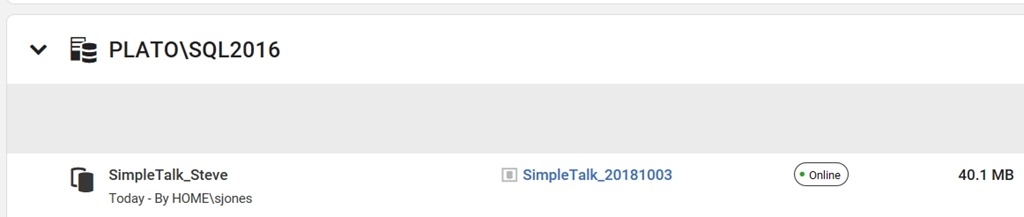
    I also see this in the SQL Provision dashboard as a new item.

    2018-10-03 20_10_14-Microsoft Edge

    The Script

    I started this with some simple PowerShell. The first part of this script is a few parameters and a variable. Note that I’m splitting the instance name here.

    2018-10-03 20_11_48-● NewDeveloper.ps1 - Minimize impact Dev Test Environments - Visual Studio Code

    From here, I connect to the SQL Provision server and then get the instance and image objects.

    2018-10-03 20_12_01-● NewDeveloper.ps1 - Minimize impact Dev Test Environments - Visual Studio Code

    Lastly, I create the clone, making a new name from the image, and if the word “base” is included (I do this often), I strip it out.

    2018-10-03 20_12_06-● NewDeveloper.ps1 - Minimize impact Dev Test Environments - Visual Studio Code

    Quick and easy, but this allows me to demo how to onboard a new developer.

    There are lots of enhancements, and I need to add some error checking if there isn’t an instance, and if the connection fails, but for now, PoSh lets me quickly start getting some useful scripts that I can use for demonstrating some functionality. This certainly would work in an environment where I knew the Clone server was there and I had control over imaging. If not, I’d be writing more PowerShell.

    SQL Provision is pretty amazing and lets you really leverage technology to provide developers with copies of databases in seconds. Download an evaluation and see what you think.