Tag: syndicated

  • Rounding Challenges–#SQLNewBlogger

    Another post for me that is simple and hopefully serves as an example for people trying to get blogging as #SQLNewBloggers.

    Rounding is an interesting activity, and one that I think people sometimes don’t pay enough attention to. Recently I saw a problem that intrigued me and I spent a few minutes looking at the issues.

    Let’s suppose you have data like this for pricing.

    0.3

    0.7

    1.2

    1.6

    How would you round this data? If you use a simple ROUND(n,0) function, you get this:

    0.0

    1.0

    1.2

    2.0

    Now, that’s fine, but what if you want this:

    0.3

    1.0

    1.2

    2.0

    That’s a bit more challenging. I’ll leave the solution out, but note that if I ROUND(n, 1), I get this.

    0.3

    0.7

    1.2

    1.6

    That’s not quite right either. ROUND() is using the number of decimals I’ve given it, but in some cases, I might want to round up. In this case, I only round up when we’re at .5 or higher, but don’t round down. In those cases, I need to limit rounding. This could be done in a WHERE clause, or with a function (be really careful of scalar functions).

    The important part is knowing that I really want this:

    ROUND(0.3, 1)

    ROUND(0.7, 0)

    ROUND(1.2, 1)

    ROUND(1.6, 0)

    How I get these is up to me, and there are a few ways, but really I want to be sure that I understand how ROUND() works and then apply it appropriately for my situation.

    SQLNewBlogger

    This is a quick one, literally about 6 minutes to write. About a minute of that was playing with formatting. Understanding functions, and knowing how they affect data is important to show your knowledge.

    Also, make sure that you know how to solve something like this if you write about it. I’d encourage you to write the solution as well as remember it. Someone might ask you in an interview Winking smile

  • Remember the Alamo (with a SQL Saturday nearby)

    This past weekend was the first SQL Saturday in San Antonio, TX. I was lucky enough to get the chance to go, and I was happy to do so. I like to support new events in new cities, and hopefully I can help keep them going in the future.

    I went a day early. Traveling Friday during the day would have eaten up most of my day, so I got a late flight down Thursday night and spent Friday learning about SSIS from Tim Mitchell, as well as getting a little work done here and there.

    Photo Aug 13, 1 19 02 PM

    The facility for the SQL Saturday was Texas A&M University – San Antonio. It’s a small, but beautiful school. The entrance to the campus is above. Below, the doors greeted me as I walked up, opening automatically.

    Photo Aug 12, 4 12 01 PM

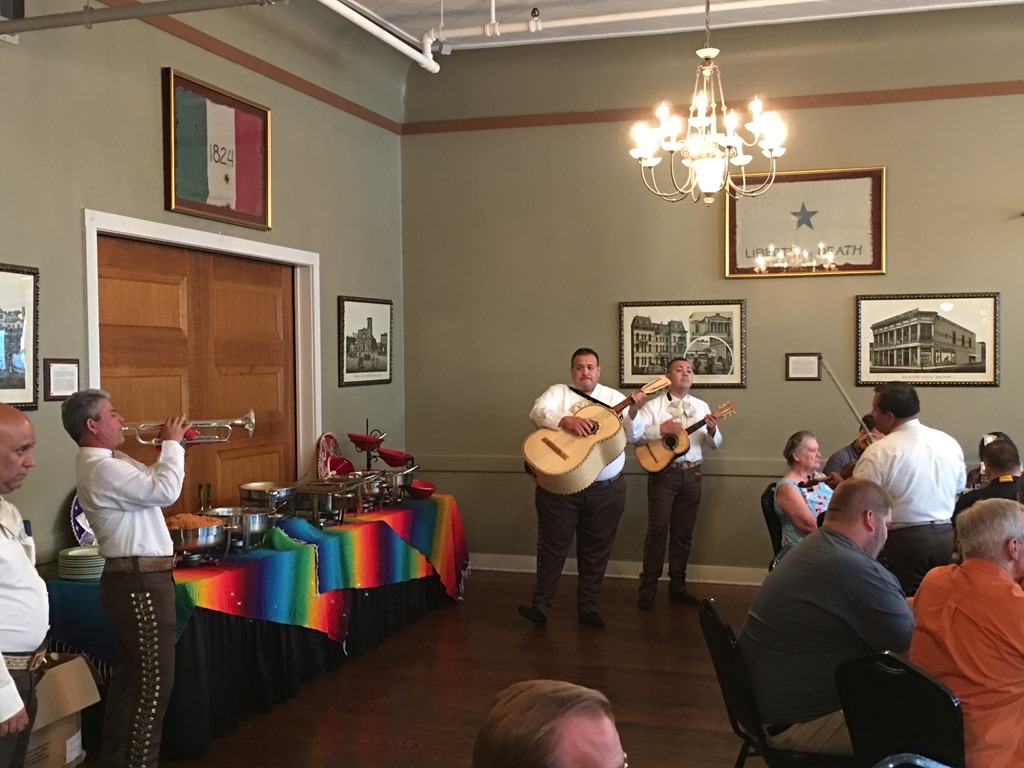
    Friday night the speakers had a nice dinner, with live entertainment.

    Photo Aug 12, 6 15 24 PM

    And we each received a cowboy hat to wear. Some fit better than others.

    Photo Aug 12, 6 27 17 PM

    As much as I’d like SQL Saturdays to be cost-conscious and slimmer, I am not complaining if organizers decide to do more. I just don’t want anyone that puts on a SQL Saturday to think that myself or other speakers won’t come. We will.

    In fact, we had a nice discussion about this at our dinner. We don’t volunteer and teach for food or gifts. We do it because we enjoy it.

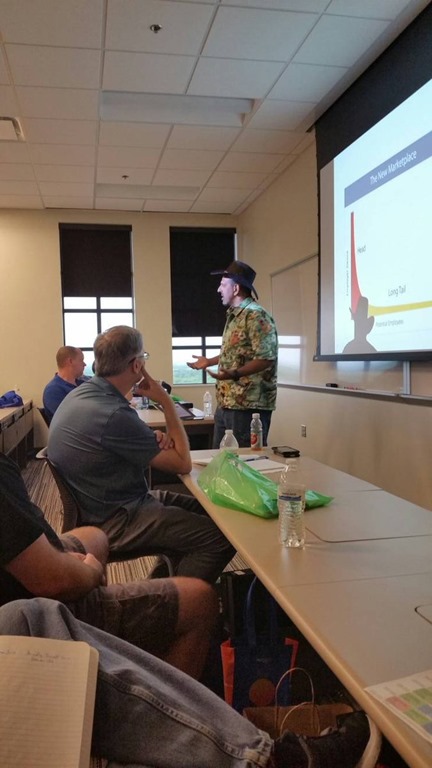
    Anyway, the event was fun. There were over 300 registrations and I think there were 200+ people out for a day of learning. I delivered my Branding Yourself for a Dream Job talk to a full room. I heard a couple people say they didn’t come in because there weren’t chairs.

    Photo Aug 13, 11 56 40 AM

    Please, always come in. Unless the Fire Marshall stops you, I have no issue with you standing in the room, sitting on the floor, or finding a space anywhere.

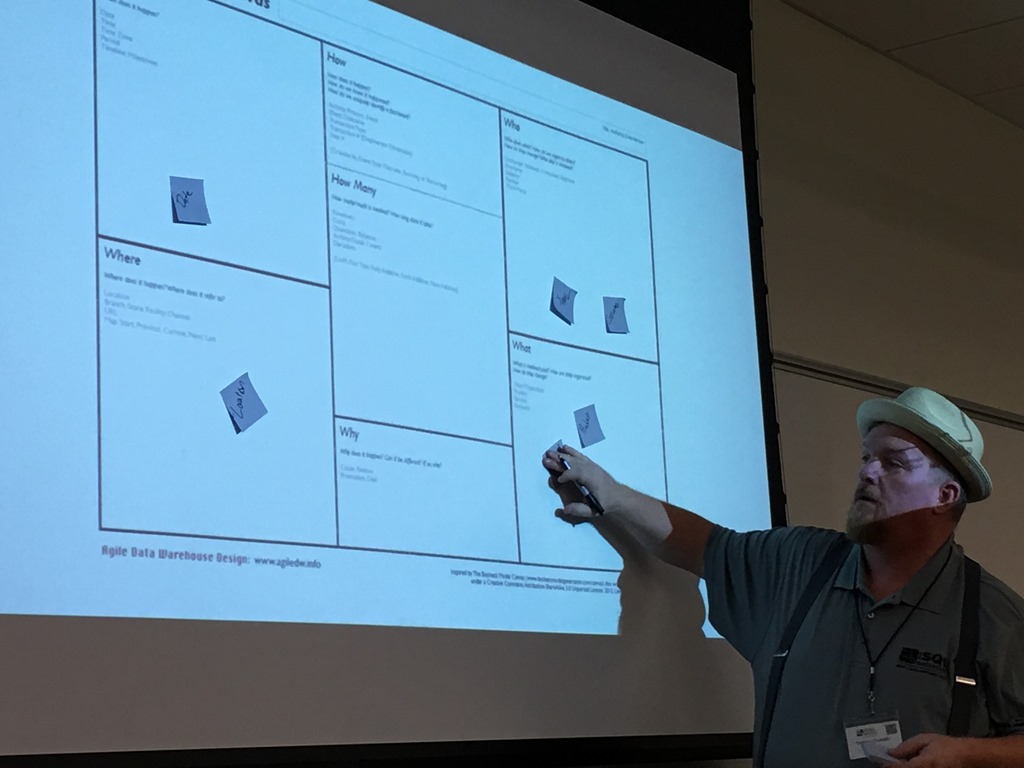
    I had some nice chats with people, which is one of the reasons I like these events. I attended a fun talk from Chris Hyde on R, which was a good way to open the day. I also saw Tim Costello do a fantastic Agile Data Warehouse talk, including the live affixing of post-it notes to the projector screen to demonstrate how to analyze your requirements. Go see Tim if you can. He does a good job and has a lot to teach.

    Photo Aug 13, 12 33 50 PM

    I did leave a touch early, since I hadn’t had a chance to go by the Alamo and know almost nothing of Texas History. I wandered over, too late for a tour, but I had the chance to see the compound and the beautiful gardens, as well as learn a bit about the siege, battle, and how Texas was formed.

    Photo Aug 13, 2 27 49 PM

    It was interesting, and if you get an hour when you’re in San Antonio, go by.

    Photo Aug 13, 2 31 01 PM

    I hear the tour is really good, and hopefully I’ll get back someday and get the chance to experience it.

    Photo Aug 13, 2 32 07 PM

    The after party was fun, though I saw relatively few attendees there. I think fewer people come when there isn’t a place near the venue, but I enjoyed myself before getting to the hotel and ready for an early flight.

    A good couple days in San Antonio, but back to work today. Sporting my hat.

    Photo Aug 15, 8 16 07 AM

  • Opening .SQL Files in SSMS 2016 by Default #SQLNewBlogger

    Another post for me that is simple and hopefully serves as an example for people trying to get blogging as #SQLNewBloggers.

    This is an easy one, but you’ll want to try this yourself.

    As I’ve been trying to move off the various SSMS versions I have installed to the new, free, updated SSMS 2016, I’ve found that on every system (4 so far) that the default action for .SQL files is to open SSMS 2012 or SSMS 2014. That used to be OK, but it’s annoying. I have SSMS 2016 open (maybe just SSMS?) and waiting on the long load times for 2012/2014 SSMS, especially in demos, is annoying.

    If I right click a .SQL file, I get the chance to choose, but what do I choose?

    2016-08-04 16_34_37-2-sqlserver-replacing-profiler-extended-events-m2-exercise-files

    A little experimentation shows that I want SSMS, not SQL Server Management Studio. So let’s change that.

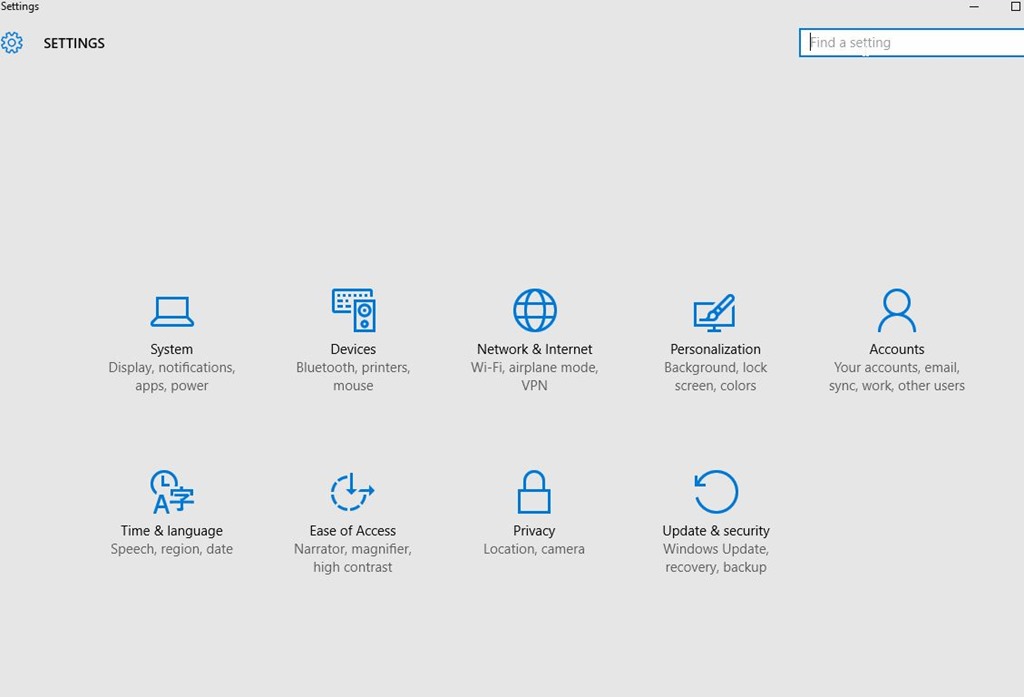
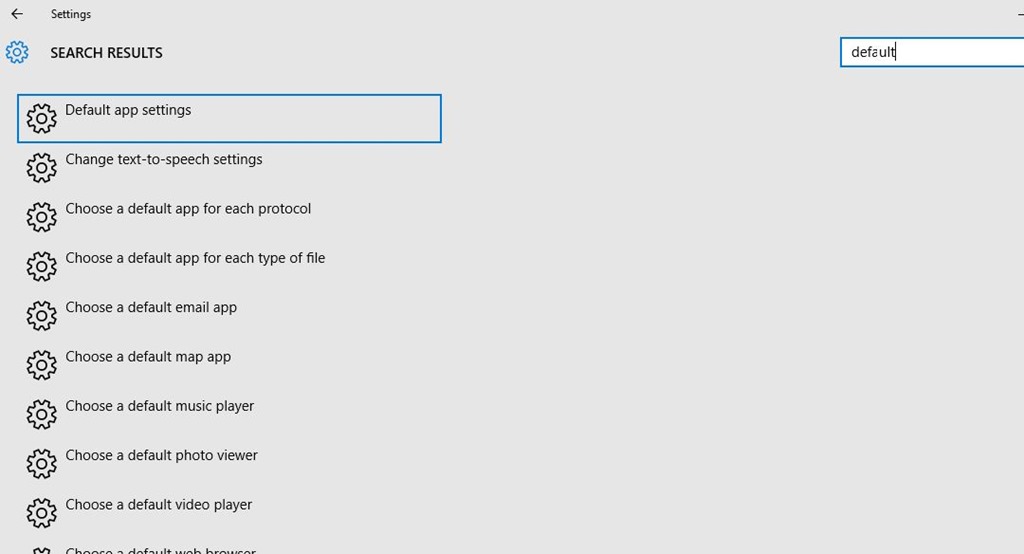
    First, open the Control Panel. On Windows 10, this is the Win+I key combination. I find it hard to know where some things are located, but I like the Search in the upper right.

    2016-08-04 16_36_28-Settings

    When I type “default,” I get a list of things. The fourth one down is the one I want to click.

    2016-08-04 16_36_38-Settings

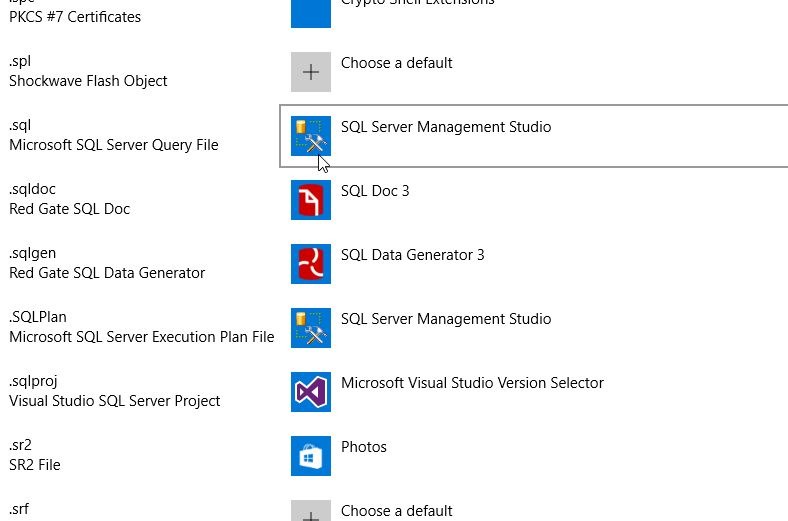
    This brings me a list of each file type and the app. Boy, there are a lot of types to go through. You’ll want to scroll down about two thirds of the way to find .SQL.

    2016-08-04 16_37_09-Settings

    Once I find the file, I click the icon on the right, where it says SQL Server Management Studio. This brings up a “Choose an app” dialog as shown below. I click the SSMS choice.

    2016-08-04 16_37_14-Settings

    Now when I double click a file, it just opens in SSMS (2016). Quickly.

    SQLNewBlogger

    A handy tip. This shows I saw a problem and fixed it. I’m sure some of you could write this in 10 minutes. Some might even built a .reg file or some other automation to show off skills that would help you fix this.

  • What’s a Database Pipeline?

    One of the things I ran into a few years ago was the idea of a software pipeline. A set journey across machines and stages that your software takes. In modern, DevOps style development shops, this usually means:

    • A development machine(s)
    • A Version Control System (VCS)
    • A CI/Build server/system
    • An artifact repository
    • Test server(s)/system(s)
    • Production server(s)/system(s)

    Usually software flows along this path as code is written, compiled, and moved from one stage to the next. You may have more or less stages in your environment.

    For databases, this should be similar, with databases in

    • development
    • test/QA
    • staging/pre-production
    • production

    You could also have other stages like integration, beta, user acceptance, etc. I’ve seen people with 7, 8, or 9 databases in their environment, all a part of their entire development and operational areas.

    The database development pipeline is the set of databases that your code flows through. We’ve represented this with visually in DLM Dashboard as a flow, allowing up to 5 environments to be defined. You can see one of my pipelines in this image:

    2016-08-01 22_16_05-SalesDemo-2015-12-01-1745-export-i-fgod4b6h - VMware Workstation

    Keeping code flowing smoothly along this pipeline is the goal of any development effort. We know this at Redgate, and our mission is to build tools to help you do this efficiently.