Author: way0utwest

  • Installing Pester

    One of the things that I believe strongly in is that we need better testing of software. Actually, what we really need is better habits and understanding of how to test our software. I don’t think we need to test everything, but we do need to know how to test some parts of our software, and we need to test those well.

    Enough on testing. Let’s talk Pester. I saw Rob Sewell (b | t) talk about Pester a few months back, and it’s been on my list to try something, but time and pressure have kept it on the list and not in the code editor. A week ago that changed when I saw Rob write Write Your First Pester Test. That spurred me to devote a few minutes after I read the piece.

    However, I ran into a snag. When I went to run Install-Module Pester, I got an error.

    2017-11-16 13_49_27-cmd - powershell (Admin)

    I tweeted a bit with Rob and Mike Fal (b | t), both of whom are some of my PoSh go-to people. They noted the Force option for install, which did work, but I not by itself.

    2017-11-16 13_51_31-cmd - powershell (Admin)

    As you can see there’s a security check. A good thing, but like many developers, I’m confident the Pester module on the Powershell Gallery at MS is OK. It’s got a different signature than the previous version. I could remove that, but I decided to add the –SkipPublisherCheck and move forward.

    This what I wanted to see.

    2017-11-16 13_51_41-cmd - powershell (Admin)

    Now I can move forward with Rob’s article and try some Pester tests.

  • Watch Out for Automap in SQL Compare

    I wrote a piece on SQL Compare and customizing the Automap feature. This was handy for me in a small project where I encountered drift and needed to fix the production side.

    In the article, I don’t map one of the columns in the target. In this case, I’d actually be dropping the target column in SQL Compare. After all, the idea of SQL Compare is that we want to synchronize the databases.

    If that’s not correct, then I’d need to do one of two things: add the column in development or add a filter. Filters are a great way to avoid issues in production when development items are in flight or uncertain (I’ve written about those as well).

    In this case, if I really needed to keep this column in production, I wouldn’t want to add a filter. Instead, I’d really want to add the column in development. In fact, I’d want to add it in the same place it is (column order) in production, so in Development I’d rebuild the table with the new column, in that order, and then run the Compare again.

    Automap can be a great feature, but it can’t know what your intentions are. It can only guess, like a new developer that is working on the system for the first time. SQL Compare needs guidance to do the job properly.

    SQL Compare is here to help you, and if you haven’t used it, give it a try. If you’re on a version older than 12, I’d say you should upgrade to 13 immediately. If you work with SQL 2017, then move from SQL Compare 12 to 13 and ensure all your comparisons work with the new features.

  • Practice Until You Don’t Get It Wrong

    I wrote recently about a bad first day for an intern. He/she was fired, without cause in my opinion, when a production database was damaged while following a document for developer setup. The situation felt like a mistake, and one that wasn’t necessarily the fault of the individual. To me, this was extremely poor handling of the situation from a CTO.

    In the discussion for the piece, someone pointed out that it might not just be a new employee that makes a mistake that causes downtime. Certainly an unexperienced employee could have caused the issue, but I know there are people with lots of time in a position that make similar mistakes. It could be that someone that has been there a long time followed a poorly documented procedure, or applied the procedure to the wrong situation.

    In sports and the performance arts, I’ve heard a saying that says: amateurs practice until they get it right, but professionals practice until they don’t get it wrong. It’s the difference between just gaining a skill that you complete and continuing your learning to ensure that the execution of that skill is ingrained into your being. You internally build the muscle memory and skill to complete a task correctly over and over with practice.

    In the database world, this might be the difference between someone that has restored a database (the amateur) and someone that regularly practices restores of not only full database backups, but differentials and logs, tail log backups, filegroup restores, and more (the professional). The former has a skill, but the latter is confident and likely to complete the skill in a variety of situations without error.

    Practice won’t prevent mistakes, especially under pressure, but lots of practice does help us learn how to perform better. We learn what options are available, what issues might arise, and which choices we should be making. Just as professional athletes and musicians can make mistakes, we can as well. However, those mistakes should be rare. We should get most things right as the product of numerous hours of working deeply in, and understanding, our craft.

    Steve Jones

    The Voice of the DBA Podcast

    Listen to the MP3 Audio ( 2.9MB) podcast or subscribe to the feed at iTunes and Libsyn.

  • Hardware Wrestling

    A few weeks back I had some issues. They were related to this:

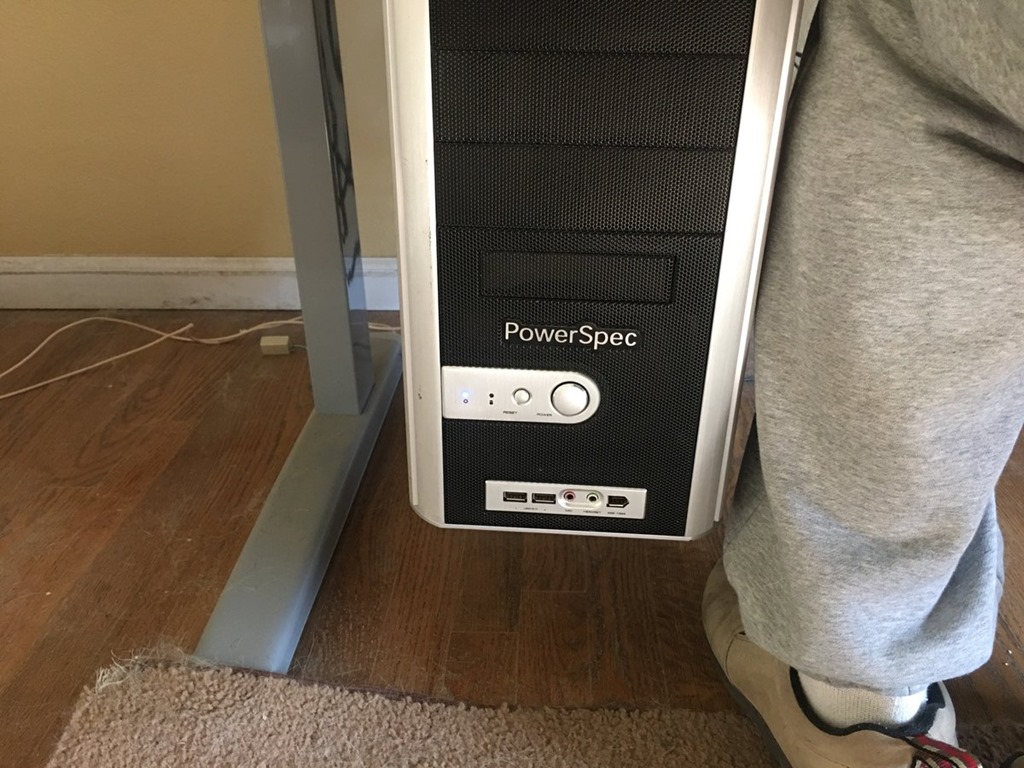
    Computer at ankle level

    My standing desk was down and as you can see, the power button for my machine is on the front, just above ankle level. In a few years of working, this hasn’t been an issue. However, my daughter has a puppy this year, and while she’s in school, the dog is home. Normally my wife is outside with the dog, but when bad weather strikes, they are inside.

    The dog can be a bit trying at times, and in this case, she comes to sit near my chair, looking for attention. When she did that last month, she leaned on the power button and shut Windows down. Not so bad, but the third time this happened, as I was prepping for a webinar 30 minutes ahead, I had a little panic.

    That incident let to me deciding I need a new case. I didn’t have a great way to move the case, so I got some advice and purchased a Fractal Design R5 case on a recommendation from Glenn Berry (b1 | b2 | t). Maybe overkill, but it’s a nice looking case, and the power button is on top Winking smile

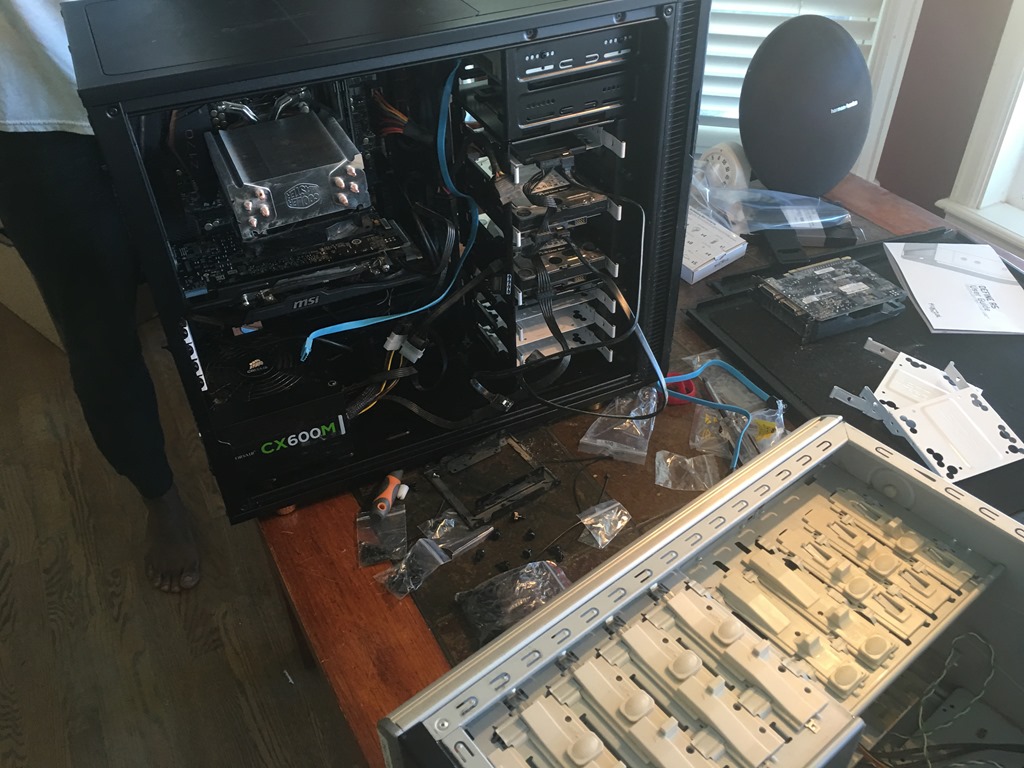
    I got it home and promptly traveled for a few weeks. No real time to do much, but I did eventually get ready to move all the pieces and parts. I put the old and new cases on the table and started moving things. My middle son helped, and eventually we had the parts transferred.

    IMG_2995

    And nothing happened. No boot up, no fans, nothing. We looked and found quite a bit of thermal paste on the CPU, some of which leaked on the side. A good lesson for me, don’t use much paste. However, we we cleaned things, we ended up bending some CPU pins.

    No worries, annoying, but I could afford a new motherboard, so I grabbed one. And then went out of town again.

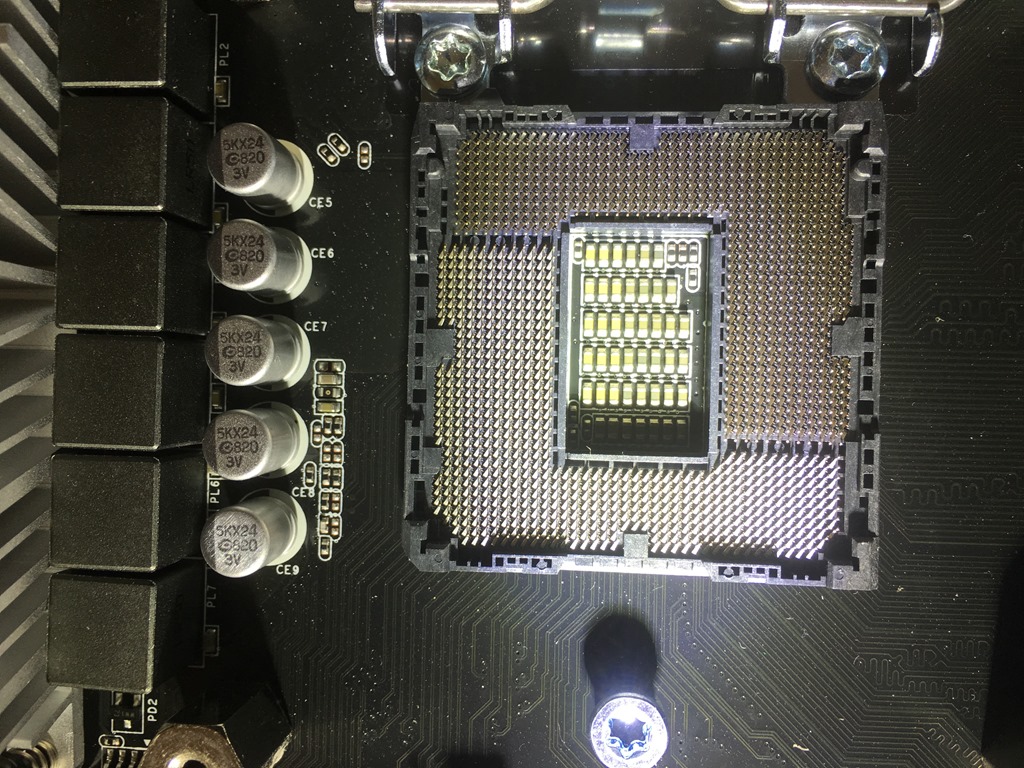
    When I got back, I replaced the motherboard, but no booting still. I even took a picture and tried to be sure the CPU slot was OK. I had to, since I couldn’t see the pins.

    IMG_3098

    I even got another CPU and tried that, but it didn’t boot. At this point, I dragged things over to Glenn (he’s close by) and we decided the motherboard must be bad. I returned the CPU and got another new motherboard, which I installed last weekend, and everything worked. From the go, things booted.

    I added a new SSD in the process, and somehow had to remap some drives to different letters to get my Windows install working. I have some other minor issues, VMs that thought they’d been moved, Windows Search service acting up, and general funkiness with new hardware, but it seems things have settled.

    I’m not a big hardware guy, but it was interesting to take apart and put together a computer. I rarely do that, and while it’s a touch exciting, it’s also a pain. I prefer my hardware to just work.

    The puppy is cute, and she’s fun, but demanding at times. Here’s my view of the TV, trying to finish up Stranger Things one night.


    IMG_3131