Author: way0utwest

  • Using xp_delete_file

    First, this is an undocumented proc, and there’s nothing in BOL on this. Second, it’s a holdover from previous versions, so you’d be better served by using Powershell or some other type of scripting mechanism. This procedure is not supposed to be supported in the future, so I’d remove this from your code. In fact, if you want to just remove these, use Remove-DbaBackup from dbatools.

    If you use this, or want to know what to refactor, Patrick Keisler has a nice post on the proc as does Andy Leonard, and there’s a parameter list on StackOverflow. I dug in recently as a customer was having issues, and I needed to refresh my memory.

    Essentially, there are a few parameters that you use with this procedure, but bear in mind this only deletes SQL Server backup files or report files. You choose this with the first parameter, a 0 for backup files, and a 1 for report files.  The rest of the items are fairly self-explanatory, but keep a few things in mind.

    First, the date is a datetime value. Meaning if you just include a date, this is the beginning of the day (midnight). You can see this here. I’ve got some backup files.

    I then run this code:

    EXEC xp_delete_file 
       0
       , N'D:\SQLServerBackup\MSSQL13.SQL2016\MSSQL\Backup'
       , N'bak'
       , '20170901'

    Now, I see this:

    The file from Sept 1 still exists because it’s at 9:56am, and the parameter is midnight (2017-09-01 00:00:00). Keep that in mind, and use the appropriate values. If I’d run this:

    EXEC xp_delete_file 
       0
       , N'D:\SQLServerBackup\MSSQL13.SQL2016\MSSQL\Backup'
       , N'bak'
       , '20170901 10:00:00am'

    The file from Sept 1 is removed.

    Next, you need to use the extension to decide which files to remove. That means you might need to have separate calls for .bak and .trn (and .dff), or just remove all old files. The choice depends on what your requirements may be.

    Lastly, make sure that if you use separate folders for each database, you set the last parameter.

    Again, I wouldn’t use this command, especially not in a modern system, but if you do use this, make sure it’s working.

  • Simplified Networking with a Wsky USB NIC

    I used to share an office with my wife. We both needed Internet connections, with both desktops needing Ethernet cables. That was fine when my DSL router was in the office, but at some point we got a new provider and the connection to another room, where we put the new router.

    That was an interesting time as I needed to get a range extender when range extenders were rare. Many people used OpenWRT to flash one of a few devices and build a range extender. I almost did that, but discovered a Securefi Almond router that would to the same thing, give me Ethernet locally and extend my wi-fi. That worked for years, but seems to have lost some capability recently. Despite this being connected to a UPS and surge protector, it can’t find some networks and loses its range extender capability about once a week. The speed has also been flaky, seeming to lose some bandwidth at times.

    I’m alone in the office, but still need Ethernet, or so I was thinking. As I priced range extenders, I realized that I really only need one port, and I don’t need more range anymore. So I looked at wireless NICs instead. I found the Wsky Wireless adapter, with lots of capabilities, good reviews, and low cost. I ordered one and when it arrived, I started the install.

    It comes with a mini-CD, but I don’t have a CD drive anymore. I mean, why? So I found the driver on their site and downloaded it. I ran install, rebooted, then plugged in the adapter. It found my network, I entered the password, and inside of 5 minutes of opening the box, I was connected.

    My wife has tried 3 or 4 different USB adapters, with various success. All seem to die in 9-12 months, which isn’t what she wants, but most of them are < US$20, so it’s hard to be too upset. Both of us remember paying $100 for NICs in our careers.

    I’ve had this a week, and it appears to work better than my Almond was working. We’ll see how things work over time, but for now, this cleans up my spectrum of wireless devices (2 other routers) and I have one less thing to plug in.

  • Why Don’t You Unit Test Code?

    First, I’ll apologize to those that do use formal, automated tests in advance. I’m not really writing for you, and I’m sure you can teach me more about testing. Perhaps you can comment about how and why you do this, or even write some articles to help others.

    For everyone else, why don’t you test in a repeatable fashion? Let me know with a comment today.

    One thing I’ve noticed as I’ve talked DevOps and testing for a number of years is that so many developers agree testing is a good idea, but claim they have no time, no support from management, or no need to repeat tests once code is written. Sometimes I hear all three excuses at the same time. The same people will also admit that they have problems with code at times, and that quality could be improved.

    Perhaps it’s me, but I’ve never had my boss sit there and watch me code. He or she doesn’t know how I might write code. I certainly write a query, run it, and look at a bunch of rows and see if I think the code is correct. Perhaps I need to run other queries to verify values in the results. However, I could also build a quick test with something like tSQLt, like the one I set up for checking COALESCE that does the same thing. With my unit test, I can run it over and over, modifying the test as I discover new edge cases to validate. Which way do you want to write code?

    Even if I have a set of data I need to assemble, it doesn’t take much longer for me to write a test, especially when I need to also solve the problem. I find that putting a test together forces me to slow down and think about the rules for my code. Since I need to come up with some result set, building that into a test of some sort is fairly easy and let’s me double check how I think data will change. I can then repeat the test over and over as I modify code. I can even grab sample data from production and use that as the basis for my unit test if I need to check a specific entity’s values.

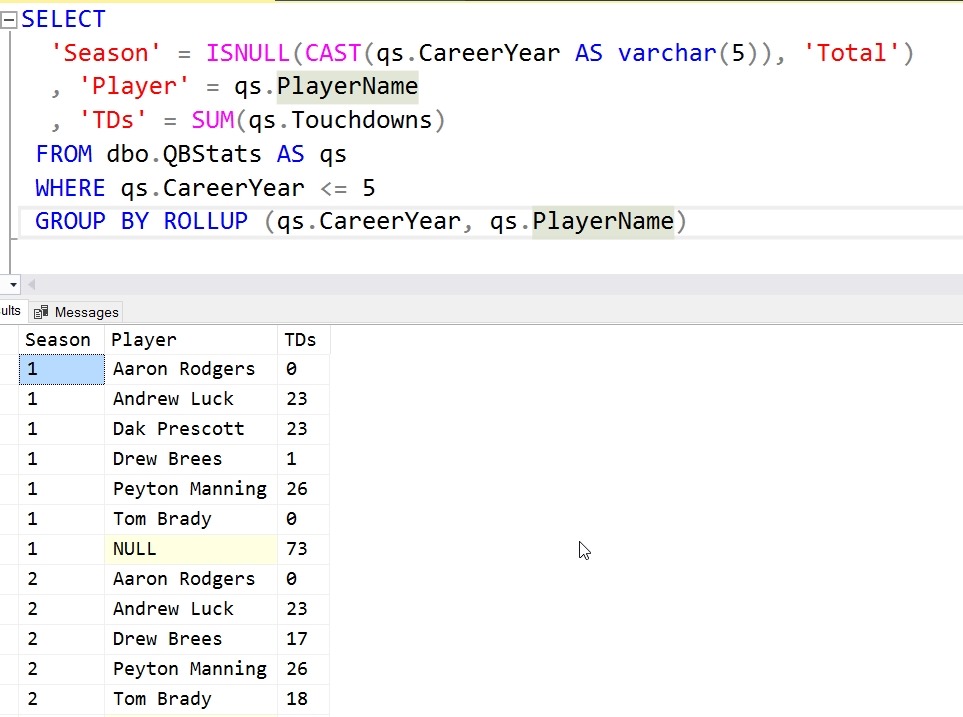
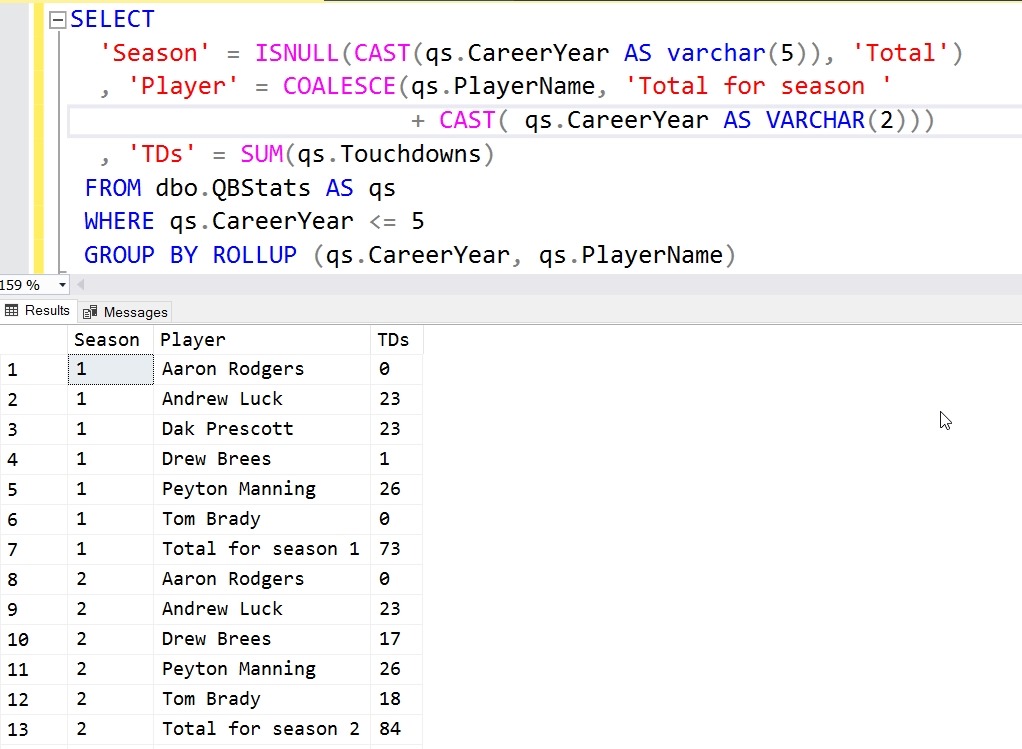
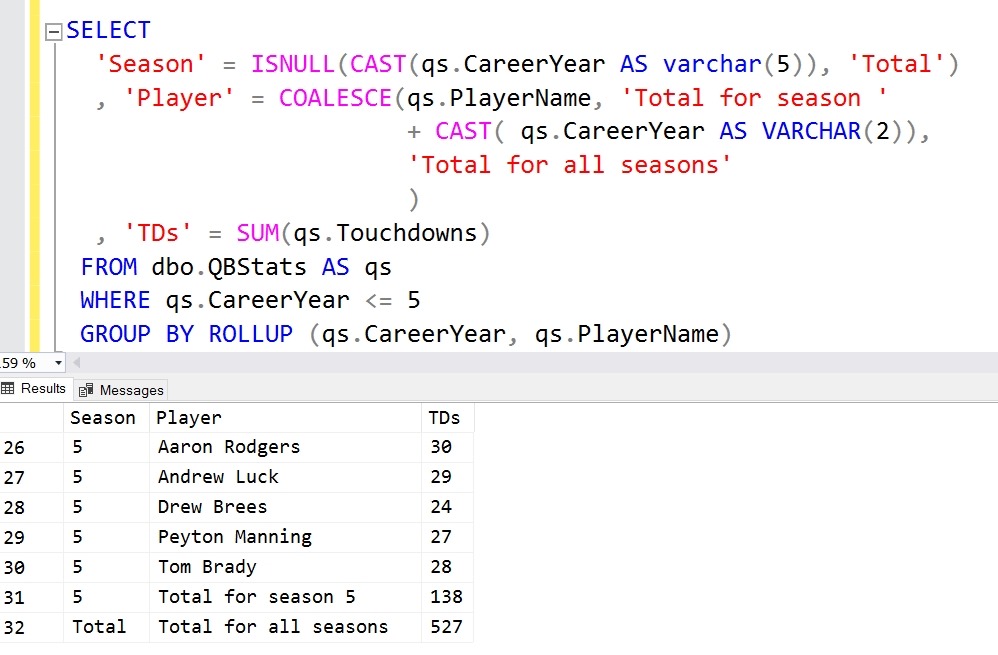
    I know many things I write in SQL might not be worth a test. Often the simple CRUD queries and basic aggregations aren’t things I’d test, but when my query becomes complex, includes APPLY or outer joins, and logic to decide how to filter or format data, wouldn’t a unit test make sense? What about if you want to be sure you’re processing the correct rows from a large CUBE or ROLLUP operator? Certainly if I’m fixing a bug, writing tests makes sense, at least I think so.

    Let me know what you think today.

    Steve Jones

    The Voice of the DBA Podcast

    Listen to the MP3 Audio ( 4.0MB) podcast or subscribe to the feed at iTunes and Libsyn.

  • Compound FKs with SQL Data Generator

    This is a series on SQL Data Generator, covering some interesting scenarios I’ve run into. If you’ve never tried it, SQL Data Generator is a part of the SQL Toolbelt. Give it a try today with an evaluation today.

    A person was wondering about how data is generated with SQL Data Generator and foreign keys. In this case, the person was having an issue with a compound foreign key.

    Here’s a quick look at how this works. I’ve got two tables

    CREATE TABLE Product
    (   ProductCode VARCHAR(30) PRIMARY KEY
       , ProductDesc VARCHAR(100))
    ;
    CREATE TABLE SubProduct
    (   SubProductCode VARCHAR(30)
       , ProductCode    VARCHAR(30)
       , SubProductDesc VARCHAR(100)
       , CONSTRAINT SubProductCodePK PRIMARY KEY (ProductCode, SubProductCode)
    );
    ALTER TABLE dbo.SubProduct
    ADD
         CONSTRAINT fk_SubProduct_ProductCode FOREIGN KEY (ProductCode)
                          REFERENCES dbo.Product (ProductCode)
    ;
    GO

    These two tables are related with a FK. In this case, SubProduct relates to Product, but there is a constraint that says I can’t have duplicate product/subproduct combinations. That’s fine, and my data looks like this:

    2017-09-27 12_58_04-SQLQuery1.sql - (local)_SQL2016.sandbox (PLATO_Steve (63))_ - Microsoft SQL Serv

    Now, I have a new table, this one contains a FK back to the other tables. In fact, I have two FKs, though I could deal with one.

    ALTER TABLE dbo.SubProduct
    ADD
         CONSTRAINT fk_OrderItems_ProductCode FOREIGN KEY (ProductCode) REFERENCES dbo.Product
                                              (   ProductCode)
    ;
    ALTER TABLE OrderItems
    ADD
         CONSTRAINT fk_OrderItems_SubProductCode_within_ProductCode FOREIGN KEY
                                                                 (
                                                                     ProductCode
                                                                   , SubProductCode) REFERENCES dbo.SubProduct
                                                                 (
                                                                     ProductCode
                                                                   , SubProductCode)
    ;

    This FK is compound, consistenting of both ProductCode and SubProductCode. What does this mean? It means I can’t have an entry in OrderItems for a SubProductCode unless that SubProductCode has a matching ProductCode in the SubProduct table.

    Or, in better English, If I have a Product Code of “RXZP”, of which I have 2 above, I can’t have a SubProductCode of “BA”, which isn’t in the table. I’ve constrained my SubProductCodes to those values that are available for a particular ProductCode. In this case, my only SubProductCode choices are “TJ” and “TW”.

    A good data consistency model.

    In Data Generator, this DRI is picked up. If I look at the generation for the OrderItems table, I see that both ProductCode and SubProductCode are listed as FK values.

    2017-09-27 13_10_49-SQL Data Generator - datagen_fk.sqlgen _

    That’s good, but I have two FKs on OrderItems. Which one is important? In this case, I can click the column and see. For ProductCode, it’s using the compound FK.

    2017-09-27 13_11_41-SQL Data Generator - datagen_fk.sqlgen _

    The same thing appears for the SubProductCode

    2017-09-27 13_11_47-SQL Data Generator - datagen_fk.sqlgen _

    If I generate data, I then get something like this:

    2017-09-27 13_27_58-● SQLQuery1 — carbon

    As you can see, my product “RXZP” will all have “TJ” or “TW”. I know this because the FK will prevent anything else. This is handled and enforced by SQL Server, but Data Generator doesn’t create any errors when it generates the data since it’s using the source tables as the domain of possible values.

    The User’s Problem

    The user in this case didn’t have any DRI declared in this way. Their schema actually had the primary key in Subproduct as only the SubProductCode, not as a compound primary key. Their FK from OrderItems had the same issue, with a FK only to SubProductCode. As a result, Data Generator, and really any script, would assume that all values in SubProductCode are valid, regardless of ProductCode.

    The lesson here is that DRI matters, and if you have business rules such as these, use a FK to enforce them.