It’s just a few weeks until the PASS Summit on Tour in New York City. This is the first event in the series, and I’m excited to go back to New York City this year. I’ve been there a few times and this time my wife is coming so we can take a little vacation around the event.
You can register here and come see some amazing speakers on Aug 18-19, 2025 for the PASS Summit. Aug 20 is the Redgate Summit, where we’ll be talking about our direction, research, and products. Make it a week and come to both events.
I hadn’t made many plans on the sabbatical, and that was fine with me. It’s been a busy year, and I wanted to be unwired and unwind. It turned out this has been a good test of retirement for me and I’ve enjoyed it.
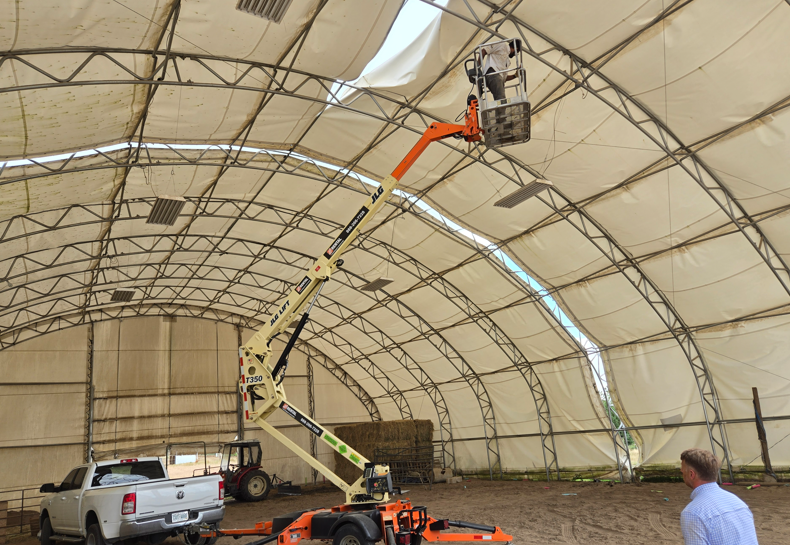
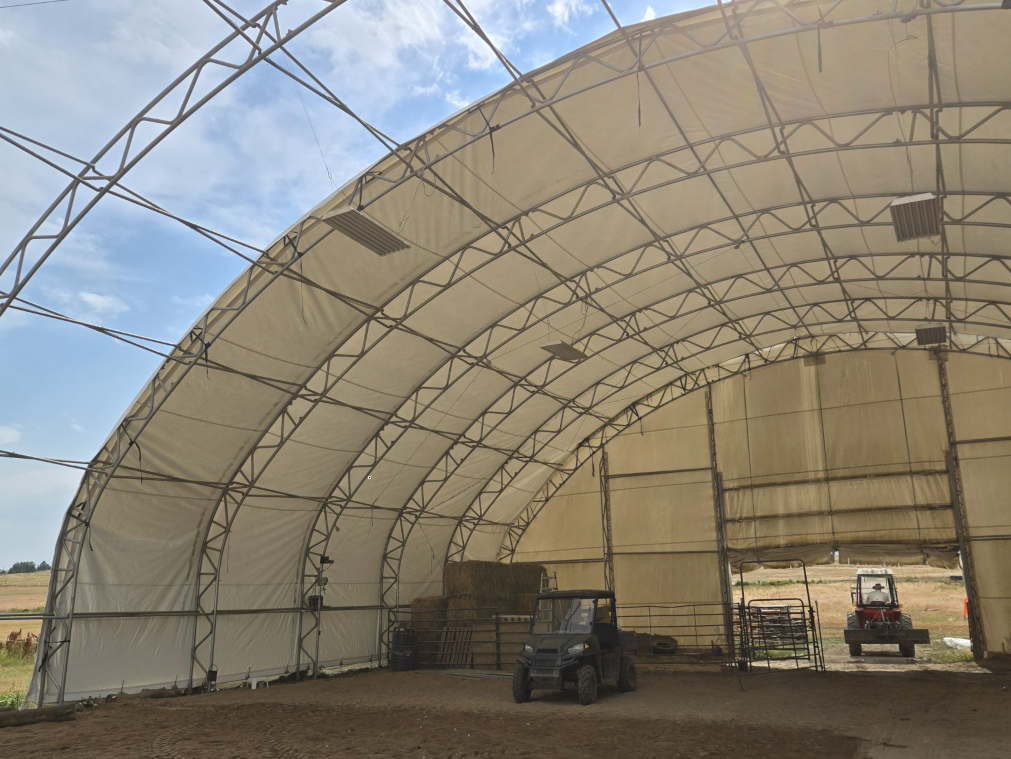
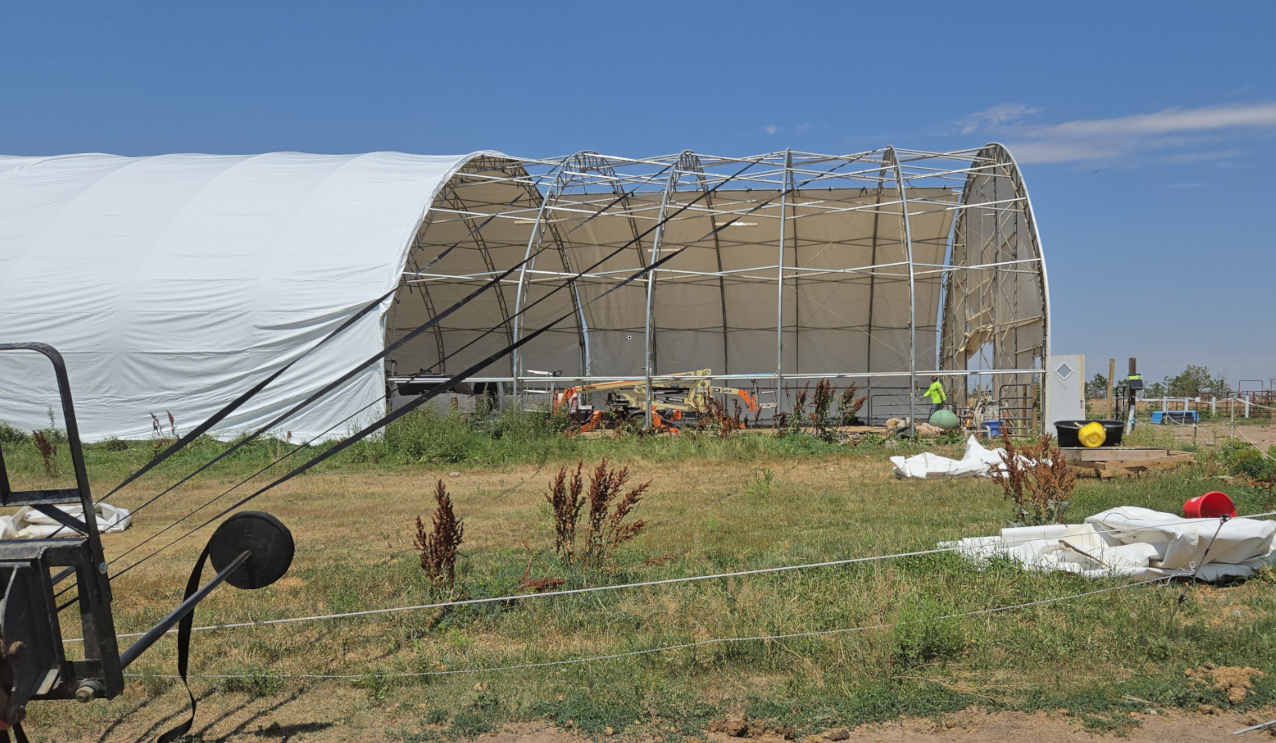
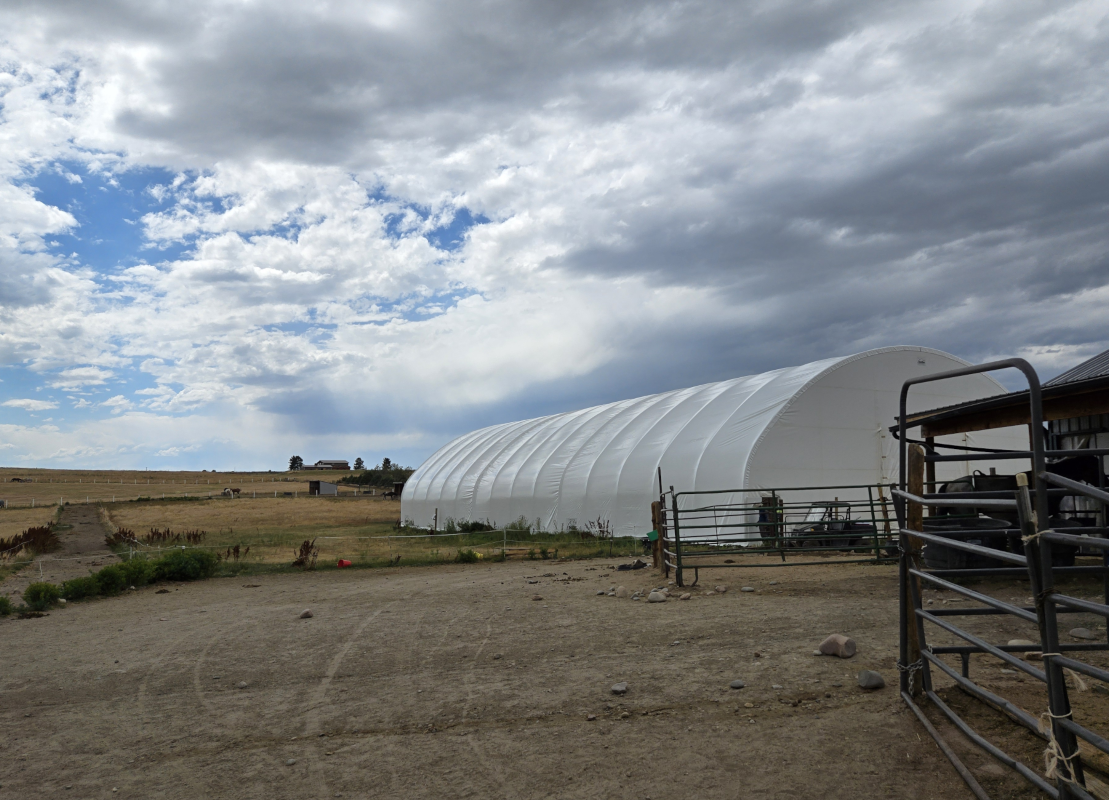
However, we did have a big project on the books and decided to schedule it during my time off. This is my wife’s indoor riding arena.
It’s been on the ranch since 2010, but a very heavy hailstorm damaged it almost two years ago. A number of small holes in the fabric let rain in, which has worsened over time. We worked through an insurance claim to get new fabric and some installation compensation, but decided to do some of the work ourselves since the install cost was high. We did pay for a vendor consultant to help for a week, but my wife, kids, and did all the work.
This was scheduled during my sabbatical and it turned out to be a bigger project than expected. They told us to budget 2-3 days, but it turned out to be 6 for my middle son and I, with lots of help on the other days getting things done.
Here’s the fabric being cut by my son to be pulled off.
It took a day to unwind all the nuts holding things down and then cut down the fabric. A lot of labor, and more than needed, since a custom tool that they send for installs wasn’t available for us. I suspect the original crew didn’t save it for us.
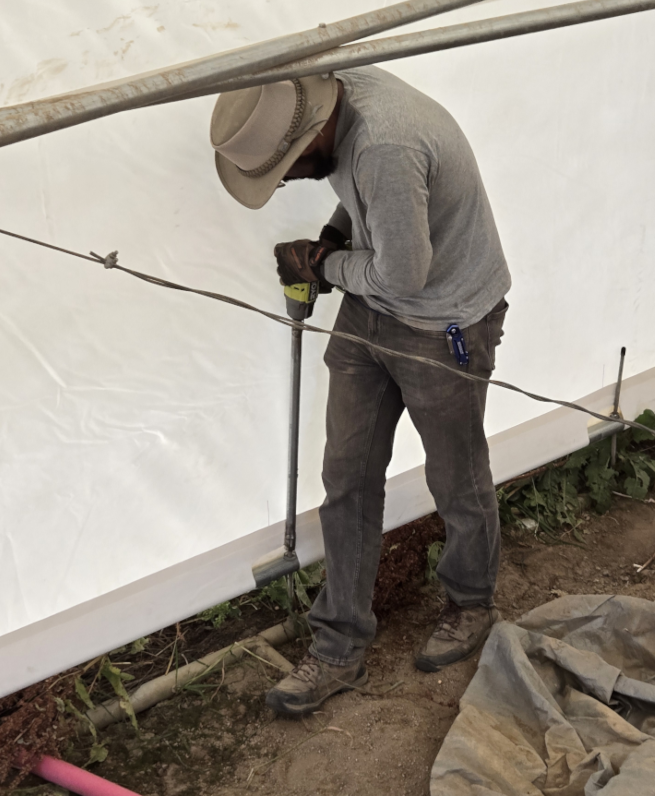
However, the consultant asked if I knew a welder, and we do. The husband of one of my wife’s clients has a shop and has been teaching my daughter to weld. I bought a 7/8″ socket and a piece of pipe and my daughter went over there during the day. She returned with a custom made 20″ socket, which made the install easier later in the week. Here’s my kid using it.
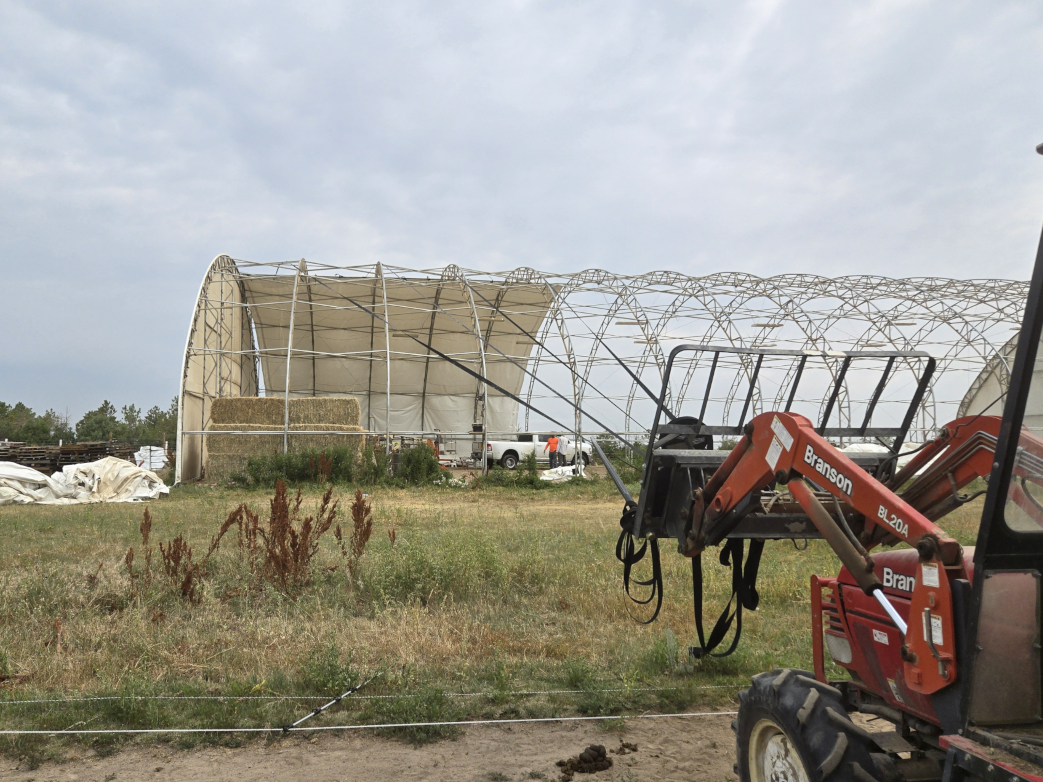
Day 2 was pulling over the first piece of fabric. We used the tractor to do this during a time of low wind. We can pull up to about 10mph, but after that it’s too dangerous.
This was the easy part. We had to then pull the piece sideways to cover the truss. That’s a manual process, working around the edges, slowly pulling things right with 2″ webbing. Once that was done, we then wove in 1″ webbing between the frame and the fabric. We got this done on Day 2, and we were tired.
We worried a bit about getting this done, but on Day 3 we managed to pull both the 2nd and 3rd pieces. We did the middle, and then stretched it. We started weaving in the fabric, but had a moment of low wind, so we quickly pivoted and got the third piece pulled.
We managed to get it partially stretched and tied down before it got too late. Our consultant left and we worked to get the 2nd piece finished.
Day 4 was us working along. Once we got the third piece stretched, my wife and son were tightening wire that spends the edges of each piece of fabric. A few remote Facetime calls with our consultant had them working through it as I wove in the last piece.
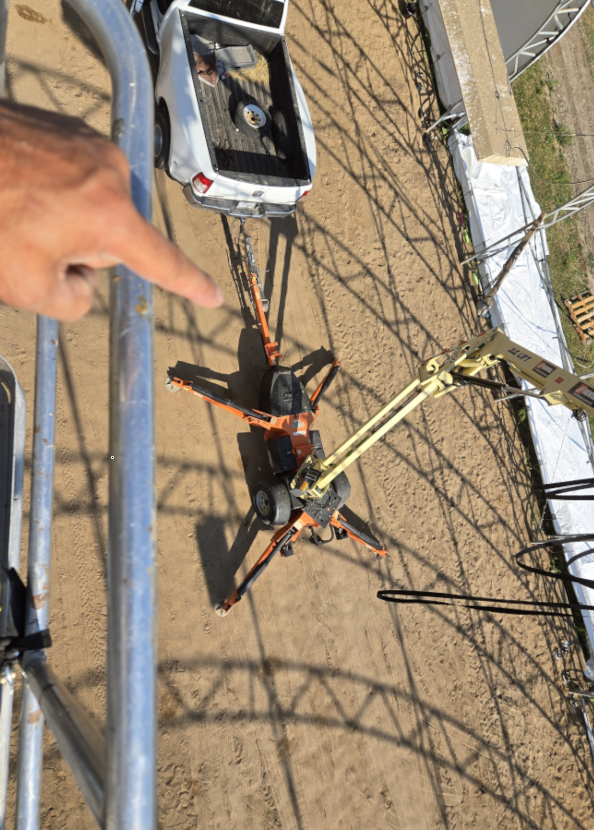
A good view from above. My wife and daughter were a little scared about the height, so my son, a friend, and I did all the weaving above 10 feet.
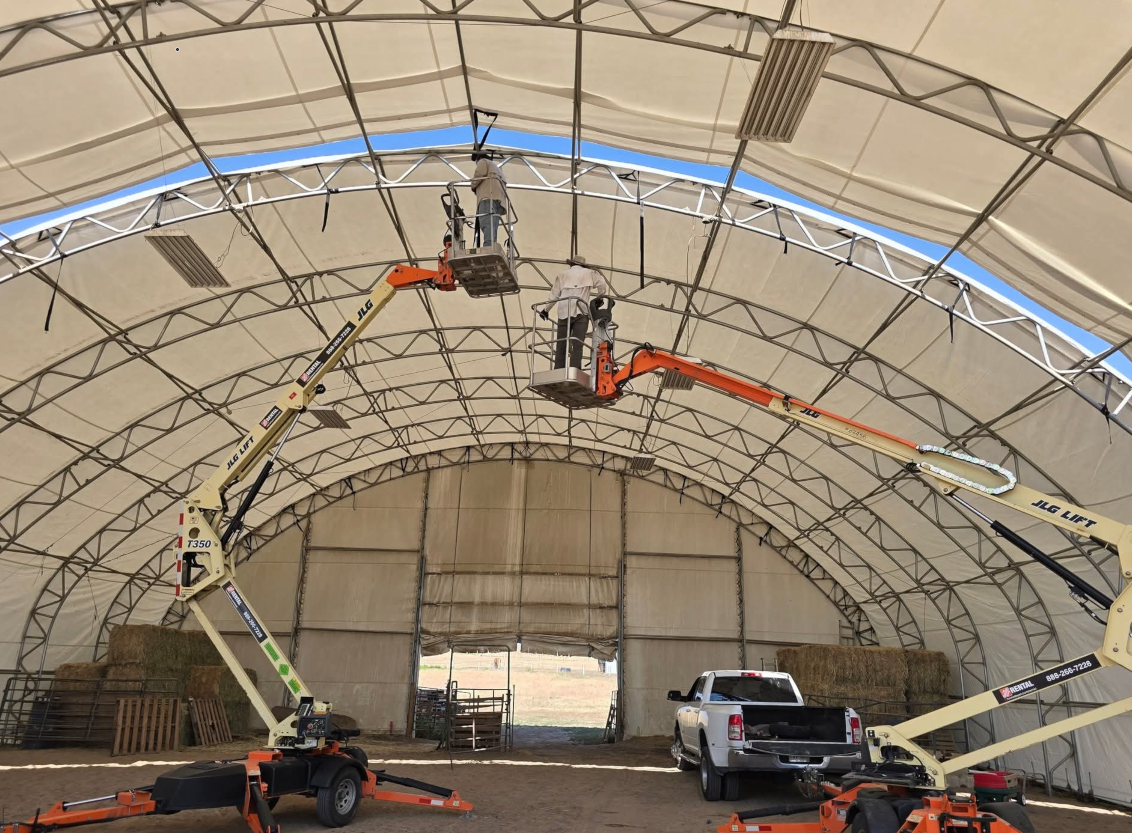
A shot of my son and I working.
We rented a second lift late on Day 2 and I wish we’d done it earlier. Things went much faster with two lifts.
Day 5 was the final weaving and tightening things down. We closed the day with most everything done.
Day 6 was me cleaning things up, picking up trash, patching a couple holes in the ends while we had the lift and my son tightening the nuts (shown above).
We finished just in time as Day 7 was my wife and I heading to Cancun for a well deserved break.
I’m honored to be speaking at the PASS Data Community Summit in Seattle this fall. I’ll be delivering a Professional Development session (Blogging for the Tech Professional), which might be more interesting this year with so many people looking for work. Blogging is a great way to show some skills, let managers perform some due diligence, and help drive the interview. If you can come, register now for savings.
There are lots of great speakers that will be there as well, and it’s quite a lineup. The exact lineup for the main conference isn’t out, but the list of speakers is nice. There are also a great set of pre-cons to choose from as well.
This is one of the best data conferences to attend and I’ve been lucky enough to go most years and learn lots while networking with fellow data professionals.
Talk to your organization and make a case to come. Register early for savings, and plan on a busy week of learning, networking, and notes. Bring back practical tips, tricks, and ideas to your boss and they’ll send you again next year.
The PASS Summit goes on tour this year, with the final date the first few days of October in the Netherlands, Utrect to be exact. This is the first event in the series, and I’m excited to go back to New York City for the event. You can register here and come see some amazing speakers on Oct 1-2, 2025.
The lineup is small and short, but it’s a one pre-con day with two half-day sessions and then a one full day of hour long sessions. The pre-cons include Fabric, leadership, performance tuning and more. All from industry experts. The regular sessions are across four tracks with a variety of things you can learn during the 5 time slots throughout the day.
There is also a Redgate Summit on Friday. That’s got Redgate specific content, but if you’re interested (or a customer), stay an extra day for that as well.
If you’re near Dallas, or can convince your boss to send you, register today and join us on tour. The larger main event is still in Seattle, and if you prefer that, come for a full week in November.