Author: way0utwest

  • The Ultimate Home Office

    When the pandemic hit, we were fairly well prepared at Redgate. We’ve had lots of experience connecting offices, we have an amazing IT staff that has built a great VPN setup, lots of SSO authentication, and a tremendous KB of info.

    However, many of our staff didn’t have a dedicated space in their residence. Even those that did often had to share with partners, children, and others. That was a challenge. I know because we created a Slack channel for people to share their work space pictures. I saw some creative solutions, and I also sympathized with way some people have had to work during the last few months.

    I’m lucky that I’ve been working from home a long time and have made some changes over the years to build a better home office. I’ve upgraded PCs, added some lights, gotten a standing desk, etc. in that time. The pandemic got me to finally upgrade to a Secret Lab chair and adding a ring light for video calls. I also rearranged the office slightly after refinishing our floors.

    After seeing Troy Hunt’s post this week on his ultimate home office, I’m a little jealous. Not that I want to spend that much time and money on my office, or do all the IoT and other configuration, I am still interested as a geek in what he did. It’s quite a write-up, and if you go through it, those of you that are hardware geeks will probably enjoy it and then frown at your setup. You might also get jealous if you read about some of the systems Glenn Berry has built, Brent Ozar’s home office, or even the studio that Adam Saxton has built.

    For now, I’m pretty happy with my home office, though I still have a few minor things to work on. A little more cable management, perhaps a few small storage boxes/places for my desk, and certainly a little sweeping and mopping. That last one is something that needs to be done on a more regular basis, at least while the pandemic is stuff affecting me.

    Steve Jones
  • Saving My Garmin Data

    With the Garmin outage, I was a little worried about my data. As a result, I wanted to ensure I could get information off of my device and at least save files. I posted a note on Twitter, and got a link to the DC RainMaker, with a procedure to get your files from a device. Since I have a watch that connects to a mobile, I wasn’t sure which device to connect, so here’s the experience of getting my data.

    First, what’s the extent of the issue. I started a walk workout on my watch when I took the dogs out. This was a short one, and I was able to complete and save the workout.

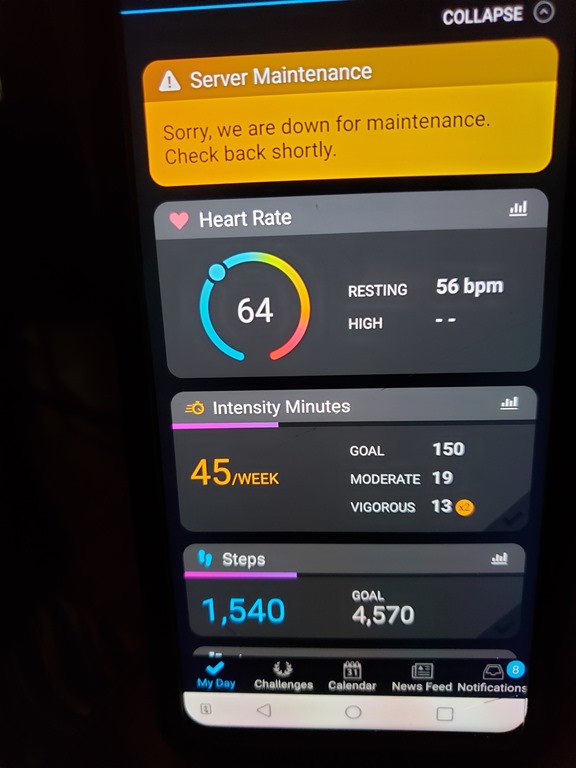
    When I got back to my desk, I opened the app on the old mobile. I saw the data for my heart and steps, which matched the watch, but no workout.

    20200724_133805

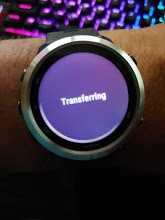
    I then went to my watch and clicked “sync”. I got this for awhile, and while it said that things were being transferred, I don’t have any way of knowing this is working.

    20200724_133745

    My understanding is that this data goes to Garmin Connect and then that syncs with my phone, rather than going through my phone and then to Garmin Connect. Since there are people that might not use the app on their phone, this makes sense.

    I know I can’t get data at Garmin Connect.

    2020-07-24 13_41_53-Window

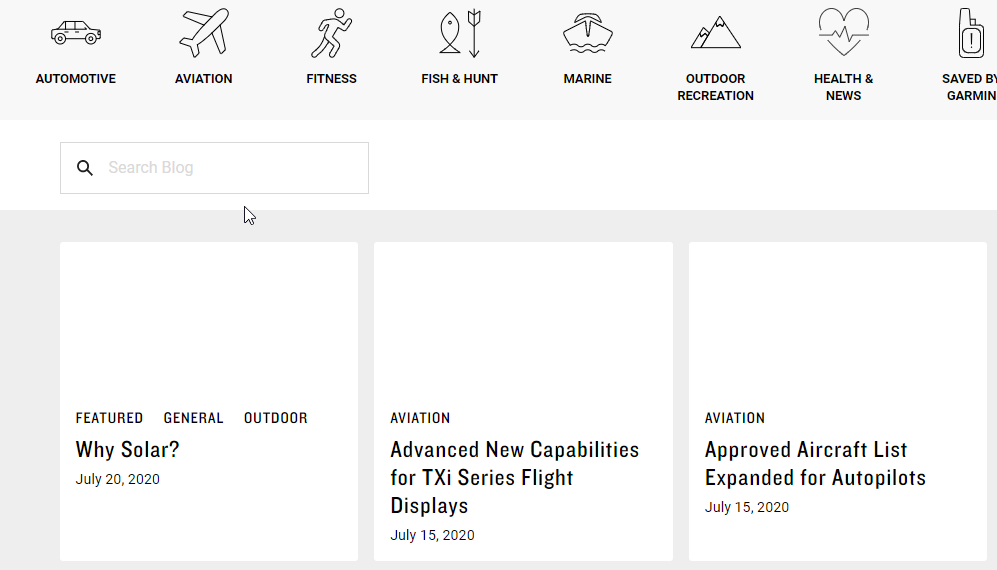
    I also don’t see any updates on their blog.

    2020-07-24 13_42_47-Window

    OK, I know what I can’t do. What can I do?

    Connecting My Watch

    I’ve never connected the watch to this computer. I’m not likely to get the Garmin app to work if I install it, so let’s get the cable that came with my watch. I connect it to my computer and …

    Nothing. Nothing detected as a device. No new USB devices. No notifications.

    This was with a USB hub, so let’s take that out of the equation. I do connect some data devices through here, but why not try something. I get up, walk around, and plug the watch into the motherboard USB slot.

    2020-07-24 13_59_23-Window

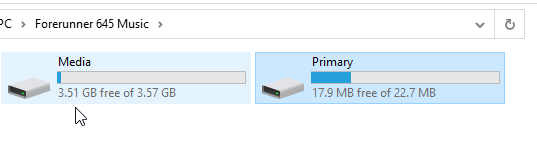
    That’s interesting. Glad I tried that. Next I browse and find two storage areas.

    2020-07-24 14_00_09-Window

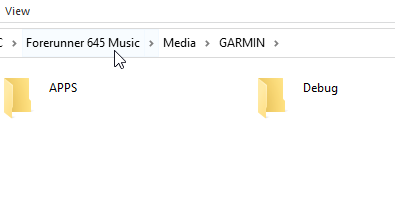
    I tried media first, since that’s the first one. Nope, no activities under Garmin.

    2020-07-24 14_00_15-Window

    Let’s try the primary storage. This looks more promising.

    2020-07-24 14_10_21-Window

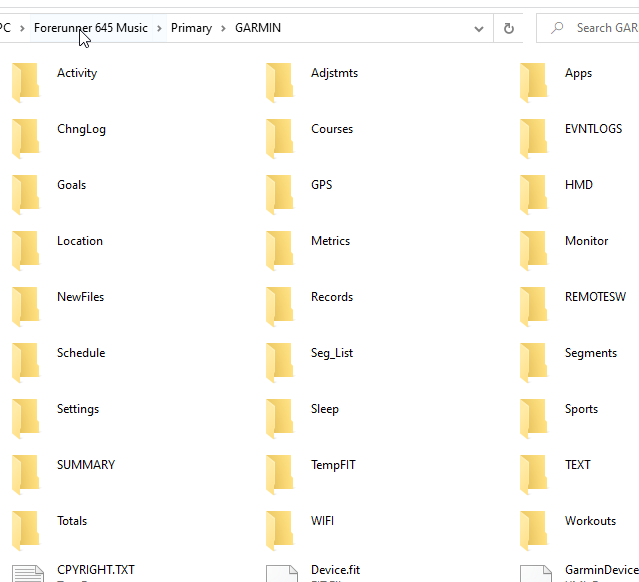
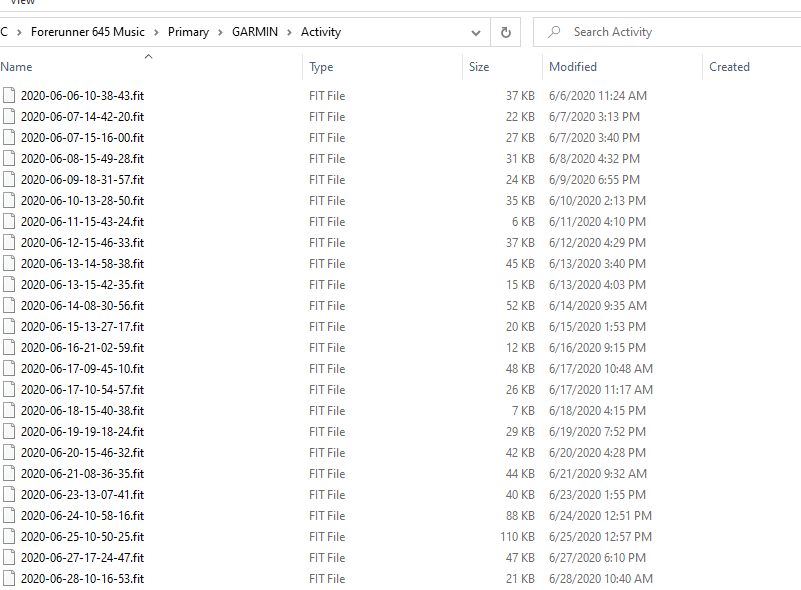
    I don’t see Activities, as in the DC Rainmaker post, but I do see “Activity”. In there, I find the fit files.

    2020-07-24 14_10_36-Window

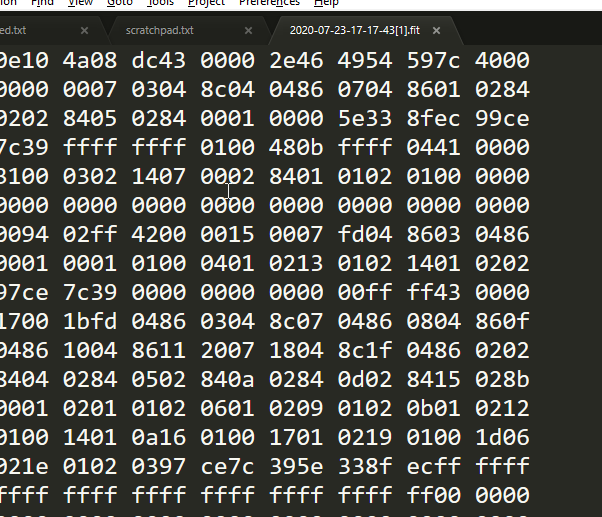
    These are binary files, so there goes any quick SSIS/ADF upload of data somewhere else.

    2020-07-24 14_12_03-Window

    I suspect there’s a way of doing this and a few searches show some libraries that might help, but those are for another day.

  • Something Old Something New

    My neighbor had a 1978 Ford Bronco when I was growing up. He drove his kids and I around to various events, and I loved that car. The look, the removable back, the spacious interior. It was a car I’ve always wanted to own. As I’ve gotten older, however, the rough ride and lack of modern amenities have made me rethink buying an older version. I’ve become spoiled in my older age

    Ford just announced a modern version of the Bronco, bringing back the iconic truck after over two decades. What is interesting to me is that they appear to be trying to take a page from software design and customized websites by allowing lots of custom options. It appears in this look at the truck that much of the truck body can be removed and replaced with custom sections. I’m sure plenty of third party companies will offer new colors, shapes, lights, and even accessories that might truly make this car your own.

    Of course, car manufacturers want to make money, too. There are some mechanical differences with engines, transmissions, and suspension, but also a variety of settings for the drivetrain. However, different trim levels have different numbers of drivetrain settings. I wonder if there is a difference in the models or this is a software limitation (with a different physical switch). I wouldn’t be surprised if this were the case.

    I had hoped years ago that we would start seeing more customization in cars with manufacturers building a flat chassis and custom bodies, having features into software, providing interfaces, allowing for more plugins from their own and partner suppliers. Instead, it seems like we’ve gotten more and more proprietary designs, trying to lock in users rather than selling the flexibility of design. I guess that’s the way of capitalism, doing what’s best for the company rather than creating an ecosystem that might excite the consumer.

    While I know modern vehicles are built for efficiency and airflow, I think many of them start to look alike. I would hate to see every car look the same, as they have in some movies. I miss the different designs and details from the past. I would like to think that at some point we’ll see modern electric engines, controls, and features available in customized, 3D printed bodies and better software interfaces that allow us to bring back the look of the past with the best of today.

    Steve Jones

    Listen to the podcast at Libsyn, Stitcher or iTunes.

  • Daily Coping 24 Jul 2020

    I’ve started to add a daily coping tip to the SQLServerCentral newsletter and to the Community Circle, which is helping me deal with the issues in the world. I’m adding my responses for each day here.

    Today’s tip is to ask yourself: What’s the best thing that can happen?

    That’s a good question. I can take this lots of ways. The best thing for the world? We get a very effective vaccine this year.

    The best thing for me? My family stays healthy and can enjoy life.

    The best thing today? I get to practice yoga, no part of my body aches, I eat some good food and spend a nice evening with my wife.

    Keep things in perspective. I’m aiming for the last one today and focusing on that.