Category: Blog

  • The Book of Redgate: Profits

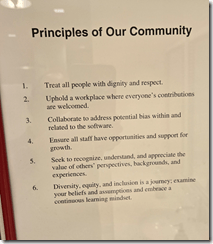
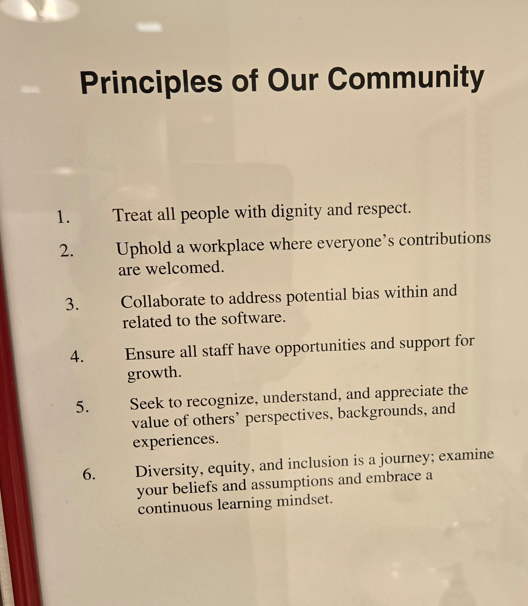
    Redgate is a for-profit company. We look to make money by building and selling tools that help you. If we do a good job, we make money. If we don’t, you shouldn’t buy our tools.

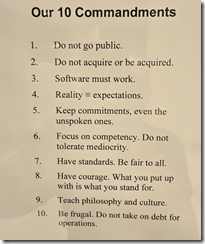
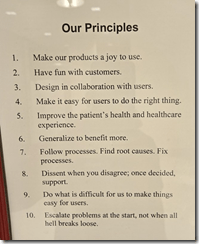
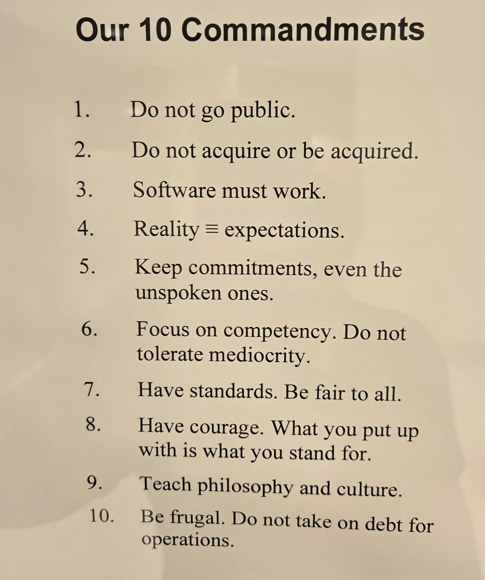
    I found this value to be very interesting:

    2026-04_0228

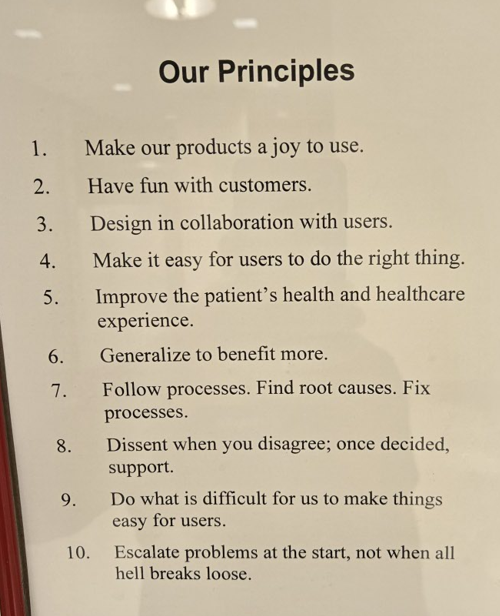
    The next page has this statement:

    Focusing purely on the numbers is a sure way to kill Red Gate’s culture. We believe that if we focus on the game – building awesome products that people want to buy, and then persuading them to buy them – then success will follow.

    Profits matter. Certainly all of us want to be paid (and get a bonus of some sort). With the changes in Redgate’s board this year, this is a piece of culture that I believe in and advocate to keep as an item of focus.

    We watch profits, but we don’t optimize for profit, we aim to optimize in building better and better products that meet the need of our customers and prove their value from an ROI standpoint. Especially in this era of subscription software.

    Our goal is what’s in the quote: build awesome products.

    I have a copy of the Book of Redgate from 2010. This was a book we produced internally about the company after 10 years in existence. At that time, I’d been there for about 3 years, and it was interesting to learn a some things about the company. This series of posts looks back at the Book of Redgate 15 years later.

  • QUOTENAME Basics: #SQLNewBlogger

    Recently I ran across some code that used a lot of QUOTENAME() calls. A colleague was having some trouble with the code, but what struck me was that I hadn’t often delved into the details of QUOTENAME and how it can be used in different ways. I’d always just passed in a string as a single parameter.

    This post looks at a few details of how this function works.

    Another post for me that is simple and hopefully serves as an example for people trying to get blogging as #SQLNewBloggers.

    QUOTENAME

    The idea behind QUOTENAME() is that you pass in a string that might not be properly formatted to be an indentifier. QUOTENAME() returns the string with enclosing characters that ensure the string works in your code as a literal.

    Here’s an example. If I have a string that is “Steve Jones”, I’ve quoted the string with double quotes. If I wanted to create a table with this string, I’d do this:

    CREATE TABLE dbo.[Steve Jones] (id int);

    I’ve explicitly put brackets around the string, which is what we commonly do in SQL Server if we have some reserved word or space we want in the object name.

    NOTE: I am not recommending this, just showing this as an example.

    If I were doing this in code, and maybe I wanted to dynamically create this table, I’d do this:

    DECLARE @n nvarchar(20) = N'Steve Jones';
    DECLARE @s nVARCHAR(100) 
    
    SELECT @s = 'create table dbo.' + QUOTENAME(@n) + '(id int)'
    
    EXEC(@s)
    

    When QUOTENAME runs, by default, it will surround the string with brackets. You can see this in the results below.

    2026-05_0281

    This is a valid identifier, and we end up with a table that has a space in it’s name, which I abhor. But it works.

    A Second Parameter

    While this is how I’ve used QUOTENAME in the past, usually to clean up strings that might be reserved words, like name, there actually is an optional second parameter. The syntax for QUOTENAME is:

    QUOTENAME ( string, [ character])

    where

    • string – the string that you need to quote
    • character – a single character that represents the delimiters to be used to surround the string.

    One might think that any character can be used, but that’s not true. Only a few characters are supported. The list is:

    • brackets, [], which is the default
    • braces, {}
    • single quotes, ‘
    • double quotes, “
    • angle brackets, <>

    That’s it. Anything else produces not an error but a NULL, as shown here:

    2026-05_0282

    What’s interesting is that the parameter is a single character, but the function works out what the matching character should be. For single and double quotes, this is easy. The same character is used, as you can see below. Note the single quote is escaped.

    2026-05_0283

    For brackets, if I use either the left or right bracket, the result has a left bracket on the left side and a right bracket on the right side. You can see that below.

    2026-05_0284

    Same thing for braces.

    2026-05_0285

    And angle brackets.

    2026-05_0286

    What’s what I’d expect, but it’s nice to know it works. This limits flexibility for the function, and if I were designing it, I might make the second parameter two characters that represent the left and right enclosures. Or make a separate parameter for each. That would allow me to do something like:

    SELECT QUOTENAME(‘Steve Jones’, ‘_>’ )

    and get

    _Steve Jones>

    I could have run with a space at the beginning and a comma or period at the end, helping me clean up text. Winking smile

    SQL New Blogger

    This is a quick post that I actually spent about 10 minutes on during a flight. I had run into this while answering a friend and reading the docs, so I left a quick sentence as a reminder and then fleshed out this post. I spent another 10 minutes once I landed (and got plugged in) capturing the screen shots.

    This is a good example of showing how I dug into a feature of SQL Server, I understand how it works, show how it can be used, and how I might have wished it would be used.

    You could do this in a half hour at a coffee shop and start knowing that you can learn a few things and maybe show how you’d evaluate if this was needed in AI generated code, some of which you might see in the very near future.

  • Breaking Rules in Rome

    Last week I was honored with a trip to Rome for the Redgate President’s Club. I was awarded this, along with our top people in Sales, for the work I did in 2025. It was a fun trip, but as we prepared to depart Cambridge, one of the rules our Chief Revenue Officer gave us was:

    Don’t work this week

    She told us that the company should be able to survive a week without us. On Wednesday, I got reminded of this when I replied to a few Slack messages.

    Thursday I got reminded again.

    By Friday she had given up.

    It’s not that I don’t want to get away from work, or don’t, but there are things that come up and can be easily dealt with. In both cases, I had people ping me about things that are happening this week (18May) or in two weeks (1 Jun), and I need to ensure I’m prepped. I also had responses on a couple of SQL Server Central tickets, that I needed to provide a few details on.

    These were small things, and I wasn’t checking email or most Slack messages, only a few channels where I knew there would be some relevant activity. I also scanned email looking for only ticket responses so I could provide info if needed.

    Sometimes work takes priority over other things. I’ve had to handle a few things on sabbaticals. I’ve had to respond on vacation for certain things. In general I tell people to leave me alone, and they do for the most part.

    I’m not upset, and it’s the price of being successful and involved. Finding this balance is important, and it’s easy to work too much, or too little. I feel I’ve got a pretty good balance when I go on vacation, minimizing interruptions, though certainly not eliminating them.

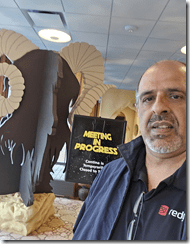
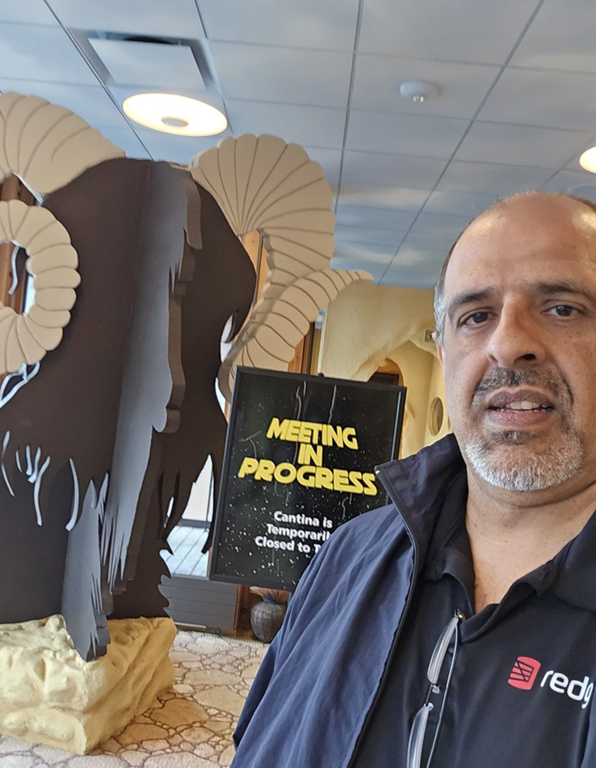
    That being said, I did have a good time. Not sure why I’m not smiling, but the Colosseum was amazing.

    20260515_182019

  • T-SQL Tuesday #198–Change Detection

    This month we have a new host, Meagan Longoria, who graciously agreed to help me this month. I’ve known Meagan for a number of years and she’s been a person whom I’ve asked questions about data visualization and analysis in the past. I was slightly surprised by the topic this month, but only slightly. I’ll write my answer below, but if you want to try blogging and host a future month, let me know.

    Change Detection

    The topic this month is change detection, which is important for efficient ETL work, but also for other areas, such as auditing. I haven’t tended to work in high volume systems where we did a lot of ETL and needed to very efficiently detect changes. Most of the time I’ve had ETL pipelines they were busy, but not excessively so.

    As a result, in the past, I’ve often used a roll-your-own approach in the SQL 6.5->2008 era. As I’ve worked on those systems, we’ve usually used a simple update or modified date in the table that tracked when something was altered. By knowing the last time a pipeline ran, we could gather all data from that point forward and extract it.

    We used a similar approach to send a lot of emails from SQL Server Central years ago. That can work well, and as long as you track the last execution of your pipeline process, whatever that is, you minimize the data being transferred.

    A Modern Approach

    I ran into dbt a few years ago and did a one day class on how it works. It was interesting to me, and I could see the appeal. Recently I had a conversation with John Miner, who’s used it in his Fabric Modern Data Platform series. I would be very tempted to use dbt, in conjunction with a modified date as described above, to ETL data around today.

    However.

    I have been seeing that Change Data Capture (CDC) is being used by lots of products these days. It’s behind the Fabric mirroring, Oracle has used it for years, when you look to move data into Databricks, CDC is common, it seems like it’s everywhere. 

    If I were going to be regularly moving data in 2026, CDC seems like something I’d experiment with and test, since it’s a known technology that works across many platforms and there is a lot of knowledge out there on how it works. AI can certainly help with experiments, and with understanding the overhead on your system, because there is some overhead.

    I haven’t looked at the new Change Event Streaming, though I’m always wary of anything that limits me to one cloud. The more generic CDC, with AI assisted configuration and maintenance, seems like a better approach.