This is in response to someone asking about getting started with their database in SQL Source Control and then hosting at BitBucket. I’m going to assume people can set up an account at Bitbucket and won’t cover that. Instead, this is part of a series that looks at getting a CI build working.
I’m going to start showing how to get a git repo set up locally and connect a database to it with SQL Source Control in this post. I’ll then connect that to Bitbucket and move changes around. In a future post, we’ll see a CI build taking place from our Bitbucket repo.
Linking SQL Source Control
I’ve got a test database set up on a SQL Server 2017 instance, called SQLSourceControlPoC. The script for that database is here: SOCPoC_Create.sql.
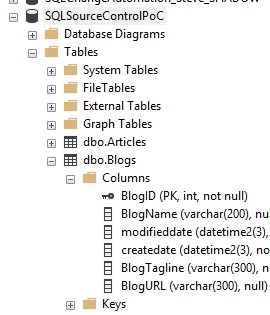
The first step is to get a repository set up. You need to install git, which is easy. You can get a client tool, like SourceTree or Github Desktop for Windows, but I like the command line and I’ll use that.
On Windows machines, under your use account, you have a Source, and then a Repos set of folders. I’ll change to those in the command line. I’ll then create a folder, called “SQLSourceControlPoC”. I find it easy to keep the folder name the same as my project, which in this case is the database. I’ll create a folder under this to store my actual code.

Now I’ll set up a git repo, which I do with “git init” in the folder.

That’s it. Now let’s start with SQL Source Control.
I’m going to assume you have SQL Source Control installed already. If you don’t have that, download an eval and run the setup. From there, I can right click on the database name and select “Link database to source control”.

This will open the SQL Source Control tab in SSMS. This shows my database name at the top, and since this database hasn’t been linked, we’ll start with the wizard for linking.

We set up a git repo already, so we’ll leave the top item checked. We click Next and get a dialog that asks which VCS and where is our repo. I’ll select git and browse to the location where I created the repo.
Note, I’ve specified the subdirectory. I like a subdirectory as this allows me to place other code in the repo if I need it (like notes, readme, etc.) and keep the database code from SQL Source Control clean.

When I click link, I get a progress bar.
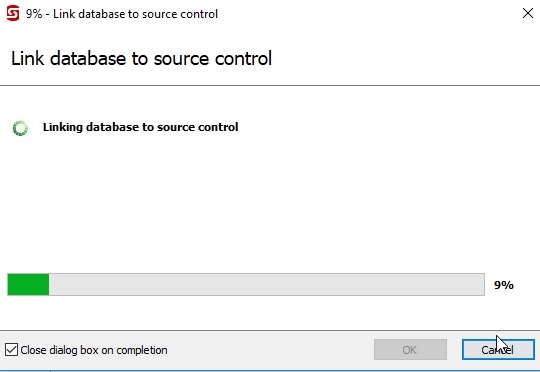
When that finishes, I get the Setup tab, which shows me the configuration and gives me some options.

We can ignore this for now and select the “Commit” tab instead (top left). This will switch to that tab and look for changes in the database that aren’t stored in our version control system. Here’s our current VCS view:

We only have our SQL Source Control file. There are many more objects in the Commit tab, as we see below. SQL Source Control assumes the database is the source of truth here and tries to capture all changes.

There’s a lot to see here, but we won’t dive into what’s here. There are other articles and posts on this. For this article, I’ll enter a commit message and click “Commit”. Once I do that, my VCS view changes.

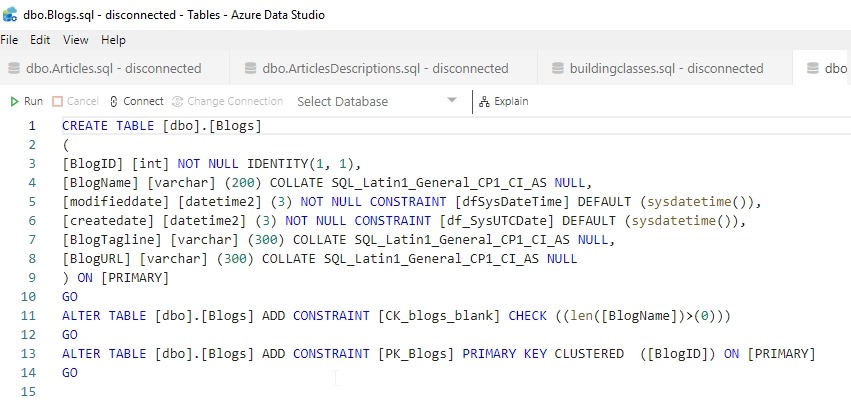
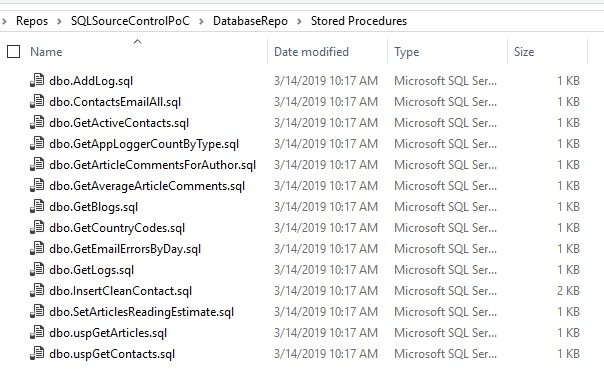
SQL Source Control has created folders for my objects, with a separate file for each object below the folder. For example, the Tables folder looks like this:

The contents of the dbo.Blogs.sql file are shown here in Azure Data Studio.
And my git status:
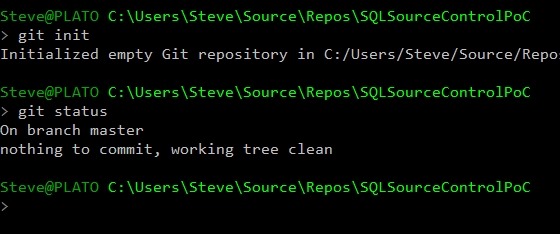
We’ve gotten our code into a git repo, now let’s move on.
Connecting to BitBucket
I’m going to assume you have a Bitbucket account. If not, go do that. When you do, click your Repositories menu item, and you will get a list of repos. I have two already.
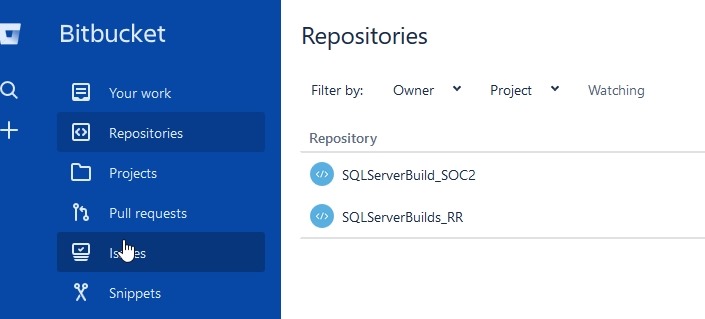
In the mid left, there’s a plus (+) sign. Click that to get the add dialog.
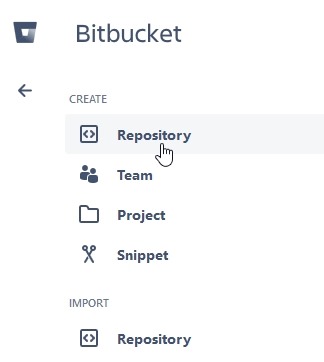
Pick repository and then you’ll enter some data. I chose a name that’s the same as my local repo to ensure some easy tracking. I made this public, so anyone can download my repo if they want to play with the code.
Note: I’m not likely to accept and PRs.

Once I click Create repository, I get a welcome screen. In this case, I get some instructions, and the important ones are moving my local git repo here.

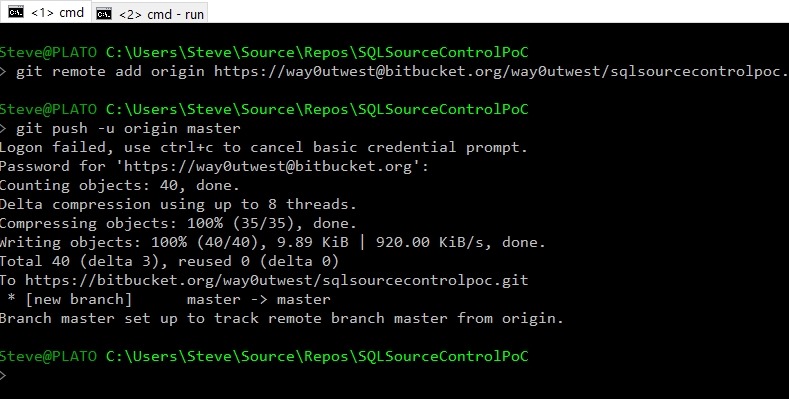
Let’s do that. I’ll go back to my command line and enter the git remote command (from above) and then the git push. Note the authentication popup.

That failed for me, but when I went back to the command line, I entered my password again and it worked.
Going back to Bitbucket and refreshing the Source tab, I see code.
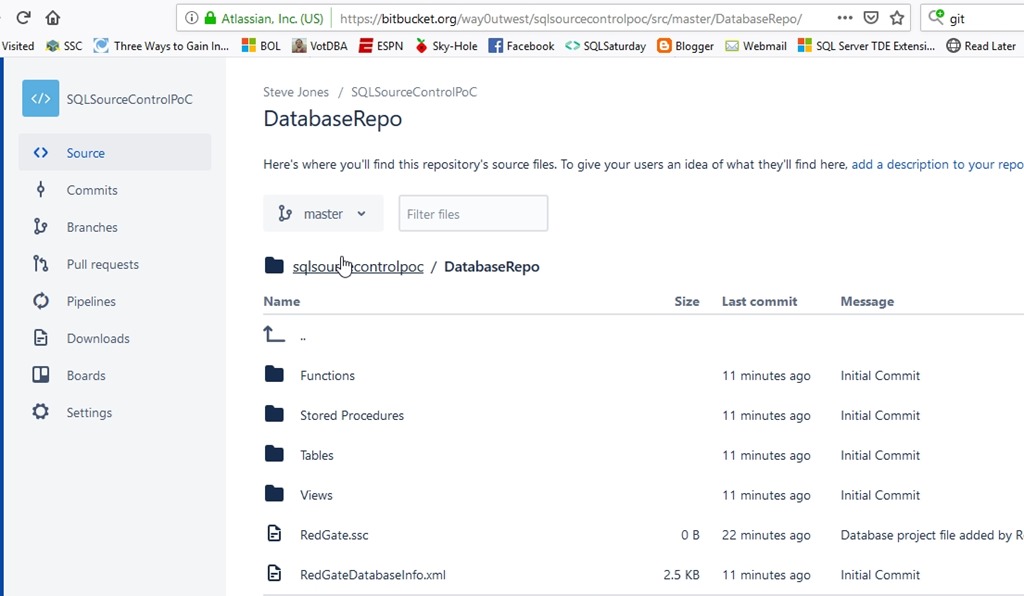
Right now I have code in a SQL Server database. This is linked to a local git repo on my desktop, which is linked to a remote git repo at Bitbucket.
Making Changes
One last thing is to make a change on the local database and get that to Bitbucket. Let’s do that. I’ll enter this code in SSMS:

I execute this and I have a proc in my database, but this isn’t in git.
If I go to the Commit tab in SQL Source Control, I see one change. I’ll check this in the lower windows to verify the code, select the item in the middle and enter a Commit message.

Once the commit completes, the change is in my local repo, but not in Bitbucket. However, SQL Source Control gives me a “Push” button. If I click this, a git push will execute.

Note: I had some authentication issues here. The push may or may not work, depending on how you have authorization set up for Bitbucket. I had to enter a username and password, which sometimes worked, sometimes didn’t. Performing a “git push” from the command line worked.
In Bitbucket, I now see my procedure.

Summary
This is a quick look at how to get my database code in to Bitbucket via SQL Source Control and git. This should help you begin to understand how to start enabling database development to follow what application developers do.
I’ll work on getting a CI build in my next post. If you want to see a particular CI system, let me know.

