This is a series on SQL Data Generator, covering some interesting scenarios I’ve run into. If you’ve never tried it, SQL Data Generator is a part of the SQL Toolbelt. Give it a try today with an evaluation today.
One of the interesting things with Redgate’s SQL Data Generator (SDG) is that it allows the user of custom data patterns for your columns. The user of regular expressions (RegEx) is used, which is something I find many SQL Server DBAs don’t really work with often.
While there are plenty of RegEx tutorials out there, I wanted to give some simple ideas here that I’ve used to make slightly more realistic data.
Help
There’s a help icon available if you choose a column in one of your tables and have a regular expression selected. In this case, I can see there are a few different suggestions for the “title” column.
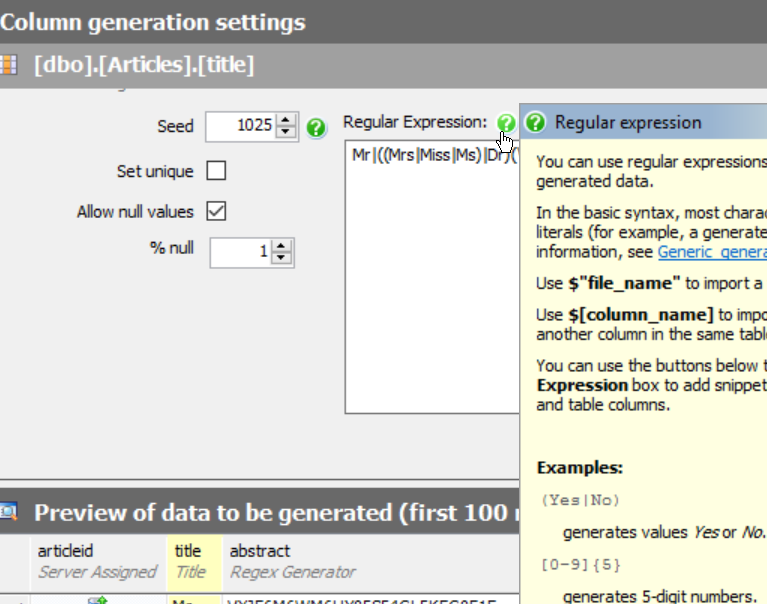
SDG guesses that title is a Mr/Mrs/Ms field, but it’s not. I really need something that looks like the title of an article. If I scan through some of the articles on SQLServerCentral, I see titles like:
- Working with SQL Server data in Power BI Desktop
- A Start with Automating Database Configuration Management
- Archiving Hierarchical, Deleted Transactions Using XML
- Beginning SQL Server 2005 Reporting Services Part 1
- Ten Common Database Design Mistakes
- SQL Server Index Basics
- Temporary Tables in SQL Server
In this case, there are a few patterns. SQL Server appears in a few places, Some articles user a “top x” type of format. The word lengths vary, and are in the 6-12 range. Around six or so words are in many titles.
Building a Regular Expression
I could certainly do something like this, which just gives me a few words made up of random letters, of the specified lengths.
[A-Z]{3} [A-Z]{5} [A-Z]{7} [A-Z]{4}
I’ve got a 3 letter word, then a 5 letter one, then 7, then 4. All upper case, all random. That gives me results like this:
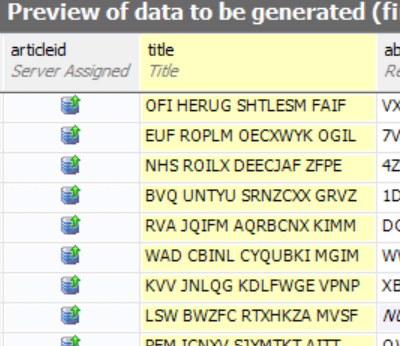
Not quite what I want. I’d rather have some words at the beginning like “A”, “The”, or “Top”. I can do that with literals.I enclose those in parenthesis rather then brackets.
(A|The|Top) [A-Z]{5} [A-Z]{7} [A-Z]{4}
This gives me something slightly better.
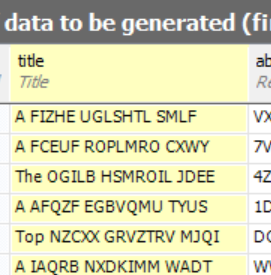
Not perfect, but better. Let’s clean up the words themselves, following some capitalization rules for titles. In this case, we’ll use a pattern like this:
[A-Z]{1}[a-z]{5}
Now I see something a bit better. This doesn’t make complete sense, but it does look like random word structures.
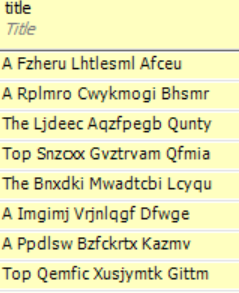
Let’s change the “Top” item to include a number. I can do that, but changing just the part of the OR (|) that includes Top. I’ll do that like this:
(A|The|Top [3-7]{1})
Now I see a number, randomly from 3 to 7, when Top comes up.
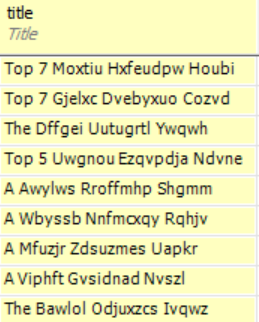
This still isn’t great. How about if I include SQL Server at the end? I’ll use a space, or something with SQL Server.
( |(in|for|on) SQL Server)
That shows me a random addition to SQL Server a the end of some titles.
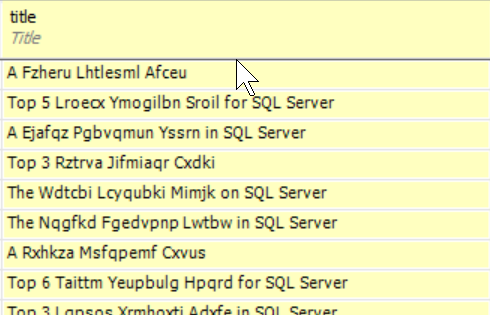
Getting better. I can even use the space or something to get the versions of SQL Server.
( |(in|for|on) SQL Server ( |2005|2008|2012|2014))
Now I see some interesting titles. What if I want real words instead of random ones? There’s nothing wrong with random data for testing, but if I’m actually trying to compare data values in queries, it’s hard to focus on and remember random patterns. I could use the same OR values.
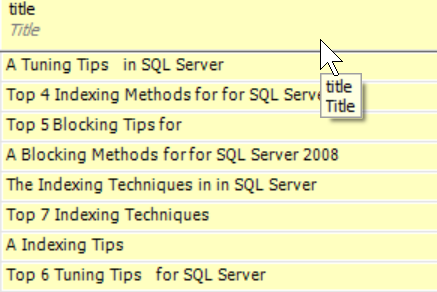
(A|The|Top [3-7]{1}) (Blocking|Indexing|Tuning|T-SQL) (Tips|Techniques|Methods) (for| |in) ( |(in|for|on) SQL Server ( |2005|2008|2012|2014))
Now I get some interesting, and perhaps memorable titles.
Have Fun
For much of our development work, the data itself doesn’t matter, but if needs to be easily discerned if you want to ensure that it’s easy to examine in queries. While random values work fine, I find them hard to deal with.
I like the idea of using random words. Often the results are still nonsense, but they can be fun to work with. They remind me of a set of magnets my kids have on the fridge. Each is a word that will get randomly combined with others for humorous sentences.
You can do the same thing with some RegEx and SDG.