Tag: career2

  • Powershell in a Month – Day 2, Help

    This is part of my Powershell Challenge, to learn more about Powerhsell (PoSh) using the Learn Windows Powershell 3 in a Month of Lunches book by Don Jones.

    Today was Chapter 3, Using the Help System. Another not-so-exciting topic, but one that does matter. There are a ton of commands to learn and use in PoSh and being able to get help on them is important if you are to develop code with any level of speed. Note I said code. This is scripting, it’s interactive, but it’s code. Whether you run it once or save it and schedule executions every minute, it’s code.

    The first point in the chapter is to RTFM, or “read the friendly manual”. The authors emphasize that using Google instead of help means you’re copying code, not learning about the code, and potentially stunting your development or even wrecking your production system with commands you don’t understand. As much as I love Google, I can understand the point here.

    One of the first things the chapter does is ask you to update help. However that didn’t work for me:

    Posh_006

    The book doesn’t talk about the CLI v the ISE, which is the problem. I found a post on MSDN that noted this works from Powershell, but not the Powershell ISE.  Once I went to the CLI, it worked.

    Posh_005

    I used to do UNIX work, and was forever typing “Man xxx” to learn about xxx. MAN is a wrapper here, as is “help” for the get-help command. I played around with some get-help stuff, using wildcards and tab completion. Both of which are handy. I can definitely see that learning to use help and tab is important.

    The rest of the chapter brings out various ways in which you can use help, including getting more details, getting examples, and going to the online pages, which are more up to date than your local copy might be. All good tricks to getting going with PoSh. Lots of example commands showing how to get help, and I ran most of these.

    The chapter was boring, but at the end when I got to the lab, I was surprised how little I know. As I tried to go through the lab questions, I wasn’t sure what was working and what wasn’t. I didn’t know if I was actually running the right commands, since things like “help *array*” worked. There are answers you can download from the morelunches.com site, and once I did that, I was able to check my results, and get help on a few items I wasn’t sure about. 

    I was surprised that I learned a few things, and I can definitely see that working with help is both important, and cumbersome. For example, the scrolling isn’t smooth in the ISE and the MORE piping from the HELP wrapper doesn’t work. Definitely something to practice on as I move through the book.
  • Powershell in a month – Day 1

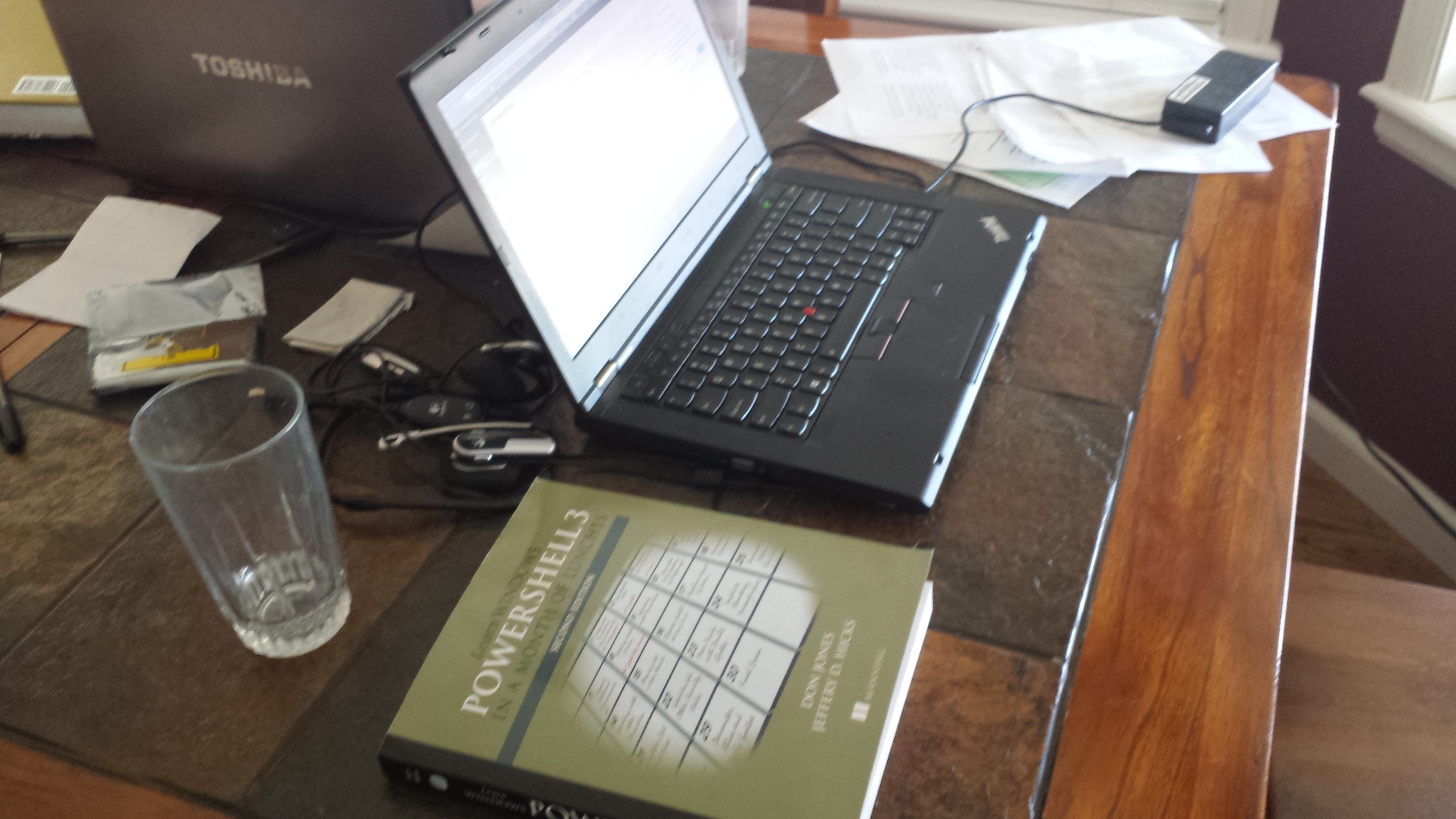
    I got started on Learn Windows Powershell 3 in a Month of Lunches at lunch one day. Working at home makes this easy as I have a computer and a kitchen near each other. In this case, a salad, a bowl of chili, and the laptop next to the book to get started. The picture below was post-chili.

    20131106_114540

    This is the first post in my Powershell challenge. I don’t expect to post every day as I travel, have vacation, etc, but I will post once for each of the days I work on this. At the end, I hope to have a couple PoSh presentations I’ll build as well as more incorporation of PoSh into my talks.

    Day 1

    I cheated slightly today. I read the first and second chapters here. The first was really a “how to use this book” and the second actually got me started. The first introduces what Powershell is, why it’s good, etc. It’s a good intro, but I’ve been through most of this before, I know something about the environment, and I’ve used it a bit for specific tasks. If you are new to PoSh, read this.

    I didn’t get much out of it, so I went into Chapter 2, despite the warning from the book not to do more than one a day. Instead, practice. I made an exception this first day.

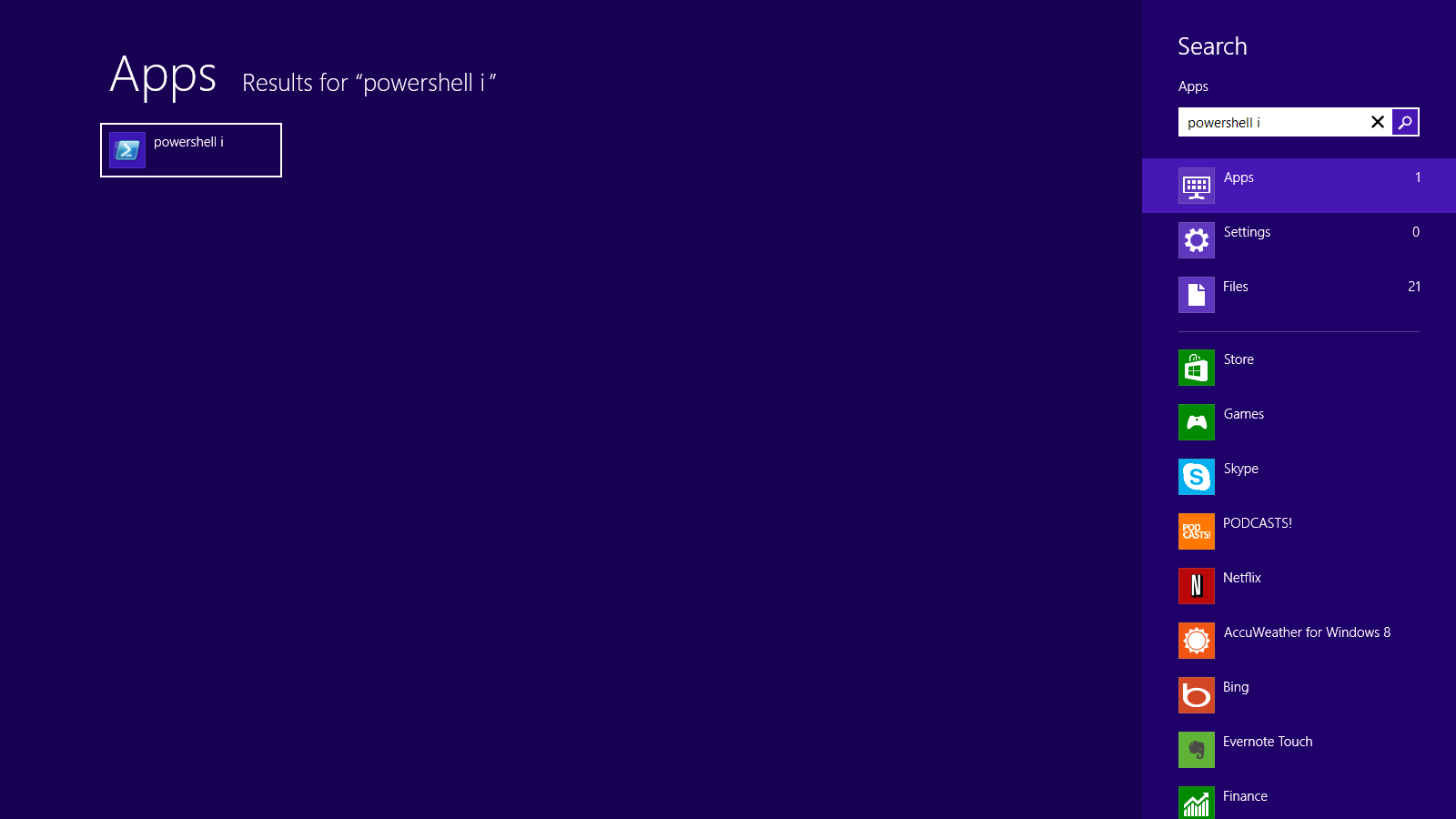
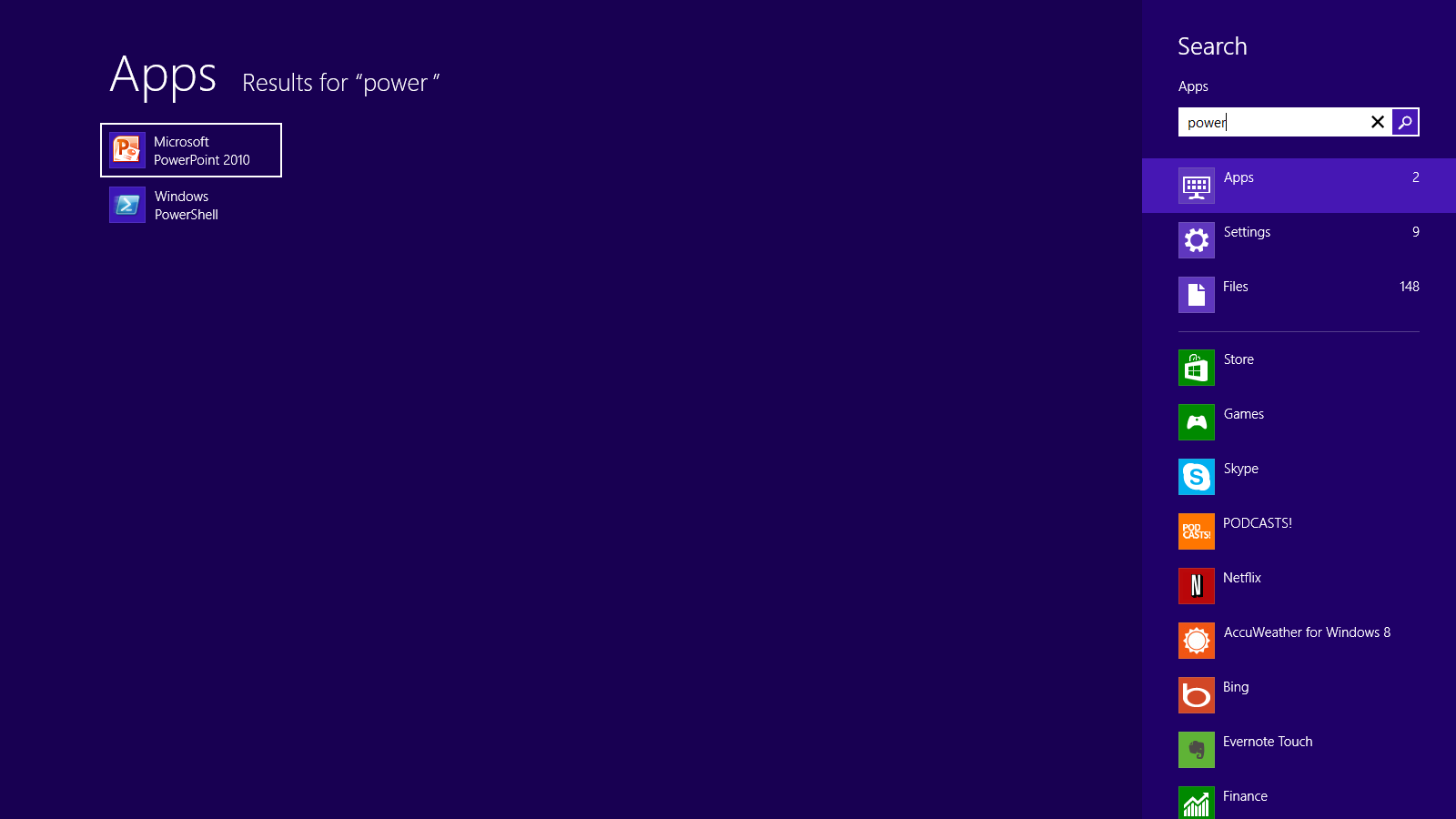
    The second chapter gets you familiar with how to set up your environment. As it mentioned, PoSh gives you two ways to work with it on most modern OSes. The command line or the Integrated Scripting Environment (ISE). I tend to use the ISE, but you can choose. In this case, I popped both open. One note here, I’m on Win 8 and if I hit the Windows key and type “power”, I see this:

    Posh_001


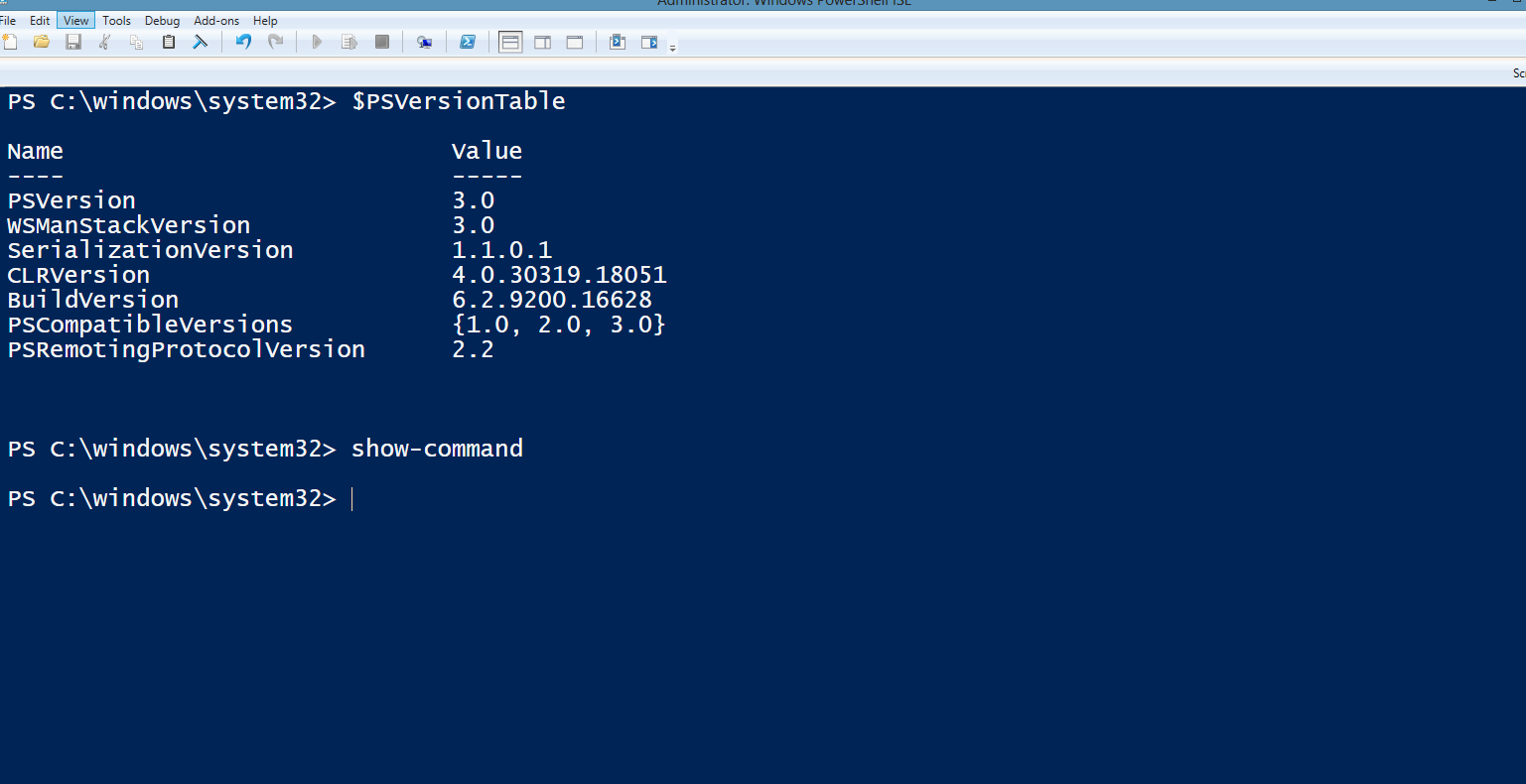
    There’s no ISE available. This is different on different machines for me. However if I finish “Powershell” and add a space “i”, I get the ISE. Not a bid deal, but an interesting item for me.

    Posh_002

    The second chapter really goes into getting the environment set up first. Choose large fonts, which is a must for older folks like me. I definitely plan to make this a part of any presentations I do. The chapter also emphasizes that typing matters and accuracy is important. PoSh is case sensitive and different separators, like the various grouping items, matter. These:

    ([{<

    are all different and you can’t mix and match them. Make sure you know the difference. It’s especially try for the single quote (‘) and the backtick (`). Learn the difference.

    No scrolling was another important point since you can lose things on the screen. For me, I set the font to 18, left the default colors, and then in the ISE, removed the command window and script editor. That left me full screen with the interactive shell.

    Posh_003


    From there, I played a bit with the way PoSh works. Typing part of commands, and then using Tab or Shift+Tab to cycle through commands. Using these keys to get folders, or parameters, or choices, was handy.

    Nothing really executed today, but I did play with various commands to see what happened. The one thing I did run was

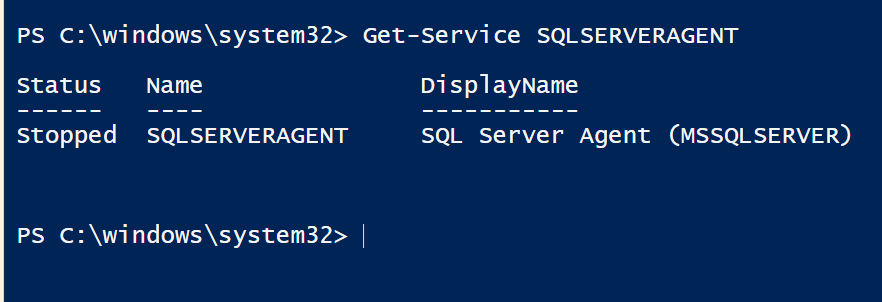
    Get-Service SQLAGENT

    I typed Get-s, hit tab to cycle through choices, and then entered “SQ” and tab’ed to get SQLAgent. That gave me the status of the service on my laptop.

    Posh_004


    That was the basic  learning for today. It’s simple, and a little boring, but it is stuff to know that will make future days easier and build some familiarity with the environments.

    Tomorrow, chapter 3.


  • The Powershell Challenge

    indexI’ve been wanting to do more with Powershell (PoSh). I’ve seen Allen White present on it for years, and I’ve dabbled in various ways, using it to handle small tasks. However I haven’t really committed to learning a bunch of PoSh.

    Last month I was with Grant Fritchey on the 2013 SQL in the City tour and in one of his sessions, he uses some Powershell to audit his SQL Server instance. I thought that was pretty cool, and it made me want to dig in further. At the end of his talk, he mentioned a book, and I decided to grab it.

    It’s Learn Windows Powershell 3 in a Month of Lunches from Don Jones. The name alone made me want to grab it, and it has a catchy title.

    My plan is to take time every day or two and read a chapter and work through exercises in the book. I really want to get more comfort in PoSh because I do believe in it and I think it’s a fantastic way to get things done. I don’t work at scale, but I suspect with a little practice I’ll be using PoSh more often for simple things and saving those scripts.

    I’ll blog along the way and see how things are going. Once I get through, I expect that I’ll be digging into more with other articles and books that deal specifically with SQL Server.

    The days in the Challenge:

  • Becoming an MVP

    I see a lot written about the Microsoft MVP program and the various impressions the MVPs leave in the community. It seems that the view of MVPs is mostly positive in the community, and I hope that I do my part to further that feeling with my actions.

    However, one shouldn’t work to become an MVP. Personally I think it’s not a goal for anyone to make or work towards. The MVP award is a recognition of your community service from Microsoft. It does consider what contributions you make technically to help others, but this isn’t a test to pass or an evaluation of your skills.
    I view the MVP as a side effect of the work I do. I enjoy writing about SQL Server and speaking at events to try and help people get better at their jobs, inspire them to try something new or solve a problem in a different way. I enjoy helping others, and being a part of this amazing SQL Server community.
    You can read articles on becoming an MVPMicrosoft gives guidance, and there’s even a Wiki article on it. However I’d say you shouldn’t even worry about this. Do the things you enjoy, the things that give meaning to your job. If Microsoft things those things are worth of the award, great. If they don’t, you should still feel a sense of accomplishment over what you’ve done.
    Steve Jones