This is part of a demo series I did for a customer workshop. I’m adding a little more detail and explanation of the demos of products I gave.
A long time ago Andy and I were chatting with the founder of Redgate. At the time SQL Compare use was growing and it was becoming one of the “must have” tools for any DBA. I suggested that having a separate way to getting just the dependencies for an object listed was a good idea. Redgate agreed and at some point SQL Dependency Tracker was released.
This post looks at one of the main uses I’ve found for Dependency Tracker: a picklist of things to examine.
Altering a Table
One of the common things a developer might do is change a table. In my case, I’ll add a column to a table.
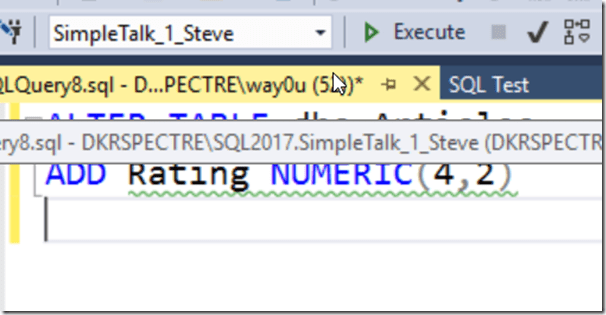
Once I do this, I might think I’ve fixed something, but what if there are dependencies? Could there be a view of other item I want to ensure gets changed? There might be. While I could run a query against sys.depends, that might not get me everything that I need.
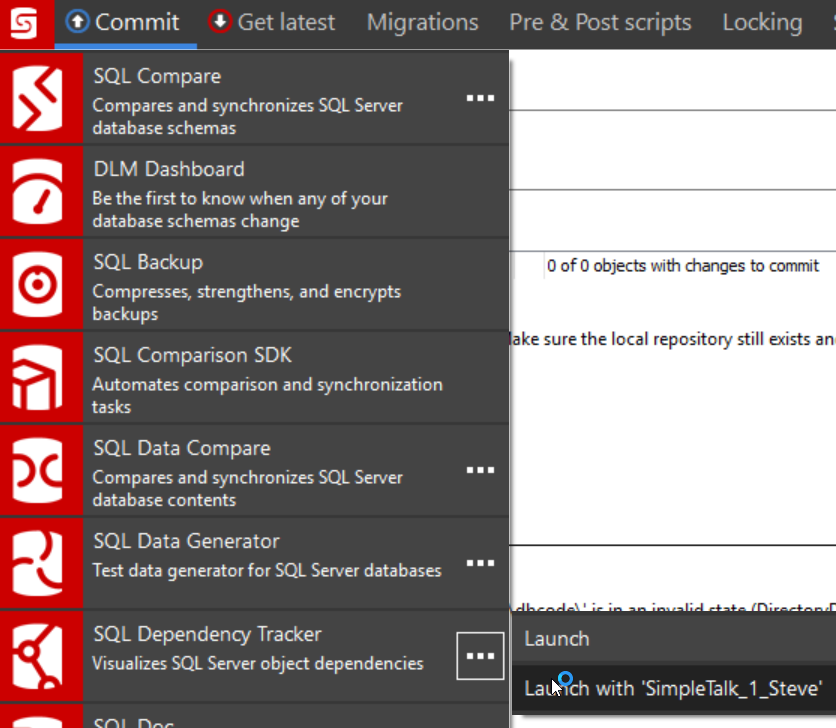
Dependency Tracker fulfills a need here and can make this process smoother. I’ll flip over to my SQL Source Control tab and click the icon in the upper left. I can use this integrated menu to launch Dependency Tracker with context, in this case, the database in which I’m working.

When Dependency Tracker launches, it will build a project out from my database, including a diagram. While this looks great, I find the diagram hard to use and navigate, especially when I’m in an unfamiliar database.
Maybe if Redgate bought me a 42” monitor for home, I’d feel differently (hint, hint).
In any case, this is the basic Dependency Tracker view
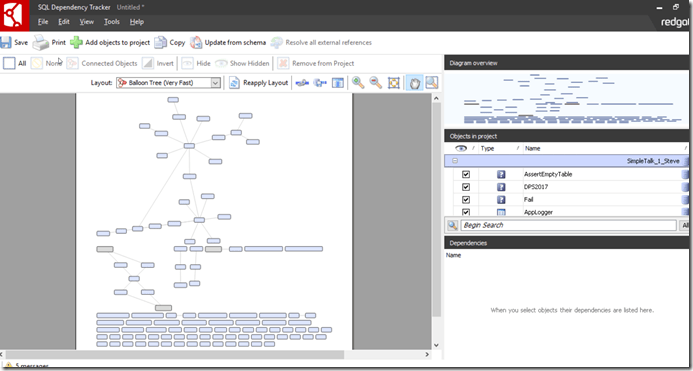
To me, the best part of the tool is on the right side. Specifically, the middle and lower panes. If I click in the middle pane, I can see my objects listed.
If I now start to type a table, say my “Articles” table, I can see the list of objects sorts down to matching items.
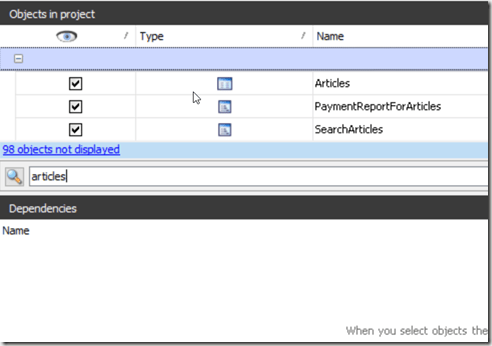
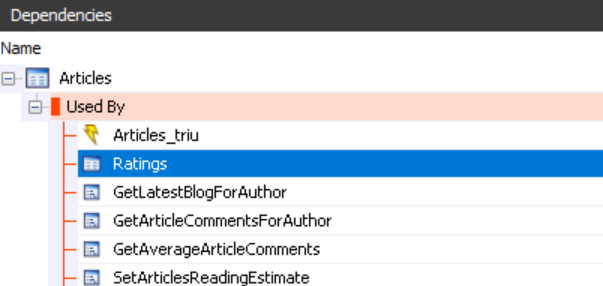
Nothing special here, but when I click on the object in the middle pane, the bottom pane fills. In this case, I see what items depend on my object.
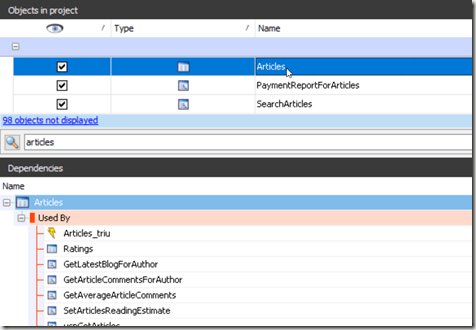
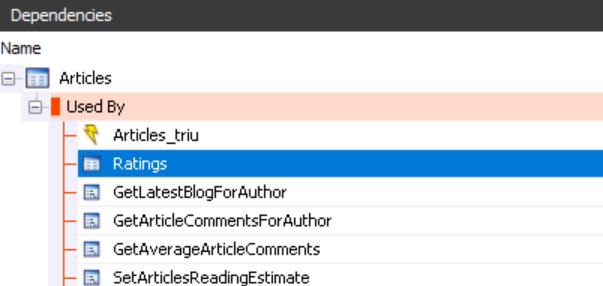
This bottom pane is where I find value. This is my picklist of things to examine. I can click on one of the items, and then go back to SSMS and find that item in SQL Search. I can see if I need to do work.
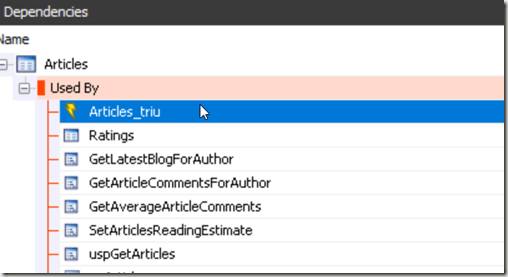
When I’m done, I ALT+TAB back to the Dependency Tracker screen and down arrow to the next item. In this way, I can walk down a picklist and try to ensure I don’t miss any dependencies. If I change any object, I can double click on it in the “Dependencies” window in Dependency Tracker and see if there are lower dependencies on that object.

Keeping track of work and ensuring I catch everything that might be affected by a change is an area that many developers struggle to do well.
Dependency Tracker is a great way of ensuring that you catch all the dependencies that might be affected by your database change.