Tag: Redgate

  • The 2026 Redgate Summit Series

    The last few years, Redgate has run a few Redgate Summits in different places. We’ve done one every year in London and added a few other cities along the way.

    This year, we have 4 scheduled (so far). The schedule is listed here, and I’d love to meet some of you at the events. I always enjoy hearing about people’s challenges as well as their complements and criticisms of our software. I find it invaluable hearing both.

    There may be another one or two coming, with plans up in the air, but we’ll see. Personally I like these events and I’d like to see us add one more in the late summer or fall.

    We run these Summits for customers to better get to know us and become closer partners. We want to meet our customers’ needs and ensure we are approaching our development in a way that helps customers get more value from our tools.

    A few of our tracks are generic, not necessarily related to Redgate, but they are full of topics that we think are important, and we present them based on our knowledge, research, and success. The advocates often run these tracks to bring our expertise to the presentations. We also have a Redgate track, where you can see specific solutions or ask detailed questions of our engineers.

    Hopefully you can join us at one of these events this year (or next year).

  • Monday Monitor Tips: SQL Auditing Preview

    One of the features we advocates have been advocating for is a better way to track security changes in your SQL Server instances. The first slice of this work is in preview (as of 12 Jan 2026) and this post looks at what’s available.

    This is part of a series of posts on Redgate Monitor. Click to see the other posts.

    Tracking Security Changes

    The first iteration of tracking security changes queried instances and databases for information, stored it, and then compared it with other queries to determine what had changed. This was done hourly, and worked well, but it could not determine exactly when a change was made.

    SQL Audit is made to capture this information in a lightweight way This works well, although the tooling (IMHO) is poor and hard to work with. Redgate Monitor is going to overlay this and make it easy for DBAs, InfoSec, and auditors to better understand what is happening in a SQL Server Environment.

    There is a new tab in Redgate Monitor Enterprise Permissions page that contains this data. This is listed as “SQL Audit” and you can see this below.

    2026-01_0105

    Each row in here gives the time of the change, as detected by SQL Audit. If I expand the first column, I can see the details. In this case, we have a regular workload running to change these so that the demo site has data, hence you are likely to see the same data every day on monitor.red-gate.com.

    2026-01_0233

    The last column in the right has the command captured, with PII redacted, as you can see here. The reason you may see only the CREATE LOGIN items and not DROP LOGIN is this first slice of work is just getting the additions, so you can catch those hackers trying to add accounts.

    2026-01_0234

    The SQL Audit documentation page explains how this works, and keep checking this as there is a team enhancing these features on a regular basis and adding more events.

    As with most of the pages in Redgate Monitor, you can filter and customize what data is displayed. You can also export your data as an csv file you can give to others. You have the option to get all data or just filtered data.

    2026-01_0235

    Summary

    This post shows how a new preview feature in Redgate Monitor Enterprise uses SQL Audit to gather data on specific actions that are being taken on your SQL Server instances. This is a useful feature many customers have requested and it is being actively enhanced, so feedback is appreciated.

    If you have feedback, please let us know as we value your opinions and comments on how we shape the future of Redgate Monitor.

    Redgate Monitor is a world class monitoring solution for your database estate. Download a trial today and see how it can help you manage your estate more efficiently.

  • Deploying an Updated Model with SQL Compare 16

    In a previous post, I deployed a model to a database using SQL Compare 16. This used a new feature in that connects to Redgate Data Modeler. In this post, I want to update my model, and again use SQL Compare to just get the changes deployed.

    There’s a video of this post at the bottom if you’d rather watch me work.

    This is part of a series on Redgate Data Modeler. This is also part of a series of posts on SQL Compare.

    Updating the Model

    As with the last article, everything was in sync with SQL Compare. You can see this below.

    2025-12_0099

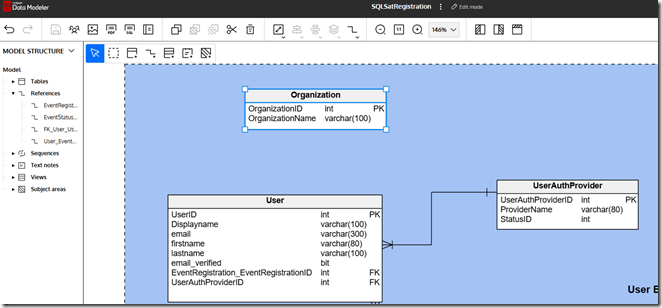
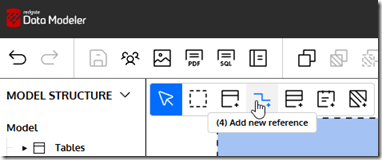
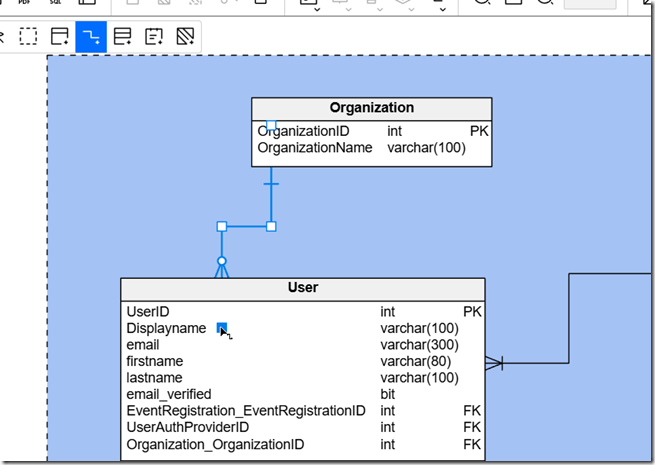
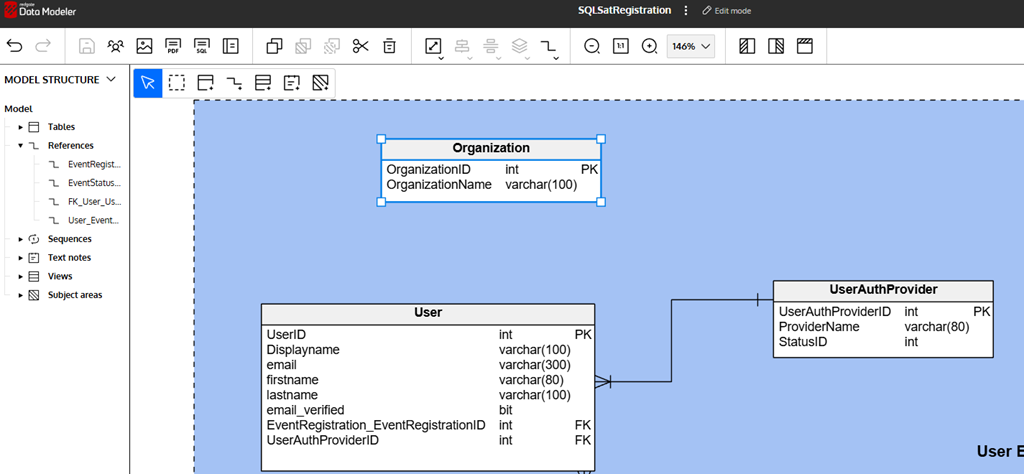
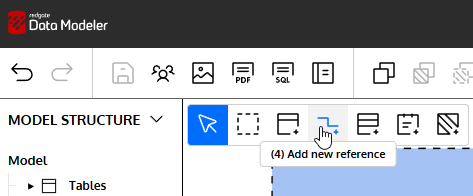
    Let’s alter a few things. First, I’ll add a new table. I wrote about this in another post, but I’ll click new table, click in the diagram and then fill in details. In this case, I’m creating the Organization table.

    2025-12_0101

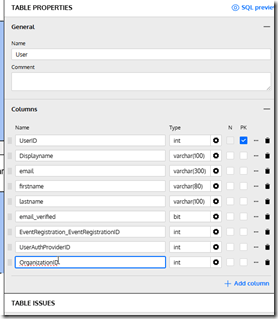
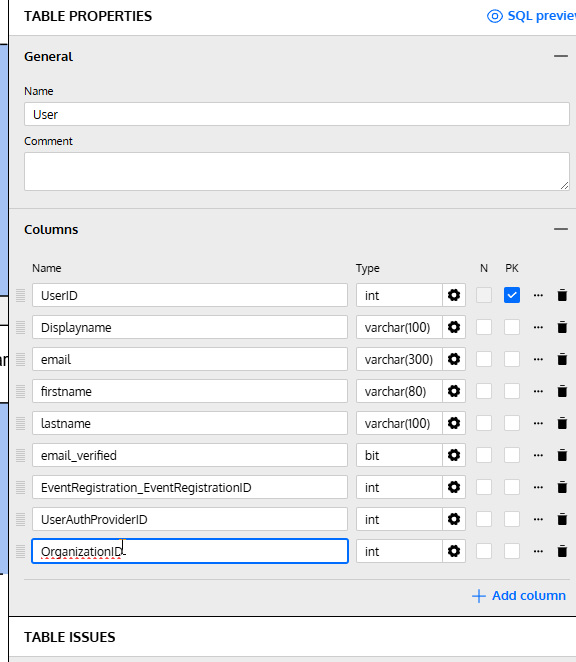
    I’ll also alter an existing table. I’ll click the “Add column” in the lower right of the properties blade after selecting the table in the diagram.

    2025-12_0102

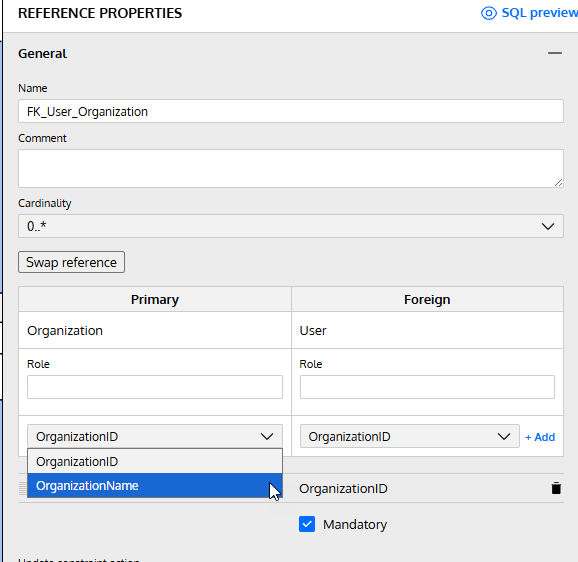
    I fill in some details here.

    2025-12_0103

    I’ve made my changes, so let’s now return to SQL Compare and click “Refresh” at the top. This re-runs the comparison and as you can see, I have some changes. My new table is listed at the top, and I’ve clicked on the altered table, UserAuthProvider. At the bottom, I can see the change in the diff view.

    2025-12_0105

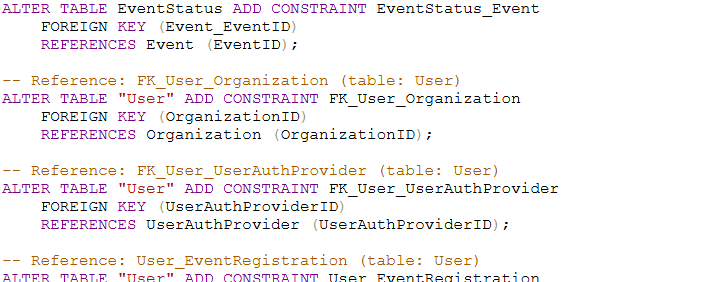
    I’ll click “Deploy” just as I did previously and run the deployment. Once it complete, I can see the changes in my database.

    2025-12_0107

    Summary

    If there’s one thing I’ve learned in many years of work, it’s that I’ll make mistakes in my design and I need to change things. Hopefully I catch these mistakes in development, but even when I do, I need to update my dev database.

    This post showed how I can adjust my model, or someone else can, and I can then pull the new changes into my database with SQL Compare 16.

    SQL Compare is an amazing tool that millions of users have enjoyed for 25 years. If you’ve never tried it, give it an eval today and see what you think. Give Redgate Data Modeler a try and see if it helps you and your team get a handle on your database.
    Video Walkthrough

    Here’s a short video of this post.

  • Looking Back at the Redgate 2026 Company Kickoff

    Last week I spent a few days in Cambridge, UK for the Redgate Company Kickoff. I landed at 1130a Monday and flew away at 1215p Thursday. I wish I could say it was my shortest trip to the UK, but I think it’s the 4th or 5th shortest.

    2026-01_0251

    Almost the entire company converged in the UK for the event. We haven’t done this in the past, with separate kickoffs in different regions in the past. This time I saw friends and colleagues from Australia, the Netherlands, Germany, UK, the US, and likely somewhere else.

    In fact we split this into two days. Day 1 (shown above) was Sales and Marketing with Day 2 being the Engineering, Product, and other groups. I was only there for Day 1. Day 2 was at the Redgate office with some meetings and our marketing group getting together. Plus a few breaks.

    2026-01_0254

    Monday was a whirlwind, though we managed to get two Simple Talks podcasts recorded. Look for them coming soon. Tuesday was a very early start for someone that had been up Sat/Sun in Denver at 530a, and now needed a 600am GMT wakeup. It was very dark as we headed to Bletchley Park. I think I look way more tired than Pat.

    2026-01_0249

    The kickoff was great. It felt more organized, and we are looking to focus more on things that help our customers find success as well as finding the customers that we can help rather than every customer out there. I like that we constantly talk about helping our customers as we look to grow the company.

    I walked around, talking tech, business, life, and Redgate with colleagues a bit at our break and saw a bit of the museum, but honestly I couldn’t focus. I was too caught up in what we didn’t do well last year and where we’re going. I managed a couple shots in the museum (Bombe below), but gave up quickly and went to find other Redgaters to talk to.

    2026-01_0253

    I wasn’t sure if it was worth taking everyone to Bletchley, but as we talked about our plans and then things customers want, the theme made more sense. We certainly know security is important, and maybe becoming more important, to many customers. Interesting tie ins as a few of our upper management people had relatives or family friends who had worked there during WWII.

    2026-01_0252

    I was up to late on Tue and Wednesday. Tue with my warrior daughter who was spending two weeks touring universities in Europe. It was great to have her come through Cambridge and us catch up for a few hours.

    2026-01_0257

    Wednesday was talks from Marketing in our office. The whole group was there and I led an AMA with the Advocates on various topics. It was interesting and always informative as I only lightly know how marketing works.

    2026-01_0258

    Dinner was with our team and then a late night chatting over beers with various others. I finally made it up to my room only to get a message from my wife. I called her and she asked me why I was up so late. It was 2am!

    A short chat and then a very short night as I have a 7am car to the airport. Fortunately I managed to sleep on the plane.

    I wasn’t sure if it was a good idea to bring the whole company together (its’s $$$), but afterwards I think it was. I’m glad we did and I’m looking forward to 2026.