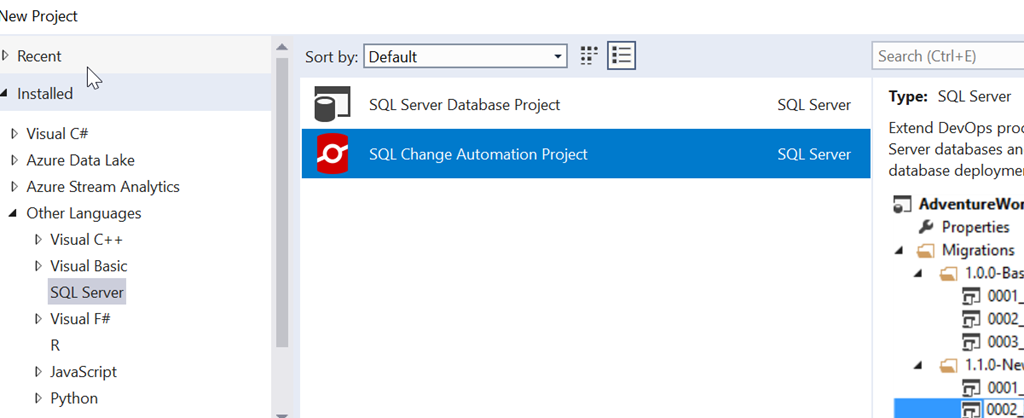
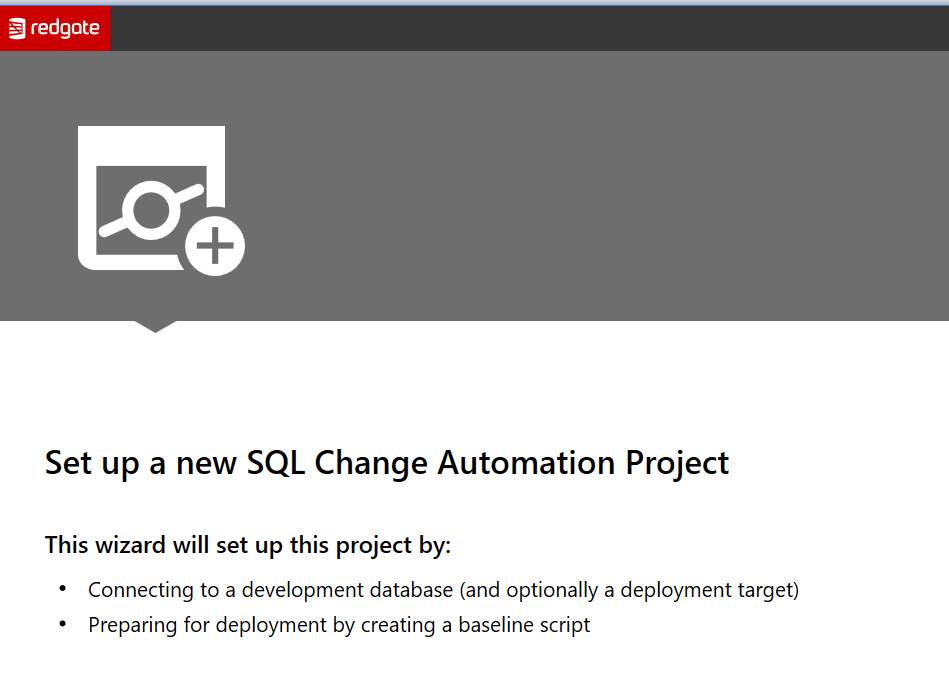
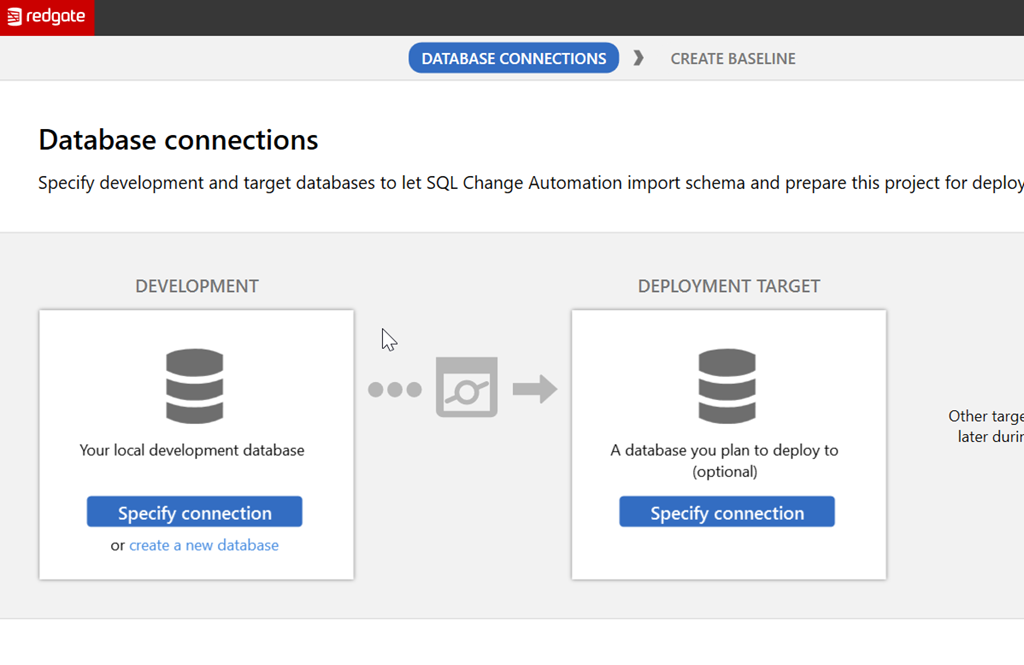
Tag: Redgate

  • Ten Years at Redgate

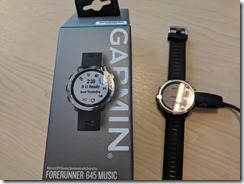
    This year was my 10th anniversary of working for Redgate. The actual date was a bit ago, but they held off my celebration until I came over. These are nice at Redgate, better than at some companies where I’ve seen someone in management just give a mention during a company meeting and a token gift. At Redgate we get a really nice gift, which was a Garmin Forerunner 645 for me.
    IMG_20180517_125604

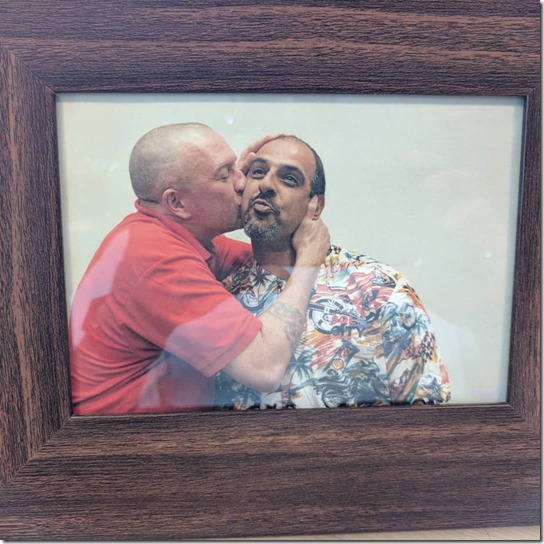
    At Redgate, the CEO comes around and does a 5-10 minute speech on the person, with some of his thoughts and memories, and also shares some stories that others in the company have sent in. There is usually a few embarrassing notes, and in my case, I got this picture, which is likely one that everyone thought would generate the most red from me. It didn’t, though I don’t think there are any really embarrassing pictures or video for me.
    IMG_20180517_125721_523

    There was actually another 10 year anniversary the same day, for Tom Austin. He got a nice bike to ride, and got to share an embarrassing karaoke video with the company. Tom definitely turned red.

    It’s interesting because I’ve known our CEO for almost the entire lifetime of his company, since 2002. He was the first customer of mine at SQLServerCentral and now almost 16 years later I’m working for him.

    He had some nice things to share, and I also got to stand up and speak for a few minutes about my memories and the times I’ve enjoyed with the company. It was nice.

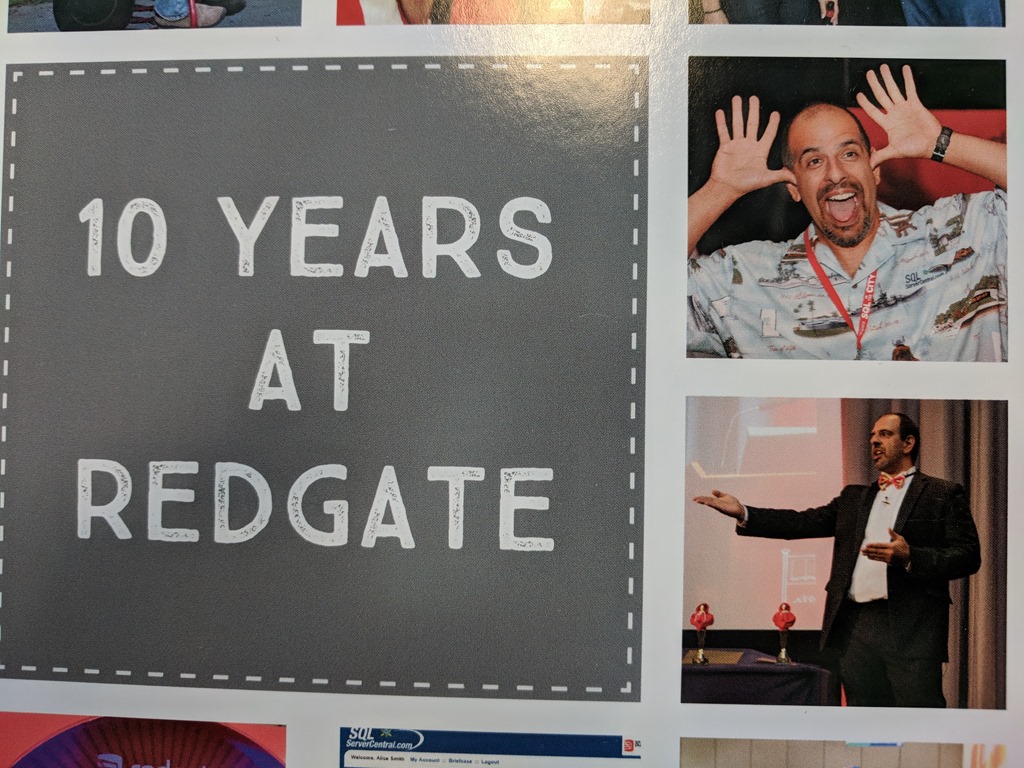
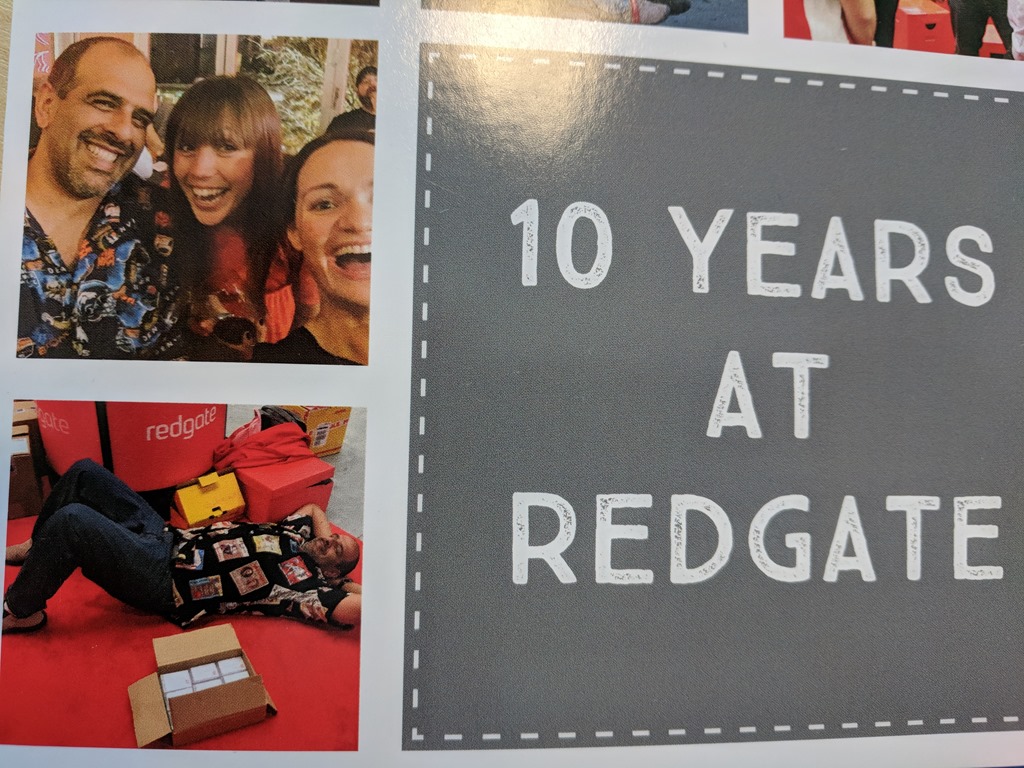
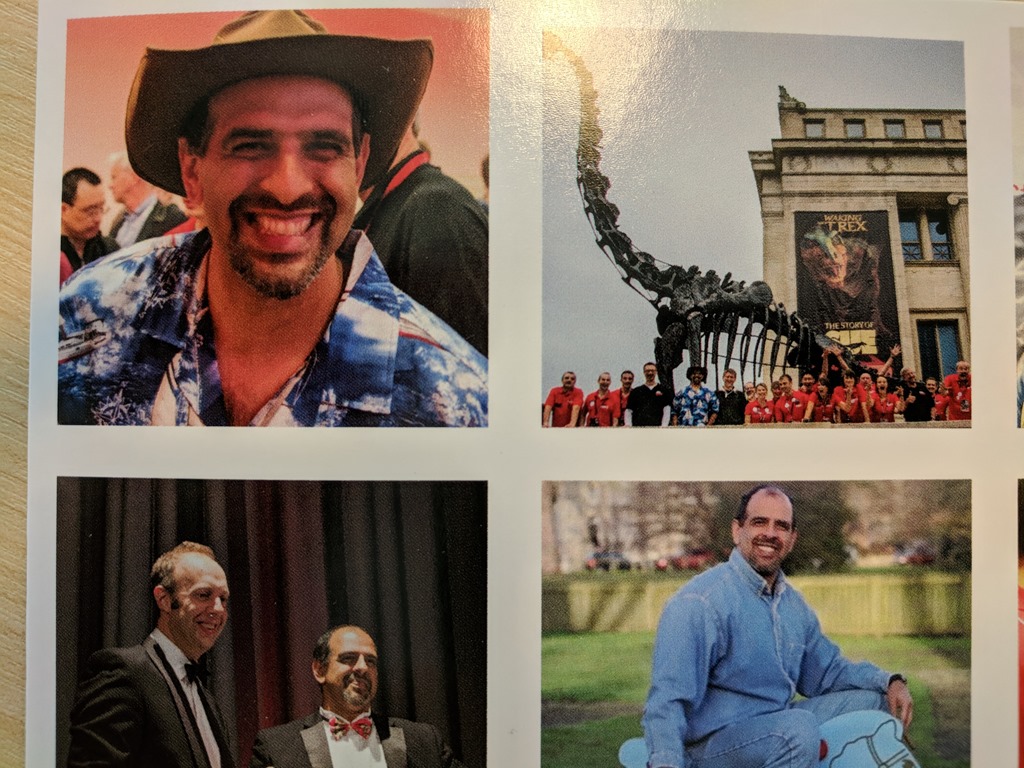
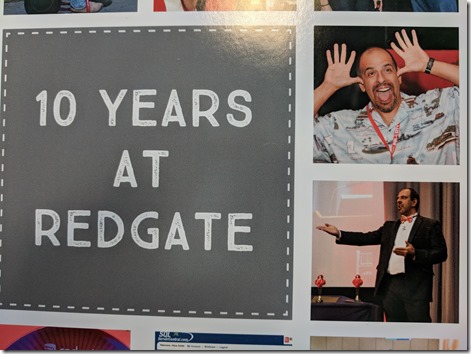
    I also got a large custom card, full of photos. Some memories from it:

    A goofy picture at some event. I saw a camera and made a face. It’s also neat to see myself dressed up for our annual awards at Christmas.
    IMG_20180517_132338

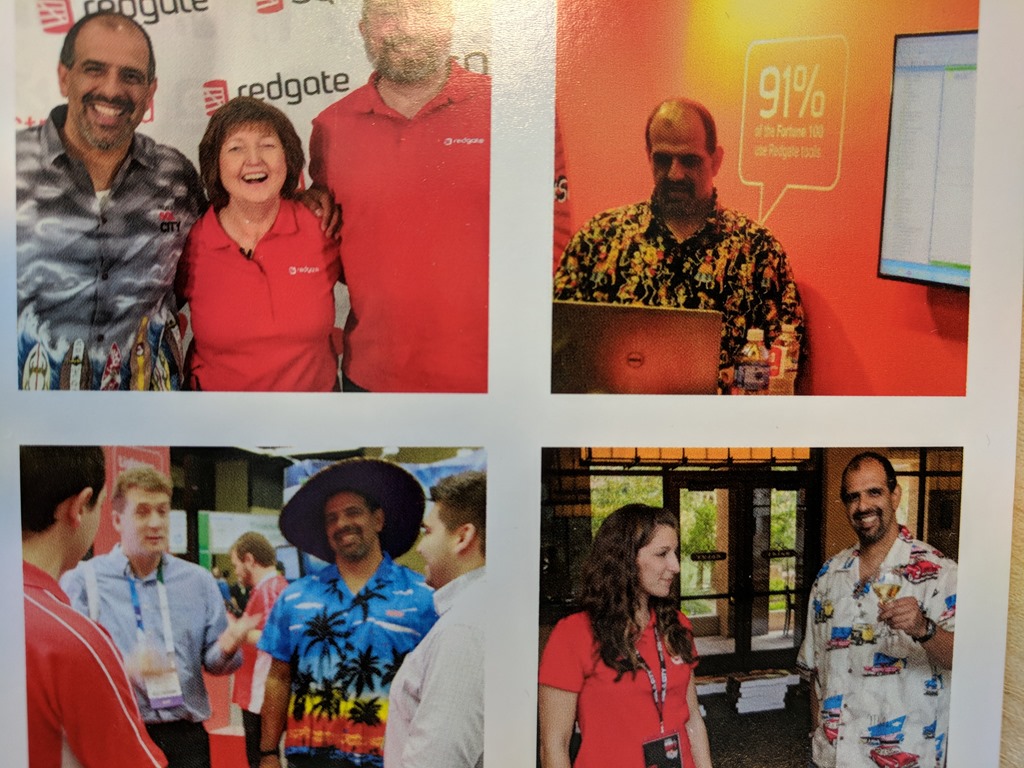
    So much of my time at Redgate has been events, many of which have gone off amazingly well thnks to the efforts of Annabel (center below). She and I have traveled all over the world to lots of cities, venues, restaurants, and even a few running trails. My boss, Alice (below right) has been to a few, and we’ve shared lots of good times. Sometimes that wears me out.
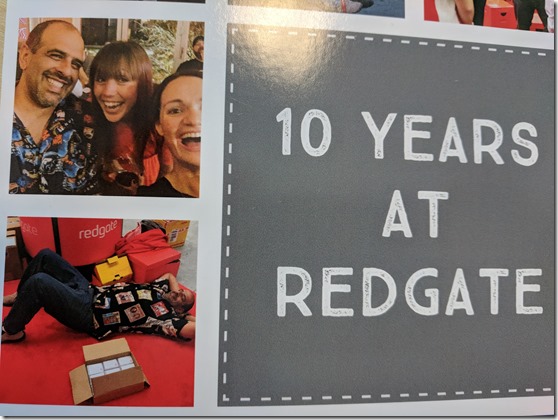
    IMG_20180517_132342

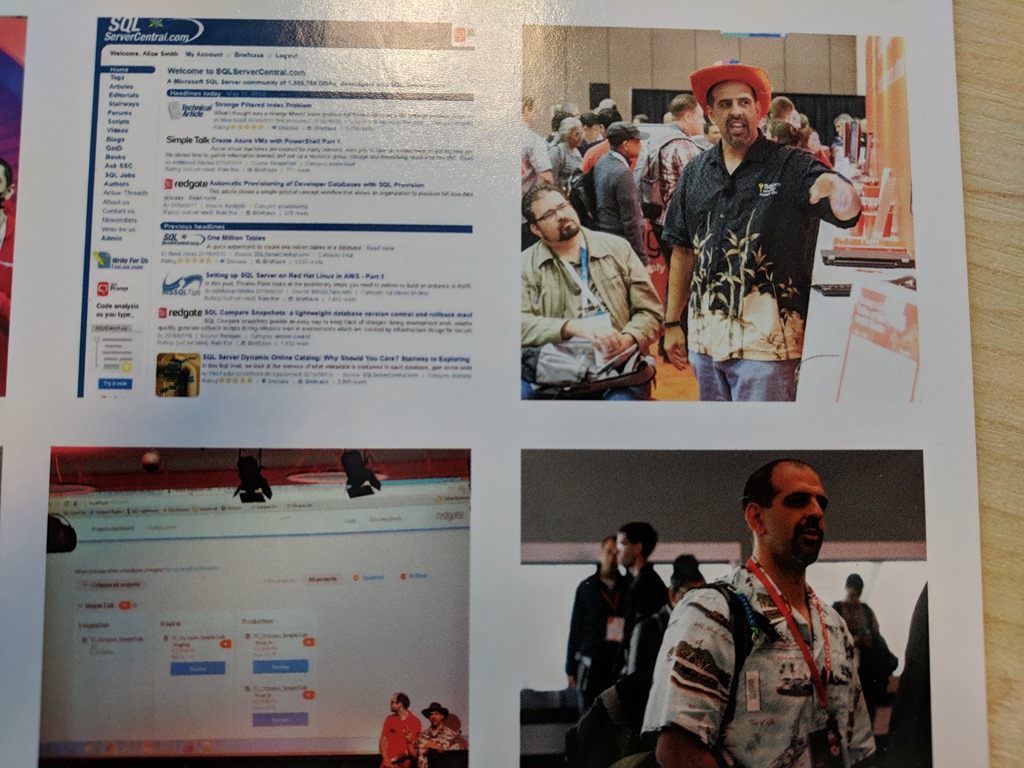
    SQLServerCentral is most of my career, but I definitely to get the chance to interact with customers and talk about our products. Of course, I’m on lots of stages, some of which are like speaking in a movie theater, which I’ve done as well.
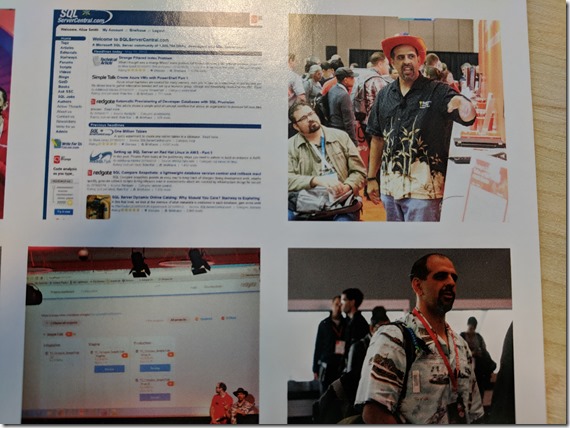
    IMG_20180517_132350

    The great Grant photo, but also some good trade show memories. My wife on stage with me at the Christmas awards. I’m thankful for all her support.

    IMG_20180517_132347

    The current evangelism team. It’s a goo done. Not sure where I got that hat, but it certainly fit with my outfit at the Pass Summit. I also have enjoyed the times I’ve traveled with Carly to lots of events. She is amazing, and I miss her support and work ethic this year as she’s on maternity leave. At least she came to the office one day and let me hold little Elliot for an hour.
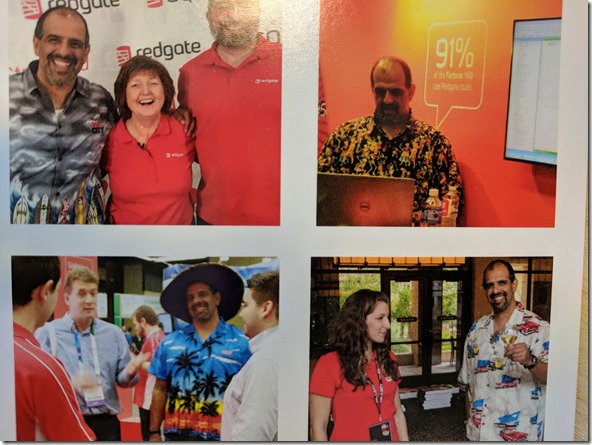
    IMG_20180517_132332 (1)

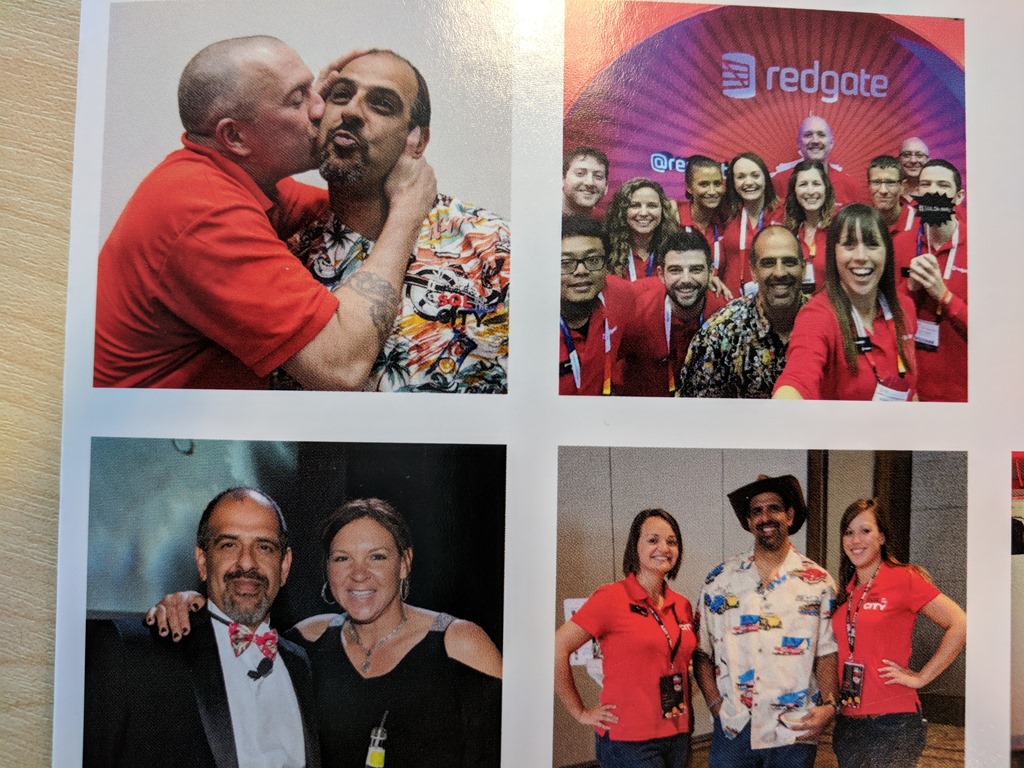
    I assume the top photos are from our 2012 SQL in the City tour of the US. The second one certainly is Chicago. Another great awards photo, which I was honored to host with our CEO last year.
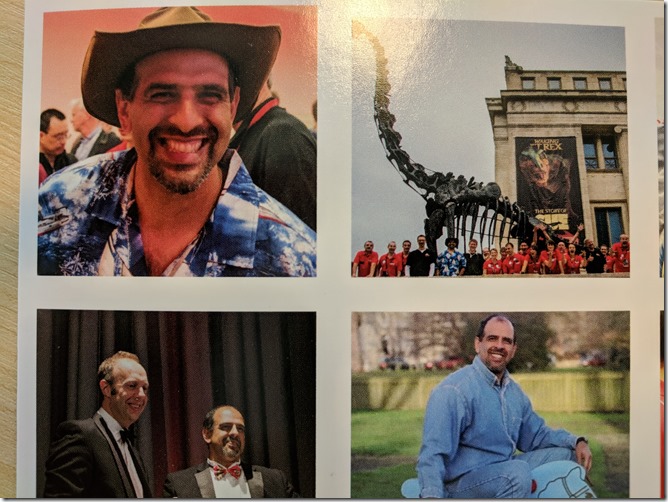
    IMG_20180517_132327 (1)

    And the infamous horse photo. For one of our promotions, we wanted some different shots around Cambridge. At one point we went to a playground, and me being me, I jumped on a tow horse. The photo guy took at bunch after being slightly shocked at my antics.

    Planning

    We track these dates and a month or so before, the person’s manager needs to start collecting stories and planning a meeting for the employee’s anniversary. It’s a combination of a tribute and a roast, which the employee gets some input into. They pick their gift, since we want them to have something they’ll use. They also get to decide who comes, the entire company, one group, etc.

    What’s strange with me is that I don’t know a ton of people in Cambridge, since I’m in and out, and we’ve had decent turnover. The guy that had his party an hour before me invited quite a few people, maybe 50-60. One of our popular IT guys had probably the whole company in Cambridge, well over 100 people, for his event a year or two ago.

    I also can’t always remember who I know and don’t know, and it’s been a busy spring, so I decided to stick with my small Marketing group. I was more concerned I’d think to invite 20 people and then forget about 10 more, so a small ceremony for me. That’s fine, since I don’t love the individual accolades.

    The work, which is a few people at random times across a month, and a few others that stop to think about their time with the employee and share stories, isn’t a lot, but it’s also not insignificant. This is a distraction, but it also helps us bond and be a little closer, celebrating a milestone together.

    More companies could learn from this. It’s probably a $1000 ceremony with the gift, and certainly with the CEOs time, but it’s worth it.
  • Reaching the Refactoring Redoubt with #SQLPrompt

    I enjoy themes, and when I ran across the SQL Prompt Treasure Island, I had to take a few minutes and go through it. I wrote about Code Snippet Cove first, and this post finishes my movement around the map. The other items I’ve read about are:

    Refactoring is Hard

    One of the things that I struggle with, and I think many others do as well, is refactoring. Not that refactoring or changing code is hard, but remembering to get all the various places changed can be a challenge. It seems that any refactoring might change an item in three or four places, but then forget one more, which leads to bugs and embarrassment.

    Fortunately, SQL Prompt has a few things to help. Smart Rename is one of these, which will let you know about all of the dependencies and places where code will change. This makes quick work of renames, which is something I’ve appreciate in other languages, but not T-SQL before this.

    Note that renaming objects is still disruptive and can break connected applications, so this still should be undertaken with care, and in synchronization with renaming the objects in application code.

    There are also the renaming of variables, which can be helpful when you realize that your short or obscure names aren’t helpful to others on your team.

    Perhaps my favorite refactoring feature is the Encapsulate as New Stored Procedure. I think more people should be using stored procedures, and while we might experiment and develop code as a batch or query, we want to move this to a stored procedure. This feature makes this simple for developers, and it’s one you should ensure they know how to use.

    There are other items in the treasure map, many of which are useful, but you’ll want to practice with them and decide which ones are most useful and helpful in your daily work.

    If you haven’t tried SQL Prompt, download an eval today and give it a go. I bet you will love it and ask for your own copy.

  • Relaxing on the Tab Management Terraces with #SQLPrompt

    I enjoy themes, and when I ran across the SQL Prompt Treasure Island, I had to take a few minutes and go through it. I’ve written about a few of the other items on the map:

    Tabs, Tabs, Tabs

    If you’re like me, you have a lot of tabs open in SSMS all the time. In fact, sometimes I think I have far too many open at one time. Likely that’s a sign of some distraction and too little focus, but it’s a habit that goes back through decades of SQL work for me.

    I used to love isql/w, as a very stable editor for my work. When Enterprise Manager came, I still often used isqlw. SSMS came along, I wasn’t thrilled at all, as it was a big, heavyweight tool. I’ve grown to like it and I feel comfortable, but I still have crashes at times.

    That’s where tab management comes in. SQL Prompt reopens my tabs, which I greatly appreciate, especially as I don’t always remember to save some random code I’m testing. Usually lots of development stuff is in a database, but having the tabs open automatically is a life saver.

    I don’t often use the Tab History item, but it is handy. I ought to use it more, because it is a good way to look back through work I’ve been doing and sometimes find a piece of code that I’m searching for.

    The coloring is great, especially as I work on a lot of different databases. Many times the color fades into the background, so it doesn’t necessarily help me with not working on the right instance/database, but when I wonder if I’m on a dev or test system, coloring is really helpful. Plus it looks great in demos and keeps the audience focused.

    SQL Prompt has lots of great features, many of which I’ve written about. After formatting and intellisense, this is the thing that I use most often.

    Give SQL Prompt a try. You’ll love the way it helps you write code.

  • Randomizing Names with Data Masker

    Data Masker for SQL Server is pretty cool. It can reduce your attack surface area and exposure under the GDPR or any other regulation. There are plenty or rules and templates to help you anonymize data, in ways you might not have expected. Data Masker is a part of SQL Provision and the SQL Data Privacy Suite.

    In this post, I want to show you a common technique that can be used to anonymize names. That’s a fairly common requirement for many datasets, and Data Masker makes it easy.

    Last Names

    Since Redgate is a UK company, we call last names, surnames. These might also be family names in your culture, but these are the common names shared by everyone in a family.

    In any case, there is a series of datasets for last names/surnames. If I look through the list, I see these:

    • Names, Surname Suffixes
    • Names, Surname Titles
    • Names, Surname Titles (Short List)
    • Names, Surnames, Random (DE)
    • Names, Surnames, Random (PT)
    • Names, Surnames, Random (ES)
    • Names, Surnames, Random (FR)
    • Names, Surnames, Random (Large List)
    • Names, Surnames, Random (NL)
    • Names, Surnames, Random (Short List)

    Each of these is a file with a list of names. The encoding is binary, but if you choose one, you can click the “Sample” button to see some of the entries. For example, here are the Last Names (Large List) sample:

    2018-05-04 11_07_30-Example Values from Names, Surnames, Random (Large List)

    There are country oriented sets and then a large and small list of English names. In this case, I’ll map the large list to my customer_lastname column. I could make these all upper case or choose unique values if I choose. I won’t here.

    2018-05-04 11_32_54-New Substitution Rule

    I could also use the WHERE Clause and Sampling tab to limit the replacements. The default it to replace rows where the value is NOT NULL or empty.  I won’t bother and I’ll just create this rule.

    First Names

    Replacing first names is a two stage process, or it can be if you care. Gender can matter with first names, so the process can be one of two methods:

    1. replace gender = ‘F’ with female names
    2. replace gender=’M’ with male names.

    This is slower as it requires checking in both passes. A better solution might be:

    1. replace all rows with female names
    2. replace gender=’M’ with male names.

    In this case only one set of checks is made in the second step. I’ll do this.

    First, I’ll modify the existing substitution rule to add customer_firstname to the list of replacements. In this case, I’ll choose the Names, First Names, Female as the data set.

    2018-05-04 11_52_57-Edit Substitution Rule 

    I’ll leave the WHERE clause alone and save this rule.

    Once this is done, I’ll create a new substitution rule. For the dataset, I’ll choose male first names.

    2018-05-04 11_54_14-New Substitution Rule

    Once this is done, I want to limit replacements, so I’ll go to the WHERE clause tab and enter a valid T-SQL clause:

    2018-05-04 11_54_40-New Substitution Rule

    I’ll save this rule and then I see this:

    2018-05-04 11_55_59-Data Masker for SQL Server

    Both rules are listed in order, but there is no linkage. My data masking can potentially run these two rules in parallel. I don’t want that. The second rule depends on the first one having run.

    I can add a dependency by dragging the lower rule onto the type of the upper rule. The object behavior is a little funny here, so experiment with “grabbing” the lower rule by clicking on it and holding, them moving it up. You should end up with an indent, signifying dependency.

    2018-05-04 11_56_08-Data Masker for SQL Server

    Now I’ll run the masking set, after querying the table in a window. Once the masking is run, I’ll open a second window in a vertical tab and re-run the same query. You can see the before and after below:

    2018-05-04 11_59_40-SQLQuery2.sql - (local)_SQL2016.DataMaskerDemo (PLATO_Steve (65))_ - Microsoft S

    This is a basic look at a multi-stage process to anonymize data in a way that makes sense to your application. Using this technique, I can get production like data in lower environments, without using production data.

    Data Masker does some really interesting things as far as cleaning and masking data, so I’d suggest you give this a try as a way to process your lower environments.

    If you have questions or want to see other masks, let me know. I also have other articles on Data Masker if you’re interested.