Tag: syndicated

  • Searching for People

    Inside Redgate Software, someone posted a picture and was asking if anyone knew who the person was. In this case, there had been a conversation at an event, and a picture was taken, but our employee couldn’t remember the individual’s name to whom they’d spoken.

    This happens a lot, especially to me. I’m really good with faces, and often remember what we talked about, but I’m horrible with names.

    Someone suggested an image search, so I decided to give that a try and see what happened. For privacy reasons, I won’t put the person’s image here, but use mine instead.

    Google Searches

    Google will perform image searches, but it’s not doing facial recognition. They talk about that somewhere, but I’ve seen that listed a few times for privacy reasons. I took a picture of myself and decided to test this.

    First, go to the Google home page. In the search area, you can see an icon, which lets you pick image search.

    2023-07-28 12_05_11-Google

    If you click this, you can upload an image.
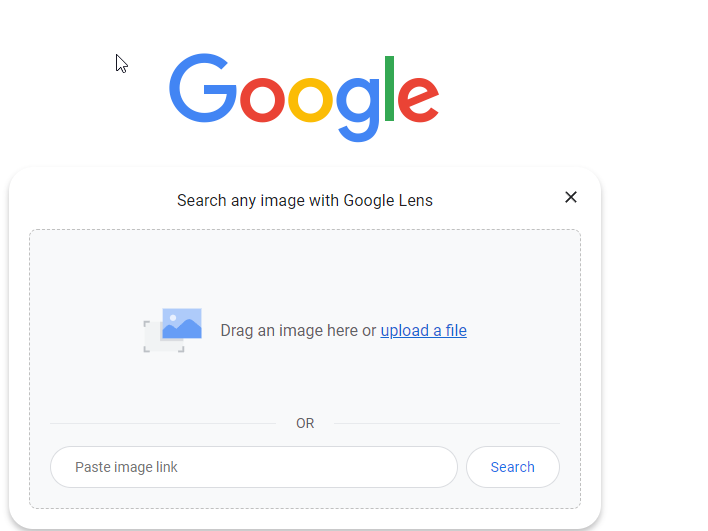
    2023-07-28 12_05_14-Google

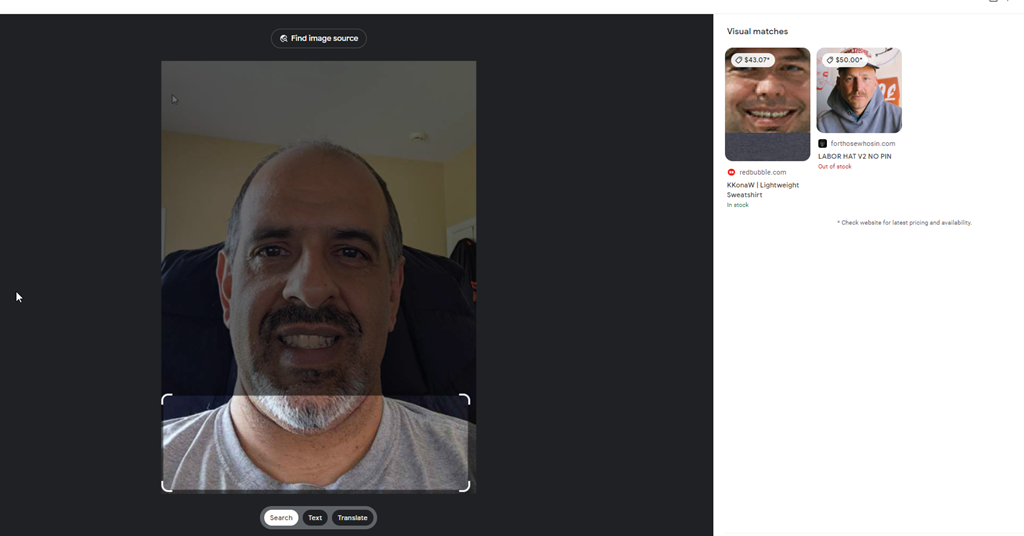
    I did that, and it clearly wasn’t looking for a person, but rather a shirt. My results are shopping oriented, and not good.
    2023-07-28 12_05_22-Google Lens

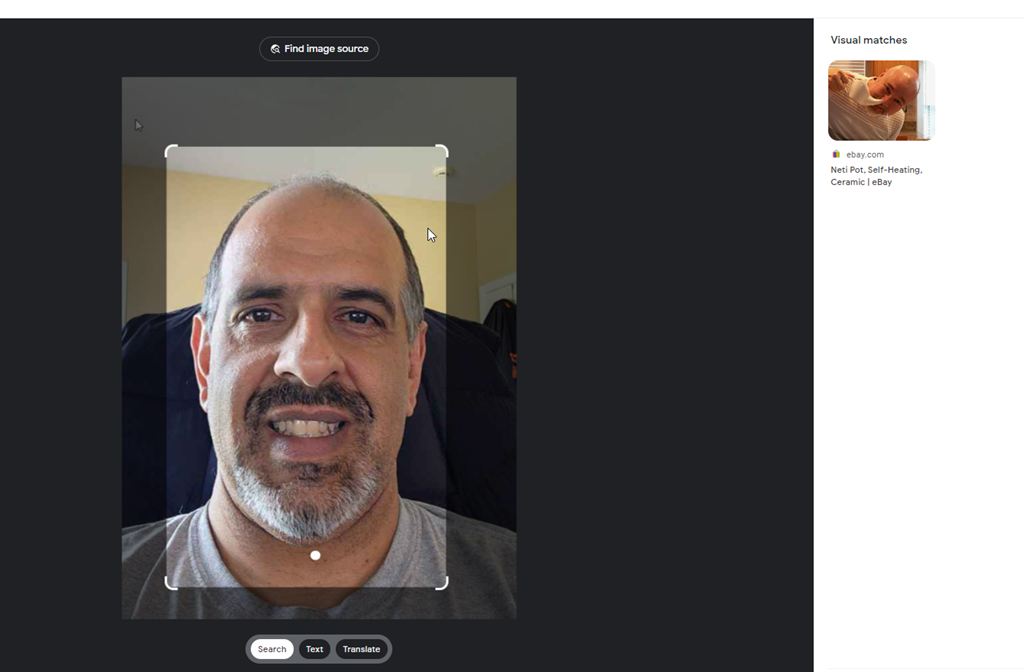
    Of I change the focus, it’s still bad.
    2023-07-28 12_05_54-Google Lens

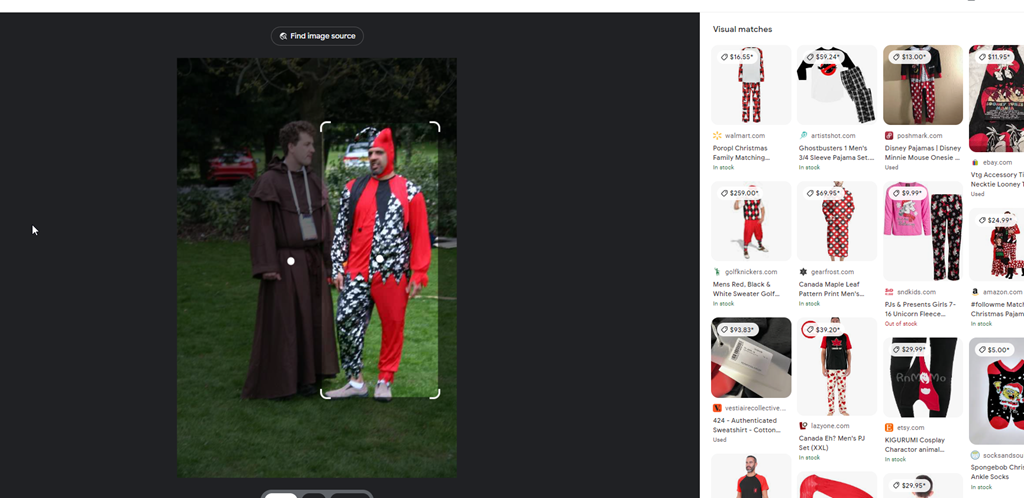
    Supposedly it’s looking to match real images, not people, so I’ll give a photo I know is on the Internet. I know because I searched in Google for this image with text, and then screenshot’d it.

    The initial focus was on Simon’s robe, but even changing this to me, it doesn’t find this picture.
    2023-07-28 12_06_43-Google Lens

    Google isn’t great here. I think because it’s really looking for something to buy. Good if that’s your focus, less helpful here.

    PimEyes

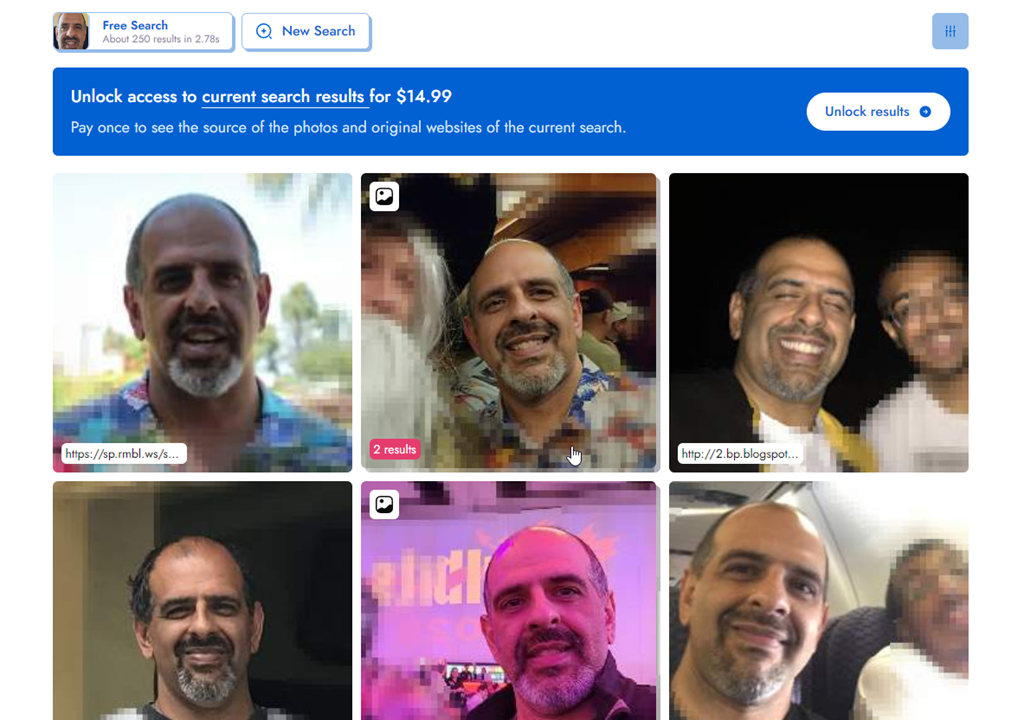
    There are other engines. PimEyes is one. This is a paid service, but I uploaded my first picture, and saw these results:
    2023-07-28 12_20_17-Look at the face I found with PimEyes! Try it yourself on PimEyes.com! _ PimEyes

    I like that they’ve blurred out some of the others, and instead focused on me. These are all pictures of my, and if I paid, I assume they would have my name. If I scroll down a bit, I’ll see some URLs, like my blog site, which would help me figure out where to find this.

    2023-07-28 12_55_51-Look at the face I found with PimEyes! Try it yourself on PimEyes.com! _ PimEyes

    I only had 3 free searches, but this seemed to work well.

    TinEye

    TinEye is another engine. This one was less useful than Google.
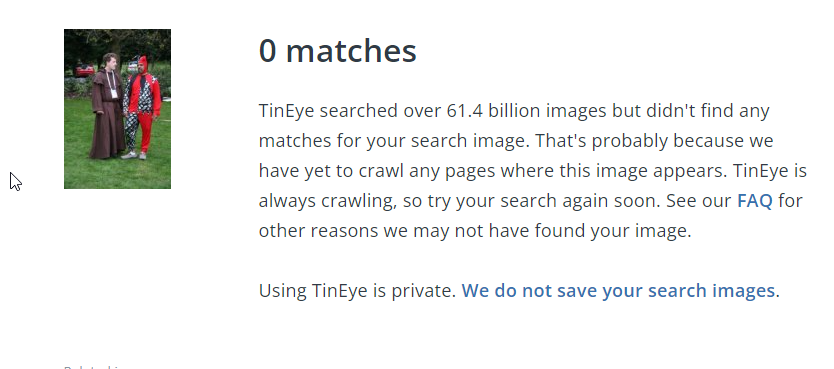
    2023-07-28 12_57_46-0 TinEye search results

    FaceCheck.ID

    I tried https://facecheck.id/, which made me feel like a Private Investigator. I had to agree to terms, meaning I won’t do this for nefarious purposes, and then also fill out a puzzle captcha.

    2023-07-28 13_00_47-FaceCheck - Reverse Image Search - Face Recognition Search Engine

    My request was queued, as I’m guessing they only have so much compute that they share amongst people that want to the service. Once the search started, it was interesting. Face flying by my image.
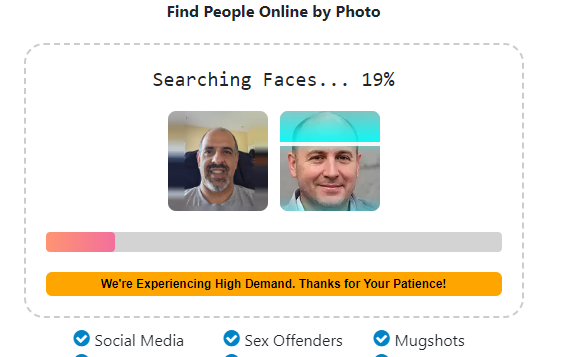
    2023-07-28 13_02_40-FaceCheck - Reverse Image Search - Face Recognition Search Engine

    When this was done, I get some great results. With rankings.
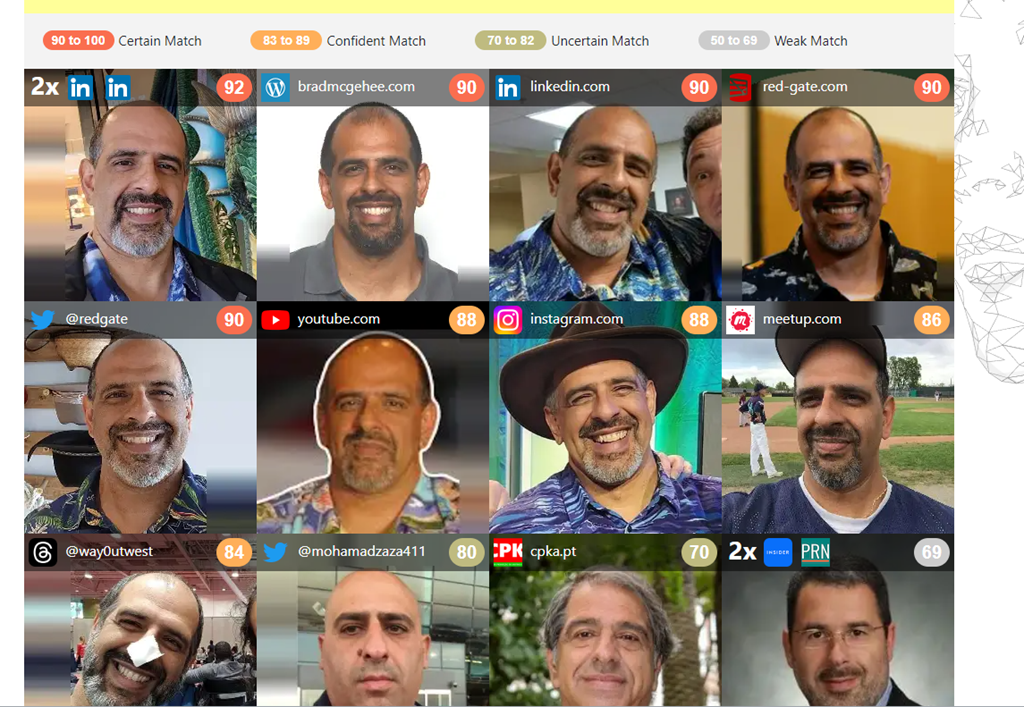
    2023-07-28 13_03_16-FaceCheck - Reverse Image Search - Face Recognition Search Engine

    The lower ones clearly aren’t me, and the rankings are in the 60s, though the lower left ranks a 68 and that is me. The lower ones made me laugh a bit. Do I look like these?

    2023-07-28 13_04_29-FaceCheck - Reverse Image Search - Face Recognition Search Engine

    Privacy Concerns and the Future

    I don’t know where this will go, but more and more people are being captured in images and uploaded to the Internet. Even if you don’t do this yourself, if you go to public places, especially while traveling, who knows if someone taking their own photo will capture you and upload your image.

    Certainly many governments and even private companies do this, though often their results aren’t uploaded to the public Internet. Not that they aren’t or that those images are safe, but hopefully those aren’t easily searchable.

    I don’t know how we get around things, but I do like that lots of companies don’t want to allow AI bots to search their content and are limiting API access. I appreciate that in this case.

    Conclusion

    Looking for someone is interesting and I was surprised both how hard it was and how easy.

    If you haven’t looked for yourself, give it a try. I wonder what you find.

  • Fill Out The State of the Database Landscape Survey and Maybe Win

    If you’re like me, you sometimes wonder how different other environments are from the one I work in. Well, the ones I used to work in. These days I see lots of customers environment, build PoCs, and help them solve problems, but I don’t have much of an environment for myself.

    We’re taking responses for the State of the Database Landscape survey. http://rd.gt/survey Share your thoughts on platforms and what your org does. This survey is

    I’m trying to get Redgate to offer some prize, but I’ll do one from my SQL Server Central budget (if I can slip it in). I’ll get a list of responses and pick 4 people from those that leave their name and email at the end. You have to fill out the survey and share the link on socials somewhere.

    Spread the word, and you send me a link of where you’ve shared the contest (LinkedIn, FB, Twitter, Thread, etc.) then I’ll add an extra entry in my contest for each share. I’ll pick people who fill out the survey and have shared it and send each a USD$25 Amazon GC (or Starbucks or other major brand).

  • Decrypting Stored Procedures The Cumbersome Way

    I had a client that was struggling with some encrypted stored procedures. They needed to decrypt them, which I know is a pain in the #@$%@#$@#$#@. I had to do this one. This post shows how I sent them some code to do this.

    Note, SQL Compare 15 does this easier and simpler. If you own it, I’d use that instead. A future post will show how easy that it.

    Setup

    I tested this on SQL Server 2017/2019/2022. I don’t have older instances handy, so I can’t verify that for those. However, I ran this code in databases on each instance:

    CREATE OR ALTER PROCEDURE dbo.DecryptionTest
    WITH ENCRYPTION
    AS
    SELECT 2 AS Two;
    DECLARE @i INT = 1;
    IF @i = 2
       SELECT 3 AS Two;
    ELSE
       SELECT 2 AS Two;
    GO
    CREATE PROCEDURE [dbo].[DecryptionTest2]
    WITH ENCRYPTION
    AS
       SELECT 2 AS Two;
    GO

    I had shown how to detect these are encrypted in a previous post.

    Decryption

    I had initially sent the client these links, since I was sure they’d worked at one point. I thought that SQL Server 2000 and earlier had a different algorithm. Don’t quote me on that and there’s so much Google-noise, I can’t verify this.

    Those links don’t work, and I can only guess that either I had used different procs or these were edited.

    In any case, I found a gist here: https://gist.github.com/jstangroome/4020443

    This has code that does work. I ran this on my instances, and I got similar output to this on all instance:

    2023-07-21 12_54_19-SQLQuery3.sql - ADMIN_ARISTOTLE_SQL2017.Compare2 (ARISTOTLE_Steve (53))_ - Micro

    I didn’t clean this or try to extract the value from the XML, but for the client this worked.

    It’s not the cleanest or best way, but it does decrypt the procs I’ve created.

  • Friday Flyway Tips: Searching Migrations

    When a Flyway Desktop (FWD) project (or Flyway project) has been around for a long time, there can be a lot of migration scripts. That can be a pain for users, but there is a way to find your changes or limit what you see. This post looks at how to do this starting with Flyway Desktop 6.5.4.

    I’ve been working with Flyway Desktop for work more and more as we transition from older SSMS plugins to the standalone tool. This series looks at some tips I’ve gotten along the way.

    A Busy Screen

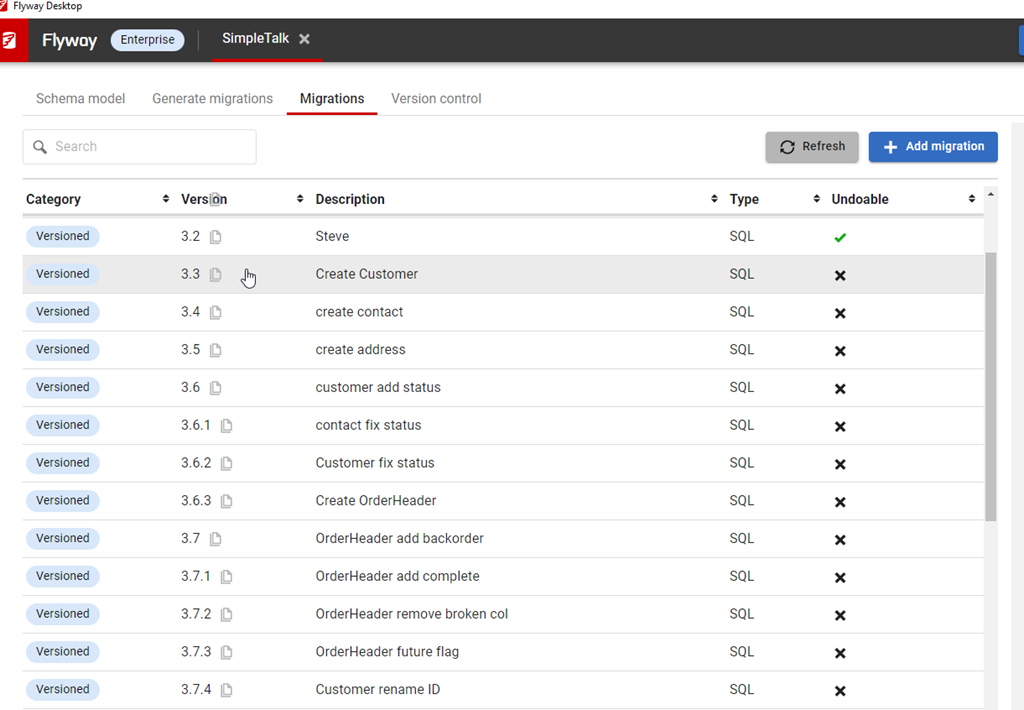
    I’ve got a lot of migrations in this project. You can see below in the image, noting the scroll bar goes up and down here.

    2023-08-10 12_30_54-Flyway Desktop

    Many customers have many more migrations, which could run into the 100s. I’ve worked with large Oracle migrations in the past where there were 100s for an upgrade from v4 to v5. The project would have been 1000s in its lifetime.

    Use Search

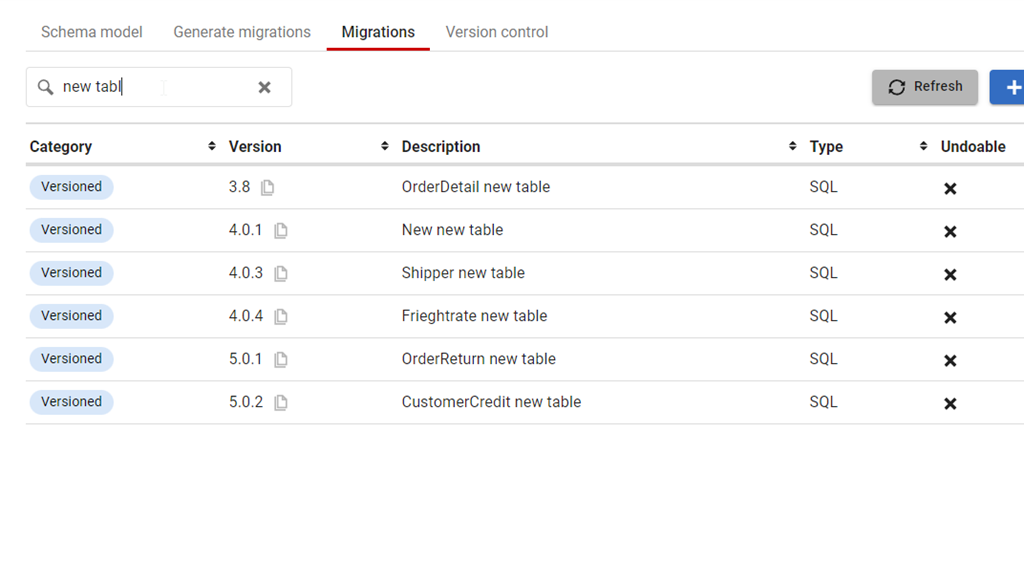
    At the top of the Migrations tab, there is a new search box. This was added somewhere in Flyway Desktop 6, and I just noticed it. However, it’s very, very handy. If I start typing in there, like “New Table”, then I see just those migrations.

    2023-08-10 12_33_47-Flyway Desktop

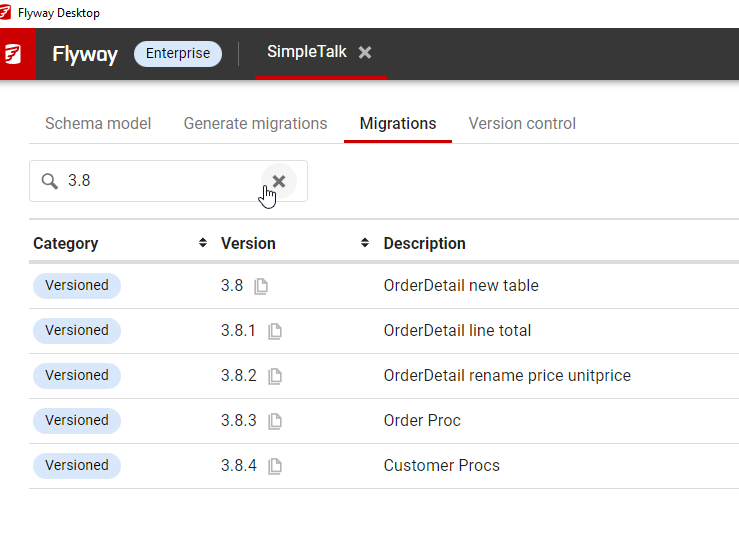
    I can even search versions, like the specific migrations in the 3.8 release that I am wondering about.

    2023-08-10 12_35_55-Flyway Desktop

    This works by checking the version and description fields. The rest aren’t as useful, but it does mean if you come up with some standards for the description in your team, you can easily use this to find changes in your project.

    Try it today. If you haven’t worked with Flyway Desktop, download it today. There is a free version that organizes migrations and paid versions with many more features.

    Video Walkthrough

    I made a quick video showing this as well. You can watch it below, or check out all the Flyway videos I’ve added: