Tag: syndicated

  • We’re On

    We crossed the $10k mark for the Argenis Without Borders campaign, meaning that Brent, Grant, Adam, Gail, and myself will join Argenis in dressing up in colorful costumes at the PASS Summit. I’ve already purchased a few things, and I’m ready.

    I’d like to thank everyone that donated, as this is a great cause, and one that can make a real difference in the world.

    Please consider donating if this is a cause that speaks to you. Maybe we can even get a few people their SQL Server tattoos if we can cross $25k.

  • Better Presentations–Zoom

    This is part of a series of tips for speakers on how to make your presentations better.

    I’ve given around 30 presentations a year for the last few years, and easily a dozen a year for a number of years before that. I visit events all over the US and in the UK at schools, conference centers, churches, youth centers, and more. I usually sit and watch a few presentations in addition to speaking, at all hours of the day or night.

    If there’s one thing I’ve learned across all those events, it’s that the screen with your slides and code on it is hard to see. Not always, but often.

    I’ve talked about fonts, now let’s look at visual display.

    Zoom

    Buck Woody mentioned this in a rant, as does Paul Randal in his post on speaking. It can be difficult for attendees to read words or follow the action on the screen. Sometimes it’s so bad you can’t od anything about it. A weak projector and nearby windows can cause the display to wash out. However you can help by using some sort of zooming technology on your machine.

    ZoomIt

    Please, please, please download Zoomit. It’s free and it’s well written, so use it. Practice learning how to zoom in and out. It’s easy, but learn how to do it so you’re not fumbling. When you practice your presentation, zoom in on that laptop screen in front of you.

    Also learn how to highlight things. The audience doesn’t always know where you’re looking or what part of the screen you are emphasizing, so help them. If you can’t draw, like me:

    zoomit1

    then learn to box things in.

    zoomit2

    I think Zoomit is easy to use, but I’ve used it for years and practiced.

    Magnifier

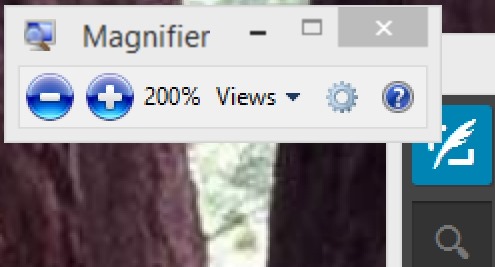
    Windows 7 and 8 include the magnifier in the OS. If you hit the Windows key and hold it while you hit the + and – keys, the screen will magnify in or out. There will be a little window that gives you the size, but rather than hit these buttons, just hit + and –.

    magnifier

    Yes, I’m aware that the + is above the = on US keyboards, but just hit the key. No shift needed. Go ahead, try it now. Learn how to zoom in and out.

    Explain Yourself

    If it’s really hard to see, it is helpful to explain what you’re doing on the screen. Make sure that you avoid pronouns. Don’t point at your screen (yes, I’ve seen people do this). Describe what you are doing.

    “ I’ll copy this text.” – You’d be surprised how many people forget we can’t tell you hit CTRL+C or CTRL+V.

    “The first CASE statement in the query is the one that is used to calculate the SUM for certain rows.” – Give visual cues, use numbers and locations. Use the names of operators, windows, buttons, etc.

    The more you can clearly explain what you are doing in addition to how it works, the better the session for attendees.

    Even if they can’t see the screen.

  • Untested

    The 2014 Apple keynote was today, with the announcement of the iPhone 6 and iWatch taking center stage. I was excited, with an aging iPhone 4S that needs to be replaced. I tuned in, expecting to watch the announcements while taking care of some busywork on the other monitor.

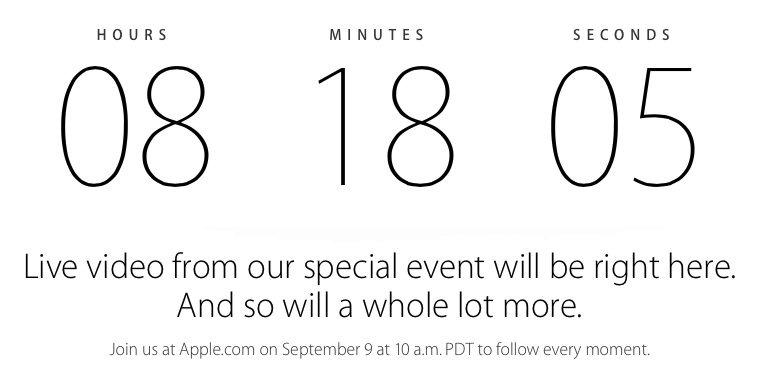
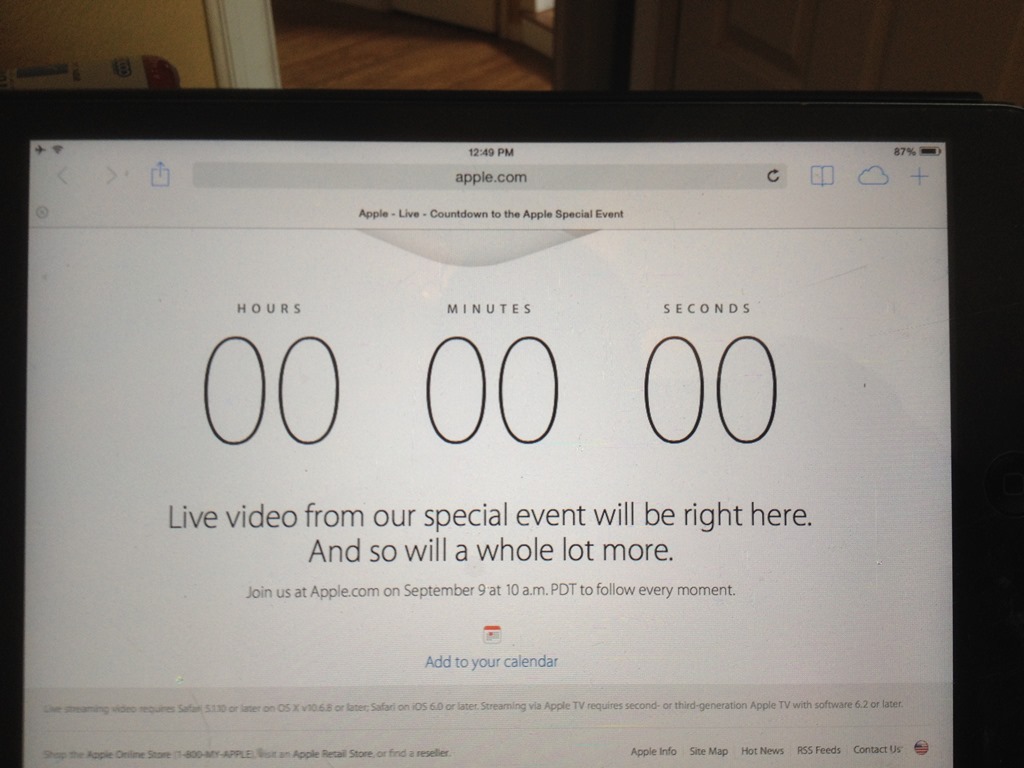
    At first I saw this screen (though at about 20 minutes beforehand)
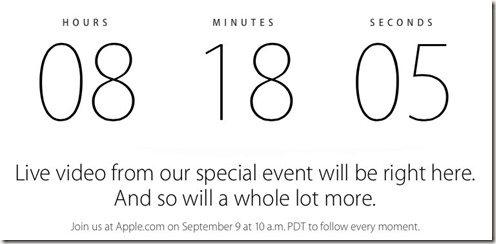
    applekeynote2

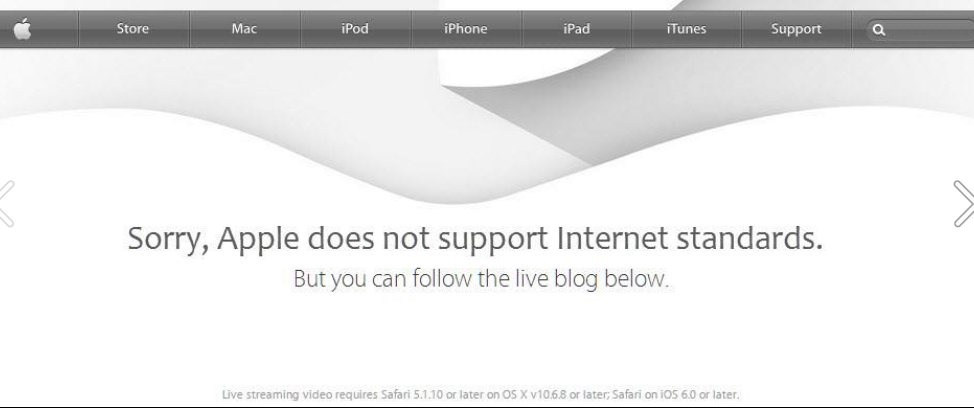
    About 10 minutes before the event, the countdown switched, and noted that my browser (Firefox) wasn’t supported. I almost switched to Chrome, but then saw the fine print. I wasn’t thinking and didn’t take a picture as I ran to grab my iPad, but Karen Lopez posted an “altered” version of the Apple page.
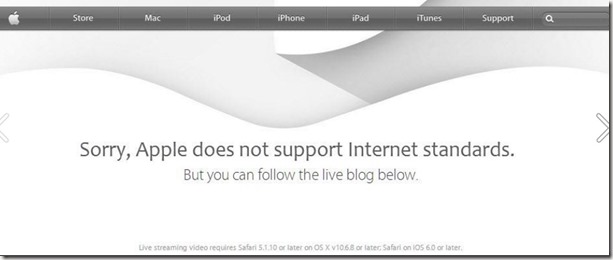
    applekeynote3

    Fair enough. Apple doesn’t have to broadcast to everyone and I get that they want to let their iPhone/iPad/iTouch/Mac users see it live. The keynote was available about 30 minutes after the end for everyone, so no big deal.

    In fact, in the scheme of my life, not being able to watch live wasn’t a big deal. I can catch the “showmanship” an hour later.

    However I was surprised when my iPad kept showing a test screen from the broadcast truck. When it connected, it was sputtering and halting, even when a speed test showed me getting 20+MBps at the device.

    I did manage to watch a little, with a Chinese translation overlaid on the sound, at a higher volume than the speaker for me. Slightly annoying, but I could deal with it.

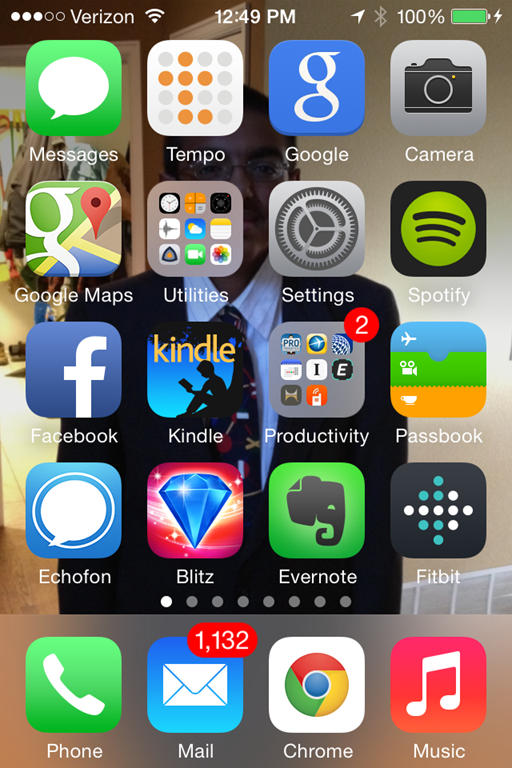
    About 15 minutes in, things started crashing, with Safari on my iOS 7 iPad and iPhone crashing. The iPhone would start Safari and connect to the Apple home page and show this:
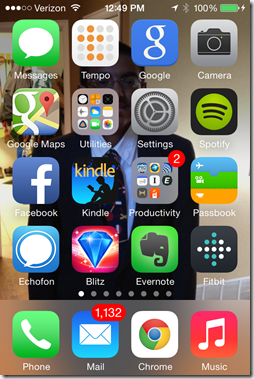
    Photo Sep 09, 12 49 36 PM

    The iPad connected a few times and showed this:
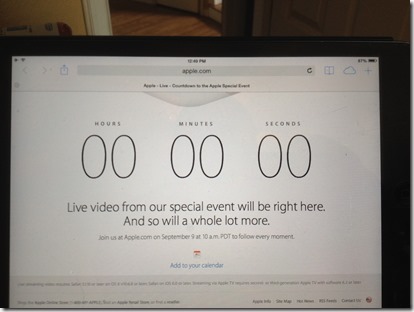
    Photo Sep 09, 12 49 26 PM

    I gave up, going on with my day, knowing I could watch it later. However that brings up the question.

    Did Apple test in Production?

    By this I mean, did they actually test the broadcast of this event today, with the live event, or did they test things last week on a copy of what this environment would look like? Did they actually run through the same settings for broadcast that they would do today?

    I do suspect they did some testing, and certainly it’s possible that many, many more people than they expected tuned in. They may have been overwhelmed, and that’s understandable. I doubt anyone has any good way to determine what capacity to plan for, other than to just guess. This event might have been larger than the Super Bowl, World Cup, etc.

    Or maybe Apple didn’t want to bother scaling to a capacity beyond some xx% of Apple device owners.

    Any of those is fine with me, and I can understand someone deciding to spend $yyy on this, though I’d argue it was a mistake since this is a great chance for an amazing amount of publicity and hype for their products.

    However there are certainly other problems that I question the level and detail devoted to testing. The overlay of foreign languages means that someone hadn’t configured their audio correctly, and more importantly, no one was monitoring to stop the problems quickly. The problems with the stream meeting devices might have been capacity, but crashing the browser? Either there’s a major QuickTime issue, or the encoding was broken in some way (perhaps again, by capacity).

    This is a shot at Microsoft as well, but I thought Tim Ford’s summary was spot on:
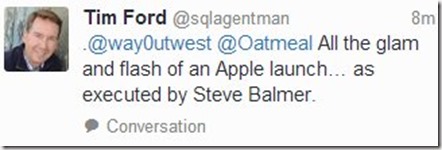
    applekeynote

    We talk about thorough testing on a copy of production. A real, scale, same sized version. Few of us do it, but certainly some do, especially those with big budgets. Apple has big budgets, so I suspect that their testing was cut short, or someone assumed things would work the same way they had in the last keynote, which went off without a hitch for me.

    Complacency, coarse attention to detail, poor quality control and monitoring seemed to be in play today. None of which as a good thing.

    Perhaps Apple was testing in production.

  • The BBQ Crawl at SQL Saturday #300

    This weekend is SQL Saturday #300 in Kansas City. I’ll be traveling Friday for the event, hoping to arrive in time to go on the pre-event barbeque crawl that the organizers set up every year. It’s hard to believe it’s been 4 years since I was last in KC. I still have, and often wear the shirt I got from SQL Saturday #53 when I travel and was surprised to note recently that it’s a 4 year old shirt. How time flies.

    Kansas City is a neat city, and the event is a lot of fun in a very unique setting. An old river casino, converted to a training center. I still remember driving up and being unsure if it was the right place, and then enjoying the view inside.

    This week I’ll be talking about Continuous Integration for Databases, so if you’re in the area and have time Saturday, then register and come by,