Tag: syndicated

  • Powershell in a month – Day 1

    I got started on Learn Windows Powershell 3 in a Month of Lunches at lunch one day. Working at home makes this easy as I have a computer and a kitchen near each other. In this case, a salad, a bowl of chili, and the laptop next to the book to get started. The picture below was post-chili.
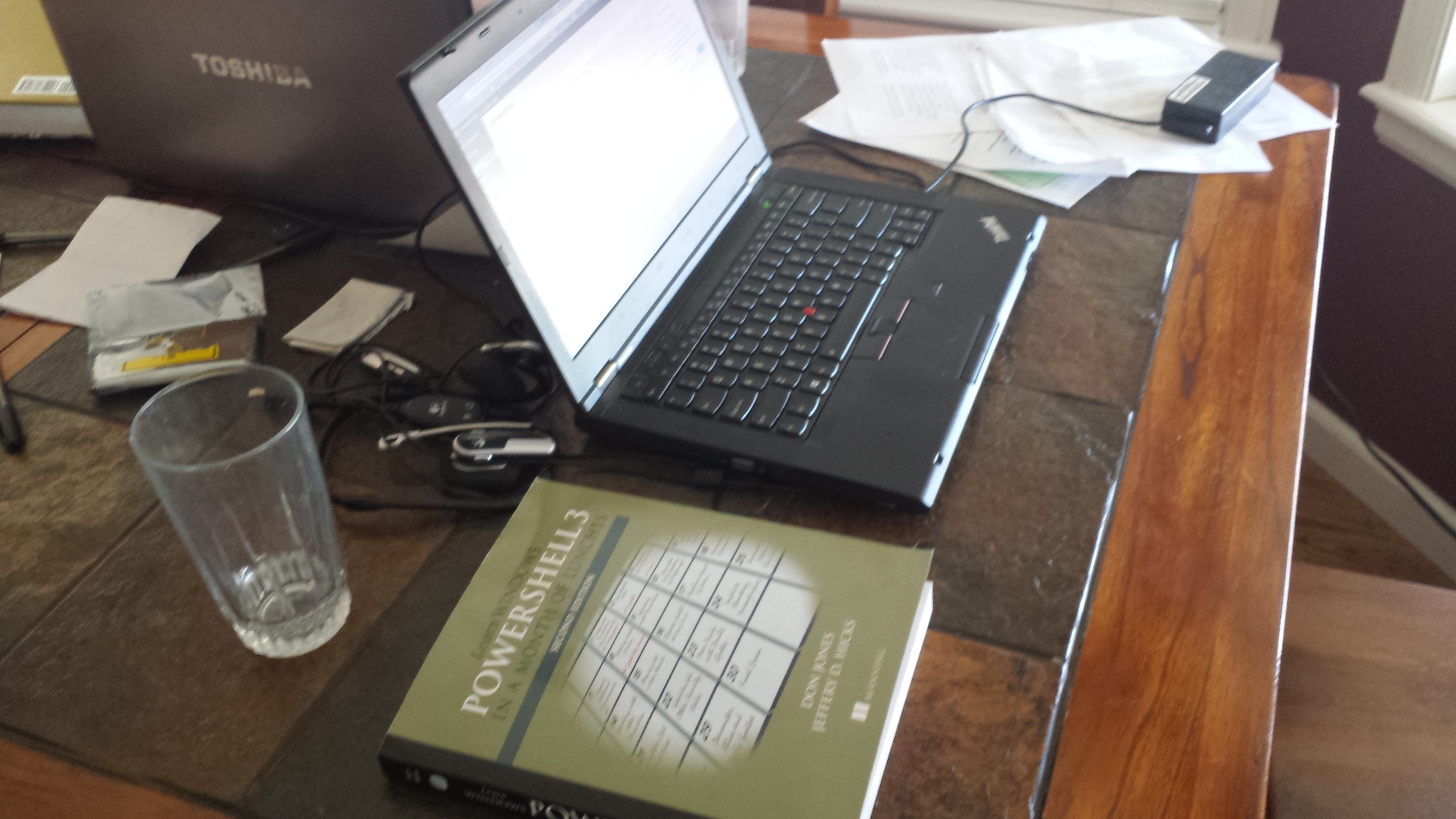
    20131106_114540

    This is the first post in my Powershell challenge. I don’t expect to post every day as I travel, have vacation, etc, but I will post once for each of the days I work on this. At the end, I hope to have a couple PoSh presentations I’ll build as well as more incorporation of PoSh into my talks.

    Day 1

    I cheated slightly today. I read the first and second chapters here. The first was really a “how to use this book” and the second actually got me started. The first introduces what Powershell is, why it’s good, etc. It’s a good intro, but I’ve been through most of this before, I know something about the environment, and I’ve used it a bit for specific tasks. If you are new to PoSh, read this.

    I didn’t get much out of it, so I went into Chapter 2, despite the warning from the book not to do more than one a day. Instead, practice. I made an exception this first day.

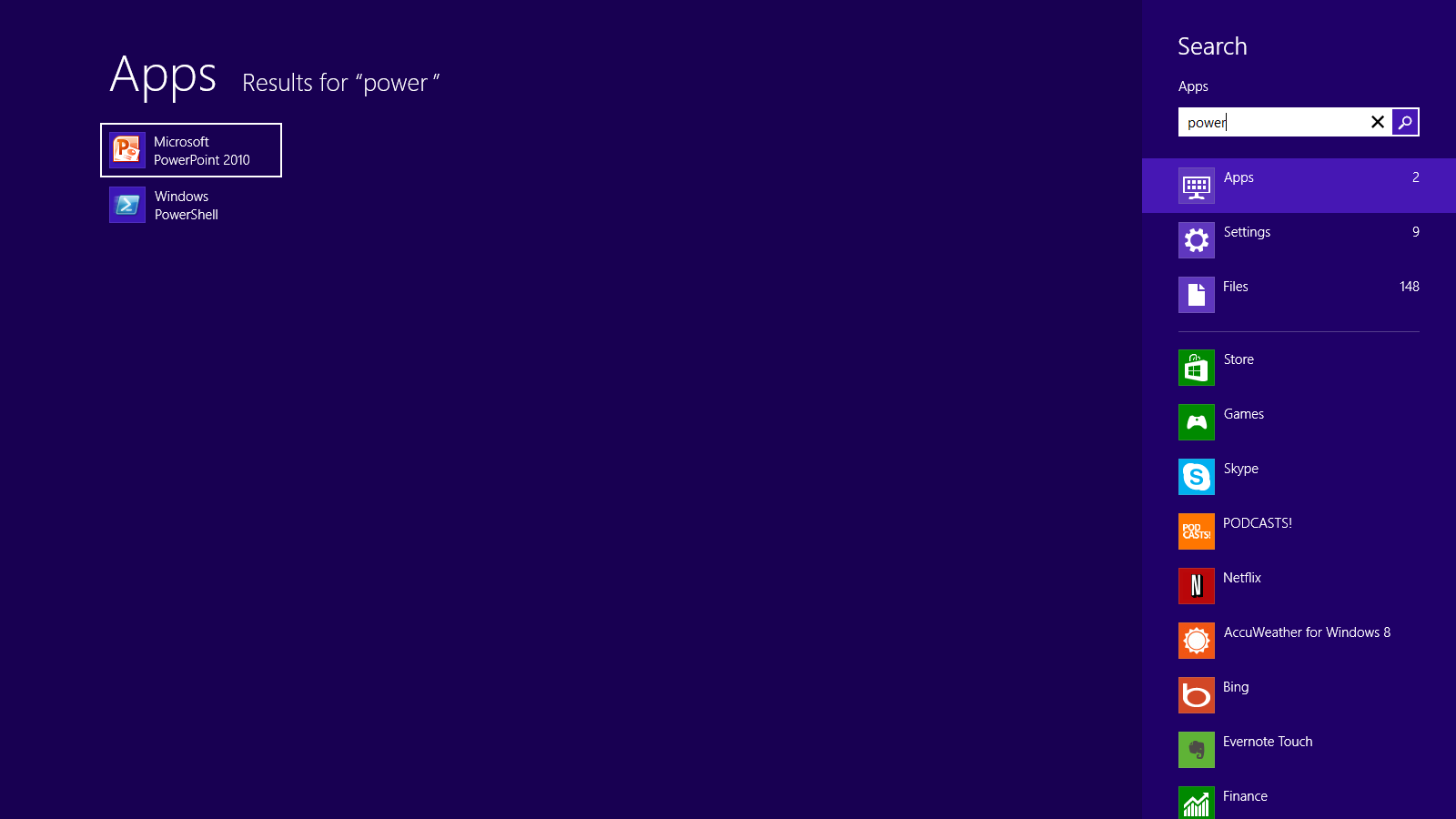
    The second chapter gets you familiar with how to set up your environment. As it mentioned, PoSh gives you two ways to work with it on most modern OSes. The command line or the Integrated Scripting Environment (ISE). I tend to use the ISE, but you can choose. In this case, I popped both open. One note here, I’m on Win 8 and if I hit the Windows key and type “power”, I see this:
    Posh_001


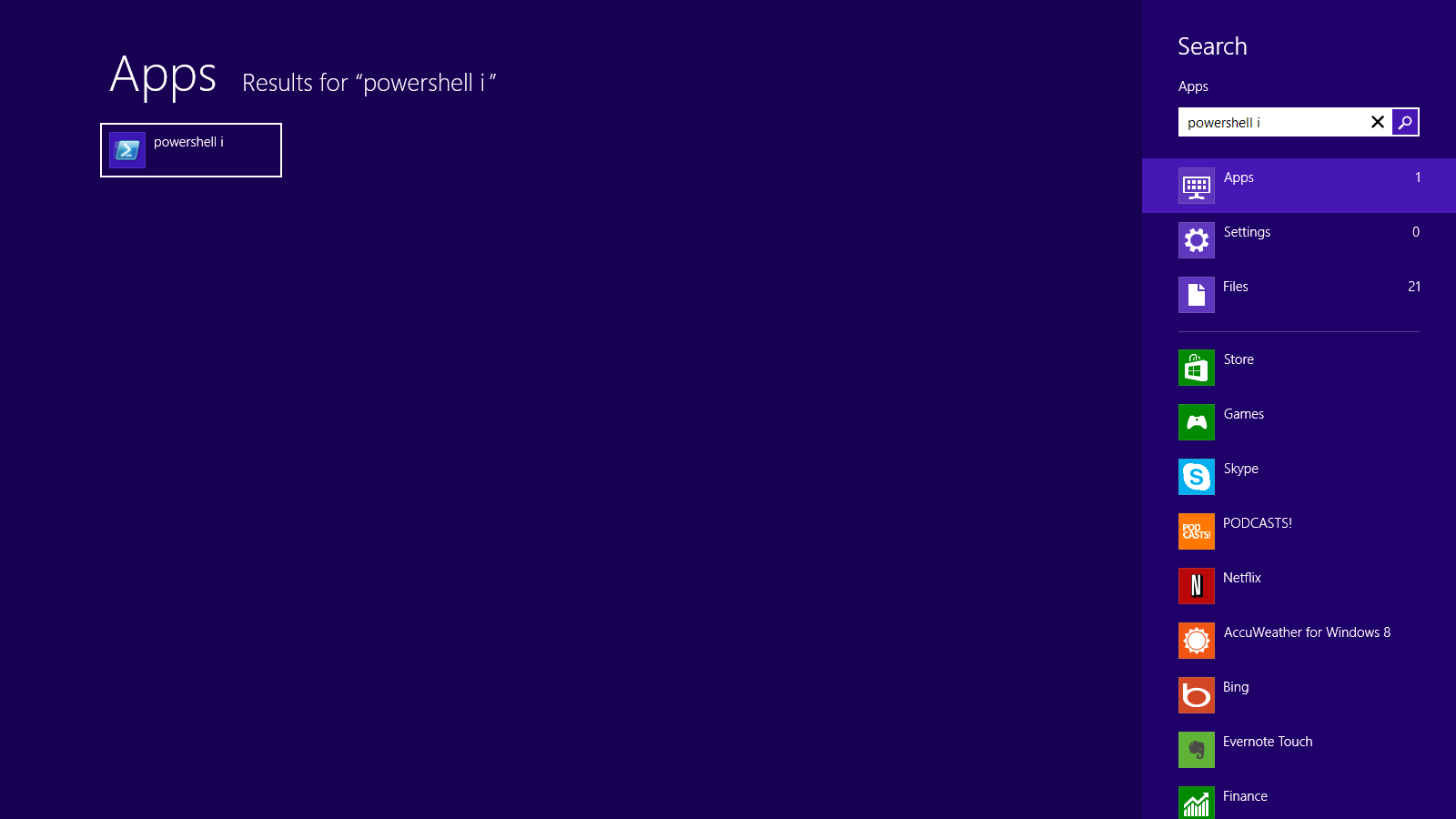
    There’s no ISE available. This is different on different machines for me. However if I finish “Powershell” and add a space “i”, I get the ISE. Not a bid deal, but an interesting item for me.
    Posh_002

    The second chapter really goes into getting the environment set up first. Choose large fonts, which is a must for older folks like me. I definitely plan to make this a part of any presentations I do. The chapter also emphasizes that typing matters and accuracy is important. PoSh is case sensitive and different separators, like the various grouping items, matter. These:

    ([{<

    are all different and you can’t mix and match them. Make sure you know the difference. It’s especially try for the single quote (‘) and the backtick (`). Learn the difference.

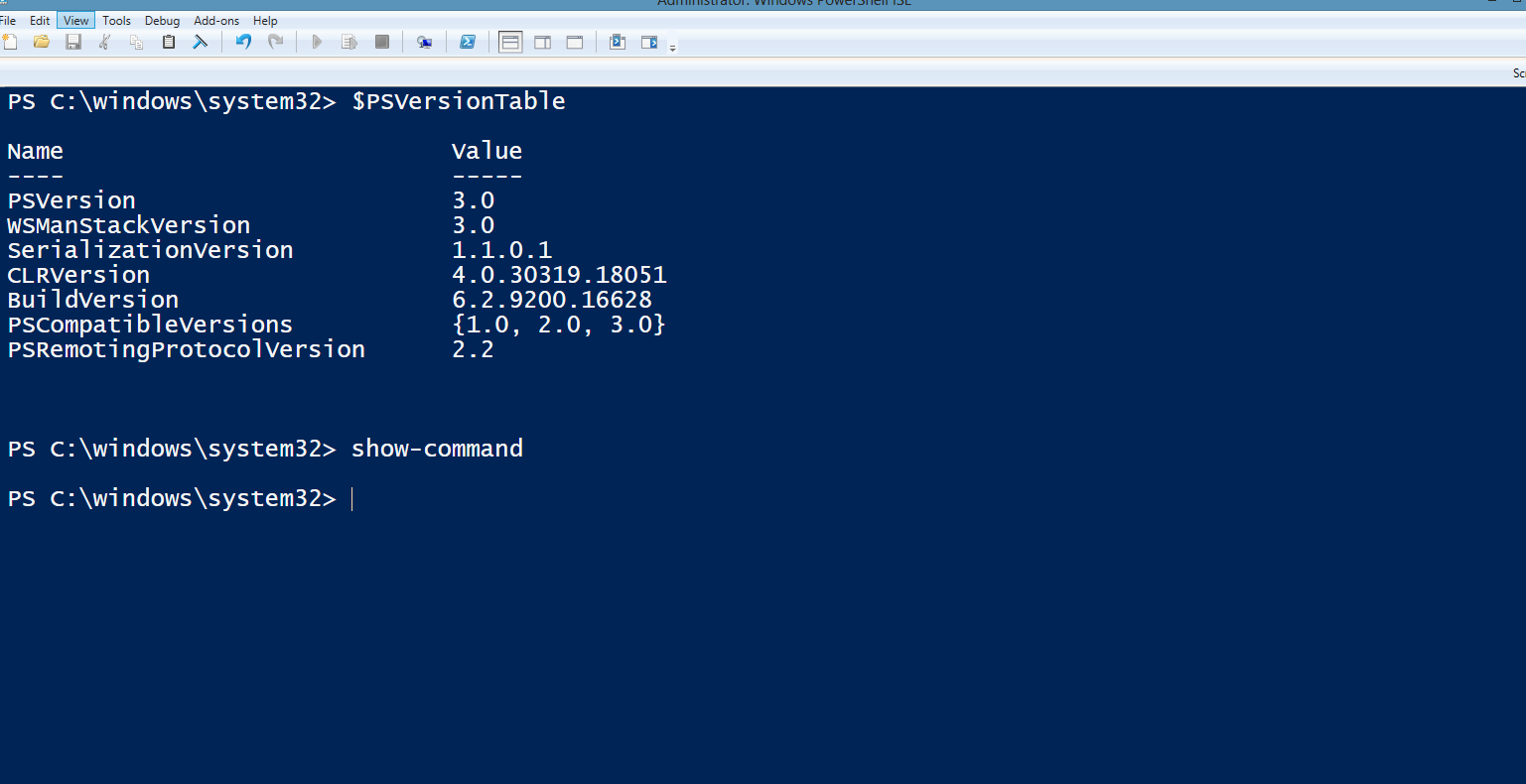
    No scrolling was another important point since you can lose things on the screen. For me, I set the font to 18, left the default colors, and then in the ISE, removed the command window and script editor. That left me full screen with the interactive shell.
    Posh_003


    From there, I played a bit with the way PoSh works. Typing part of commands, and then using Tab or Shift+Tab to cycle through commands. Using these keys to get folders, or parameters, or choices, was handy.

    Nothing really executed today, but I did play with various commands to see what happened. The one thing I did run was

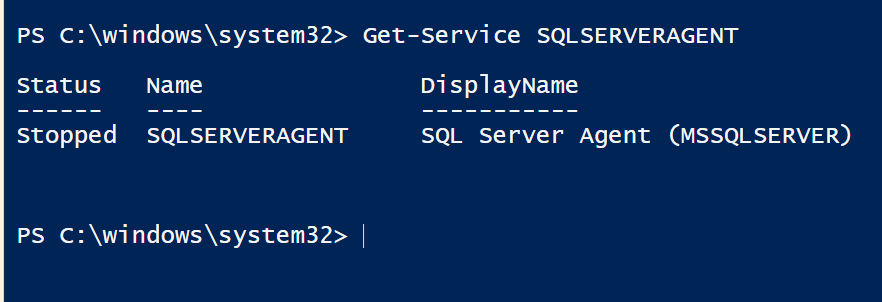
    Get-Service SQLAGENT

    I typed Get-s, hit tab to cycle through choices, and then entered “SQ” and tab’ed to get SQLAgent. That gave me the status of the service on my laptop.
    Posh_004


    That was the basic  learning for today. It’s simple, and a little boring, but it is stuff to know that will make future days easier and build some familiarity with the environments.

    Tomorrow, chapter 3.
     

  • T-SQL Tuesday #48–Cloud Atlas

    tsqltuesdayI never saw the movie, though it’s on my list to watch sometime. I love the Wachowski’s as directors.

    This month Jorge Segarra is hosting. He is better known as the SQLChicken, and his theme this month is Cloud Atlas. He’s asking us to write about the cloud and what we think of it. What’s our take on the cloud. He wants to know if we’ve used it, what we think, probably how we even define it. It’s a great question with all the media and hype about the cloud, especially for data professionals.

    This is a monthly blog party, where bloggers write on a specific topic every month, on the second Tuesday. I’ve got a complete list of topics on this blog, and to participate, do this:

    • write a blog
    • publish it on the Tuesday, November 12, 2013 (for this month)
    • be sure a trackback or comment is on Jorge’s blog invitation
    • include the T-SQL Tuesday logo, linked to the invitation.

    That’s it. Write, and enjoy.

    The Cloud Atlas

    What is the cloud? It’s been hyped in commercials and numerous articles, and to some extent I think we don’t have a good definition. We have PaaS, IaaS, and SaaS, all of which are legitimately the “cloud” for different people.

    As far as I’m concerned, the cloud really is any computing service that is provided by a vendor. This means you don’t own the hardware and rent out either a machine (physical or virtual), a service, a set of APIs, etc. This exclude co-location, but anything else from renting a VM to using IFTTT, is cloud computing.

    With that in mind, what do I think? There are certainly problems with the cloud in terms of security and recovery of data. However I think the promise of renting out computing resources (machines/platform/software/services) in a scalable fashion is amazing to me.

    Do I use the cloud? Sure. I have Evernote, Skydrive and Dropbox to keep my data in sync. My family uses OurGroceries to manage a shopping list. We daughter is hooked on Spotify, which alleviates the need to keep much music on her device. I even have backups of data on Glacier.

    On the career side, we (SQLServerCentral and Red Gate) offer AdventureWorks on Azure for users to play with. I’ve done minor work in Azure, and spun up a SQL instance on AWS. I haven’t actually done anything more than test, personally, but certainly the cloud is useful for SQLServerCentral. We host our database server and web server on virtual machines we rent from Rackspace. We use a Content Delivery Network for some videos and YouTube for others. We’ve dramatically lowered costs and increased scale with the cloud.

    The cloud works.

    Sometimes.

    For some applications.

  • How SQL Server Full Backups Work

    I’m writing this in support of a few talks I give that talk about backups. This is how I see things and it’s based on things I’ve learned over time. Some of this comes from a great explanation on Technet from Paul Randal, but there are misc other sources that I can’t be sure of which ones I’ve used. Long story short: I learned most of this from others and docs. It’s not all me.

    There are two parts to a full backup in SQL Server:

    • data reading
    • log writing

    Technically both sections read and write, but this is how I think of things. I’ll describe there:

    Data reading – The backup process goes through all extents allocated and reads a page, sends it to a buffer and that gets written to the backup file. This happens as fast as SQL can do it, just going through the pages, but it takes most of the backup time.

    Log writing – all of the log records that are written while the data reading portion of the backup is running are appended to the backup file, after the data pages.

    Let’s say that the entire time of the backup, from the File Created to the File Last Modified timestamps on the backup file is represented by t. The data reading portion of the backup takes time d. The log writing portion of the backup takes time l.

    This gives us:

    t = d + l

    My database is transactionally consistent at backup start time + d, not + t. When is that? I’m not sure, but usually it’s fairly close to the timestamp at the and of t.

    Make sure that your backups are transactionally consistent. Don’t export, don’t use open file managers, don’t use anything that doesn’t respect transactions. The native SQL Server backup process does this. If you want a few other features, my employer makes SQL Backup Pro, which also respects transactions.

  • The Powershell Challenge

    indexI’ve been wanting to do more with Powershell (PoSh). I’ve seen Allen White present on it for years, and I’ve dabbled in various ways, using it to handle small tasks. However I haven’t really committed to learning a bunch of PoSh.

    Last month I was with Grant Fritchey on the 2013 SQL in the City tour and in one of his sessions, he uses some Powershell to audit his SQL Server instance. I thought that was pretty cool, and it made me want to dig in further. At the end of his talk, he mentioned a book, and I decided to grab it.

    It’s Learn Windows Powershell 3 in a Month of Lunches from Don Jones. The name alone made me want to grab it, and it has a catchy title.

    My plan is to take time every day or two and read a chapter and work through exercises in the book. I really want to get more comfort in PoSh because I do believe in it and I think it’s a fantastic way to get things done. I don’t work at scale, but I suspect with a little practice I’ll be using PoSh more often for simple things and saving those scripts.

    I’ll blog along the way and see how things are going. Once I get through, I expect that I’ll be digging into more with other articles and books that deal specifically with SQL Server.

    The days in the Challenge: