Tag: syndicated

  • Encryption and Full Text Search at The Mandalay Bay (DevConnections)

    It’s just a week until Dev Connections.  This is one of the great conferences for the hybrid technology person, with a variety of technologies being talked about, all for a single admission price. I’ll be speaking at SQL Server Connections, but wandering over to the development side at times since I’m getting back into a little bit of software development as part of my job with Red Gate Software, and of course, for fun.

    This fall the Dev Connections event is at the Mandalay Bay in Las Vegas. It’s a great hotel at the end of the strip with nice amenities and a good conference center. It’s easy to get to from the airport, which I like since traffic can be a pain. There’s also the Luxor next door, with Carrot Top playing. I’m hoping to sneak over there for a show.

    However I’m primarily there to teach you a few things about SQL Server. I’ve rewritten a bit of my Encryption talk to add a few things and give you a good grounding in how the technology works in SQL Server.  I’ll be looking at how you can encrypt your connections, secure your physical files with TDE (don’t miss the hex editor demo) and also look at data encryption using symmetric and asymmetric keys. I’ll also be talking about full-text search. I’ve reworked my talk on searching binary data to focus on extracting information from office documents.

    Both of my talks are on Wednesday, October 2, 2013, but if you are looking for other SQL Server topics, there are some great ones. Denny Cherry talks partitioning, Allen White talks Powershell and SQL Server, Tim Ford talks DMVs and Stacia Misner talks BI. There are a number of other great SQL Server speakers as well as speakers to talk Windows, Visual Studio, Exchange, Sharepoint and more.

    If you’re looking for a great conference to attend soon, think about registering for Dev Connections and I hope to see you in Las Vegas.
  • The Dangers of Detach

    I ran across a twitter conversation about a post recently. The post talks about detaching or attaching databases in bulk.

    I agree that detaching databases in some cases is bad, but it’s not necessarily something I’d avoid. Detach is a good way to prep for upgrades, movement, etc. It may or may not be faster than backup/restore, depending on your environment, but it’s something to consider.

    However.

    If you are going to detach, there are a couple things I’d recommend. First, make sure you have a good backup. A backup is just that, a backup plan, a backup file, a way to recover when things go wrong. It isn’t your data, it’s a copy. A detached mdf is your data. Make sure you have a backup before detaching and messing with files.

    Second, never move files. Never, ever, ever, ever, move database files. Detach/attach is a valid way to move databases, but always copy the files.

  • Backups, Encryption and Branding in San Diego

    This weekend is SQL Saturday #249 in San Diego. I’m looking forward to the trip for a few reasons, but mostly because I used to live in the Northern San Diego area and love going back to spend time near the beach. I’m not sure what I’ll have time to do this trip, but since the event is in La Jolla, likely I’ll visit Del Mar, where I used to work and see some sights. A short run in the sand might also be required 😉

    I arrive Thursday because Red Gate Software is hosting a small event Friday with The DBA Team: Grand Fritchey and myself.  This is one of our mini SQL in the City seminars and is targeted to DBAs. We’ve done two so far in 2013, with (I believe) three more to come. I’ll be talking about backups this time while Grant covers monitoring and parameter sniffing. I’m not sure if we’re full, but if you can come, register and we’ll see you Friday.

    Saturday is the SQL Saturday event, at the UCSD Extension campus. I’ll be opening the day talking about encryption and then have the second session on branding yourself. I enjoy these two talks, and they’ve been popular at a number of events across the last couple of years.

    I’m hoping for good weather, especially after a rainy week in Denver.

  • Managing Data in a FileTable with T-SQL

    I wrote a post about creating a Filetable, which just covered the basics of how to build one. How do you work with the data in this table? In this post I’ll look at a few things you can do from the T-SQL side.

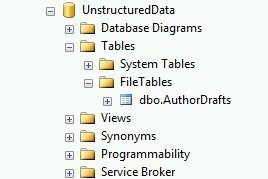
    From the last post, I had my author drafts Filetable. I can see this in the Object Explorer.

    filetable_c

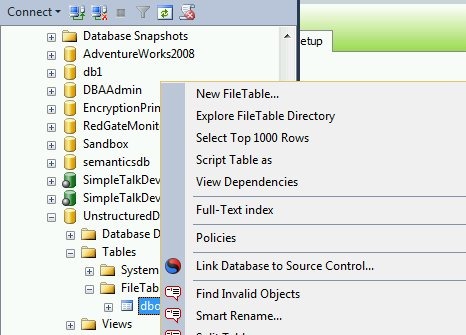
    I can use the same “select data” feature from Object Explorer on a Filetable, just like any other table.

    filetable_e

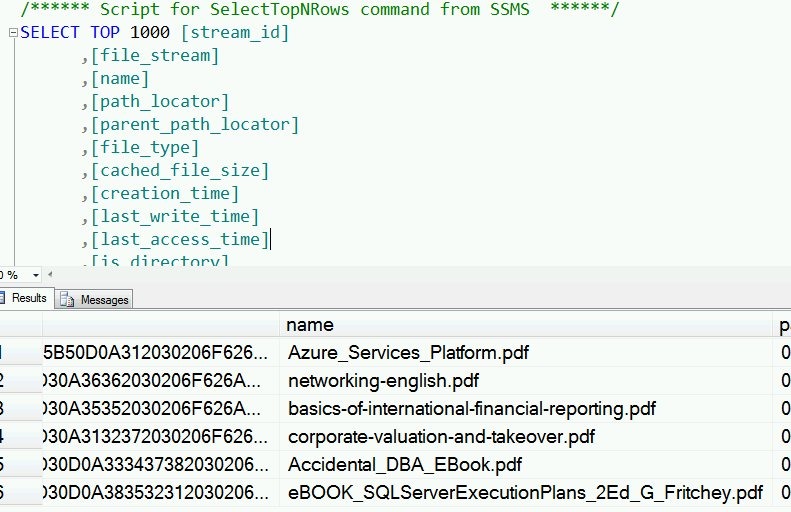
    I get the results, and as you see, I have a few rows in the table.

    filetable_f

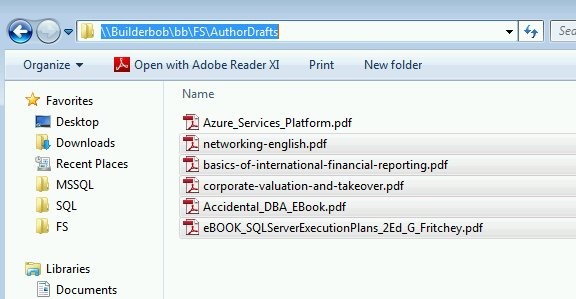
    These are actually the files I see in the share.

    filetable_d

    Inserting Data

    One of the advantages of Filetable is that you can use Explorer (and any tools that use the same Explorer APIs) to move data in and out of a table. However that doesn’t preclude you from using T-SQL.

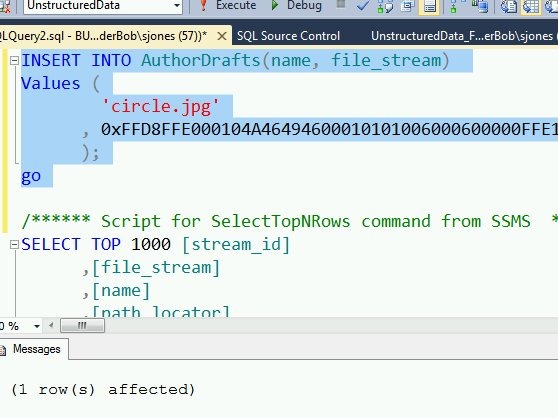
    I can use a script to insert data into the table, just as I might with Filestream.

    INSERT INTO AuthorDrafts(name, file_stream) Values ( 'circle.jpg' , 0xFFD8FFE000104A46494600010101006000600000FFE100684578696600004D4D002A000000080004011A0005000000010000003E011B0005000000010000004601280003000000010002000001310002000000120000004E00000000000000600000000100000060000000015061696E742E4E45542076332E352E313000FFDB0043000201010201010202020202020202030503030303030604040305070607070706070708090B0908080A0807070A0D0A0A0B0C0C0C0C07090E0F0D0C0E0B0C0C0CFFDB004301020202030303060303060C0807080C0C0C0C0C0C0C0C0C0C0C0C0C0C0C0C0C0C0C0C0C0C0C0C0C0C0C0C0C0C0C0C0C0C0C0C0C0C0C0C0C0C0C0C0C0C0C0C0C0CFFC0001108000A000D03012200021101031101FFC4001F0000010501010101010100000000000000000102030405060708090A0BFFC400B5100002010303020403050504040000017D01020300041105122131410613516107227114328191A1082342B1C11552D1F02433627282090A161718191A25262728292A3435363738393A434445464748494A535455565758595A636465666768696A737475767778797A838485868788898A92939495969798999AA2A3A4A5A6A7A8A9AAB2B3B4B5B6B7B8B9BAC2C3C4C5C6C7C8C9CAD2D3D4D5D6D7D8D9DAE1E2E3E4E5E6E7E8E9EAF1F2F3F4F5F6F7F8F9FAFFC4001F0100030101010101010101010000000000000102030405060708090A0BFFC400B51100020102040403040705040400010277000102031104052131061241510761711322328108144291A1B1C109233352F0156272D10A162434E125F11718191A262728292A35363738393A434445464748494A535455565758595A636465666768696A737475767778797A82838485868788898A92939495969798999AA2A3A4A5A6A7A8A9AAB2B3B4B5B6B7B8B9BAC2C3C4C5C6C7C8C9CAD2D3D4D5D6D7D8D9DAE2E3E4E5E6E7E8E9EAF2F3F4F5F6F7F8F9FAFFDA000C03010002110311003F00E97FE0E87FF82CA7ED35FB04FED85E09F03FC2BD6A5F87BE1097408B5C4D523D2ADAF1BC41746795248CBDC4722F970848C18940399373E43478FD75FF00827CFC68F177ED17FB0FFC2AF1D78F3461A078C7C59E19B2D4F57B110B42B14F244199846DF346AFC384392A1C024E335E95E2EF87BE1FF880968BAF687A3EB6B612F9F6C2FECA3B916F27F7D3783B5BDC60D6C5007FFFD9 ); go


    As you can see, this command works fine:

    filetable_g

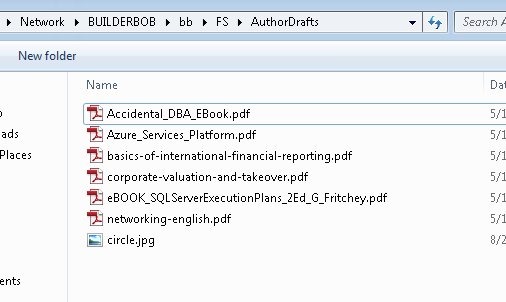
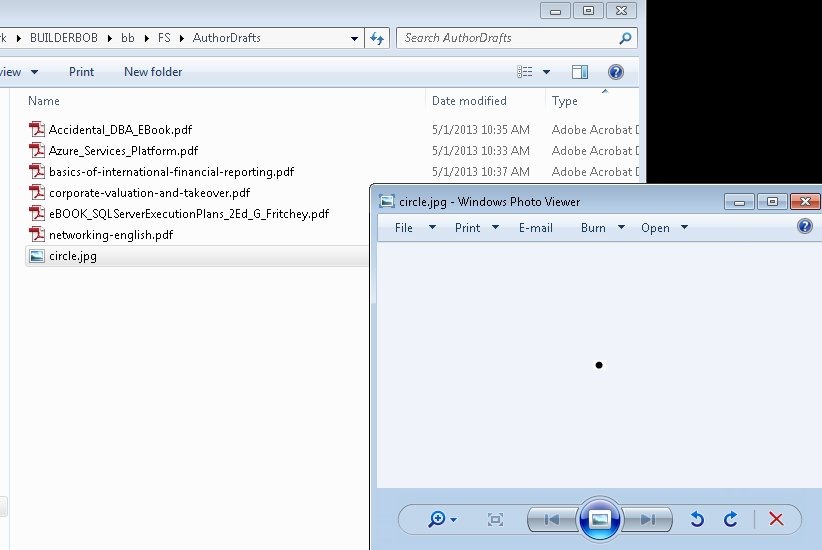
    If I then look at the share, I see my file:

    filetable_h

    Retrieving Data

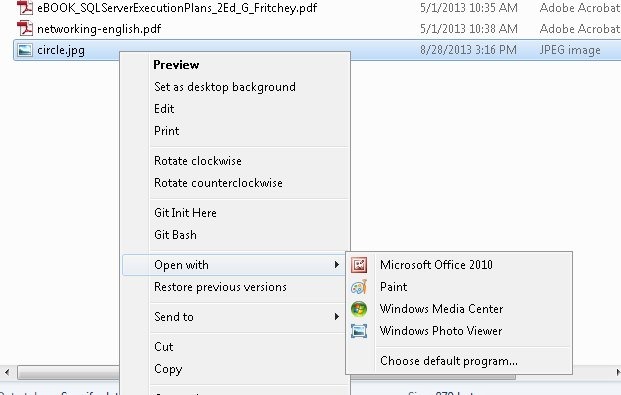
    As shown above, I can use SELECT queries to return data from a Filetable in T-SQL. However, I have a share as well, and I can cut, copy, paste, and open files from the share just as I would any other file in the file system.

    filetable_j


    If I open the file in Paint, I see my image:

    filetable_i

    Summary

    Working with files in a file table is easy, and while many people will use Explorer functions, you can use T-SQL as well to insert, or retrieve the data as you choose.