Tag: syndicated

  • SQL Saturday #183 Albuquerque – Wrap Up

    This past weekend was the first SQL Saturday in New Mexico. I had written about our trip down last week, with a few fellow Coloradan’s that were speaking at the event. We drove to Taos on Thursday and stayed the night. Friday we skiied, and had a great time. The weather was great, and the snow was nice.
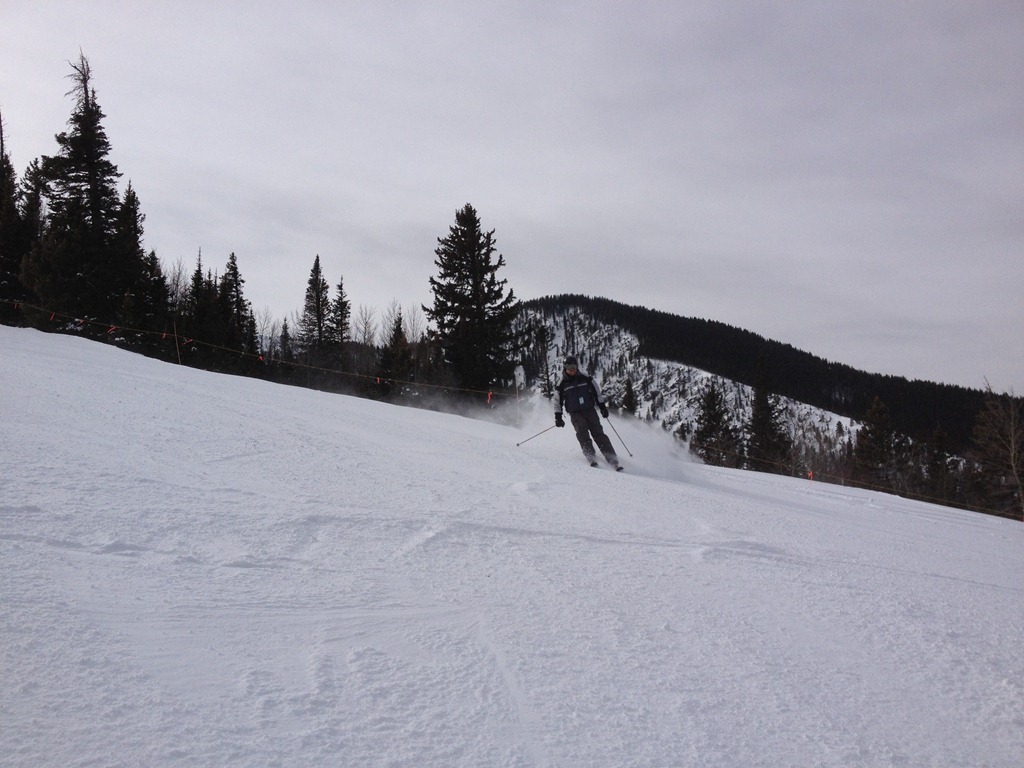
    Photo Feb 08, 9 59 58 AM

    Despite a mix of abilities and technologies, we had a fun riding the slopes and chatting on the lift rides up.
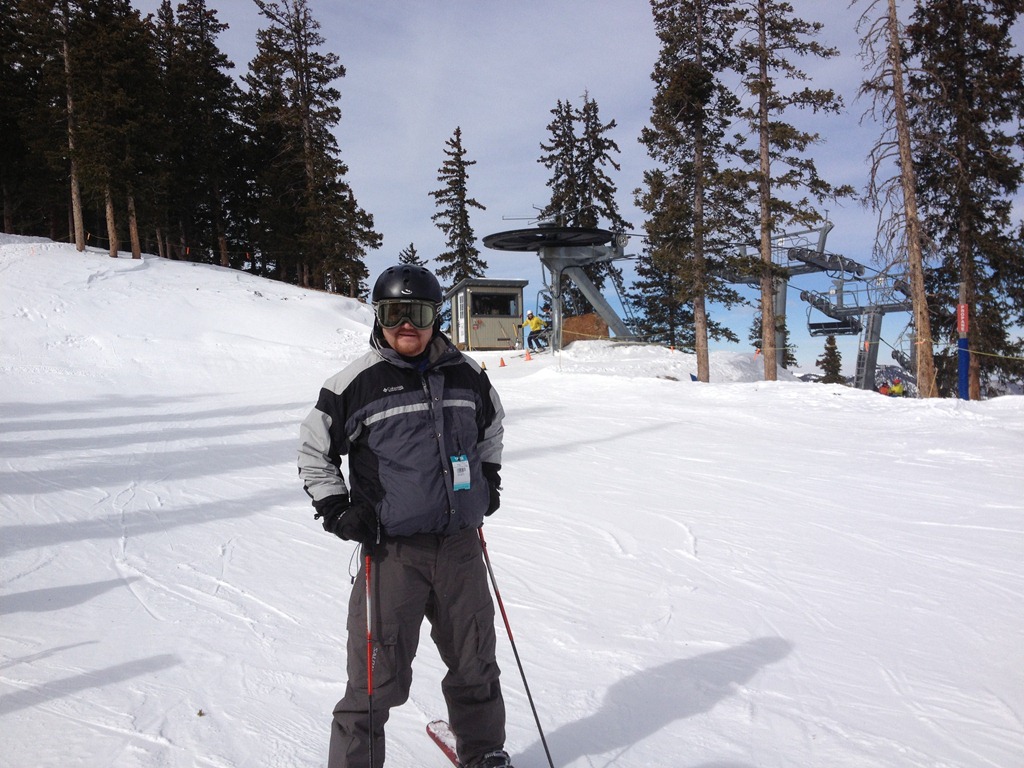
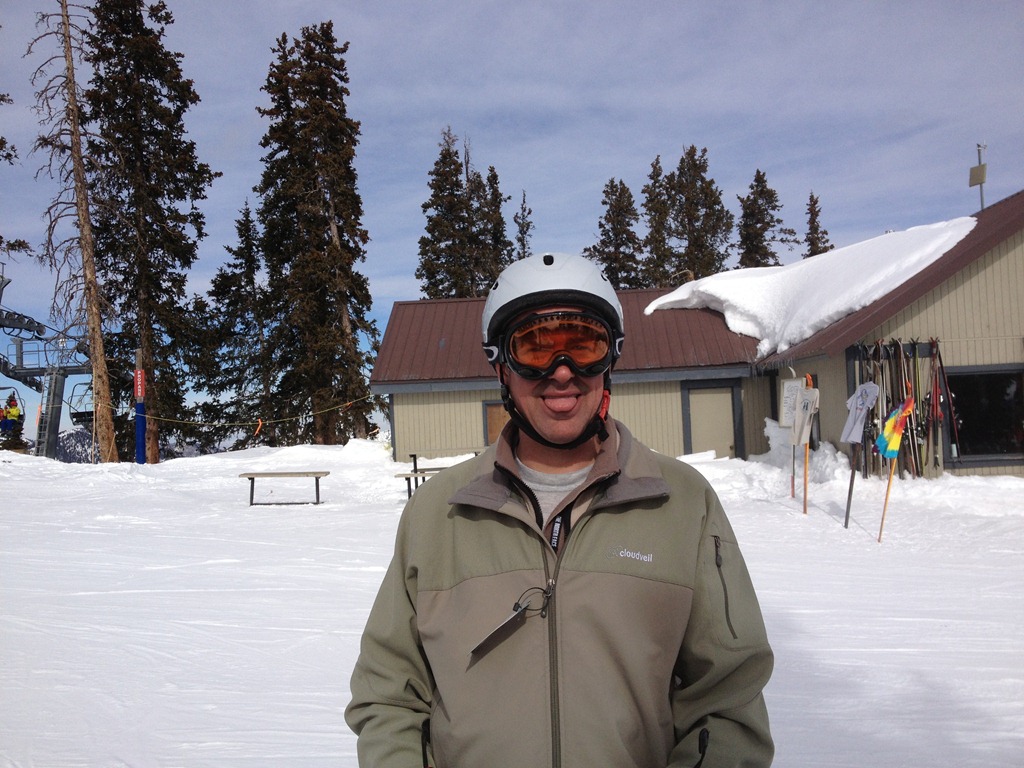
    Photo Feb 08, 10 42 12 AMPhoto Feb 08, 10 42 14 AM

    We even got a few tricks from Reeves Smith and Jason Horner.

    Jason Horner


    Reeves Smith

    Five of us skiied, with one non-skier diligently reviewing his presentation in the lodge. At the end of the day, we lined up for a picture before starting our drive.
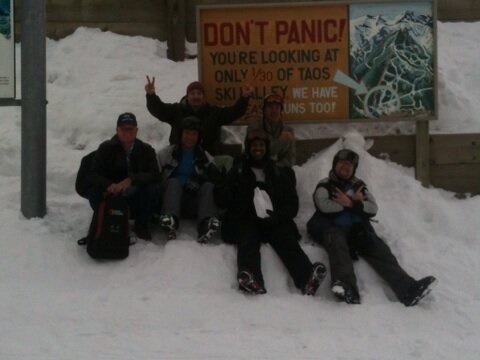
    Photo Feb 08, 6 44 51 PM

    Friday night we drove down to Albuquerque, arriving around 5:30 or so. After a quick stop at our hotel, we headed over to the speaker dinner. It was held at a very popular local restaurant, and we had a large table reserved.

    ‘There were a lot of speakers, including quite a few from Utah and Colorado. By my count there were 3 people from UT and 11 from Colorado. On one hand I’m thrilled that neighboring states were coming out to support the event. On the other, I wish more New Mexico speakers were featured.
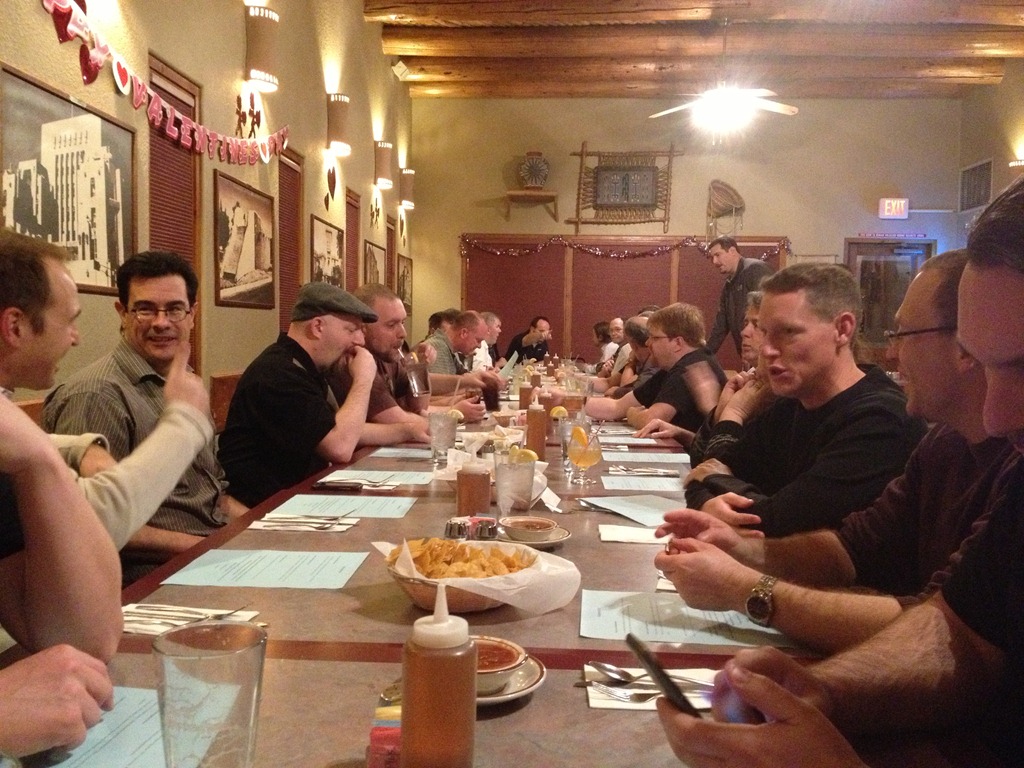
    Photo Feb 08, 7 25 13 PM

    We left a little early and headed back to the hotel. I had work to do on Database Weekly and a few others riding with me wanted to review presentations. As much as speakers try to be prepared and ready for events, many of us still need to review and double check our slides and code the night before. Always glad to see people taking time to ensure they will deliver a good talk to attendees.

    We arrived early on Saturday morning, easily finding the event with plenty of signage out front. This SQL Saturday was being held at a New Horizons training center, with classrooms in use for the talks. There were 5 or 6 vendors, set up in the hallways and it was good to see people supporting the vendors and talking with them.

    I went to one of the first sessions, Todd Kleinhans’ talk on building a SQL Server 2012 Lab. I was slightly late, and when I walked in, Todd was showing the finished lab. He had in his VMWare Workstation program

    • A Windows Server 2012 Golden Master VM
    • A Windows Server 2012 Core Golden Master VM
    • A Domain Controller VM
    • 4 SQL Server VMs

    As I sat there, Todd deleted all the VMs and then proceeded to delete the virtual disks from the file system. I was impressed that he was ready to do this and start out with nothing in a 75 minute session. Especially when we were 15 minutes in.

    From there Todd proceeded to install Windows Server 2012 twice (one GUI, one Core) and set them up, snapshotting them installs 5 times for the other VMs. Over the next 30 minutes he rebuilt his lap, although he stopped short of installing SQL Server due to time.
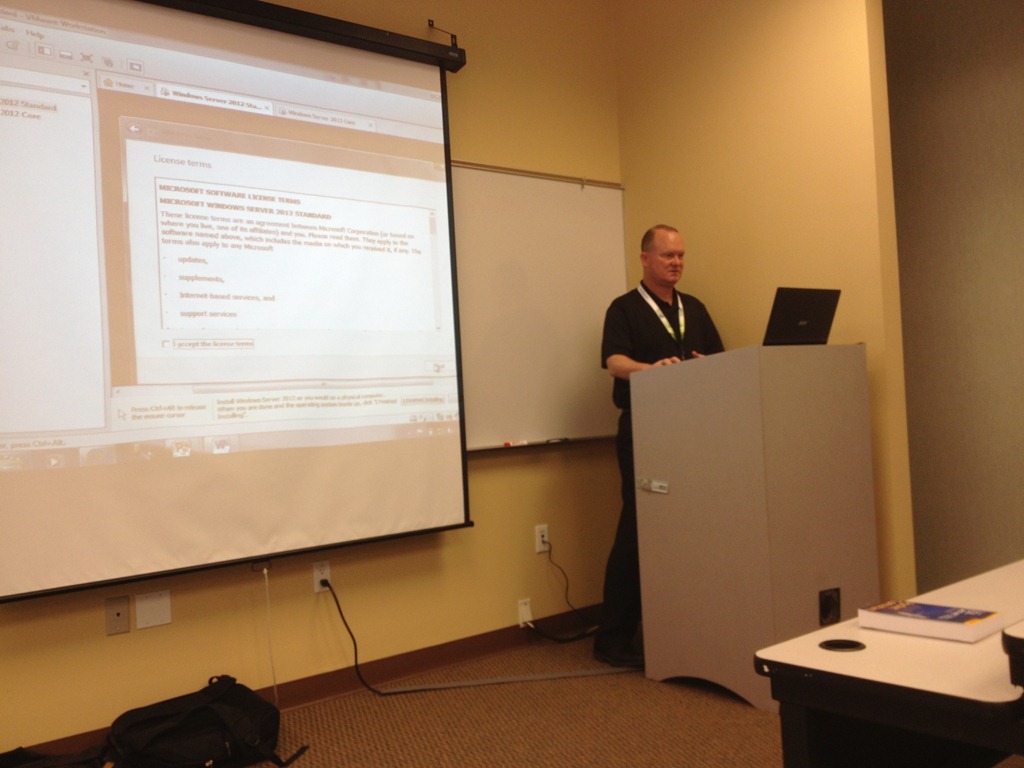
    Photo Feb 09, 8 20 59 AM

    It was an impressive presentation and one I think many of you would benefit from. I hope he gets the chance to deliver this at the PASS Summit and a few other places this year.

    The event ran very smoothly. There was always coffee, water, soda, and some snack in the small kitchen. Lunch was boxed, and there was plenty of food in there. I had some great chats with various people in the hallways throughout the day. I had the chance to catch up with Sri Sridharan and chat about events and some strategy for the future. It was good to laugh and joke with some of the speakers through out the day, and I even sat in on another session in the afternoon, learning more about columnstore indexes from Carlos Bossy.

    The end of the day had everyone gathered in one large room for lots of thanks, applause, and prizes. I got a panorama shot of the closing below.
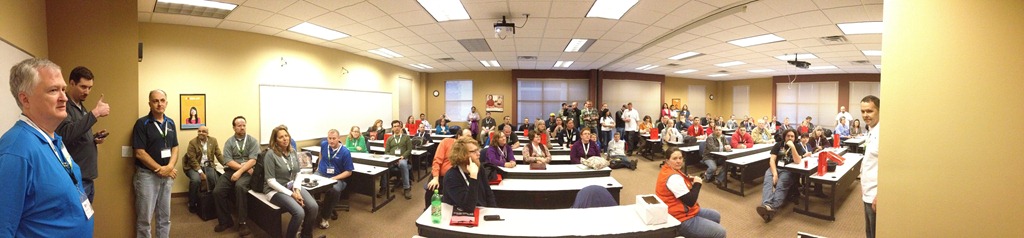
    Photo Feb 09, 5 21 42 PM

    The people in Albuquerque were very nice and a number of them came to the after party. While some of the Saturday night gatherings are mainly speakers and organizers, this had a good group of attendees that had the chance to network with speakers and each other.

    Saturday night had me back in Taos and Sunday was an easy drive home.

    Overall this was a very well run event, and very smooth. It’s a testament to the hard work and preparation of the Albuquerque SQL Server User Group, and also the hard work by Karla Landrum of PASS. People had a good day, they learned a few thing, and the people I asked about the event told me they thought it was a great day of training and networking.

    I really enjoyed the event in Albuquerque, and I’m hoping there is another one in the future I can attend.
  • I’m Speaking at ….

    Last week I noted that I was speaking at the new SQL Intersection event. Hopefully I’ll see some of you there and get the chance to shake some hands.

    As I was writing that post, I included a “I’ll be there” graphic, which I’ve included here as well. It was the first time I’d been sent a graphic from an event that specifically mentioned my as a speaker. It’s a neat idea, not only for promotions, but also as a way for me to include a small memory of my blog of the event. Somehow it seems slightly more personal than the event logo.

    A few days after I received that graphic, I got another email, this one from Karla Landrum of PASS. She noted that she was sending out “I’m speaking at” graphics for the SQL Saturday events. I got mine yesterday for the Albuqerque event this weekend.

    sqlsat183_speaking

    I think this is a great idea, and I’ve updated my speaking schedule with the graphic. I think it brightens up the page, and I’m looking forward to the other logos that will come from future events.

    Promoting events is hard, and every interesting thing you can do will help. Banner ads are often blocked or ignored by many people, but I do think the logos and pictures embedded into posts like this one can help raise awareness.

    And they’re a nice keepsake for your online blog, whether you’re a speaker or a trainer.

    Thanks to Jonathan Allen for suggesting this enhancement. If you’ve got an idea to help grow the SQL Saturdays or other events, please let the organizers know. Growing the SQL Server community and exciting others to join is something we all can do.

  • SQL Intersection 2013 – Las Vegas in April

    I'll_Be_ThereIt’s not too hot, it can be fun, and after a full day of SQL Server learning, there are lots of things to do. I’m heading back to Las Vegas in April to speak at the new SQL Intersection event. It’s in conjunction with DevIntersection, and it’s at the MGM Grand Hotel.

    This event is taking the place of the DevConnections, but it’s a little more focused. There are some great sessions and I’m honored to be picked to be speaking alongside these amazing individuals

    It’s a great spring conference with improve your SQL Server knowledge during the day and enjoy amazing shows at night. I’m hoping to get the chance to see one of the comedy acts while I’m there.

    Come join me if you want to get away this spring from work, learn more about SQL Server and find some warm weather in the early spring.

    One more note. If you register by Feb 11, 2013, you’ll get $100 to spend at the MGM, and a Surface RT tablet. A good reason to lobby your boss to make a decision early and attend this event.

  • Activating Windows 8 from MSDN

    I installed Windows 8 recently and needed to activate it. I didn’t do this on the install since I didn’t have an Internet connection when I first set things up. This is a hardwired desktop, and I had to move it to my office to plug it in. However I didn’t have a spare monitor to use with it once it was moved, and when I connected over RDP to start setting things up, I realized it wasn’t activated.

    No problem, I’ll just run the Activation from the Control Panel/Action Center. How to get to the Control Panel? I didn’t see an easy way, but I did remember that if I right clicked the desktop, I’d get a “Personalization” dialog, which was a sub-folder of Control Panel. That worked, I made my way to the Action center, which gave me a spot to click on to Activate things. I did and got an error:

    Activation Error: Code 0x8007232b
    DNS Name does not exist

    That threw me. It said if I had issues, look for other methods in the
    Control Panel. I didn’t see any, so I asked the Google what to do.

    The first result was this KB article, which talked about the install being from a volume license of some sort. That was true, as I’d used my MSDN license to install. Since I didn’t have a local activation server, I used the first method of running the slmgr command line with my license key.

    That worked great and I was up and running. I hadn’t seen that before, so it was an interesting experience.

    Working with Win 8 across RDP, without a touch screen was interesting as well. Definitely a few things to get used to here.