Category: Blog

  • JSON_OBJECTAGG is an Aggregate: #SQLNewBlogger

    I wrote an article recently on the JSON_OBJECTAGG function, but neglected to include an example of why it can behave weirdly. This post looks at something you might not realize unless you remember this is an aggregate function.

    Another post for me that is simple and hopefully serves as an example for people trying to get blogging as #SQLNewBloggers.

    A Strange Result

    I have some data, which I show below. Some teams, cities, and years.

    2026-04_0232

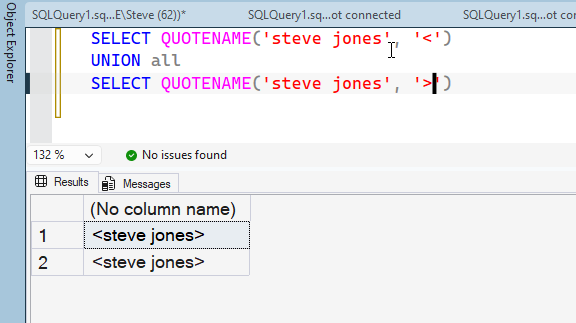
    If I ask for this data in a JSON_OBJECTAGG query, I get one document back. Which is fine. You can see this below

    2026-04_0233

    However, if I were to add the year separately as a column, I get an error without a GROUP BY. This shows me this is an aggregate, which I read and knew, but wasn’t thinking about in my testing:

    2026-04_0234

    If I add a GROUP BY, then I see these results. Notice that I get documents for each section of the GROUP BY with just that data. Each of these documents is 1 team, except for the 1960 year, where three teams started.

    2026-04_0235

    If you are using this to assemble simple JSON documents with a WHERE clause, you might not realize this is an aggregate and behaves that way.

    Make sure you test your code in a few ways and treat this function as an aggregate.

    SQL New Blogger

    This post took a little longer to write (20 minutes). I took the code from my previous article, but I restructured a few things once I realized how this works as an aggregate. It’s a simple look at the function, but it also points out something I learned, which isn’t necessarily obvious. Talking about that shows you have some knowledge besides just copy/pasting code to create JSON documents.

    You could do this as well, and leverage the idea of building off one post to show something in another.

  • Impactful Sessions I’ve Seen: T-SQL Tuesday #196

    This month I’m thrilled that Steve Hughes is hosting. I’ve read this Data on Wheels blog for a long time and I appreciate all that he does, especially given his struggles with ALS. I kicked myself a few times for not asking him to host earlier, but I’m glad I finally did.

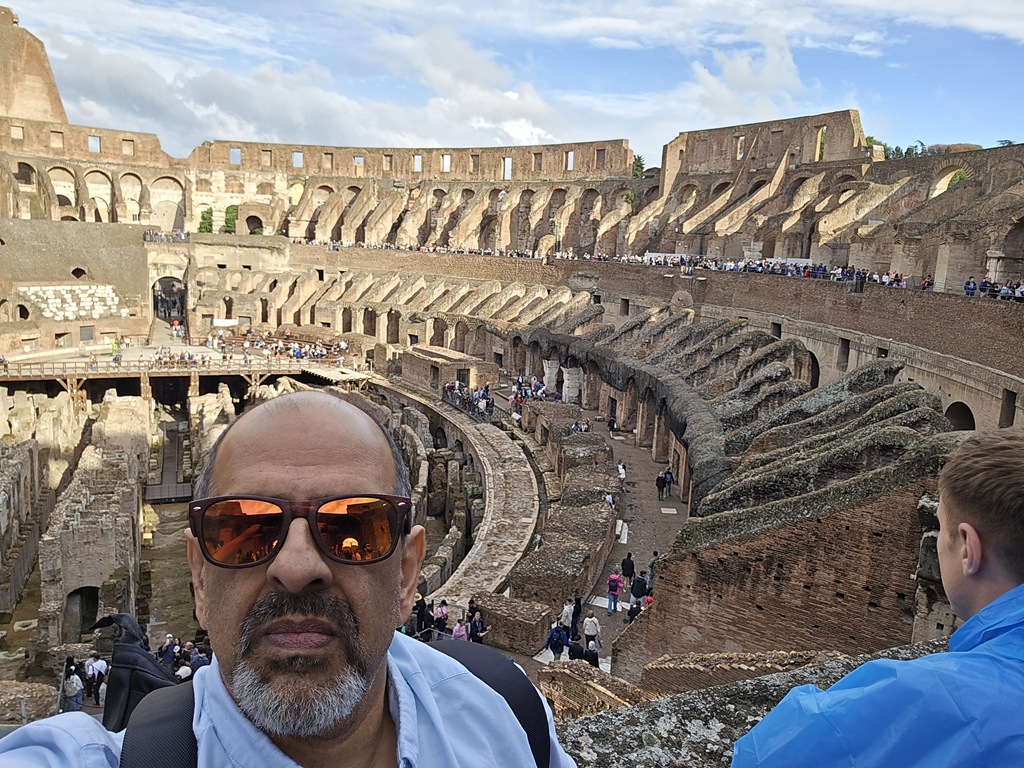
    I also was honored to meet him a few weeks ago and spend a little time with him.

    20260329_184753

    With that, let’s get to Steve’s invitation.

    Lasting Memories from Events

    These days I don’t go to a lot of sessions at events. It’s not that I can’t learn from others, or be inspired, but I find myself often viewing the time spent with others as more valuable. I can (and often do) work through articles, tutorials, and other resources online. For me, the time talking to others if more valuable than sitting in sessions.

    However, I wasn’t always like that. Early on in my career, and even throughout, I went to a lot of sessions to learn things. Over the years, a few things have stood out to me. There is some recency bias here, and I’m sure I’m forgetting about some great sessions along the way. I don’t always remember titles, so forgive if I’ve made a mistake.

    Tempdb in Early SQL Server – This was at the very first PASS Summit in Chicago, where Kalen Delaney have a talk on tempdb. I remember this because we had lots of contention in tempdb on SQL Server 6.5 and I was struggling. Finding solutions was one of the main reasons I got my boss to pay for the conference. I know I learned a few things and worked to restructure some queries after this. I even got to ask Kalen a question, which was a thrill for me.

    Reporting Services CI – I think this was a Nigel Sammy session, but it might have been Roy Ernest or another friend. I was working to get DevOps style checks for SQL code at the time and I wondered how someone would do this for SSRS. It was an interesting session as it reaffirmed a lot of my guesses for how to approach this, but taught me an interesting way to try and verify parts of reports while ignoring others. The session focused on ensuring your clients were happy with report data more than visual layout.

    The BI Power Hour – I went to a few of these, but the first one was with Donald Farmer, Euan Garden, and others at TechEd in 2003 or 2004. It was wildly entertaining and I appreciated the humorous approach to showing ways to use the BI platform. While I am not quite as entertaining, I try to add a few minor funny things in sessions.

    Basic Backup for SQL Server – Sean McCown gave this at a few SQL Saturdays. I am not sure if I saw him in Dallas or elsewhere, but I think I was sitting in the room and decided not to go anywhere. Instead, I was curious what Sean might cover that I didn’t know. While I knew most of the material, there were a few tweaks in settings that made a different to performance. This session reminded me there is always more to learn, even when you think you know a topic well.

    Clustering in 60 Minutes – Early in the SQL Server Central days, Brian was doing a lot of HA for his company. He presented this session at a PASS Summit where he built a SQL Server 7 or 2000 cluster live onstage in 60 minutes. It was cool to see and it reminded me that I should practice my demos and make them smooth.

    Live Encryption Changes – Simon Sabin gave an interesting talk at SQL Bits where he showed a live app running against his database and how he could implement encryption without breaking the app. The app just ran a workload against his database in a loop. He made changes to the db in the background without causing errors, which was cool. I enjoyed learning the encryption techniques, but more this inspired my Architecting Zero Downtime Deployments, where I wrote my own app to do this.

    There are plenty more, but I’ll stop here.

    There’s always a lot to learn, and going to sessions is a great way to get inspired and help you build your own solutions.

  • Changing the Cardinality of a FK in Redgate Data Modeler

    One of the things a customer asked recently about Redgate Data Modeler was how to adjust a FK constraint between two tables. The tool seemed to makes this  easy, and this post will show you how.

    This is part of a series on Redgate Data Modeler.

    Altering a Constraint

    In a previous post, I looked at adding a FK. Let’s do things a little differently here. Let’s change a constraint to better reflect the relationships between entities. In this case, let’s look at a part of my model. I have the User and Author entities linked as shown below. Note that we have a User with a 1:many relationship to Author.

    2026-04_0213

    This isn’t correct. A User cannot be a part of multiple authors. This is, logically, a 1:1 relationship. Each Author is related to one and only one User. Each User can be an author, but only one Author. So let’s fix this.

    If I click on the relationship, it turns blue and highlights.

    2026-04_0214

    On the right side, the properties pane displays the relationship properties. Note that there is a relationship type below the comment.

    2026-04_0215

    If I click the  drop down, I can change this to whatever cardinality makes sense.

    2026-04_0216

    I’ll choose one to one. When I do that, I can see the diagram changes.

    2026-04_0217

    I can also change this for other entities. Here I have a One to Many, but this is really a many to many relationship. So I need to change it.

    2026-04_0218

    I can adjust the properties in the drop down and you can see both the diagram and the right properties pane match.

    2026-04_0219

    Summary

    We may model our entities incorrectly, either because of incomplete information or simple mistakes. In any case, if you need to change cardinality in a relationship, it’s easy to do in the relationship properties.

    Give Redgate Data Modeler a try and see if it helps you and your team get a handle on your database.

    Video Walkthrough

    Here’s a short video of my working with Redgate Data Modeler and changing cardinality.

  • Advice I Like: Rewards from Work

    The greatest rewards come from working on something that nobody has words for. If you possibly can, work where there are no names for what you do.” – from Excellent Advice for Living

    I work for a software company, trying to sell tools to companies for database work. It’s not hugely rewarding. I enjoy it, and I like going to work. I like the colleagues and customers, but this doesn’t fill my soul.

    I’m an average person and while I’m good at what I do, I don’t make huge differences. I make small changes, both at Redgate and while coaching. The latter is way more fulfilling to me. I coach at a small club, not the top one, we don’t make news locally, but I help and watch kids grow up before my eyes in many ways.

    I love that.

    The saddest thing I’ve seen across the last 30 years of my career is how many brilliant people have moved to work in finance and tech (including biotech), aiming to win the lottery with options and IPOs rather than spending their efforts on making the world better. Their focus is on clicks and trades, not bettering science, knowledge, or anything for humanity.

    Lots of people do great work still, but many of the brightest of my generation and the next aren’t focused there.

    I’ve been posting New Words on Fridays from a book I was reading, however, a friend thought they were a little depressing. They should be as they are obscure sorrows. I like them because they make me think.

    To counter-balance those, I’m adding in thoughts on advice, mostly from Kevin Kelley’s book. You can read all these posts under the advice tag.