I’d never been to Oklahoma City, and when Kristin Ferrier asked me to come to SQL Saturday #90 and do the keynote, I was happy to accept. It’s a short flight from Denver, and not much further from Austin, so I was surprised Friday morning to find Wes Brown sitting down next to me in the Denver airport. Either he was slightly confused as to the best route to Oklahoma City, or he just wanted to chat with me on the way into town. Maybe he just needed a ride, in any case, it was good to see Wes, a longtime friend.
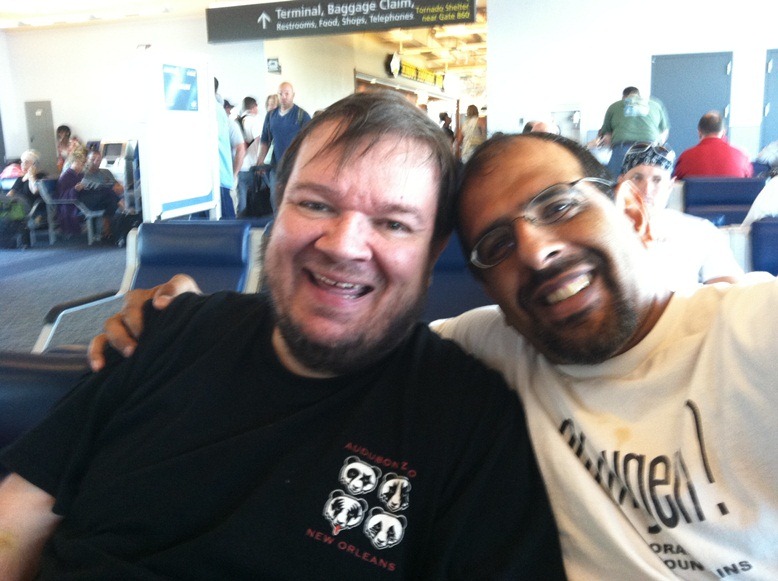
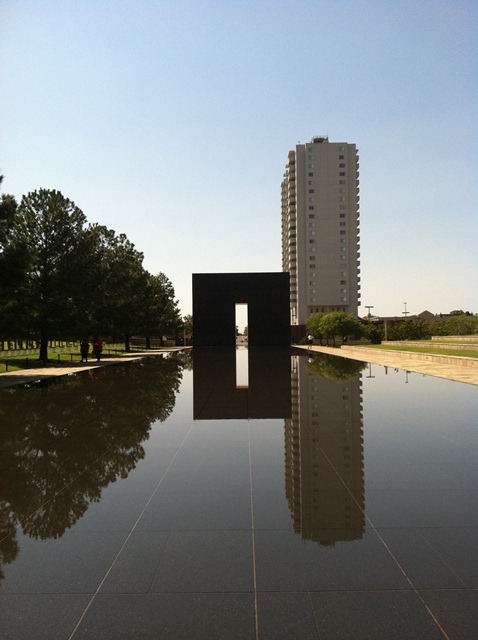
We flew in early, and met Karla Landrum, the Community Coordinator for PASS in town. We had lunch downtown in Bricktown, and then wandered over to the National Memorial. A somber scene, but one that I’ve wanted to visit for awhile.
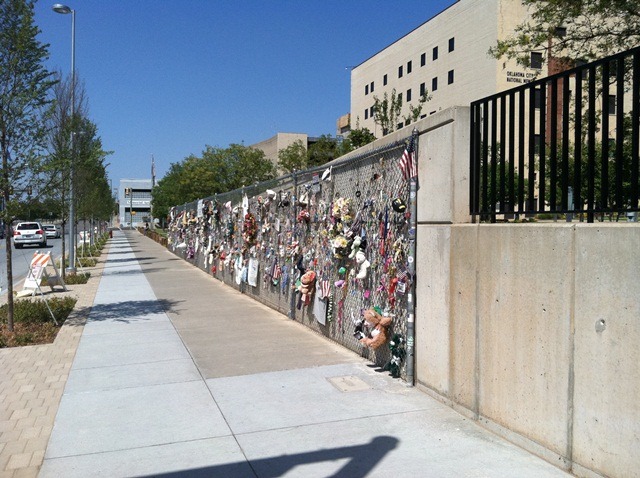
The famous Fence, where people still leave mementos to remember those that passed away.
From there we headed back to the hotel to relax. Or at least Karla and Wes did. As usual, I headed out to run. I’d been feeling under the weather for a few days, and sometimes a run in the hot weather makes me feel better. I was slightly pressed for time, so I headed down the road from the hotel, not very scenic, but a nice run.
Friday night was the speaker’s dinner, at another hotel where we met for some appetizers and drinks. It was a small crowd, with only 14 speakers for the event and a few volunteers, and we had a nice time chatting with others. Quite a few people from Dallas had driven up, and it was good to catch up with Tim, Russ, Jen, Sean, Sri, Ryan, and a few more that had made the road trip.
Saturday started early, as is the case with these events. As designated chauffeur for Karla and Wes, we arrived early at the Moore Norman Technology Center, a large training conference and training center SE of Oklahoma City. It was a great venue, with a large conference room that was split into 3 still-large rooms for the day. We opened with one large room, where I gave the keynote talk. Not sure I did a great job getting a couple things across, as Wes was happy to ride me about throughout the day. However I did get a few nice complements later on from others. For those still looking for the book I recommended, it’s Drive by Dan Pink.
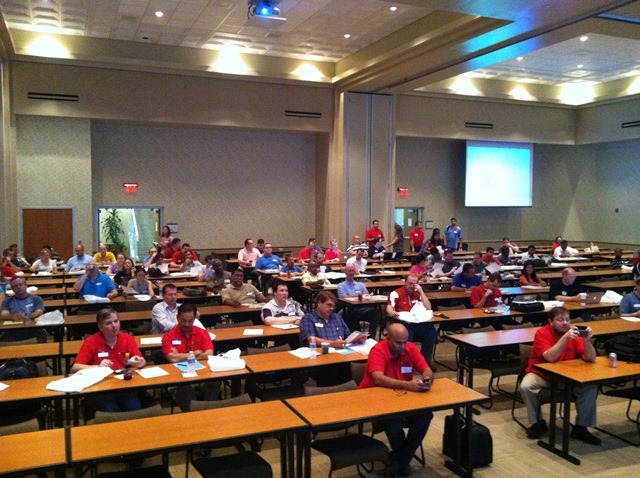
It felt fairly empty when I started, but there were probably 120-150 people in there. I liked the fact that there were three large screens hanging at the front of the room and two in the back. You can almost see 2/3 of the room above, and seeing my own slides was helpful for me during the talk. The only think I missed was a clock in front of my, which I had at SQL Saturday #64. That is very helpful and I wish more rooms had clocks.
After my 30 minute talk, the room was divided into thirds, with each track having a room. There were BI, DBA, and Dev talks on the schedule and it allowed people to stick with one area, or easily move to another room. Volunteers in each room did a great job handing out the evals during sessions and it seemed many people filled them out.
The sponsor tables in the main hallway were a little sparse, with only 3 or 4 sponsors handling tables. A few more sponsors sent prizes or had boxes available, but didn’t send people. I think this is likely to happen more and more because vendors can’t send people to every event. I expect that the prizes and money from vendors will dwindle a bit in 2012, and I hope people can plan more bare bones events in the future.
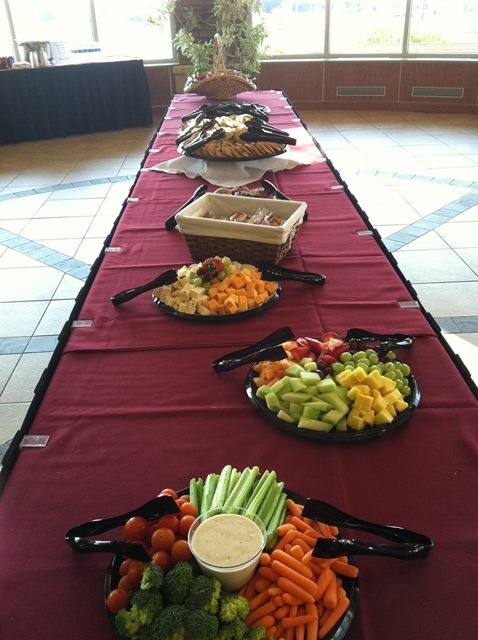 The conference center catered the food, which was nice. Sandwiches and bag lunches at noon, and a couple of snacks early and late. Coffee seemed to be always available, and I liked the spread for the morning snack.
I tried to be healthier on this trip, avoiding diet soda and sticking to coffee and water during the event, and enjoying the fruit and veggies you see here.
At the actual lunch I had a Red Gate tools demo, so I ate early and then set up for a mini-demo of some of the Red Gate tools during lunch. I don’t know if it was because there wasn’t a real lunch area or people were interested, but I had 40-50 people watching me show off Data Compare, SQL Compare, Monitor, and a few more products. I got some good questions as well, which was great to see. Getting some support for the vendor sessions will be important moving forward, and you might find a product that helps you do your job better.
The one very interesting question was from a guy that was testing backup tools for object recovery. He wanted to recover a large table (80GB or so) along with indexes. I wasn’t sure if our tools would handle that, but dropping an 80GB table is a big no-no. I can’t imagine the need to do that often, or at least, I wouldn’t expect it. Drop that table 2 or 3 times and you might be looking for a new job.
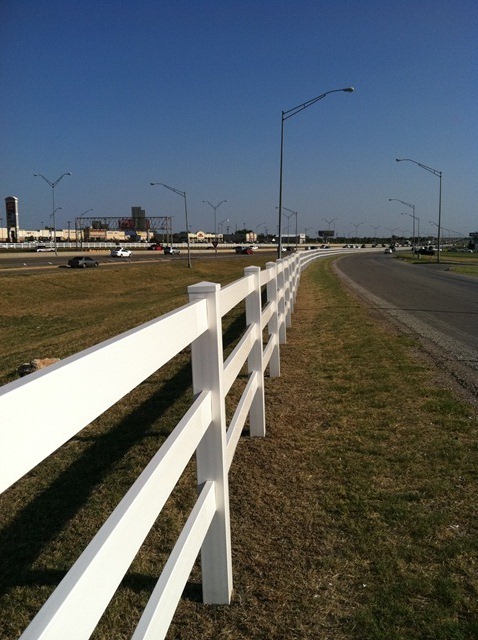
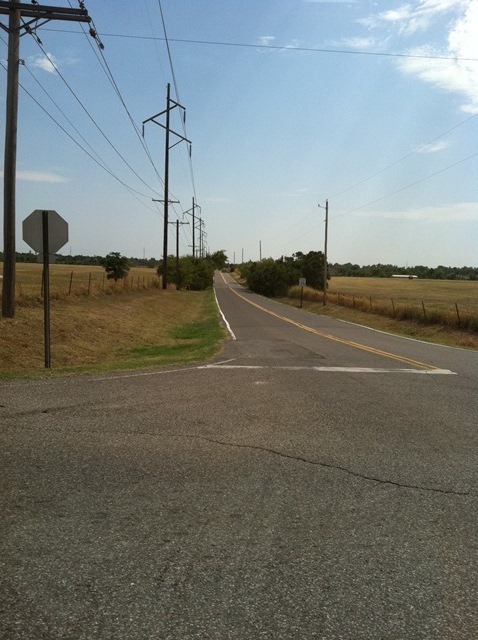 I was tired after my session, so I went to the hotel to rest for an hour, and then went out for another run. This time E of the hotel, heading out into the country and pounding down a quite country road like this one.
It was hotter today, with my calves feeling like they were tanning as I ran. It was like I was running next to an open oven door, and I struggled. Apart from trying to get over a cold, I was just tired and only managed 1.5mi.
Still, I did feel better after sipping water and showering back at the hotel. I returned to the event feeling refreshed and ready to close down the afternoon.
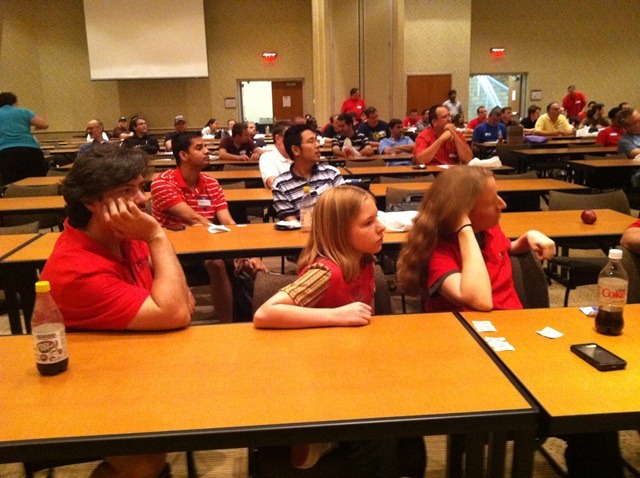
Some people had definitely left throughout the day, but still a good crowd for the closing ceremony. There were quite a few prizes given away, and good applause for the vendors providing them. People were anxiously watching the ticket drawing, as you evidenced by this photo of the MidnightDBA crew.
I was also surprised that 40-50% of the people still there at the end were from Tulsa, a good drive away. Perhaps that’s not surprising as those people would want to make the most of the day if they drove over an hour.
Afterwards we met at the same hotel as Fri night for the after party. A good selection of appetizers were available and most of the speakers came over. Only 5 or 10 attendees came, which was a little disappointing, but I understand it’s a long day. Still I’d hope more people would think about doing a little networking after the event, especially with local speakers.
This was the first event in Oklahoma City, I thought it was great. The venue was amazing, the organizers did a great job, and it was fun. I tend to like the idea of fewer tracks and bigger rooms, and enjoyed my trip to OKC. Looking forward to the chance to go back at some point.


