This is an interesting month for T-SQL Tuesday. The challenge is from Jason Brimhall to Sharpen Something, and learn something new. However, his challenge isn’t just a simple “learn something.” Instead, he writes:
“This month I am asking you to not only write a post but to do a little homework – first. In other words, plan to do something, carry out that plan, and then write about the experience.”
I didn’t see the original invite, but I saw the reminder, and so had less than a week to actually try something. Fortunately I was starting something new, so I decided to incorporate that into my post.
The Plan
I have been doing a little work with auditing, as part of trying to better understand security around SQL Server. With that in mind, I’ve been meaning to do more Extended Events work. I’ve done a little, inspired by Erin Stellato, and as I read the invitation, I thought this would be a good time to tackle something. My plan:
I know there are potential issues with the matching of events here, but this is an experiment, and the chance to learn.
The Actions
Last week my daughter had a volleyball tournament during the week. As a result, I was working remotely, in coffee shops and gym bleachers, trying to get work done. The day after starting this plan, my laptop started to die, with no good outlets nearby. At least not where I could see my daughter.
So I started Erin’s course. While I saw pieces of a few sets, I also watched the first 3 modules in the course, and even made a few notes in Evernote of things to try. The next day I finished the course late in the afternoon.
Part 1 done.
Now on to actually practicing. I downloaded the exercise files from the course and started to work through some of them. The first XE sessions are simple, but worth setting up to get a feel for the code. I could do things in the GUI, but I wanted to play with code a bit.
I ran a few items, trying to remember how they worked, and I realize that I needed to review a few things.
Testing Myself
The challenge for myself is to create a new session that does event matching, but looking for those transactions started, but not ended. I decided to use the GUI to do this, mainly because I was pressed for time. It’s been a busy week, and weekend, so I didn’t have as much time to experiment as I’d like.
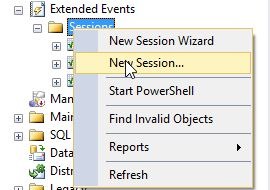
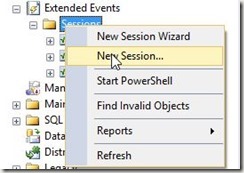
I started with a new session:
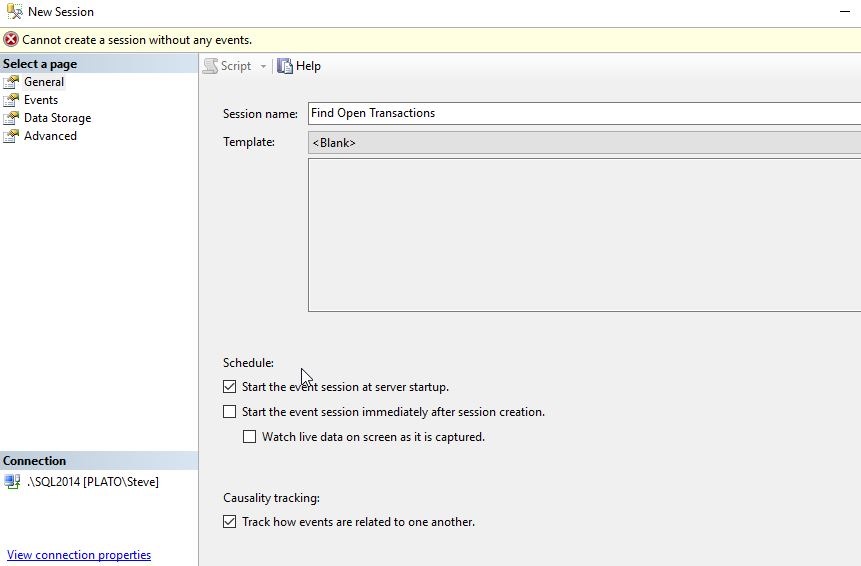
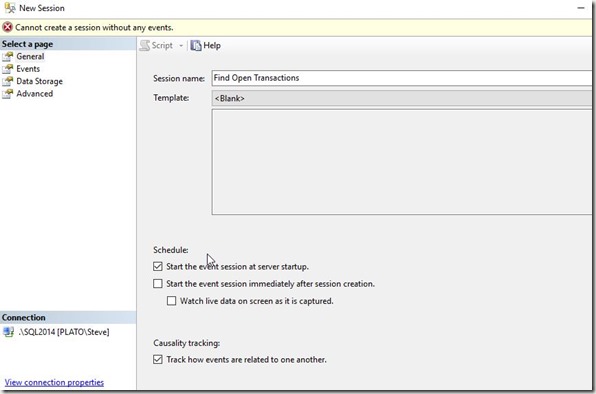
I gave this a simple, descriptive name, and selected to start on server startup, and also to track causality. My understanding is that since I want to pair up events, I’ll need this. I might be wrong, as I’m certainly not an XE person, but let’s see.
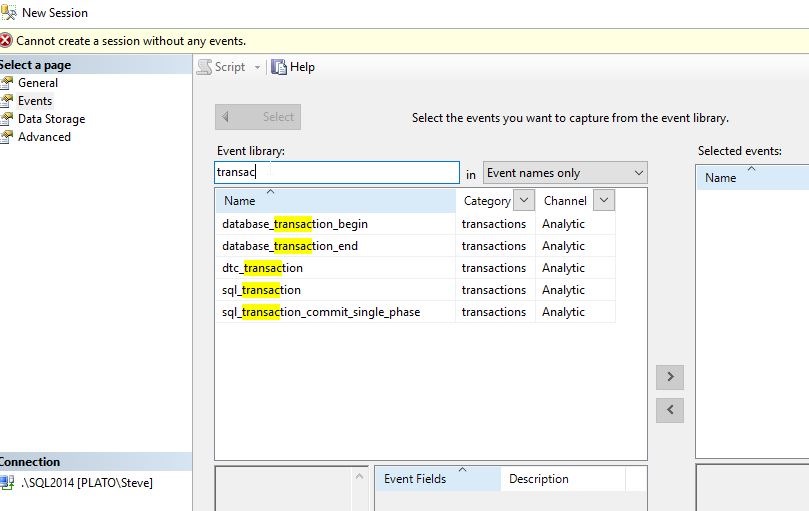
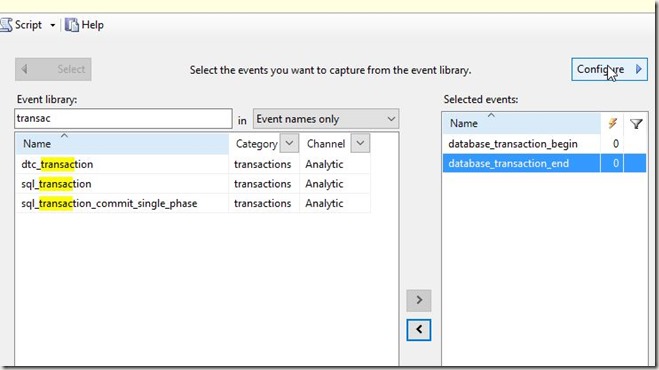
Now we need events. Let’s use the Search, as Erin mentioned, to find those events with “transac” in them. This screen alone is worth leaving Profiler and Trace.
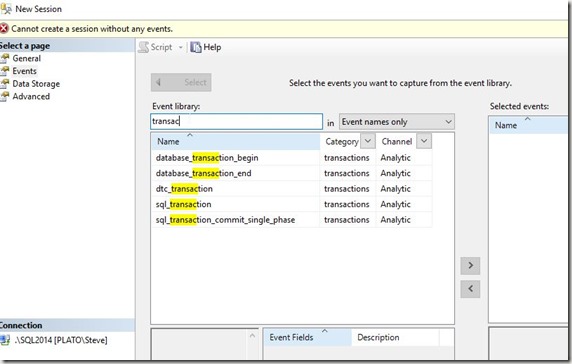
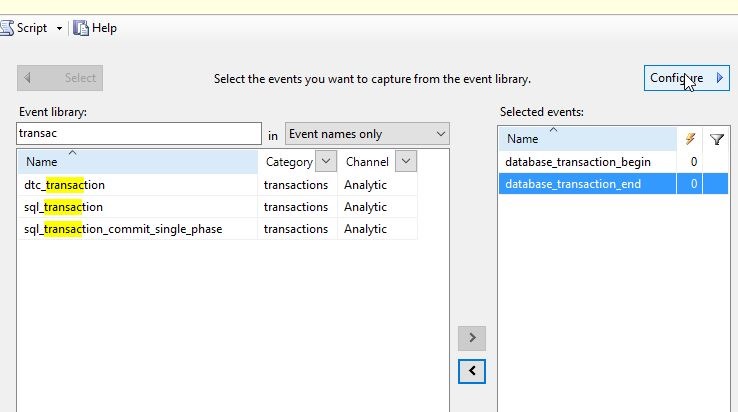
As you can see below, I’ll add these events and then click “Configure” in the upper right.
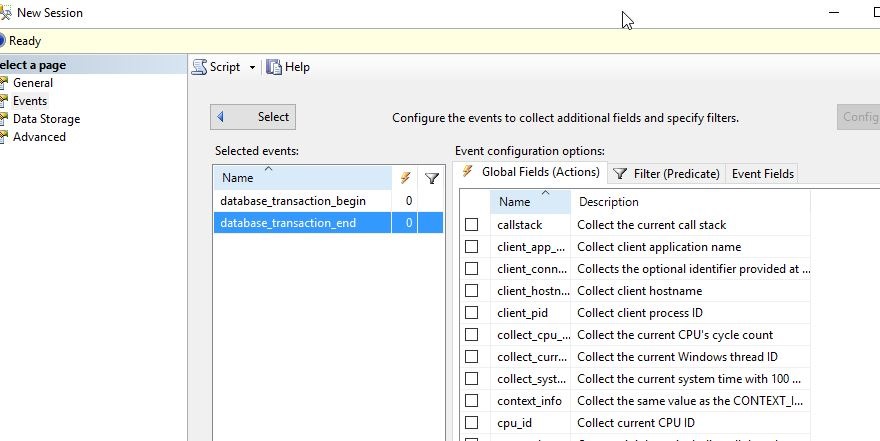
This slides the pane over and I can see my Actions, Predicates, and Fields.
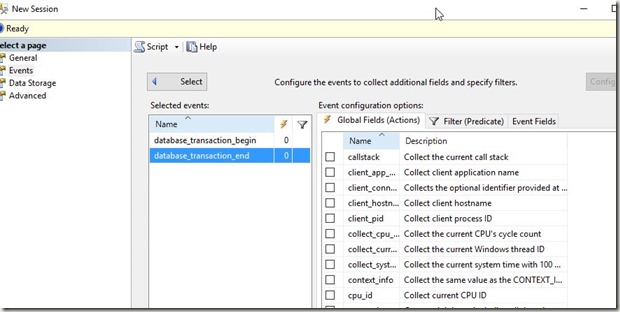
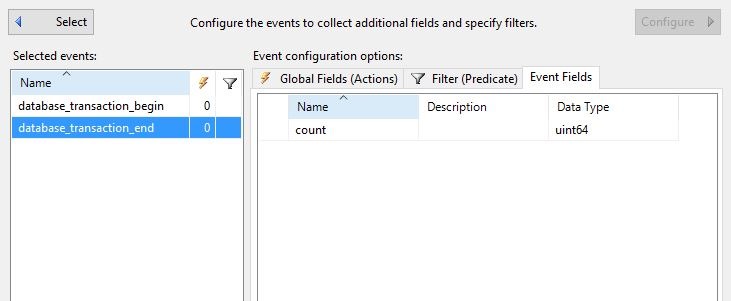
As Erin did, I want to start with the Event Fields. Let’s see what’s available.
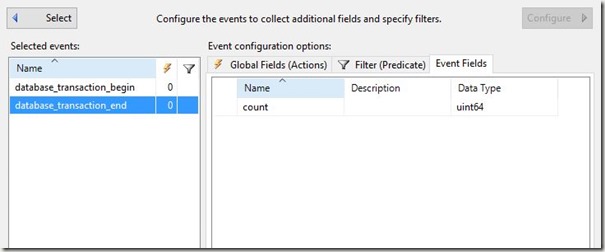
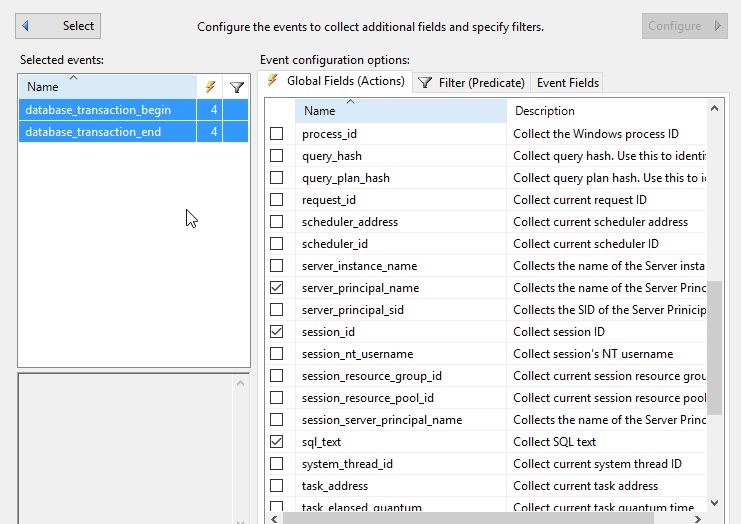
Essentially nada. This won’t help. So let’s go to the Actions, which I know is something I want to avoid, and get a few fields. I’ll select both events and click a few items that seem useful.
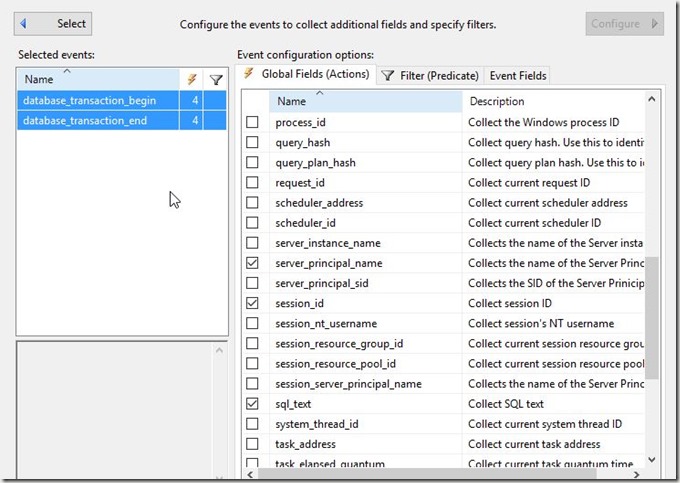
I’ll want to compare the events based on the session and database, to find those items that have a begin, but no end.
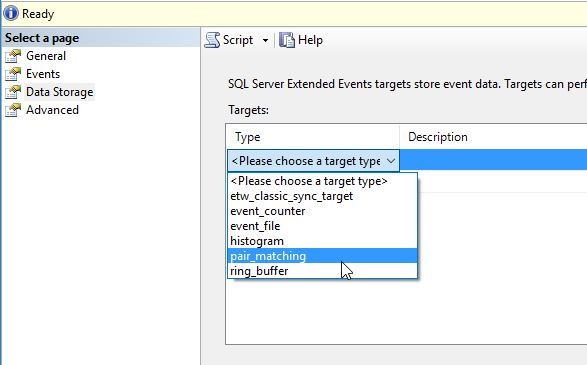
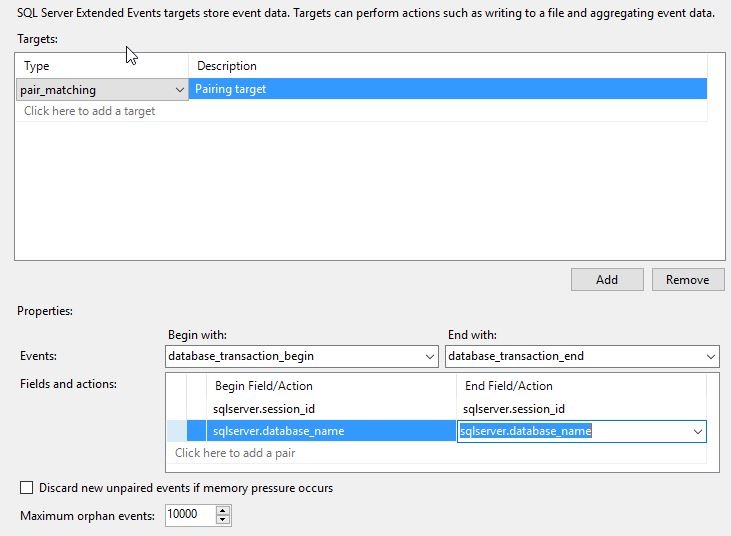
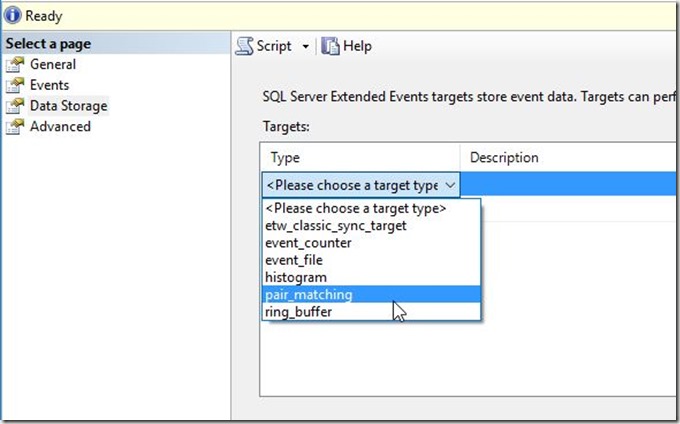
Let’s now match. In the Data Storage pane, I’ll pick the pair matching target.
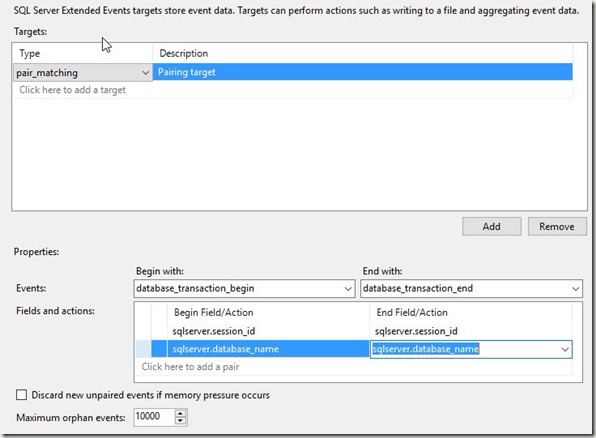
Once I pick this target, I need to pick the events I use in my matching, along with the fields. I’ll do that here. I’m going to match the begin with the end on session and database. Session might be enough, but let’s go ahead and try to separate out those sessions that might do something silly in two databases.
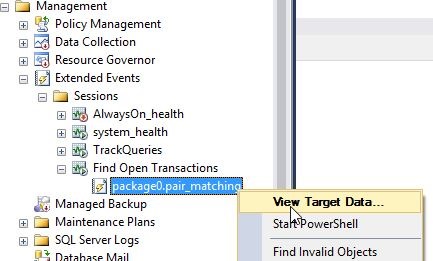
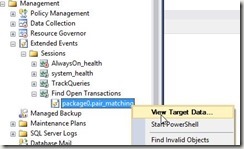
That’s it for me. I’ll click OK and then start the session. Once I do that, I see the session and the target, which I can view data for.
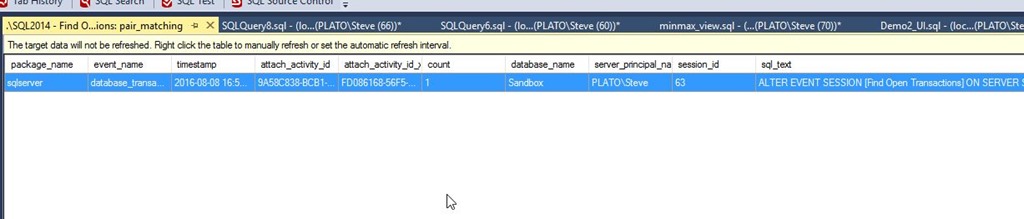
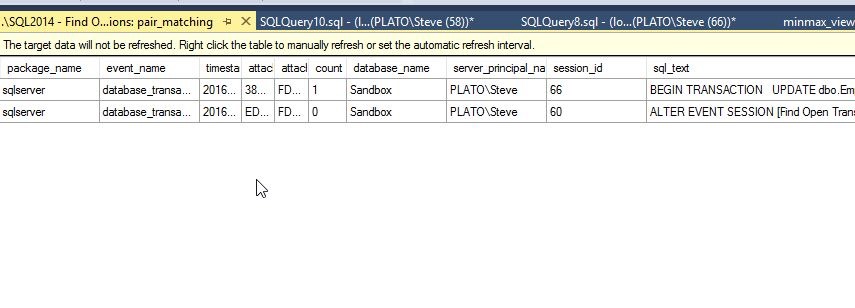
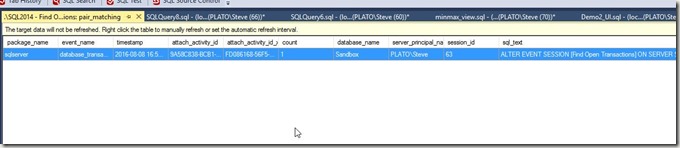
I see the ALTER EVENT item, which I’m guessing is the start of a transaction inside SQL Server. Note this data isn’t refreshed by default, so I’ll need to right click and do that.
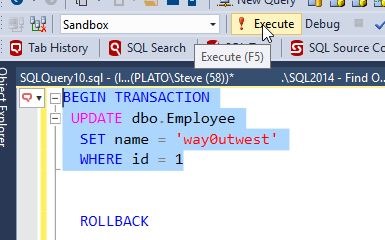
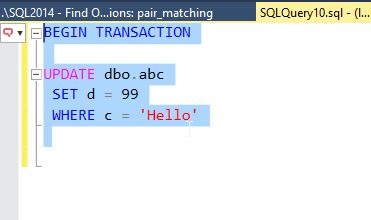
Now let’s make a transaction. I’ll run this:
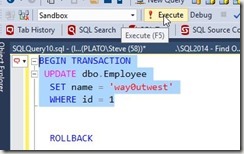
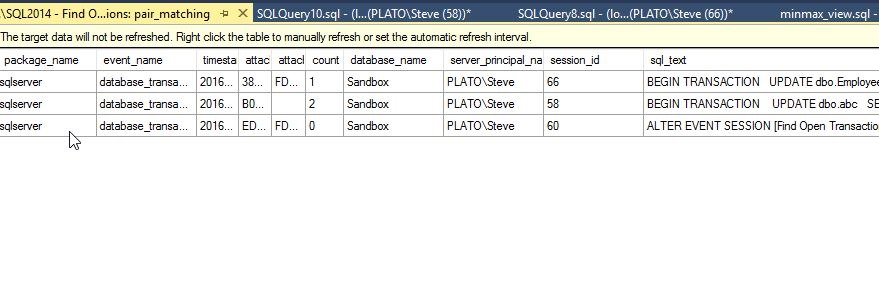
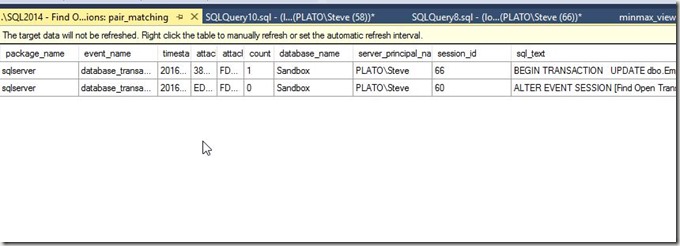
Once I do this, I have an open transaction. My session id is 60 for this transaction. If I refresh my data, I see the item.

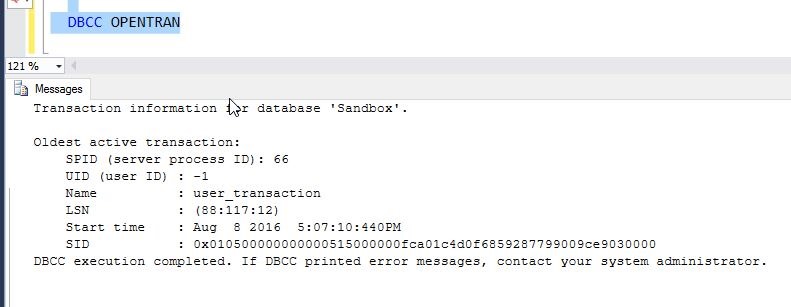
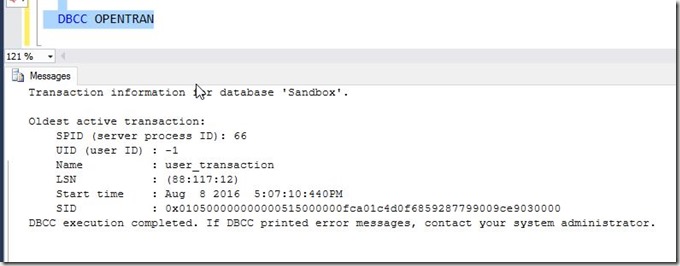
I can also see the open transaction.
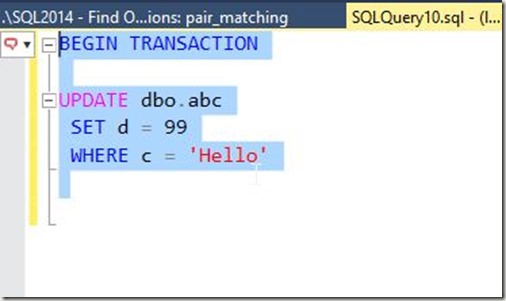
Let’s try another one. I’ll start another new transaction, this time for session id = 58.
Sure enough, I see another open transaction.
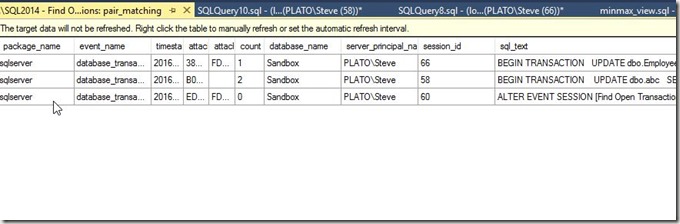
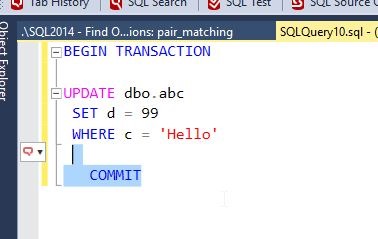
Now let’s commit the second transaction, the UPDATE dbo.abc.
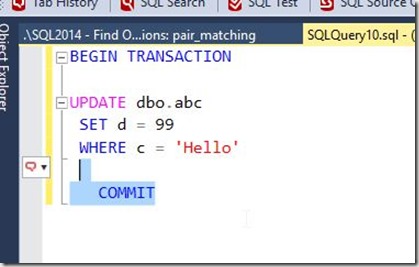
My transaction goes away from the pair match.
The Results
The third part of the invitation was to write this. I covered what I did, and some of what I learned. I’ll add a bit more here.
I certainly was clumsy working with XE, and despite working my way through the course, I realize I have a lot of learning to do in order to become more familiar with how to use XE. While I got a basic session going, depending on when I started it and what I was experimenting with, I sometimes found myself with events that never went away, such as a commit or rollback with no corresponding opening transaction.
This was a good challenge, and it forced me to work through a bit more than I might have done this past week, given a busy schedule. However, I’m glad it did, and I might challenge any of you writing about this in the future for your own T-SQL Tuesday #81 post to limit yourself to a week and force yourself to learn and try something.