I’ve been using ReadyRoll for a small project and wanted to move some lookup data. There are some tables where I want to keep data in sync across environments, so if my build and release pipeline can do this, great. ReadyRoll makes this easy, and this is a short post to show how.
The Current Environment
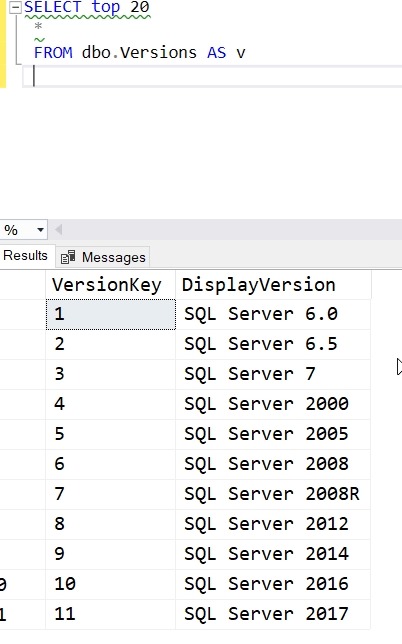
I’ve got a table in my dev database that has SQL Server versions. I can see the list here:
In my QA and staging systems, I see this (only one is shown, but it’s the same in both).
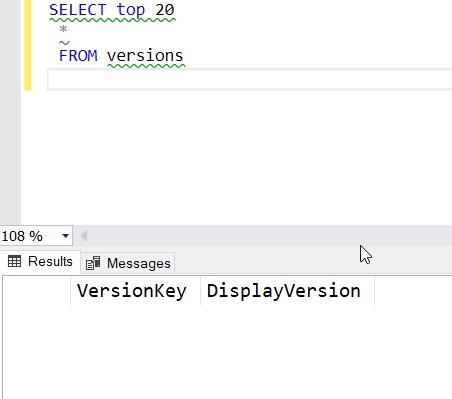
The goal is to have this data migrate with other changes in a build and release pipeline.
Adding Data to the Project
I’ve already built this as a ReadyRoll project and set up a build and release pipeline in VSTS. Now I want to include my data.
In the ReadyRoll tool window, I have refreshed the project and I see everything in sync. That’s good, and that’s how I want to be starting a small section of development.
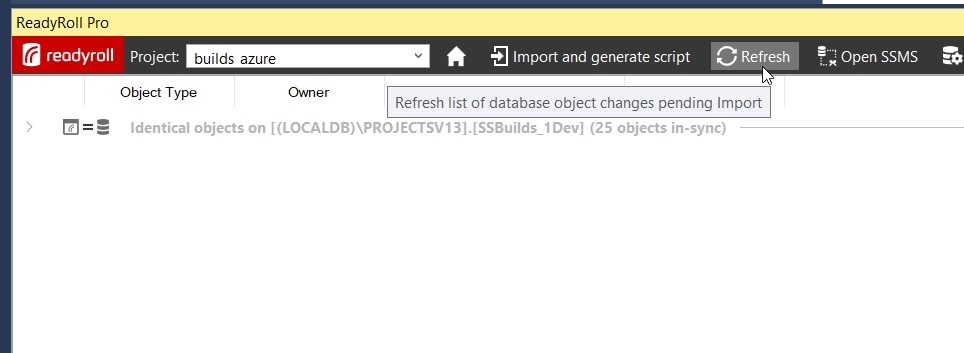
I want to find my table, so I need to expand the “Identical Objects”. When I do that, I see a list of all objects in the database.
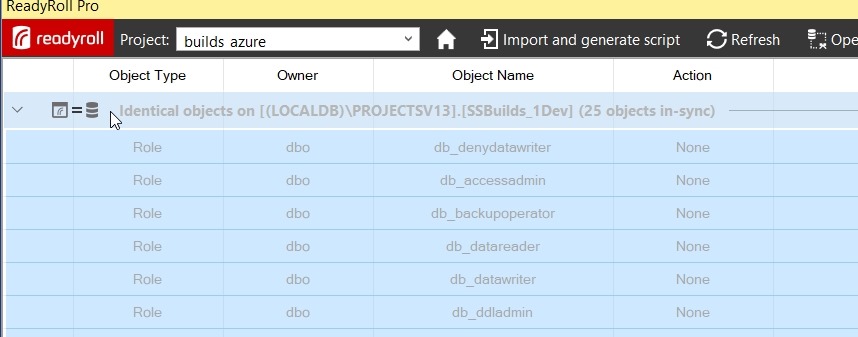
I can scroll down to find my table. When I do, I’ll right click it to get a few options. One of these is “Include Table Data”. We want to pick this one.
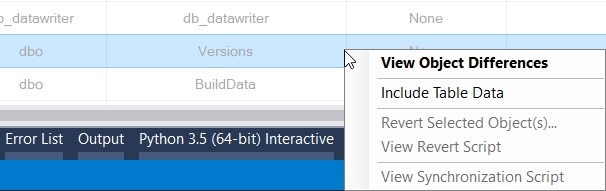
Once I do that, I get a note to refresh again. This is so RR can determine what table data needs to be added to a migration script.

My changes show that I need to get 11 rows of data into a new script.
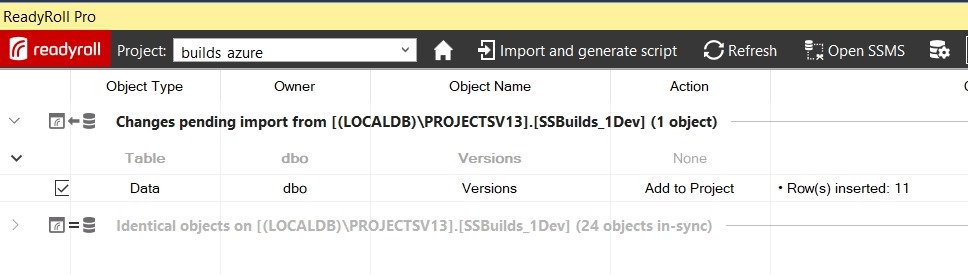
I click Import and generate script, which will build my migration script and add it to the project. In my case, this is script 4.
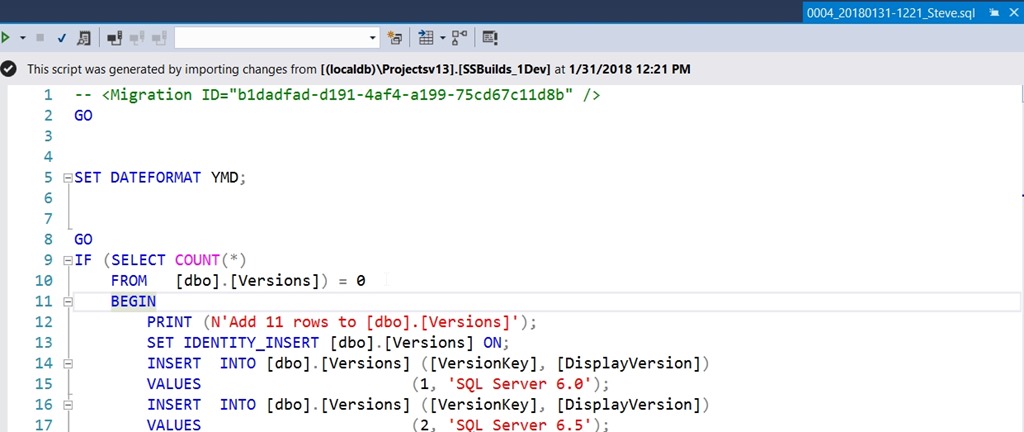
Note that this script has a few things in it, based on a call to SQL Data Compare in the background. First, it sets a dateformat. Next, it does the insert for an empty table, since that is the situation I’m in. Last, this uses the SET IDENTITY_INSERT option.
If you don’t like these options, change them here. You can alter this script to suit your environment. Remove the IF, let the identities be what they are, make the changes that matter to you.
The only thing I’ll do is click the script name twice to edit it.
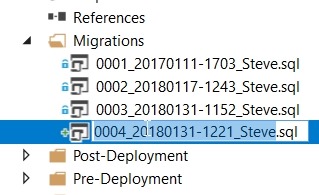
The numeric sequencing is important. The rest, not so much. I’ll choose something simple here.
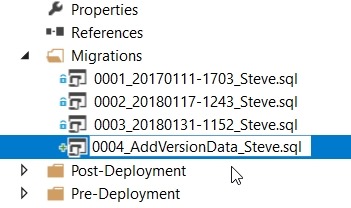
Build the Project
I can build locally, and I always should to be sure things work. Once I see this and I’ve tested a few things, I’ll let the “system” do more work.

The nice thing about ReadyRoll is that I can include my database project alongside application projects, if I want. For application developers or hybrid developers, I can use a consistent interface for saving changes to version control.
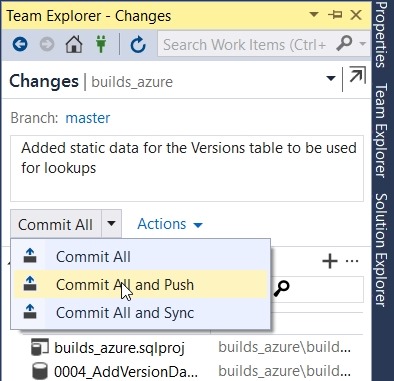
In Team Explorer, I’ll check changes, add a comment, and then Commit and Push.
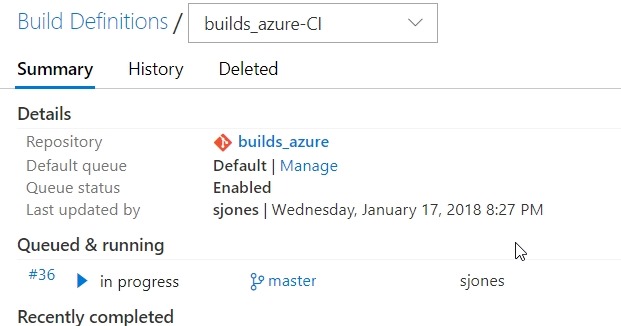
If I go to VSTS, I’ll see the build in progress. I’m using a local build agent and usually within 15 seconds, my build will start. Sometimes it’s really fast.
If I click the build number, I can see I’ve barely caught this before it finished.
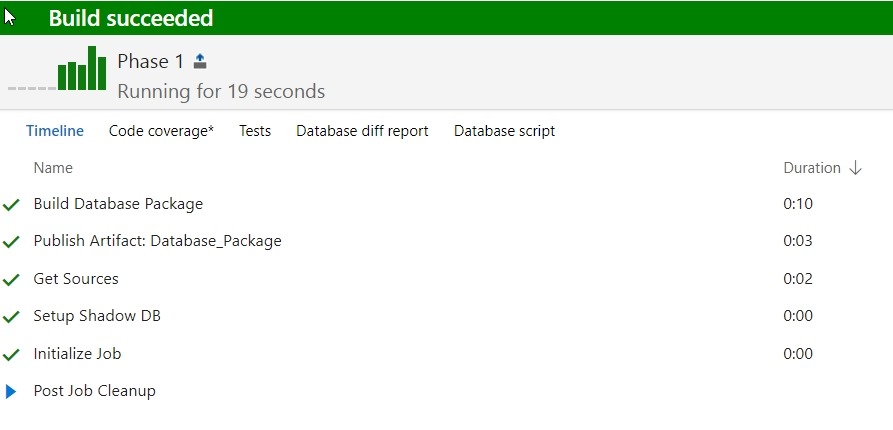
The build completes, so now I need to check releases. I have a CD trigger that will deploy to a local QA instance when the build succeeds. If I go look at the release, I’ll see that’s occurred.
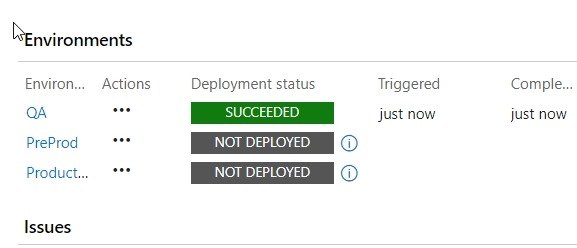
This worked, so let’s check the QA instance. As you can see, my data was deployed.
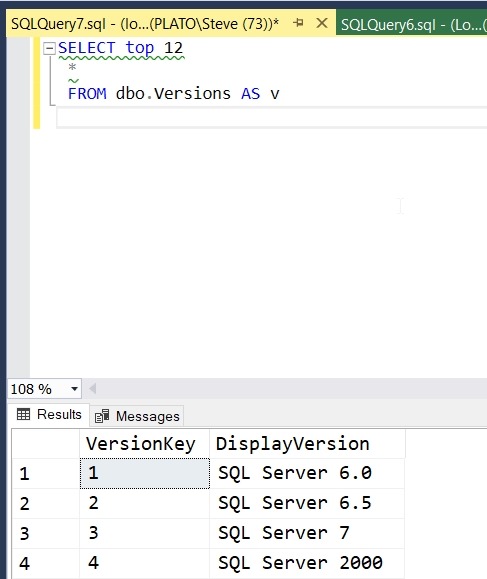
If you were watching closely, you see I have a small data issue. I need to correct that, but that’s for another post.
ReadyRoll is a part of the SQL Toolbelt, and if you’re a customer, I’d urge you to start a PoC and see what you think of the tool. ReadyRoll Core, with limited features, is included with Visual Studio Enterprise, and if you’re a customer of Microsoft, you can try that. We also have 14 day trials if you’d like to do this on your own.


