Tag: Microsoft

  • Improving Replication

    I really like replication as a technology. I think the ability to move data around to other systems, at a gross level, is extremely handy in many systems. While SSIS and other ETL tools are very flexible and powerful, they also require quite a bit of work to maintain. Being able to send a table (or a vertical/horizontal partition) to another system is just valuable.

    This is why I’m constantly disappointed that SQL Server hasn’t really bolstered their replication technologies to make it more robust.  Don’t get me wrong, there have been improvements in various versions, and replication has come a long way since SQL Server 6.5, but as an overall subsystem in SQL Server, it has a long way to go. The tooling needs work, the reliability and robustness needs work. I find replication brittle, as do many others, and when there are code deployments needed, it seems that administrators often just script out the system, tear it down, make changes, and rebuild it.

    That’s not a great plan. In 2017, that shouldn’t be the plan. I don’t get why Microsoft hasn’t made things better, after all, more replication options could mean more SQL Server instances installed to support disparate workloads. However, rather than complain, I’d like to give Microsoft ideas.

    Today I’m curious. What would you do to improve replication? What would you like to see? Perhaps you want better monitoring of the process. Simpler setup, such as that available in Azure. Better bidirectional replication? Maybe an easier way to deploy changes? Let us know your ideas for improving SQL Server replication.

    Steve Jones

    The Voice of the DBA Podcast

    Listen to the MP3 Audio ( 2.4MB) podcast or subscribe to the feed at iTunes and Libsyn.

  • Looking Back at Build–CosmosDB

    Part of a series looking back at Build 2017, going over the 20+ pages of notes I took.

    One of the big announcements at Build 2017 was the release of CosmosDB. This is a rebranding of DocumentDB, the document store in Azure, with some additional capabilities. You can also choose to store as

    • Column-family (columnar)
    • Key-Value
    • Graph

    The service is interesting in that it supports the MondoDB and Gremlin protocols for querying, which should allow some people to consider Azure instead of those platforms. The announcement was interesting from the data perspective. Microsoft focused a decent amount of time on this platform, and certainly people at the conference were very interested in the offering. Quite a few developers were thinking this would replace SQL Server, since it has some nice capabilities.

    One of the big ones is that CosmosDB offers < 10ms latency for reads and < 15ms for writes. They scale up to millions of transactions/sec, and also grow to PBs in size. There are some good guarantees for the database.

    They call it infinite, but that’s a marketing term. There’s a limit, and there certainly may be a limit you’re willing to store in the service. Jet.com was the featured customer and they talked about how much data they used and how they can scale the platform. I’m sure they went with DocumentDB and moved over, but they have their story in the keynote, if you want to watch. They get over 100 trillion, yes trillion, CosmosDB transactions/day. No matter what you do, a trillion of anything is a lot.

    Perhaps the more interesting thing is that Azure is offering five different consistency models in CosmosDB. They are

    • Strong
    • Bound Staleness
    • Session
    • Consistent Prefix
    • Eventual

    I don’t know how well these are supported in other platforms, but I like to see that developers have a choice. I’m not sure how many will understand the trade-offs and implications, and how many will get burned by choosing one over the others, but I’m glad the choice exists.

    They are also saying a money back guarantee. What that means, or how you get money back, is going to be something to see. I haven’t always been thrilled with the disclosure in billing for new parts of Azure services, but perhaps there is going to be some way to request credit, though I would hope that any telemetry that shows issues results in some credit.

    The other good thing is that the SLA is guaranteed across multiple dimensions: latency, throughput, availability, and consistency.

    Rimme Nehme, who demo’d the product, had an interesting quote. It was something like “developers can concentrate on the app, not the database.” Forgive me if I’ve slightly misquoted as I’m going from notes. While I cringe a bit as a data person, I do know that most developers don’t want to really work deep in the database, especially for many simple apps. If I were building some simple mobile app, I’d seriously look at CosmosDB, and I plan to learn a bit about it.

  • Listening and Taking Action

    One way most of us would like to work is to have others listen to our concerns, our requests, our requirements, and then take action to help us. One of the principles of DevOps is just this. We work together and optimize the entire system, increasing the flow of work, and not just trying to ensure our particular task or part is improved. I would hope that most of us would actually take time to listen, evaluate what we hear, and then move forward in a way that is a good decision for both parties. We certainly might debate about what action makes sense, but I would hope we could some to some consensus and decision.

    Microsoft is listening and responding as well. They aren’t building SQL Server based on everything we file on Connect or complain about, but certainly they are listening to some of our concerns and requests. There is a good post that look sat some of the community driven enhancements, which are being included into SQL Server 2017. These are different customer and community requests that were given some attention and added to SQL Server 2017.

    These don’t seem like big changes to me, but as I read through them, a few seem to go quite deep into the engine, and I’m sure there was quite a bit of testing to get these completed. You can test them in SQL Server 2017 today, helping to ensure they work correctly in the final product. Some of these will change the way you run backups or diagnose issues, perhaps even enough to consider an upgrade.

    I especially like that performance of smaller databases is addressed with backup improvements. I would still guess that most of the SQL Server databases out there are smaller than 100GB, maybe substantially smaller, and while we may consolidate and change hardware, we need these systems to perform well. The large, 100TB database changes are nice, and I know some customers need these improvements, but most of us don’t. Even though the percentage of people with 1TB systems grows regularly, it’s still a minority, so kudos to Microsoft for doing some work here.

    Not every highly rated Connect item is addressed. The string or binary data truncated message isn’t changed, and that’s been highly rated for years. However, the top JSON request made it into SQL Server 2016, and there are other items in the most voted on list that haven’t been addressed. I understand, though I don’t always like the way Microsoft looks at the product. I can relate their decisions to my own when building software, realizing that the customer doesn’t always have the best view of what makes sense for commercial viability. However, I’d also like to see the platform continue to evolve and make development and administration easier for all of us.

    I’ll keep voting on, and creating Connect requests as I see a need, and I’d encourage you to do the same. Think about what you are really asking for and decide if it makes sense for large numbers of people, but continue to participate and let Microsoft know what changes are needed. Your voice can make a difference, so please use it in a constructive and positive way.

    Steve Jones


  • A (mostly) Unwired Week at #MSBuild

    Part of a series looking back at Build 2017, going over the 20+ pages of notes I took.

    Last week I had the opportunity to attend Microsoft’s Build conference, and as I wrote, I planned to use a notebook and not my PC. For the most part, that was my week from Wed-Fri, with a small exception.

    I had an interview with Channel 9 (airing this week?) and had to prep a demo. After rebuilding my machine last month, a few things weren’t working, so I dragged my machine to the Thursday sessions and worked on the demo during a few breaks. However, I didn’t take any notes and closed it when sessions started.

    The trip over was nice, though I was scrambling to finish some work on the plan. At least I had a nice view coming into Seattle.

    Photo May 09, 9 42 41 PM

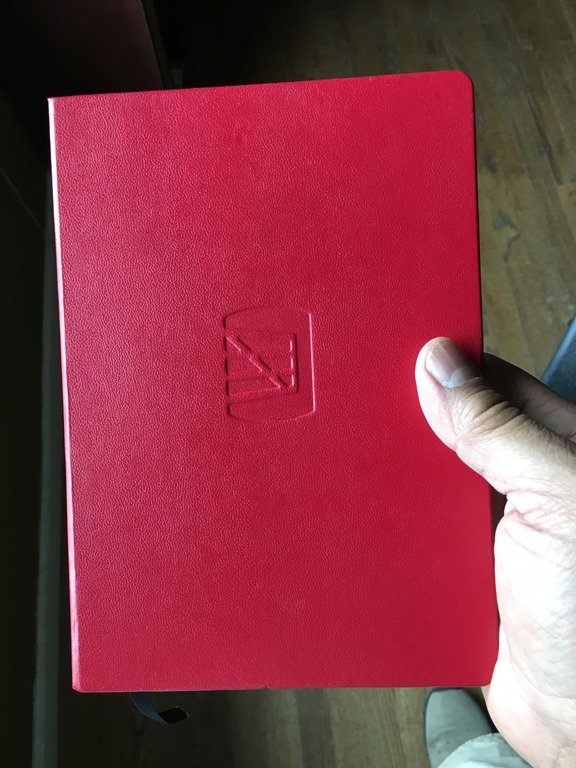
    Here was my notebook, and as I walked around, I carried this with a pen to all the sessions, keynotes, etc., just jotting thoughts and notes on paper. I like to write, as it helps me remember, so many of my notes were just things I heard, with some thoughts around them.
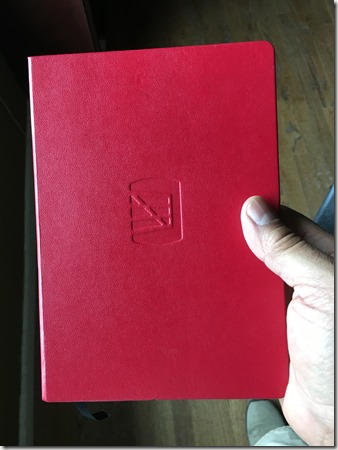
    Photo May 15, 10 02 09 AM

    It’s a good way to attend the conference, as every time I opened my phone or laptop, I was tempted to check things. Email, ESPN, Slack, etc. Taking time away from work was good, though I would have liked to avoid the demo commitment.

    At Build, there were a few things that caught me eye. I’ll talk about each in a post at some point, and I’m drafting some of those now. However, I’ve got to get some work done, and I travel again this week. For this post, let me start with one item from the first day.

    Hololens

    The Hololens mixed reality platform was announced last year just before Build 2016 and was featured there. I went to the conference last year to present part of a session on behalf of Redgate Software, but I was only in San Francisco for about 24 hours. I presented my session, was at the Redgate booth for a couple hours, and flew home. I was tempted to try Hololens, but there was a long line.

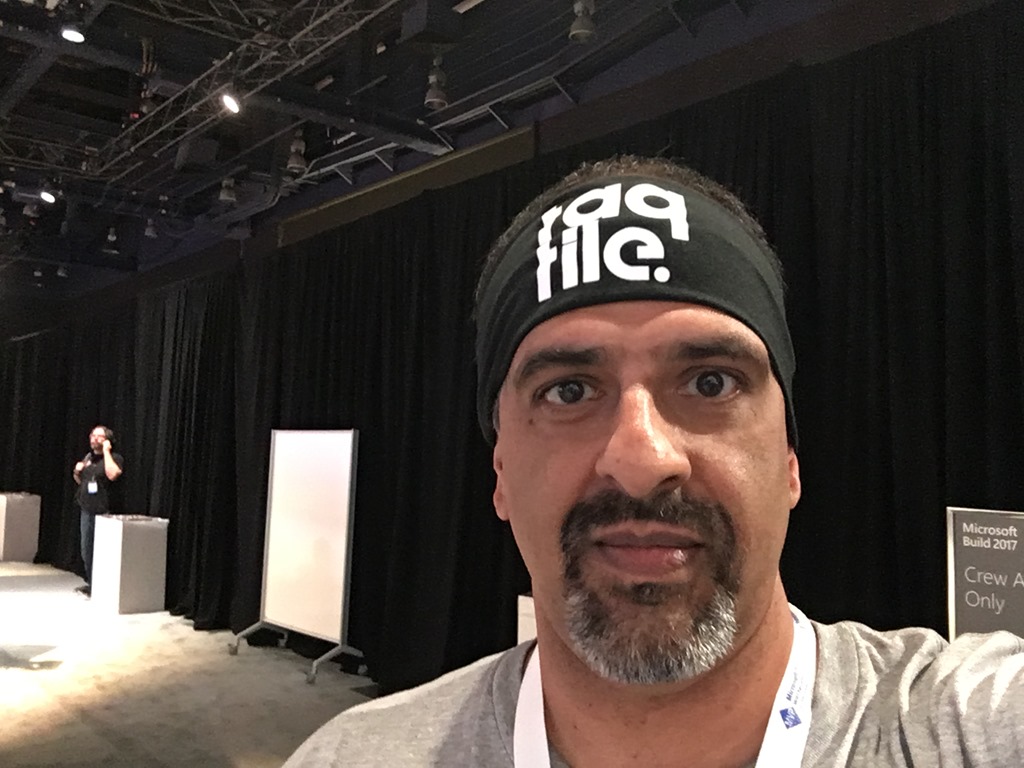
    This year, after the opening keynote, I walked to the expo area and there were 4 or 5 large setups for Hololens from difference companies, each with a different application. I stopped by the Taqtile booth, mostly because it was the closest one I saw near the VSTS display. There wasn’t much of a line, so I decided to stop. They gave me a headband, which I thought was a great idea with lots of people all wearing the same device.
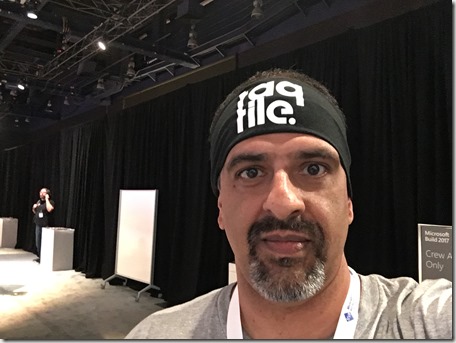
    Photo May 10, 12 28 01 PM

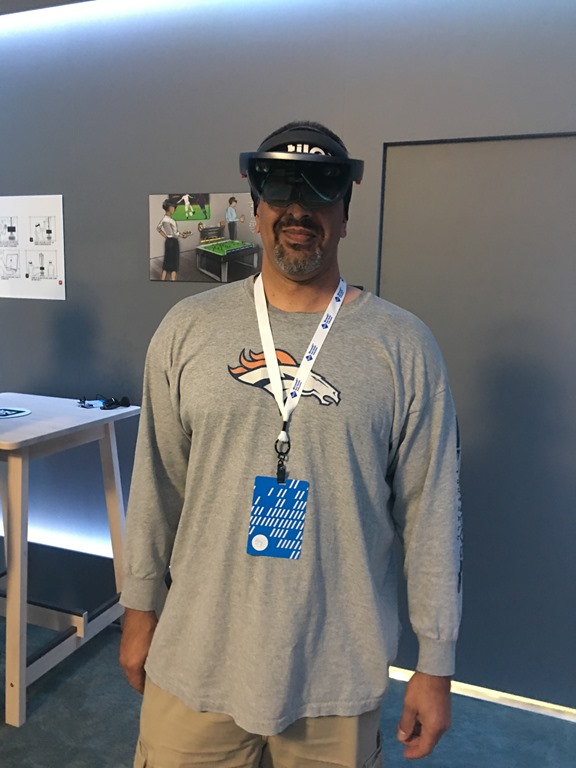
    They measured my pupillary distance, which helps ensure the device focuses the display correctly. Then they explained how the device worked, showing brightness and volume buttons, as well as hand gestures. However, we weren’t going to use any of that as this was a guided walkthrough by one of the app.
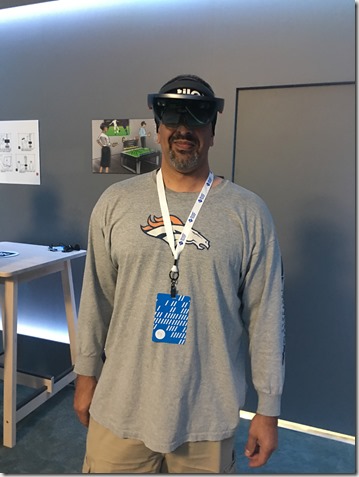
    Photo May 10, 12 36 38 PM

    Wearing the device is interesting. It’s a padded loop that tightens on your head, with an outer loop holding the display that can rotate independently. It’s heavy. Not noticeably at first, but across the ten minutes I saw the app, I could tell it was something that might bother me.

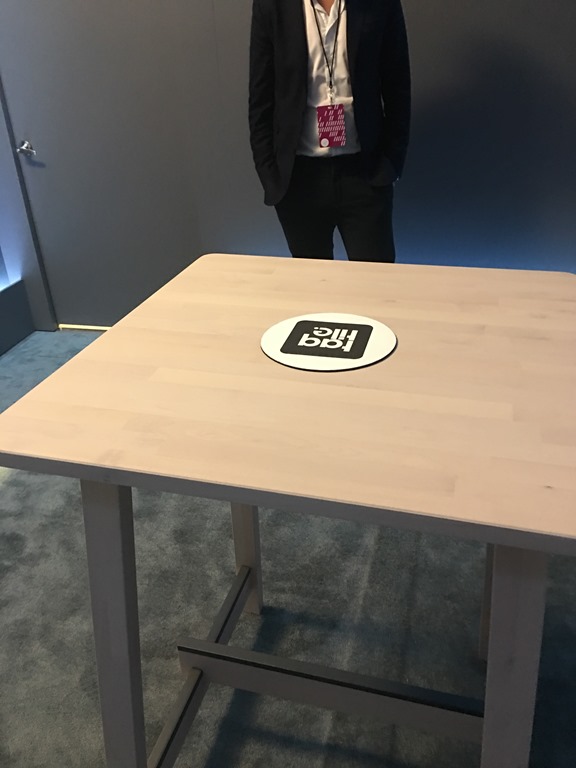
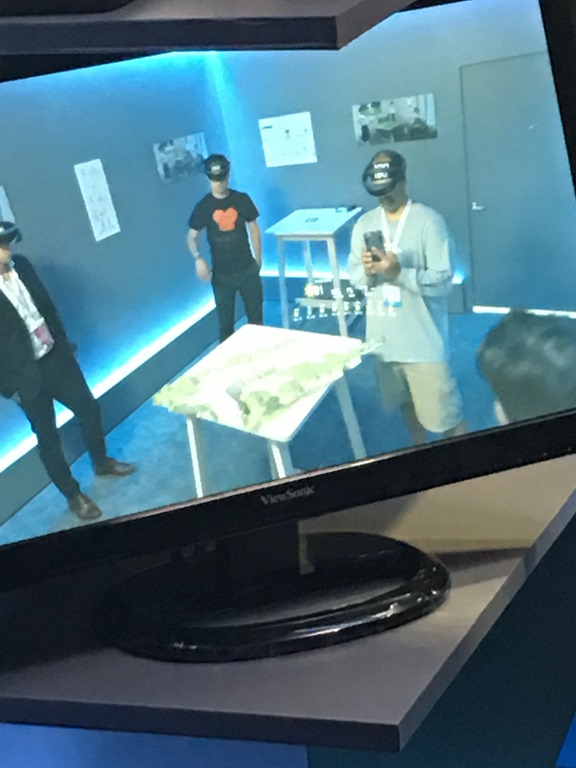
    There were a few of us in the demo, and we looked at a table, which looked like this to everyone in line.
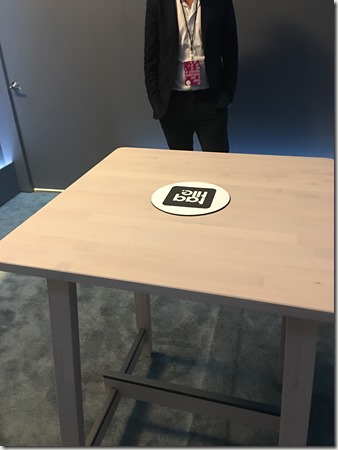
    Photo May 10, 12 38 39 PM

    Nothing to see there. However, the app is a mapping app, in this case for golf courses, and on the display you can see what I saw. Somewhat.

    I could see a three dimensional gold course, with decent, maybe standard def, resolution. I don’t know what the specs of the device were, but this was good enough to see details, but not overly sharp. The model behaved as if it were really on the table, so that as I moved, the device rendered the model in a static manner, as I would see it if I turned, moved, or stepped to the side.
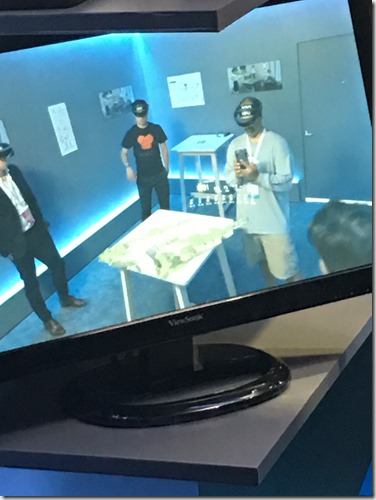
    Photo May 10, 12 38 46 PM

    The demo guy added information, such as the score of players or the weather, that appeared to float above the golf course. It was always in front of me, even if I moved. We could even see animation that showed how the golf ball would move across the course from a player’s shot.

    It’s an interesting device for sure. One of the PMs was nearby and we chatted. He wanted to know what data applications we might think of from the SQL Server perspective. I’m not entirely sure how Hololens is better than other visualizations, but I’m going to try and come up with something.

    My overall thoughts. First, the bad.

    This is too heavy. Not bulky, but something that I think would bother me after a period of time. It’s not as heavy as a motorcycle helmet, but a similar feeling of tiredness over time. Just as with a helmet, if you wear it often then you’d build some strength and get used to it.

    The other issue is the field of vision. It’s similar to what I get with my glasses, but a little narrower, top to bottom. I just don’t get a lot of viewing. If I look down with my eyes, not my head, I see nothing. It’s like a narrow strip of virtual overlaid on reality. I think the amount of screen would have to grow for virtual reality, but maybe not for mixed.

    The thing I couldn’t tell is how the mixed reality works as this demo didn’t let me see much of the real world. There were others, including people demo’ing the Hololens with a real semi-truck in front of them, presumably able to redesign or understand the engine with some overlay’ed imagery. I’d have liked to see that, but lines were too long.

    The good. It’s cool, and interesting. I certainly think the gaming and training industry would like this. I don’t know if the resolution is good enough for medical work, but I’m sure things will improve.

    The lag was really non-existent, and I could easily see the information displayed, whether graphical or text. I think that visual design, fonts, and colors are going to be important for the display, but I was impressed with what I saw.

    It still feels a bit like a toy. It wouldn’t replace monitors as a computer interface for me, nor would I watch movies. Perhaps the resolution is better than I saw, but it felt limited to me.

    It’s still an expensive device, though there were lots of them at Build to demo. I don’t know I think this is the future of computing, but I do think there will be lots of use for this in industrial settings where we are looking for a remote person to transfer knowledge across distances.