Tag: Redgate

  • A Limited User for SQL Data Catalog

    One of the things I’ve pushed for at Redgate is to document the minimum permissions needed for our products inside a database. Often this isn’t possible as some of our products require sysadmin, but some don’t. I was resetting Data Catalog up on a new machine and decided to limit things.

    Installation

    The installation does create a database, which you can do separately, but if you don’t do this, you need to grant dbcreator for the service account, at least for the install. If you create it, this page shows the more granular permissions if you want to do that.

    The permissions needed are:

    1. ALTER ROLE [db_ddladmin] ADD MEMBER
    2. ALTER ROLE [db_datareader] ADD MEMBER
    3. ALTER ROLE [db_datawriter] ADD MEMBER
    4. GRANT CONNECT SQL

    These permissions allow the service to write data to the various objects in the database.

    Classifying Databases

    Classifying databases is different. For this task, the account used to connect, which doesn’t need to be the service account, will read information about the tables, but does not read data. We just need to capture the column name and some metadata.

    Again, this page gives a script, but essentially, we need these permissions.

      1. GRANT CONNECT SQL
      2. GRANT CONNECT ANY DATABASE (2012+)
      3. GRANT VIEW SERVER STATE
      4. GRANT VIEW ANY DEFINITION
      5. GRANT VIEW ANY SENSITIVITY CLASSIFICATION (2019+)

    Once those permissions are granted to an account, you use the account to add the instance to SQL Data Catalog.

    I’m glad that we’re documenting and limiting permissions where possible. We do understand data privacy and protection are important, and the advocates at Redgate try to push developers to use as limited permissions as possible when building products.

  • Adding ApplicationIntent=readonly to SQL Data Compare

    Recently someone asked a good question about SQL Data Compare. How can they add applicationintent to the connection?

    If you are using Data Compare, and you are reading from production systems, load is a concern. With Availability Groups (AG), we can point SQL Data Compare to the secondary replicas and limit the load on the writable primary. How can we do that? Well, it’s actually easy.

    We have a doc page for encrypted connections, and we can use the same type of action to work with AGs.

    In a new project, I typically see something like this:

    2020-09-04 12_04_43-New project_

    What I can do is edit the server connection on the right. Just click in there, and then add this:

    Aristotle\SQL2017;applicationintent=readonly

    This will add the option in the connection string.

    2020-09-04 11_51_37-New project_

    If I open the project file, I will see the XML, where I can also edit these connections if desired.

    2020-09-04 12_09_42-E__Documents_SQL Data Compare_SharedProjects_(local)_SQL2017.SimpleTalk_1_Dev v

    I can do this for any of the options I need for connection strings.

  • Exchanging Schemas with SQL Compare Snapshots

    Recently I was working with a customer and they asked if they could somehow package up their schema without the data and send this to a colleague. Absolutely, and that’s one reason we have SQL Compare snapshots.

    Here’s a quick example of this working, where I’ll move a database from my desktop to a laptop. Separate SQL Compare machines and licenses.

    First, I start with a database on my local instance. This is a copy of the ContosoRetailDW that I got from Microsoft. It’s set up, and I want to get the schema to another machine without doing a backup.

    2020-07-28 11_29_28-SQLQuery2.sql - ARISTOTLE_SQL2017.master (ARISTOTLE_Steve (59)) - Microsoft SQL

    I could script this into one big file with SSMS/SMO, but I’d lose some of the flexibility I have with SQL Compare, where I could filter things, set options, etc.

    Let’s start SQL Compare. When this opens, I have the basic dialog asking for source and target. I’ll set the source to my database. For the target, I have many options, the third of which is Snapshot (in SQL Compare 14).

    2020-07-28 11_56_04-New project_

    When I click this, I see a simple dialog. This is because SQL Compare is looking for me to pick a snapshot to compare my database to. I don’t want to make a comparison. What I want to do is create a snapshot, so I’ll click Create.

    2020-07-28 11_56_20-New project_

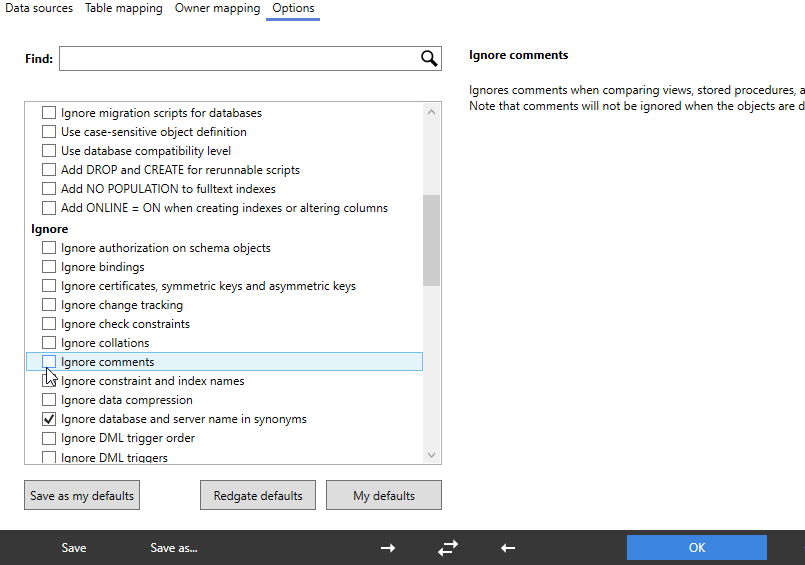
    This gives me a different dialog. Here I connect to a server and database and Compare will create a snapshot. I pick a few options for where to store this and whether to decrypt things and use case sensitivity.

    2020-07-28 11_56_42-Create new snapshot

    This runs and Compare lets me know what’s happening at each stage.

    2020-07-28 11_56_49-Creating snapshot - Running

    When this is done, I’m back to the project dialog. Here I can select my snapshot from those in my local folder. Since I’m not going to do anything here, I’ll cancel out of this and close SQL Compare. Then I’ll transfer the file to a laptop.

    2020-07-28 12_04_17-New project_

    Restoring the Snapshot

    I can email myself this file and save it on another machine. I’ll do that in the same SQL Compare\Snapshots folder. Now I can open SQL Compare on this machine. When I do, I’ll select the snapshot as my source.

    2020-08-20 08_22_41-New project_

    The target is a database, but in this case, it’s a new one. I’ll create one from the SQL Compare dialog.

    2020-08-20 08_22_55-Create new database

    Once this is created, I can run the comparison.

    2020-08-20 10_01_20-New project_

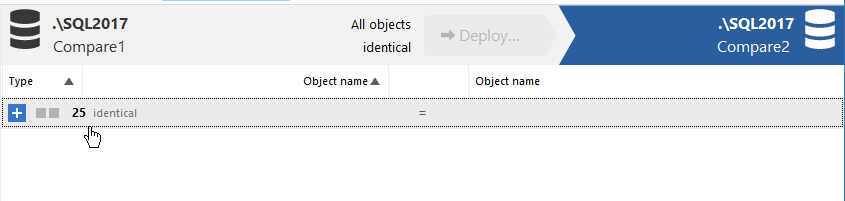
    When this completes, I have the system objects as identical, but I can see there are a number of use objects that don’t exist.

    2020-08-20 10_01_55-SQL Compare - New project_

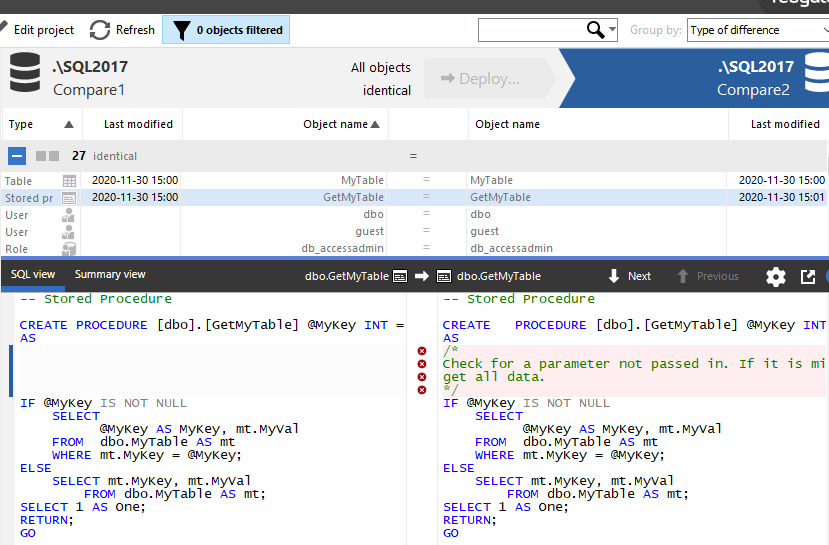
    I can click Deploy and walk through that process. There are a number of confirmations to approve, but I am not showing those. At the end, a new comparison shows things are matching.

    2020-08-20 10_03_07-SQL Compare - New project_

    Note this doesn’t move data, just schema objects. This is primarily for development purposes, though if I needed data, I’d just use SQL Server backup and restore. Or SQL Data Compare if I needed limited data from tables.

    SQL Compare is one of the most popular products from Redgate. If you’ve never used it, give it a try today with an eval. If you have the SQL Toolbelt, make sure you are using Compare to check and move schema changes around in an ad hoc manner.

  • A Quick SQL Change Automation Build

    I was going through a few of the Redgate products with a customer recently and they wanted to perform some validation of the build and release process with SQL Change Automation without setting up Azure DevOps or Jenkins or any server. Not a  bad idea, and a good way to actually learn how to do things.

    Working with PoSh is a little funny, since many of the Redgate cmdlets require objects, not strings, so this is a quick post on how to get a build working and output a nuget package with your database code.

    Prerequisites

    The things you need to do before we get started:

    • Have a SQL Server instance you are a sysadmin of (or at lease create/own dbs)
    • Install SQL Change Automation
    • Set up a SQL Change Automation Project
    • Create a folder for storing build artifacts

    The Script

    I’m going to show the script first, and then I’ll describe how a few things work, since I expect some people want to just get a build working.

    # Build script for SCA projects
    param( $OverrideVersion="3.2")
    # Instance variables
    #    BuildInstance - SQL Server instance name for building 
    $BuildInstance = "Aristotle"
    
    # Database Variables
    #    BuildDB - existing database used for build connection. Won't be altered
    $BuildDB = "builddb"
    
    # Package Variables
    #    PackageID - Set the nuget package name to be used
    #    PackageVersion - suffix on nuget package id.
    $PackageID = "SimpleTalkDB"
    $PackageVersion = $OverrideVersion
    
    # Path variables
    #   ProjectFile - full local path to the SCA project file (.sqlproj)
    #   BuildArtifactPath - Path where the Nuget package is stored
    $ProjectFile = "E:\Documents\git\SimpleTalkDemo\SimpleTalkDB\SimpleTalkDB.sqlproj"
    $BuildArtifactPath = "E:\buildartifacts"
    
    # Debug
    # Use Continue to get more output
    $DebugPreference = "SilentlyContinue"
    
    # Setup database connections using variables from above to the build instance
    $BuildConnection = New-DatabaseConnection -ServerInstance $BuildInstance -Database $BuildDB
    
    # Build the database with a validate
    $ValidProject = Invoke-DatabaseBuild $ProjectFile -TemporaryDatabaseServer $BuildConnection 
    
    # Get the artifact and write to disk. Note the name comes from the package vars above.
    $buildArtifact = New-DatabaseBuildArtifact $ValidProject -packageId $PackageID -PackageVersion $Version
    
    Export-DatabaseBuildArtifact $buildArtifact -Path $BuildArtifactPath

    This is a basic script that validates a SQL Change Automation project and packages up a particular version of your project.

    The way this works is as follows. First variables. For the build I need to change these:

    • BuildInstance – where will I run the build
    • BuildDB – I just need an existing database for the build. We actually won’t use this.
    • PackageID – Name for the nuget package
    • PackageVersion – What version. This can be passed into the script as a parameter
    • ProjectPath – Where is the sqlproj file from SQL Change Automation
    • BuildArtifactPath – Where am I storing the artifacts.

    The flow of the script is:

    • Set variables
    • Create a connection to a SQL Server (New-DatabaseConnection)
    • Build, which is to perform a project validation on a SQL Server (Invoke-DatabaseBuild)
    • Create the artifact in memory (New-DatabaseBuildArtifact)
    • Write the nuget package to disk (Export-DatabaseBuildArtifact)

    From here, I’d use the Nuget package as the start of a release process, another post for another day.

    I can override the package version with a parameter, so I can enter this on the cmd line:

    .\builddb.ps1 3.3

    That gives me a build that works on my system.Successful build from PoSh

    In my folder for BuildArtifacts, I see the new package.

    List of nuget packages in folder

    Give it a try, and let me know if this works for you.