Tag: security

  • A Double Failure

    Update: Perhaps not, as Evisort dispute any customer data was exposed and they’ve updated security.

    Every server ought to have a password. Every one.

    It’s 2019, and apparently that advice hasn’t sunken in. I still can’t believe there are people without passwords/codes on their mobile devices or home PCs, but there are. It’s crazy, and while I can forgive some individuals for doing this, no IT infrastructure staff or developer ought to do this. And yet, a double fail recently from Evisort.

    This is a startup doing some AI work, but apparently they set up an Elasticsearch server without a password. I’ve written about this before, and you set a password, but don’t have to. That’s both an Elasticsearch failure for not requiring one, but also a monumental failure on the part of whoever set this up inside a company.

    Use. A. Password.

    The second fail is with this server being claimed to be a “testing and development” server. If that’s the case, why was production, live data on it? I know many people do this, but if you use that data in non production environments, the data needs to be secured. I’m sure it’s especially hard for AI/ML systems to work without real data, unlike other database driven applications, but if you need live data, you need real security here.

    If you don’t want to do this, then you need masked, obfuscated, pseudonymized, generated, or other data that can be used. I’ve realized the problems and scope of this across the last few years in my work with Redgate customers, while looking at the challenges and problems brought about by using this data. We’ve also see there is a lot of potential liability with new regulations like the GDPR and the CCPA for poor data security.

    I used to worry about the state of our industry with the poor quality of so many applications written in the 80s and 90s. Now I worry even more about the problems of poor data security. I don’t have good answers, but I know we need to do better.

    Steve Jones

    Listen to the podcast at Libsyn.

  • Securing Code Early

    Last year I started to get alerts from Microsoft Repos that someone had put a piece of security information in their code that pertained to one of my Azure services. At first I was worried, but then I realized this was the public version of AdventureWorks we maintain in Azure. We’ve published the login so people can test code against this if they want, and I started ignoring the warnings. Well, not ignoring. I still glance over them to verify the issue, but I’m less concerned.
    That doesn’t mean that you shouldn’t be concerned about sensitive information in repos. I saw this quote: ” Bots are crawling all over GitHub seeking secret keys, a developer served with a $2,375 Bitcoin mining bill found.” This follows a sentence that says “It once caused Uber to leak the contact details of 75m users“. These are from an interesting look at a way to secure code that might leak API keys. The idea is that you secure code on local commits and prevent secrets from being stored in your VCS.
    That’s a great idea. Can we prevent passwords in SQL code or ASP.NET config files? Can we actually start to teach developers to use secrets and other run-time mechanisms and prevent them from hard coding anything into a VCS? Perhaps, but we have a lot way to go and certainly more tool chains need to be updated to prevent what is a simple, but common, mistake.
    We need to get better at security, and we are. I see more Static Code Analysis tools being used in all sorts of companies, and I’m glad when they start to impact developers. While I get that changing your favorite method of writing a query or procedure is a pain, often we can reduce potential problems by enforcing some standards and avoiding poor coding practices. We do need to have exceptions since a rule for code might really be a general guideline 99% of the time with a few edge cases.
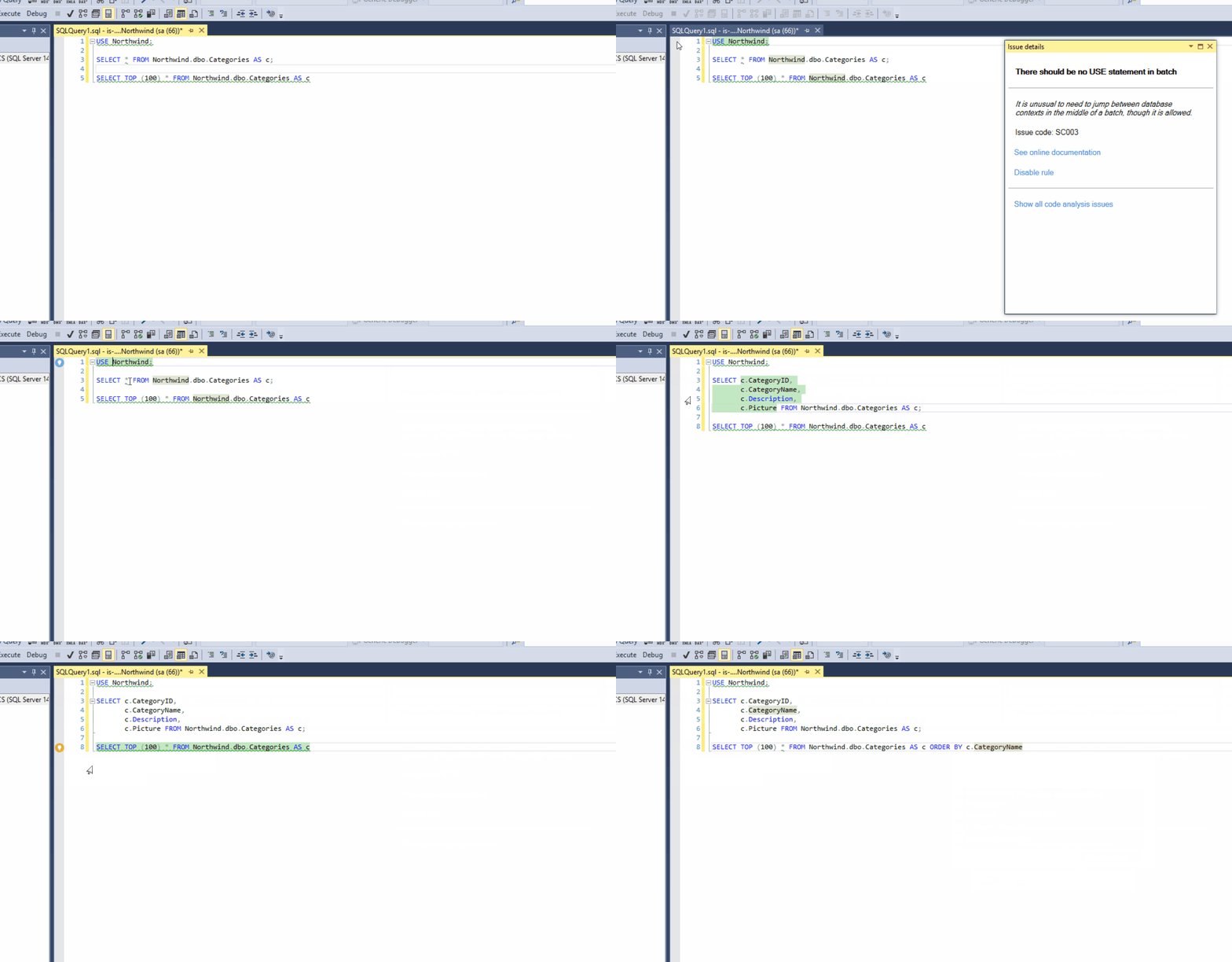
    Catching issues early in development is one of the goals. Having things like inline SCA in SQL Prompt (live demo), or continuous testing in Visual Studio, scanning with Sonarqube, and other tools are improving our code, while allowing us to build applications faster. There is plenty of other work to be done, especially for database code, but we are improving as an industry.
    If you haven’t used any of these tools and you write code, start learning a bit about them. You’ll likely appreciate their benefits once you get over the learning curve. You’ll also start writing better code.
    Steve Jones
  • Testing as another user–#SQLNewBlogger

    Another post for me that is simple and hopefully serves as an example for people trying to get blogging as #SQLNewBloggers.

    This is one of those things I do often and thought I should write a short blog on the topic. Often I want to check how another user can interact with some object. I could certainly open a new window or change my connection string, but that can be disruptive. Not to mention I sometimes get confused about which user is in which window in SSMS or ADS.

    There’s a better way. I can use the EXECUTE AS USER statement.

    Testing Access

    Here’s a quick example. I create a new table with Dynamic Data Masking. I want to see if another user sees masked content. Here’s my table:

    CREATE TABLE dbo.Subscriptions (
        UserID int,
        SubscriptionName VARCHAR(200),
        SubscriptionValue MONEY MASKED WITH (FUNCTION ='random(100,1000)')
    );
    GO
    INSERT dbo.Subscriptions
         (
             UserID
           , SubscriptionName
           , SubscriptionValue
         )
    VALUES
         (1, 'My first sub', 50.99),
         (1, 'Time', 24.99),
         (1, 'ESPN Mag', 19.99),
         (1, 'Popular Mechanics', 19.99),
         (1, 'The Guardian', 24.99)
    GO

    When I access this, I see this data:

    2019-04-08 11_23_41-Window

    What does SallyDev see? I could log in as this user, but this is easier:

    GRANT SELECT ON dbo.Subscriptions TO SallyDev
    EXECUTE AS USER = 'SallyDev'
    SELECT top 10
      *
      FROM dbo.Subscriptions AS s
    GO
    REVERT

    Now I see this:

    2019-04-08 11_24_49-Window

    The EXECUTE AS USER allows me to simulate another user. The REVERT brings me back to my context.

    Use this to make testing easier.

    SQLNewBlogger

    I was using this technique recently and realized the I hadn’t blogged about it. I spent about 5 minutes creating a scenario and 5 minutes putting this together. You could do this, show some knowledge, and explain how this helps your scenario.

  • What’s Worse than Announcing a Data Breach?

    What’s Worse than Announcing a Data Breach? You might think that’s the worst thing that you could tell your boss these days. Imagine discovering that sensitive data has been exposed and you need to go inform an executive. Hopefully no one is looking to punish the messenger, but it will still be a very uncomfortable conversation.

    Now imagine that you need to go back and have a second discussion a day or two later. Why? More data was exposed, and potentially lost. I’m not sure which conversation is worse, though if you don’t have a list of things you’ve checked, changed, or fixed between the two meetings, I would argue the second one is worse.

    That happened to a mortgage loan company. The data breach was already bad, with an Elastisearch server out there without any security. Data had been converted from paper documents through an OCR process, which resulted in no shortage of mistakes, but there was still plenty of sensitive information out there. Things got worse when security researchers discovered the source of the OCR process was an Amazon S3 bucket that container the original images, also without a password.

    Before I comment on anything else, there should be NO shares, buckets, containers, databases, or any sort of server without a password. None, nada, zip, zilch, no excuses. At least protect everything with a password that meets your organizations password requirements. No “12345” or “asdf” or default passwords. Before you do anything else, go set passwords. If you have S3 buckets or Azure storage, write a script to check them all. Set. A. Password. On. Everything.

    We will all make mistakes in configuration, and there might be security issues at times. These ought to be rare, with today’s vulnerabilities scanners, static code analysis, configuration as code, global policies, etc. There really isn’t any excuse why we don’t set things up at the beginning, but if things change and mistakes are made, we ought to detect them quickly. And then fix them. That’s why we should use automation, configuration as code, and regular evaluation of our systems.

    One of the greatest strengths of the DevOps philosophies is that we can deploy changes quickly to fix things. We’ll make mistakes, we’ll have issues, but when we find them, there is no long waiting period to get the fix into our client’s hands. That ought to be true for both software and infrastructure.

    Steve Jones

    The Voice of the DBA Podcast

    Listen to the MP3 Audio ( 3.3MB) podcast or subscribe to the feed at iTunes and Libsyn.