This is for me, not necessarily for you, but I decided to go with the HP Spectre again. I saw an email from Best Buy over the Thanksgiving weekend, and surprisingly, the HP was listed on sale. US$300 off the normal $1799 price. I checked HP and they had the laptop at $1399, but that was a 512GB SSD instead of 1TB.
I thought about it for a few days and Sunday, after a little gym time, I decided to just get one. I was lad I did as the item showed sold out when I got come and wanted to check the Windows edition. Apparently more were on sale Monday, but I was glad I just grabbed on.
It’s a nice machine, and I like the power cord being angled on the rear corner. Much easier (for me) than the side. I also like the power button being on the other corner, as I often accidentally hit the other power button when picking up the machine.
Contenders
The big contenders for me were the Dell XPS, the Lenovo X1 Carbon, and the Yoga 940. These were all the small size and weight, with similar specs. I read a number of reviews, and tried to weigh the importance of differences for me.
The Dell is really nice, but I bemoan the lack of a USB-3 port. I often use this for a pointer when presenting. While I can certainly have a dongle or adapter, I felt like I’d just prefer a normal USB port. It’s also nice for a quick phone charge if I need it.
The X1 is a very light machine, and the pointer is very attractive. I’ve missed not having one over the years, as I first thought this was a great idea in the 90s, in the era before trackpads. Ultimately, this was a more expensive machine, and I’m not sure it was worth it. The config I wanted, even on Cyber Monday, would have been $400-500 more (I only lightly repriced it). At Redgate, we try to spend wisely, and I decided to do that.
Initial Impressions
The HP is a nice machine. It’s well built, and it reminds me of the previous model I had (actually 2 generations back), but this one seems to have a better trackpad and a nice, solid feel. That previous one has lasted well, and I’m looking forward to this one.

In using it for a few hours to start installing things, it worked well. I found the keyboard to be smooth and comfortable, and the trackpad certainly works better than the old one. I found the old one to have lots of inadvertent touches, but this one didn’t give me trouble.
It’s slightly smaller than the older one, with angled rear corners. All inall, a beautiful machine.
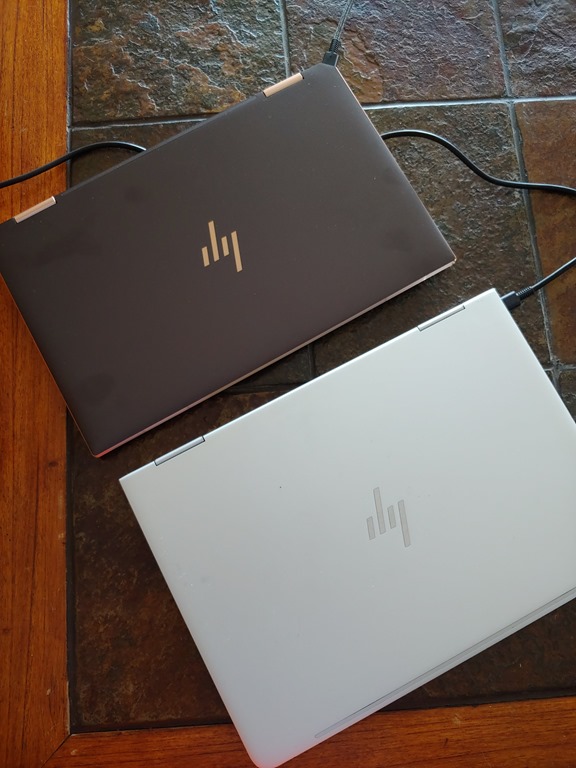
The size is similar, but feels much smaller and lighter. Overall, I’m pleased.
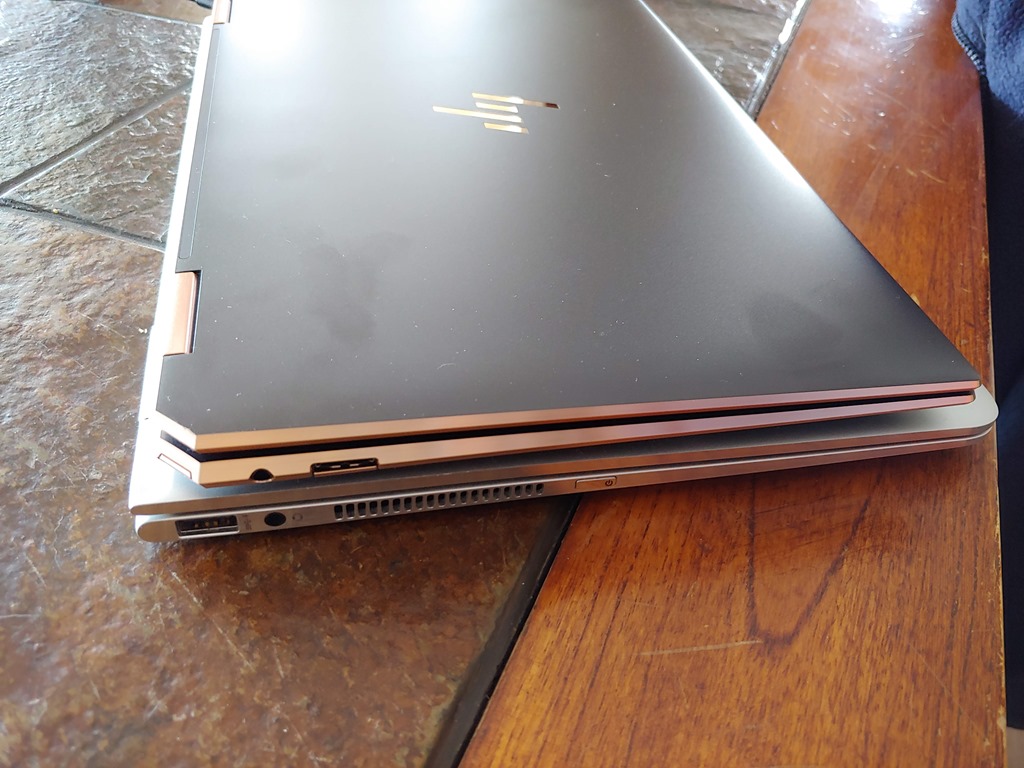
I’ll be spending a lot of time on this one in the next week as I prepare for SQL Saturday #910, so I’m sure I’ll tease out any issues soon. So far, I’m pleased, and hoping it performs and lasts as long as the previous one.


 Voice of the DBA