Author: way0utwest

  • Adding bash to Windows 10

    Awhile back I added the Windows Subsystem for Linux to my machine, rebooted, and promptly forgot about it. After all, I’m doing more PoSh these days and bash isn’t something I need. Until I needed it.

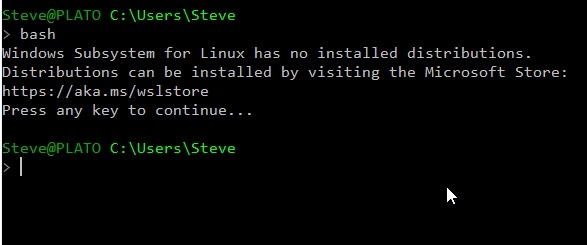
    I went to start it, thinking it was there, and got this:

    2019-03-27 12_00_46-cmd

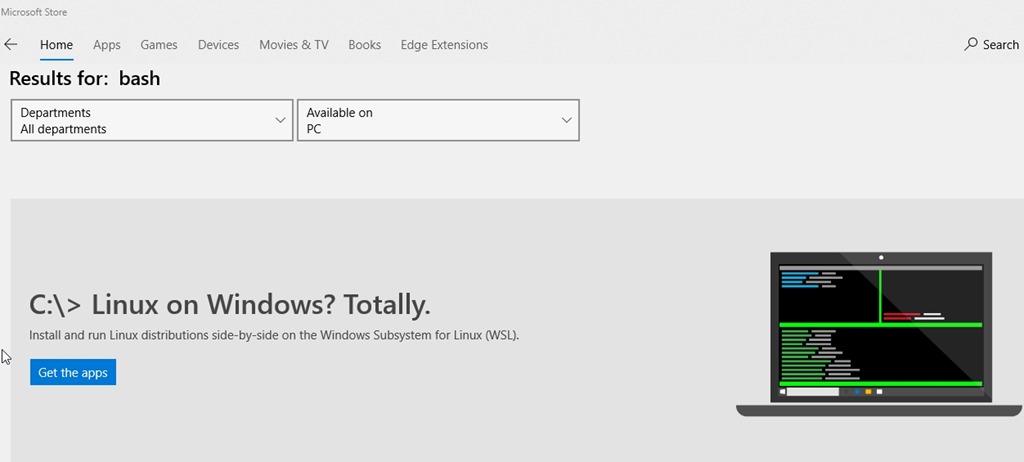
    I’d written about this before, but I was really using the git bash shell and not the Windows one. So, off to the store. I search Bash and get this.

    2019-03-27 12_00_19-Microsoft Store

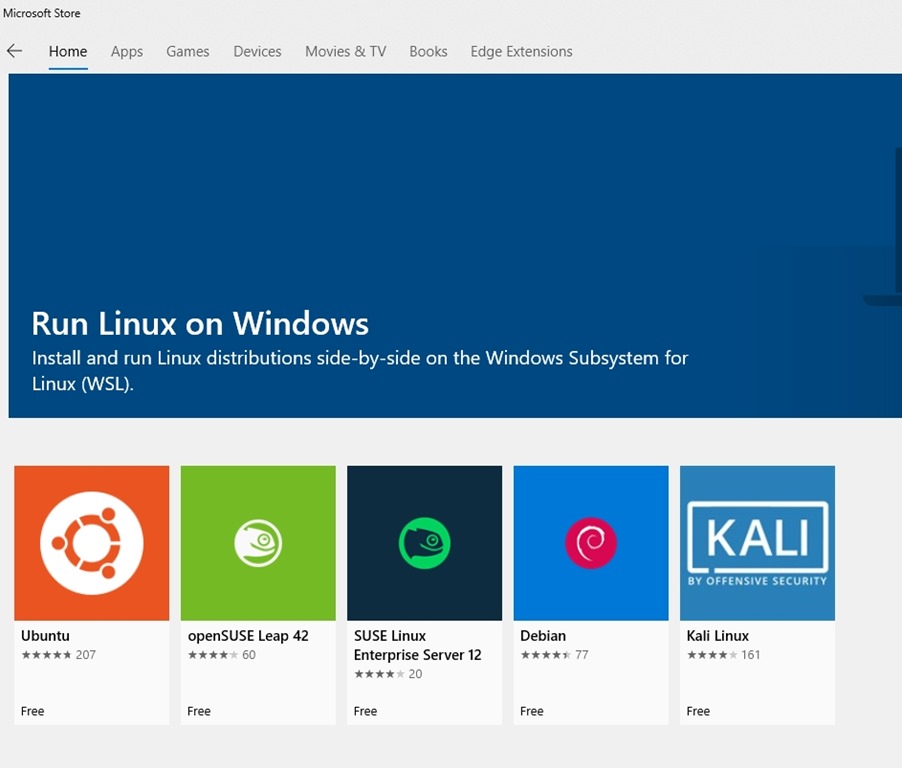
    However, now I have decisions to make after clicking the button.

    2019-03-27 12_00_28-Microsoft Store

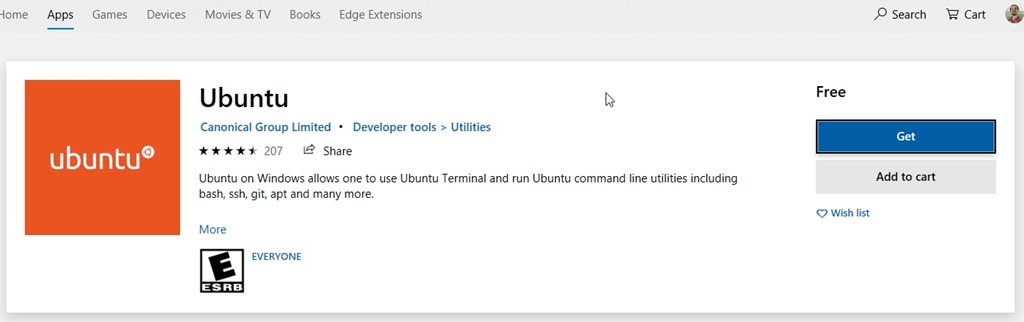
    I’ve done some Redgate and Ubuntu work, so I chose Ubuntu. This leads me to more buttons to click.

    2019-03-27 12_00_38-Microsoft Store

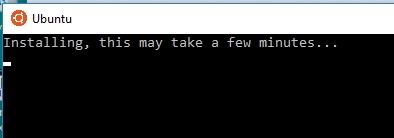
    Once installed, I clicked the “Launch” button from the store and get this. I guess it isn’t really installed.

    2019-03-27 12_05_08-Ubuntu

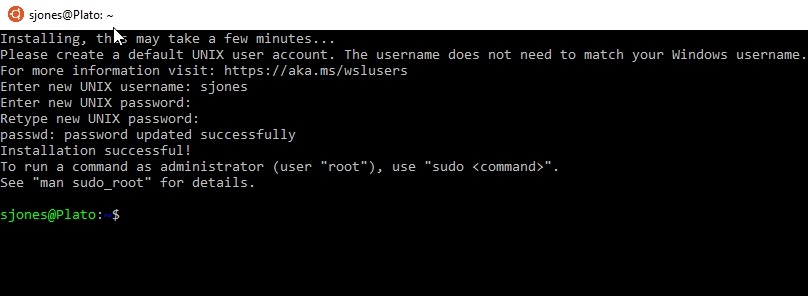
    Once this completes, I need to create a user. After all, this is really a Linux installation running inside Windows. I give a user and password.

    2019-03-27 12_08_04-sjones@Plato_ ~

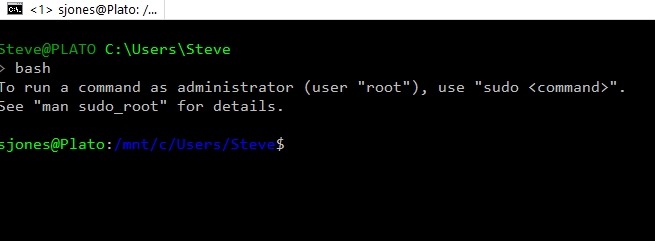
    Now I’m good. In a normal command prompt, this works.

    2019-03-27 12_08_14-sjones@Plato_ _mnt_c_Users_Steve

    Very cool. Now on to other work.

  • SQL in the City Streamed is Today

    You can still register, but join me later today for SQL in the City Streamed, along with Grant, Kathi, and Kendra. We’re all in the Redgate Software office today for the broadcast.

    Steve

    Here are a few highlights:

    • Learn about the cultural shift necessary to introduce collaboration between and across teams
    • Discover the top ten SQL Toolbelt tips for standardizing and automating database changes
    • See the advantages to be gained by provisioning masked database copies for use in development
    • Hear about the critical role the database now plays in software development
    • Understand the business case for database change management

    Register and join us later.

  • Customizing Statistics Histogram in SQL Server 2019

    The use of statistics in SQL Server is tightly embedded in the query optimizer and query processor. The creation and maintenance of statistics is usually handled by the SQL Server engine, though many DBAs and developers know that periodically we might need to update those statistics to ensure good performance of queries. SQL Server 2019 gives us new options.

    The historical organization of statistics for a table is a 200 step histogram of values sampled from the data. This could be a sample of the entire dataset or a subset. For tables less than 8MB, the entire table is sampled. Above this, the proportion changes to a lower rate and reduce the resources required.

    This means that sometimes we have less accuracy in the histogram than we would like.

    A New DMF

    In SQL Server 2019, we have a new DMF, sys.dm_exec_table_stats, that is designed to create a new statistics entry for your table. The parameters for this DMF are:

    • object_id – this is required. If you have just the table name, is object_id() to enter that, but you need the id of the table.
    • schema_id – also required. The schema_id of the schema for this table.
    • column_id – required. Column on which you are creating statistics
    • histogram_steps – not required, but defaults to 200, which defeats the purpose of this DMF. You can specify any value up to 1024

    This means that you can create new statistics that include a more granular detail. You can see this in action with the DBCC SHOW_STATISTICS command and the WITH HISTOGRAM option. I ran this DMF with a value of 1024 on a large version of AdventureWorks and got these results. I am only showing the bottom of the results here.

    2019-03-27 11_43_47-SQL Prompt - Insert results1.sql - Plato_SQL2017.AdventureWorks2012CS (PLATO_Ste

    I didn’t get the full 1024 values, but I did get close here. As you can see, the histogram is significantly larger than the 200 step limit.

    Using Larger Statistics Histograms in your Database

    There is a great tutorial on how this works from the SQL Server Tiger Team. I’d encourage you to read this and experiment with your own data set and see what values are most useful. It seems for larger tables, the Tiger Team recommends 500 steps, so 1024 might be overkill for most of us.

    Also, this is an April Fool’s joke, which you might have realized if you clicked on some of the links above. Hope you enjoyed this.

  • Trunk Based Database Development

    Early in my career we had a folder that contained our source code. Each of us developers would copy the folder to our workstation and work on our code. To prevent issues, we had read only access to the main folder.  When we thought work was finished, we had to set up a meeting with two other developers, print our code out, and go through a review. If we got two sign offs, we would send our code to a manager to copy into the main folder. Since we were assigned work in different areas, conflicts were rare and this mostly worked, although it was slow.

    Over time I evolved to use various VCSes (Version Control Systems) for development work, with different paradigms for working in teams. These at times included code reviews, but like comprehensive testing, these were optional (and often ignored) when time was short. As an industry, I think we’ve gotten better with code reviews in some sense. The popularity of git and the integration of pull requests (PR) has made it more likely that others will review your code as a habit rather than a rare activity. I certainly see constant calls for someone to examine a PR in the Redgate Slack channels.

    I think this is a good move, but I was listening to a few people talk about trunk based development recently, which has less of a chance for code reviews. In this model, developers commit their changes directly to the copy of code everyone is using. In a PR model, developers work in branches, and only have a PR is reveiwed, is the changed code merged with existing files.

    Trunk based development is a more trustworthy model. We trust developers to make changes to the code everyone is using. This is often what many of us do in database development when we have shared development databases. A change made by one developer is visible and affects everyone else. While some organizations struggle with conflicts, this does ensure that problems are visible early and that your team must learn to communicate with each other.

    One way isn’t better than the other, and if you aren’t familiar with one of them, give it a try. Work on a small PoC with someone else and experiment with how well you can make changes and what conflicts come up. Many of us get stuck developing code in a singular way unless someone forces us to change. The software development process has evolved a bit over the years and you might find that a different style of putting code together may suit your team better.

    Steve Jones

    The Voice of the DBA Podcast

    Listen to the MP3 Audio ( 4.0MB) podcast or subscribe to the feed at iTunes and Libsyn.