Author: way0utwest

  • Time for SQL in the City Summit–Chicago

    This week is the last live SQL in the City Summit this year. It’s this Friday at the Microsoft office in Chicago, and if you’re nearby, you can still register with “stevejones” as the code.

    We’ve presented this program in New York and London this month, and we’ll be showcasing some similar talks in Chicago, with a few speaker switches. Bob Ward and Brian Randell are back, with the additions of Bob Pusateri, Bob Walker, and Esteban Garcia.

    It’s a great program, with lots of good SQL Server, DevOps, and Redgate information coming out. If you can join us, we’d love to have you come.

    If not, we’ll be back in December with another SQL in the City Streamed edition.

  • Big Data Analytics

    How large is your analytics system? Do you have more than one machine for analytics? Do you have a cluster of machines that run Hadoop in a YARN cluster to analyze your data? Are there hundreds, or even thousands, of nodes that are being used regularly? Some of you might have what you consider to be a large system, but I bet it isn’t as large as Microsoft’s cluster.

    They think they have the biggest YARN cluster, with over 50,000 nodes in a single cluster. This is used to process multiple exabytes of data from their various properties and systems. I certainly haven’t heard of a system this large, and I really wonder what this costs to run. After all, I’d think a 50,000 node cluster has to be a significant cost, though perhaps in the grand scheme of Microsoft’s $100 billion in revenue and $38 billion in expenses, even 100,000 machines can’t really impact their numbers.

    The cluster has essentially been running a private version of Azure Data Lake for years that their internal developers and analysts use to access a common pool of data. In fact, because of their scale needs and the desire to limit the copying of data between clusters, they have contributed back to the Apache Yarn project a number of fixes to help ensure the software can scale to tens of thousands of nodes. There is some discussion of how they’ve allowed YARN to grow to larger scales, and it’s an interesting solution that essentially allows some overbooking of resources, knowing there are always some spare cycles available for processing data. It’s a great test site for Azure Data Lake, and something that more of us might use in the future.

    I doubt may of us would need to work on data sets that large, and I know I certainly wouldn’t want to be responsible for that much of a data lake, I do think these are interesting problem domains that someone should look at. Certainly there are always large organizations and governments that have ever growing pools of data that will likely end up in a data lake of some sort. And who knows, perhaps, the definition of large will continue to grow to the point where 1,000 nodes in a cluster is considered “small”, and it’s what many of our businesses might implement in the future.

    Steve Jones

    The Voice of the DBA Podcast

    Listen to the MP3 Audio ( 3.0MB) podcast or subscribe to the feed at iTunes and Libsyn.

  • Installing Azure Data Studio

    Azure Data Studio is the newest tool from Microsoft for working on the data platform. Last year we saw the preview release of this, called SQL Operations Studio. No one liked the name, and as the tools team at Microsoft worked to update the tool, they changed the name this year. At Ignite the rename and release was announced, and this is now a 1.x tool, available on Widows, OSX, and Linux.

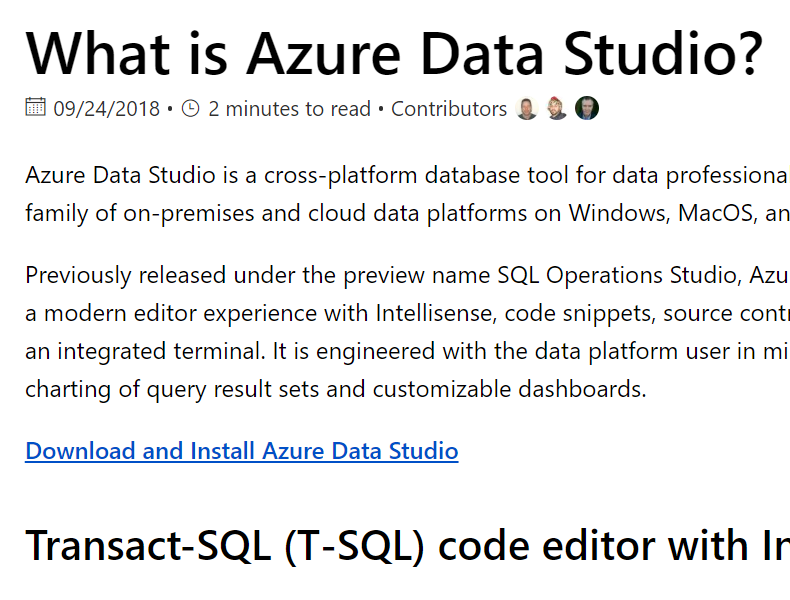
    If you search for Azure Data Studio, you should end up at this link:
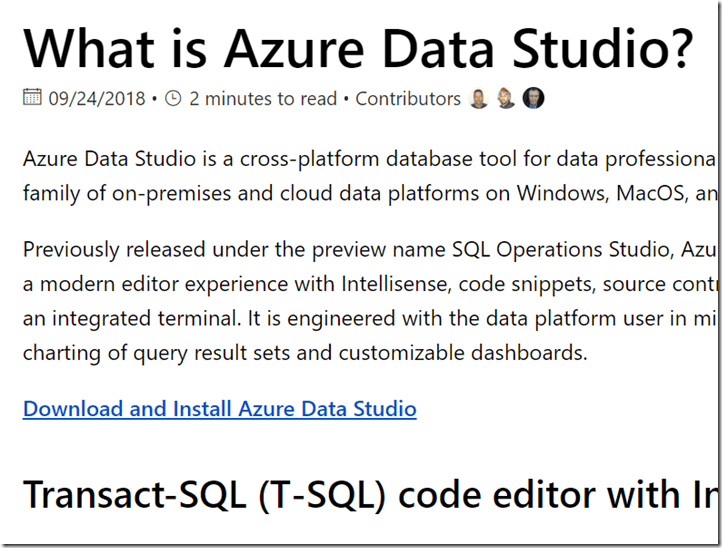
    2018-10-19 16_24_03-What is Azure Data Studio_ _ Microsoft Docs

    The download link has a series of installed. You can choose installers for all the platforms, in a series of formats. I picked the Windows installer.

    2018-10-19 16_24_13-Download and install Azure Data Studio _ Microsoft Docs

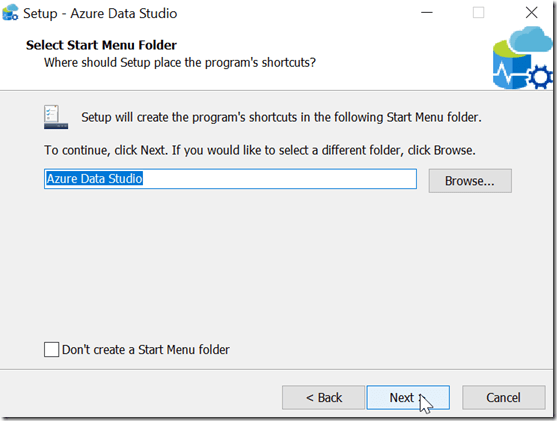
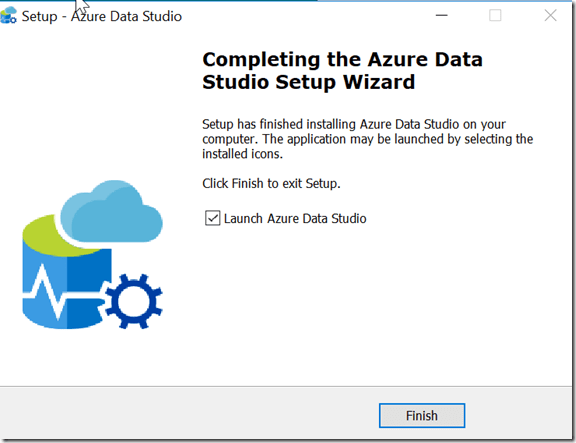
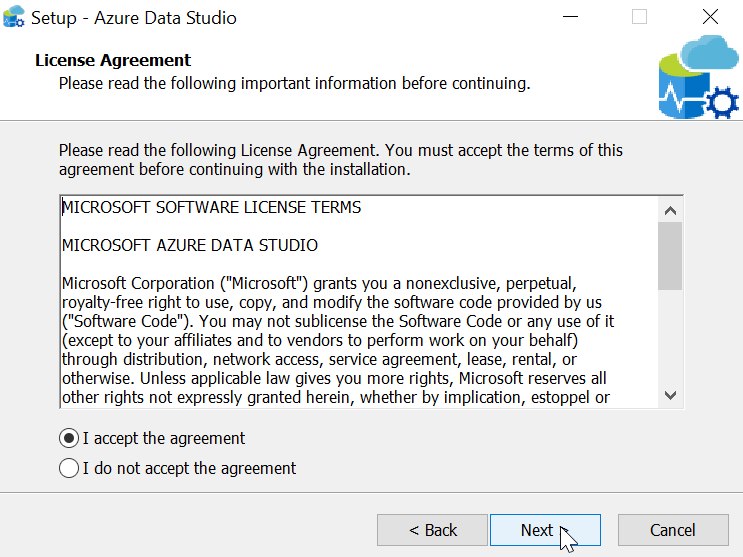
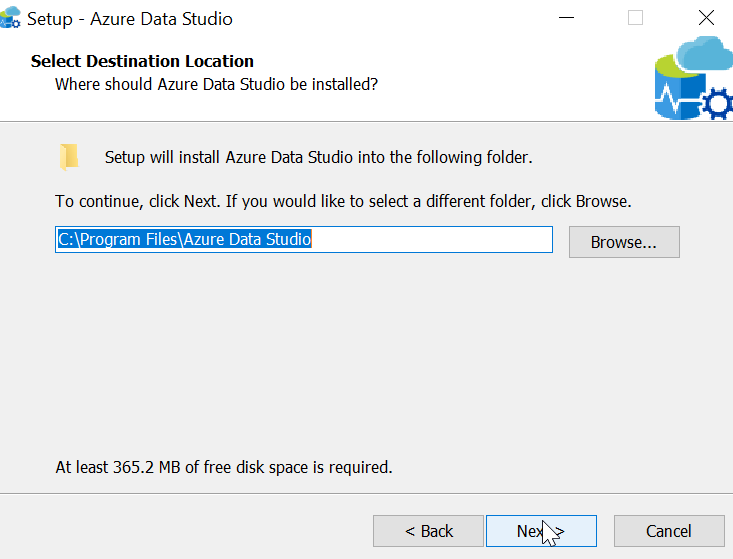
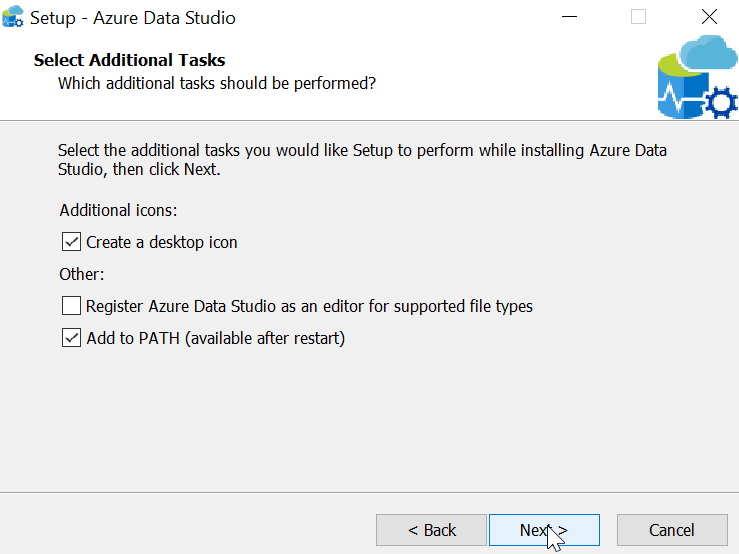
    When you start the installer, you get a standard setup wizard. Here’s what you see, but these are all really next, next, next dialogs.

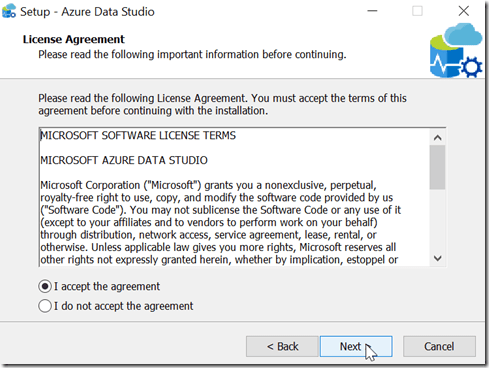
    2018-10-19 16_27_17-Setup - Azure Data Studio

    2018-10-19 16_27_25-Setup - Azure Data Studio

    2018-10-19 16_27_38-Setup - Azure Data Studio

    2018-10-19 16_27_48-Setup - Azure Data Studio

    2018-10-19 16_28_00-Setup - Azure Data Studio

    2018-10-19 16_28_10-Setup - Azure Data Studio

    2018-10-19 16_29_00-Setup - Azure Data Studio

    Running the Program

    When you start Azure Data Studio, it opens with a large pane and a connection dialog. Before I can do anything, I need to connect.
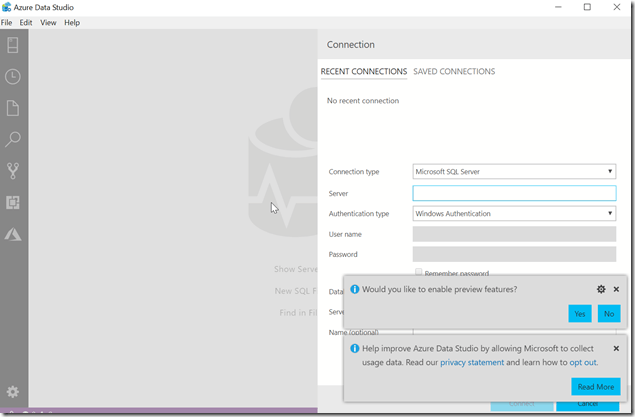
    2018-10-19 16_40_57-Azure Data Studio

    I need to provide details, as expected, but I can optionally group my connections into a name. This is similar to the Registered Servers grouping I can do in SSMS. Here I’ve filled out some details, and given my connection a nickname for quick connections in the future.

    2018-10-19 16_42_22-Azure Data StudioOnce I click Connect, I get a dashboard when ADS makes a connection. At a glance, I can see a few things. This is the “Manage” widget that Microsoft provides. You can make your own if you like.

    2018-10-19 16_43_30-2017Sandbox_sandbox - Azure Data Studio

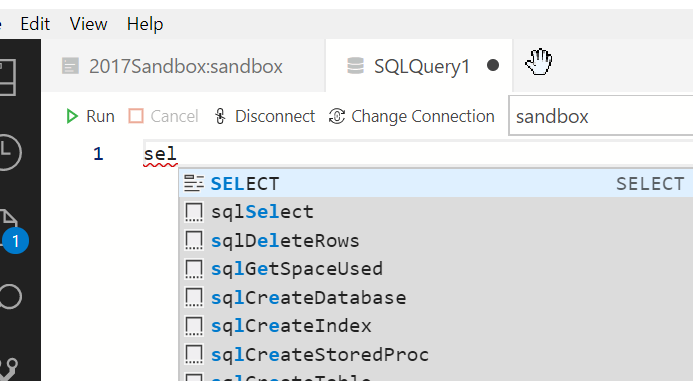
    There are some mappings for keyboards, and CTRL+N (of File | New Query) gets me a query window. Some basic intellisense is here.

    2018-10-19 16_55_26-● SQLQuery1 - Azure Data Studio

    It’s no SQL Prompt, which I miss when I use this tool.

    2018-10-19 16_55_34-● SQLQuery1 - Azure Data Studio

    CTRL+E doesn’t work, so I need to click the arrow to run the query. That’s OK, but it’s not ideal. Fortunately, there’s an extension to help here.

    The results are slightly odd for me, since I’ve used SSMS for so long, but they work fine.
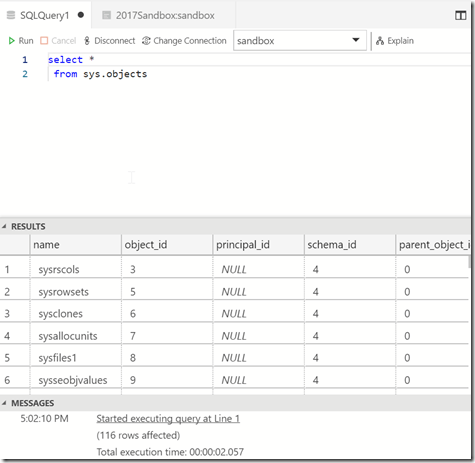
    2018-10-19 17_02_15-● SQLQuery1 - Azure Data Studio

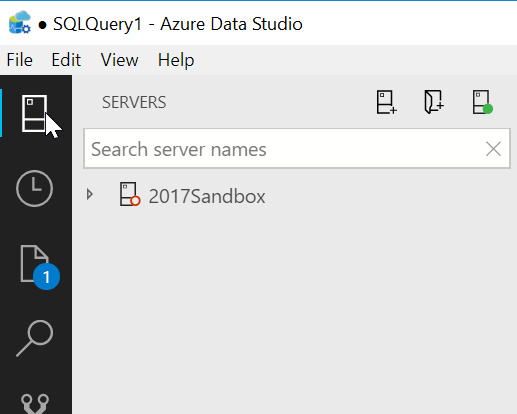
    There is a column of icons on the left, the top of which is my list of server connections. If I click this, I see the list on the left side.
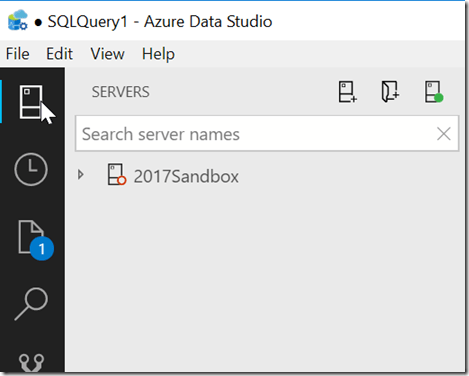
    2018-10-19 16_58_21-● SQLQuery1 - Azure Data Studio

    There’s lots more to do here, and you should experiment with this if you want a lightweight query tool. I’ll do a bit more work here, and see what I think, but I’m not sold on this for now as any sort of replacement for SSMS. I don’t know if MS will go that way, but for now, this still feels fairly bare bones.
  • Horrible Bosses

    Horrible Bosses is a movie that makes me laugh. I’ve seen it a few times, and I’d likely watch it again if I stumbled on it during a flight or while flipping channels. I’ve had some bad bosses, even one I’d consider a horrible boss. I’ve worked in poor conditions for IT, though considering what some people go through, it wasn’t that bad. I”ve been stressed, overworked, and abused by employers. Again, relatively. These are really #firstworldproblems, and not so much problems as annoyances. I’ve really had an easy life compared to many people, though it hasn’t always been stress-free.

    The one thing that I’ve tried to do throughout my career is be a professional. Do the job I’m paid to do, and accept the good and bad. If I don’t enjoy it, or don’t agree with the demands, then I can leave and find another job. I’ve had to do that a few times, often because of the people that make the job a bad one. Fortunately I have a great boss now, which makes my work much more enjoyable.

    I’ve also tried to build software that I feel comfortable with from a moral standpoint. I’ve never been asked to work on anything illegal, and I hope I never am. I’d also hope that I would refuse to do so. I think it’s hard to put yourself in a tough situation, as you can never know all the variables. Imagine that you’re in debt, you need your salary to pay for medical care for your family and it’s a recession. You might feel trapped in a position, worried about not only losing your job, but also your livelihood and potentially putting someone’s life at risk. Making moral stands in tough situations is hard, and I hope I never have to do so.

    My best advice for my kids, and for others out there, is that you want to actively manage your career. I’ve told my son the best time to find the job you want is when you have a job, not when you are out of work and need a job. If you’ve got a horrible boss, start making steps to find a better one. It can take time, potentially months or years, so make a plan and start down the path of finding a dream job that you look forward to every day.

    Steve Jones

    The Voice of the DBA Podcast

    Listen to the MP3 Audio ( 3.1MB) podcast or subscribe to the feed at iTunes and Libsyn.