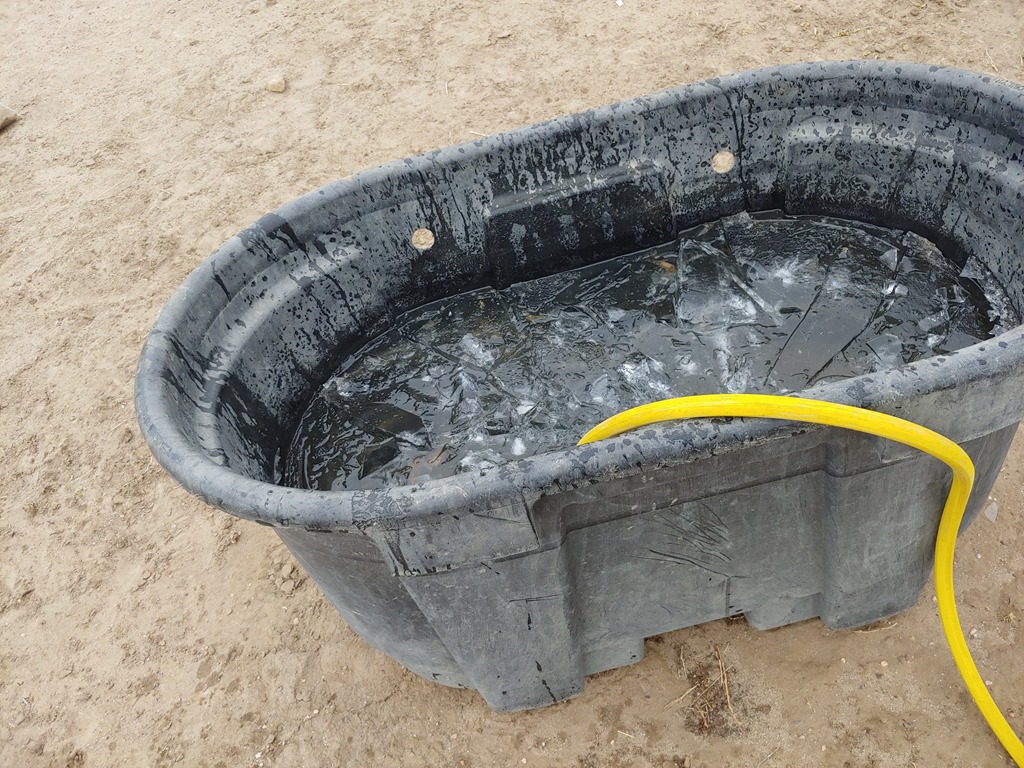
Today starts week 2. Life doesn’t end over the weekend, so a quick review of that and then today. I know this is a break from work, but one of the nice things is being able to get some continuity across multiple days.
The Weekend
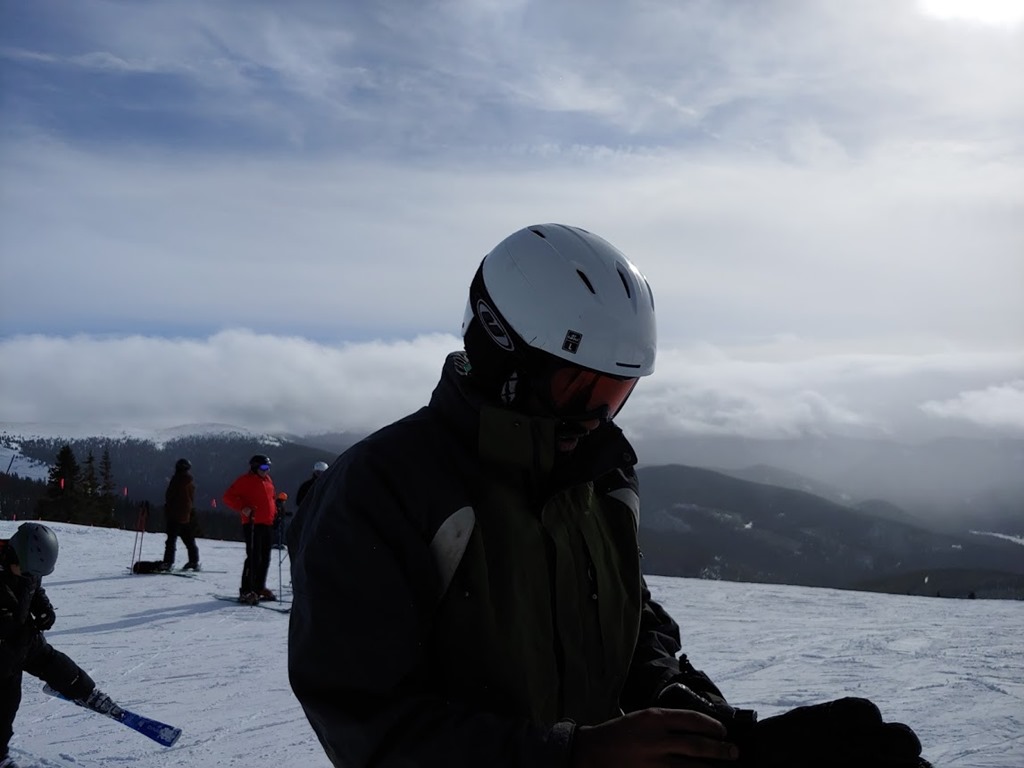
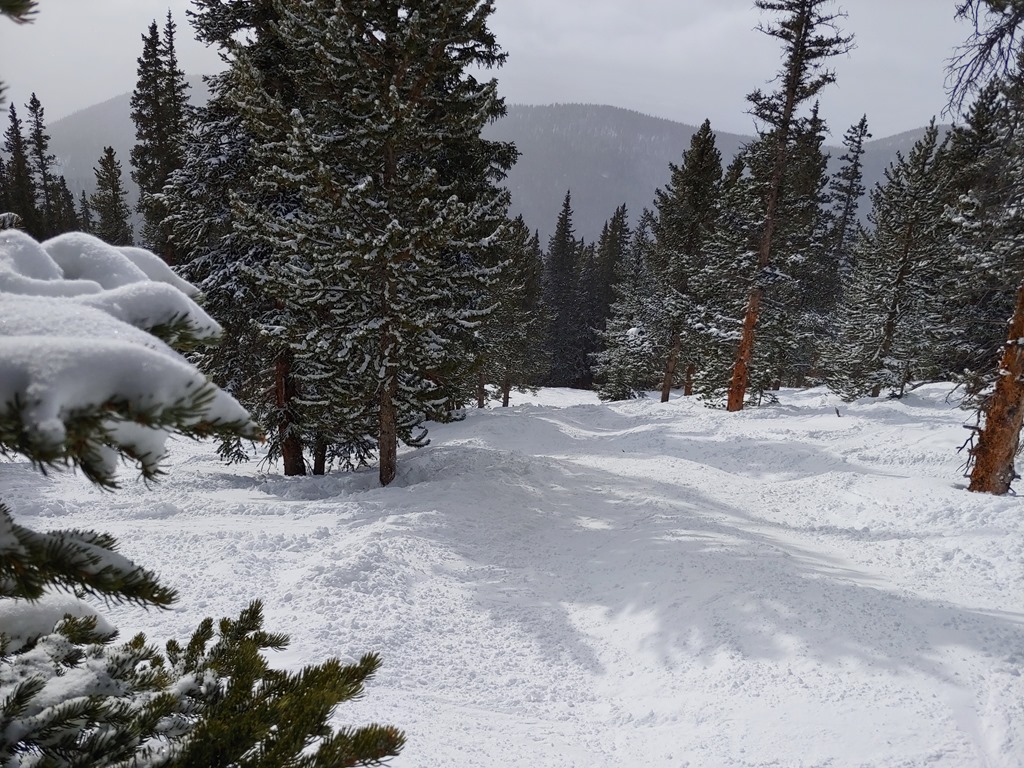
Saturday was skiing, or rather, snowboarding, for me. My son came back from college, and we all headed up to the mountains. My son and I snowboarded while my wife and daughter shopped. My daughter is still recovering from surgery over break and my wife has a broken toe, so it was just two of us on the mountain.
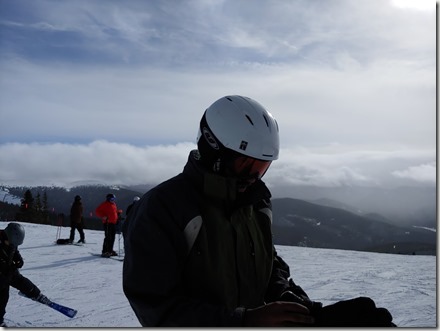
It was a nice day. A little cold, but not too windy, and we had a good time. With the chill, we decided to spend a bunch of time in the trees, which was good. This kid is the only one that likes doing that with me, and he’s fairly fearless.
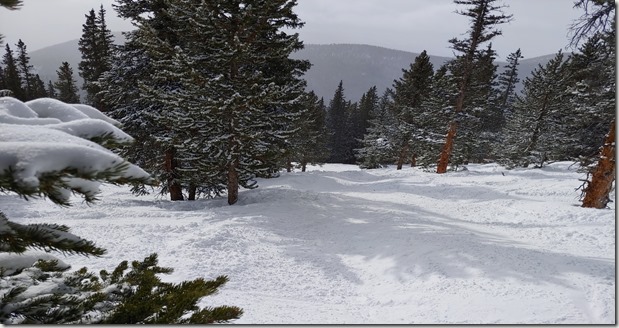
He’s also much faster than me.
When we got home, he and I played guitar a bit. He’s gotten really good and inspired me to spend the time this sabbatical on that.
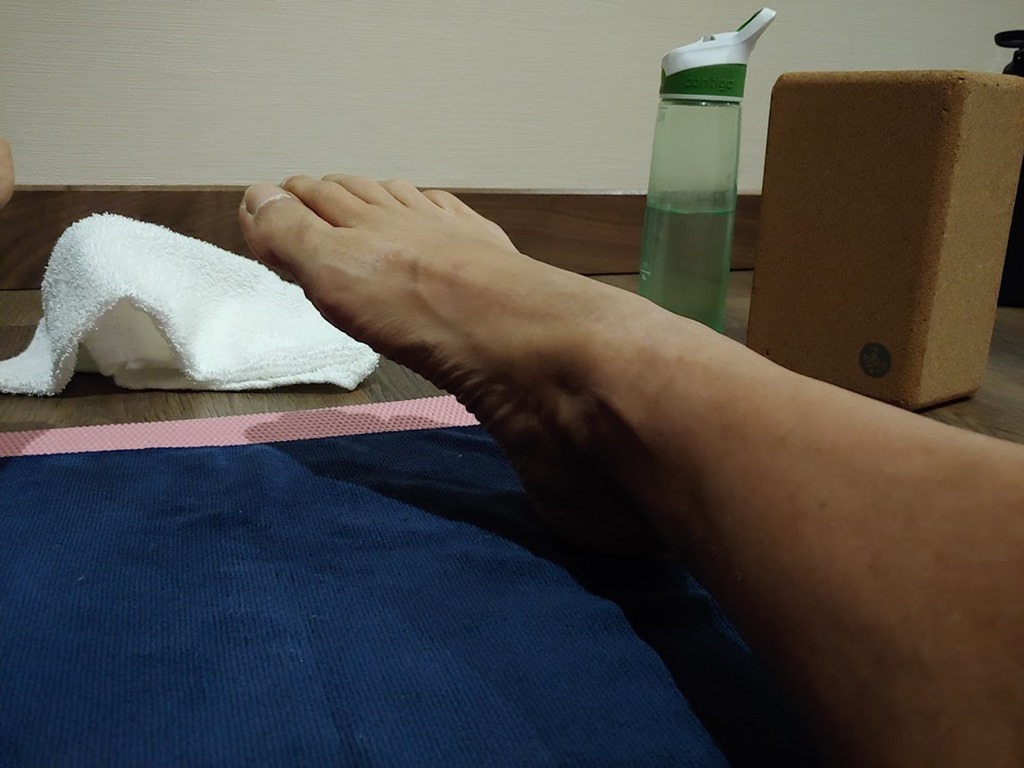
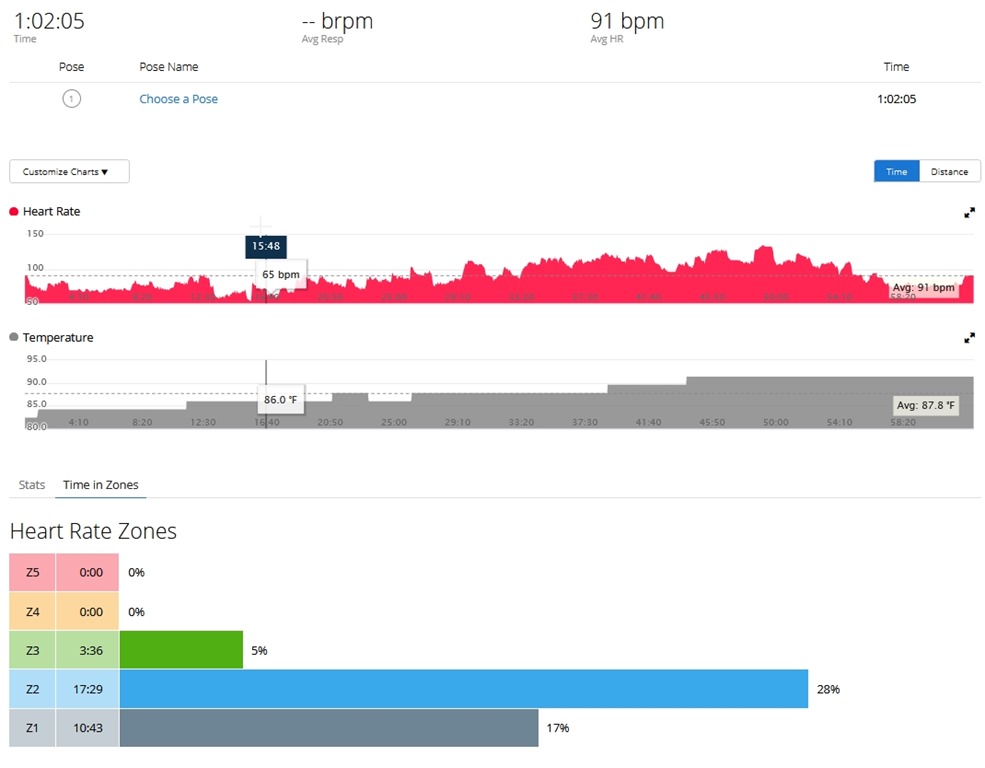
Sunday was chores. First, some self help, with morning yoga.
Next, chores. My wife had things to do, so I did hay and water for the horses. Then it was vehicle cleanup and maintenance. I had purchased oil and filters last week, and Sunday I put them to use. First, the ATV, which doesn’t get used a lot, but it’s been 6 months, so time to change things. First, a spray with the hose to clean off mud, then doing the oil.
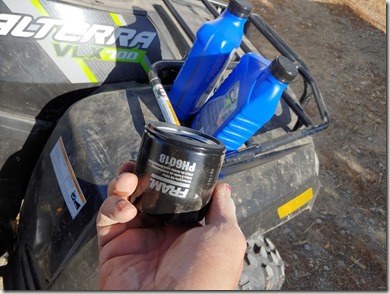
After one was done, I started on the second. Actually, I started cleaning one while the oil was draining. Then, the second.
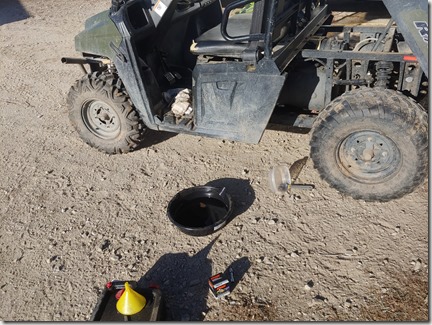
I also realized I needed some filters, so I ordered those, along with some transmission oil, since I’ll do that sometime this week.
My son was home and cleaned his car, so I spent a little time on mine as well. Just a quick wash before the sun went down. Once it did, I was inside. First, cleaning and replacing lights.

This has been on the list, but getting the ladder over and back from the barn is a chore. With more time, I just did it. Then it was cleaning time. Some laundry, and cleaning the master bath a bit. We lost our maid a couple months ago, and while we look, my wife and I are chipping in. At least I got to watch some NFL while I was cleaning.
Only a little guitar, as I was worn out.
Day 6
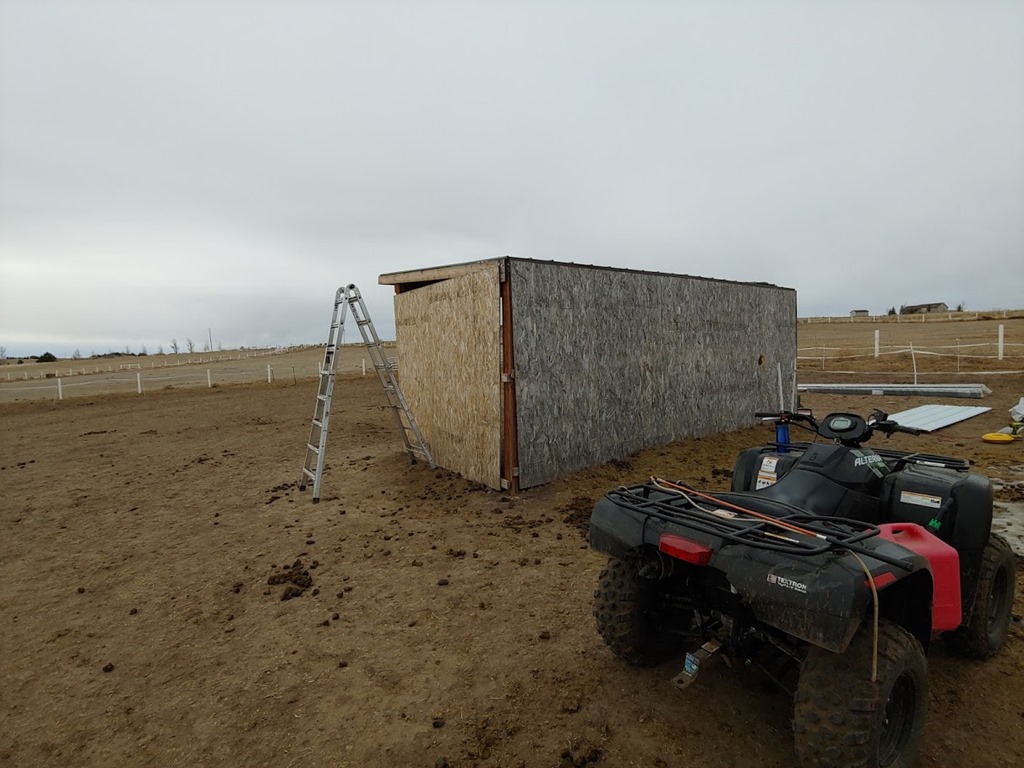
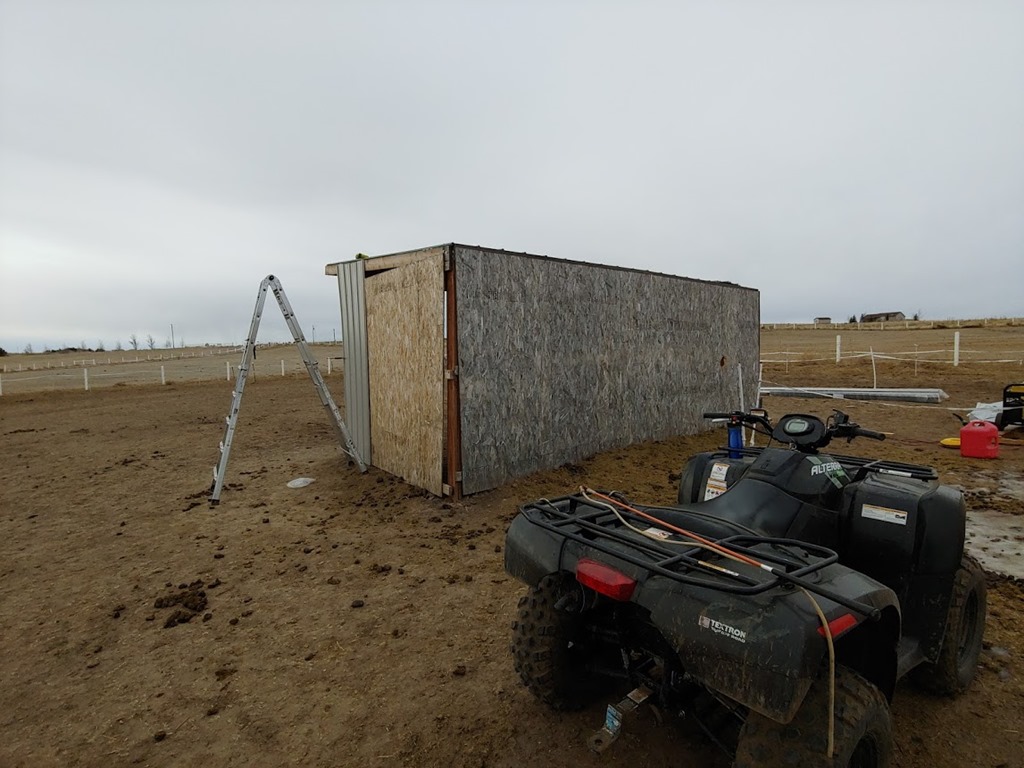
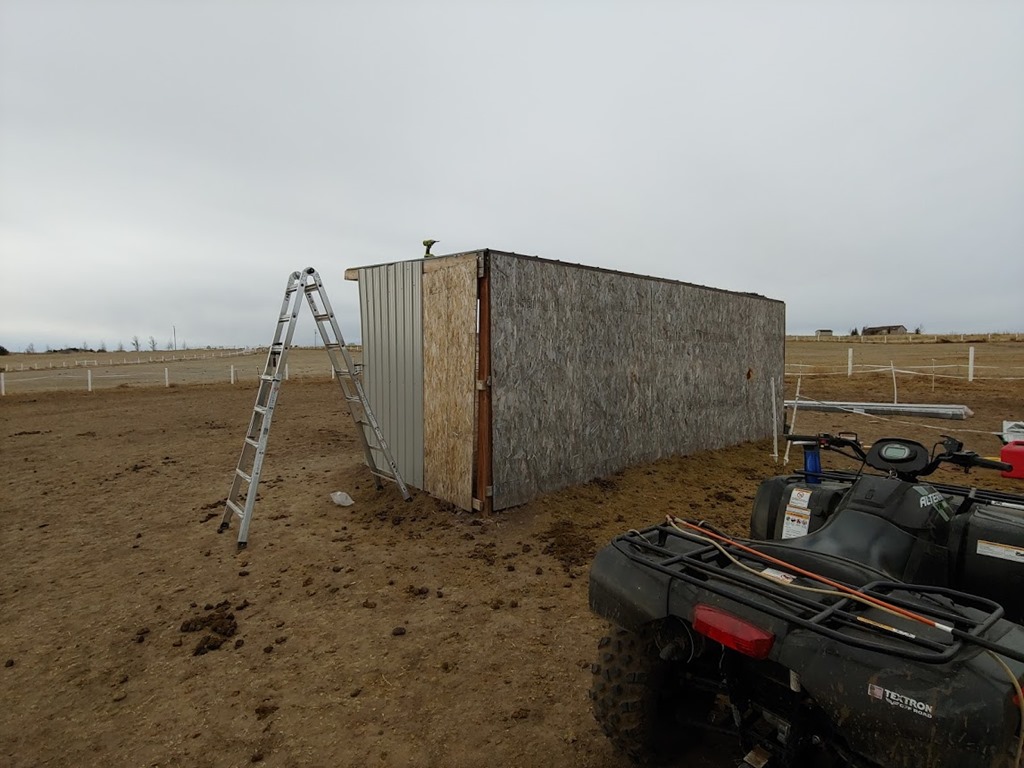
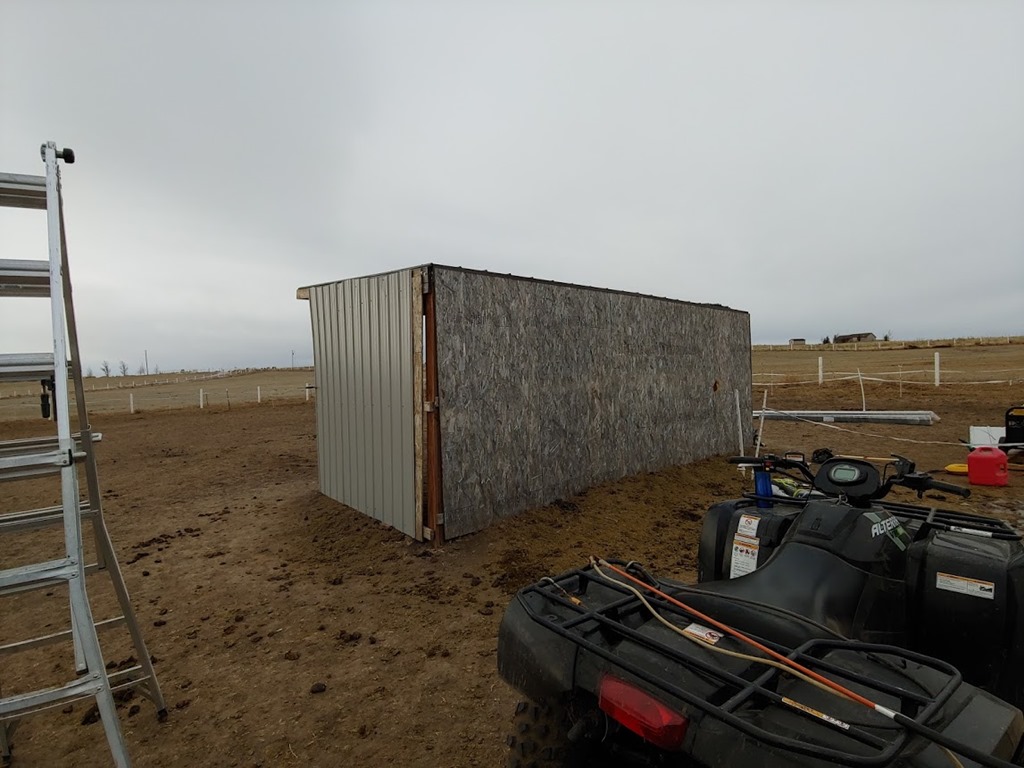
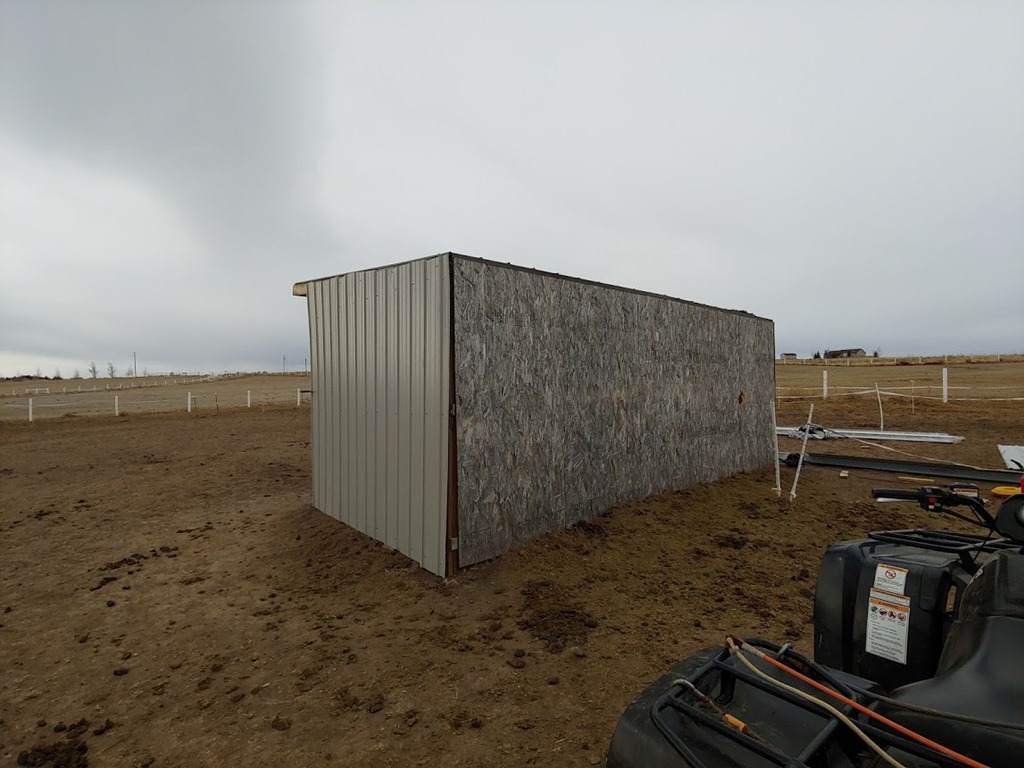
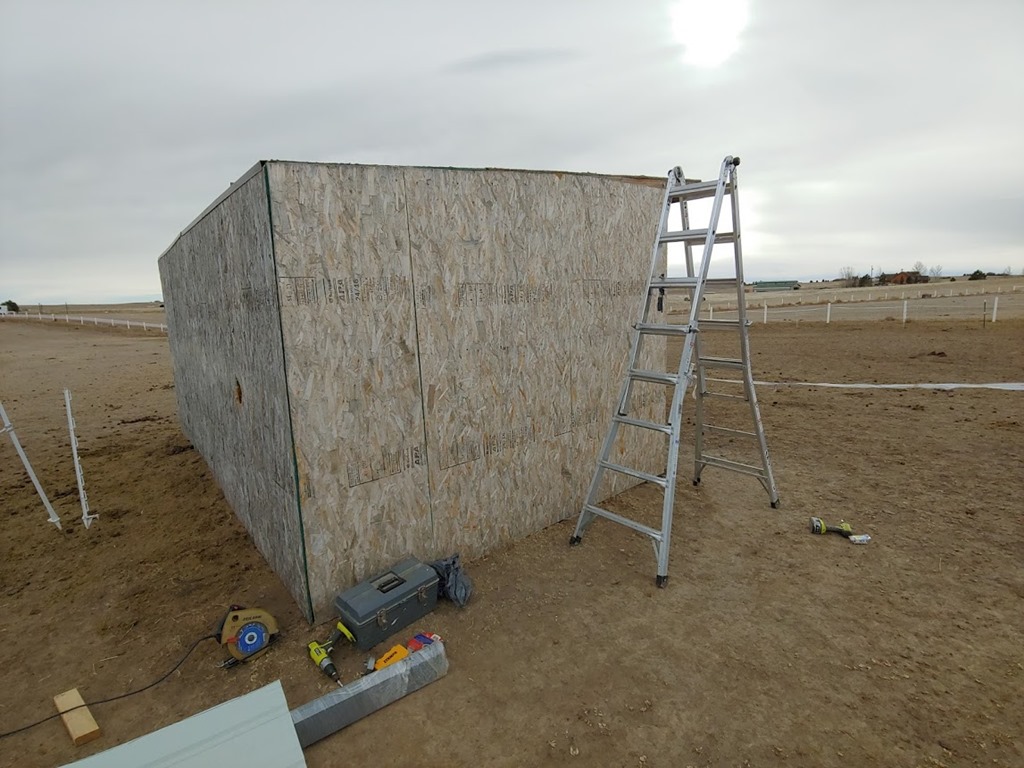
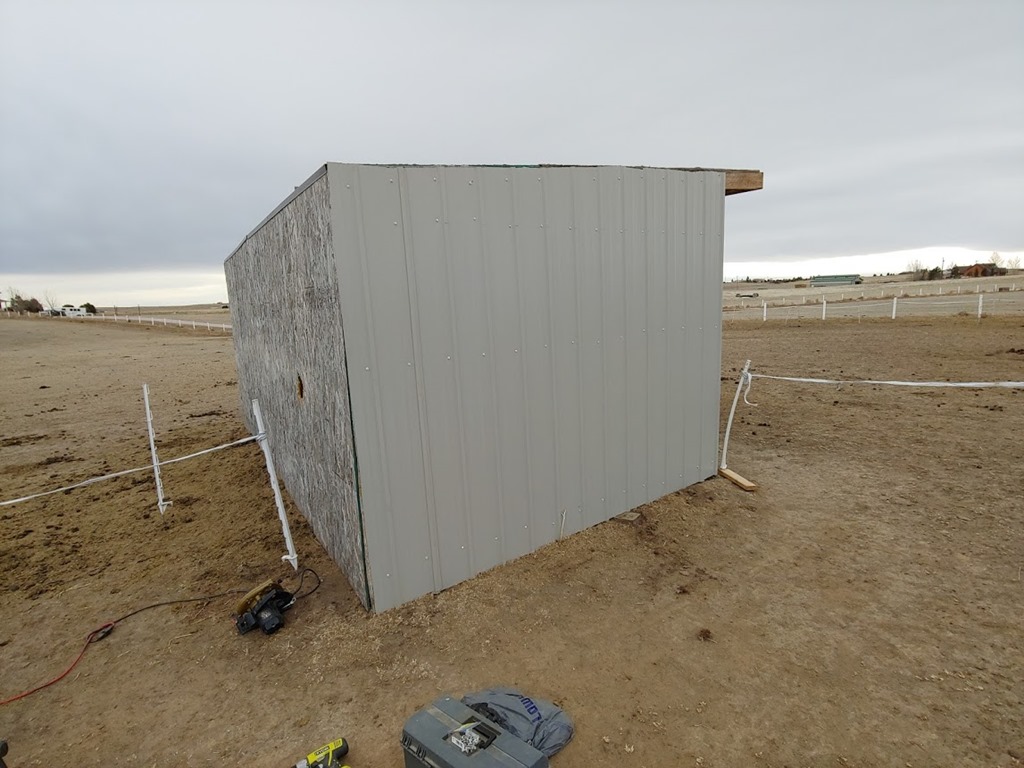
I had big plans today, back doing ranch work. Actually, this is turning into more ranch work than house work on the sabbatical, but I/we have let some things go and need to catch up. The plan was to put metal on the side of a horse loafing shed. Things started well, then fell apart.
I woke up at 7, and headed to the store. I’d skipped shopping the night before as it had been a long day, so I went early. I got a few things for me wife, and then started to prep dinner in the crock pot. I’d planned on Honey Garlic Crock Pot Chicken, but when I started, I realized I didn’t have soy sauce. Not gluten free nor regular.
Grrr. My kids wanted a couple other things, so I decided to just quickly hit the store again. Nothing is quick, as even a 10 minute in the store trip is nearly an hour, but I went. At least dinner looked good getting started.

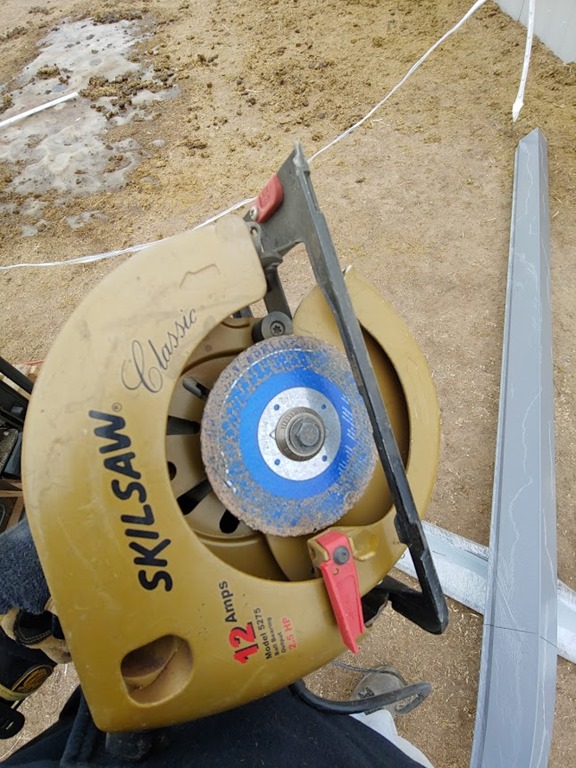
Next I went out and gathered up some tools. I’d made a list, and I loaded the ATV up with things. A calm day and it felt like I’d get something done.
Next it was the metal siding. However, when I checked the pile of stuff, I had no screws. It’s partially my fault, as I forgot to ask, but they’ve always included them in the list when I did this in the past.
Grrrrr, another store trip. At least I called to be sure some places had things. Since I was going, I needed a few other supplies, so I made it a trip. Not quick, but a trip.
Once I got back, I set up an area protected from the horses, as if I leave things out, they’ll walk on them. I put up some horse fence near the shed and a portable fence charger to keep them off for now.
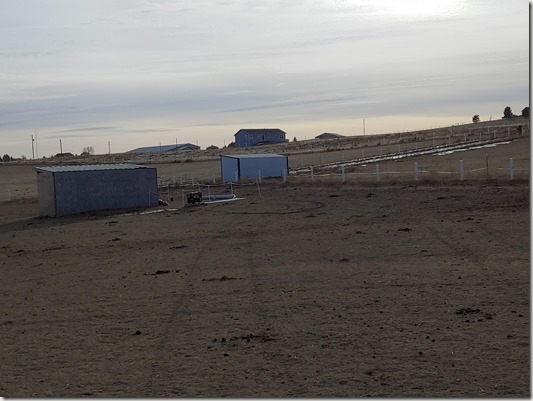
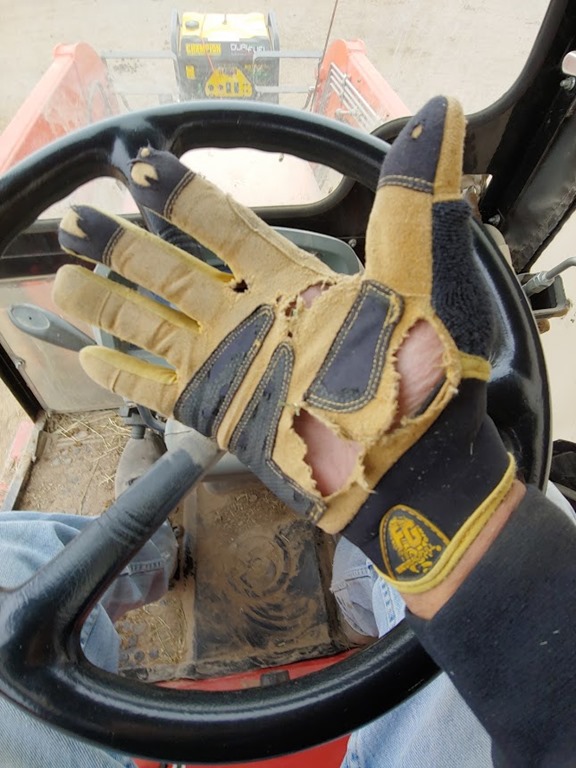
More tractor time getting the metal loaded and moved. This 10ft, about 1/2” thick pile is heavy. My wife was gone, kids sick, so I manhandled it out of the trailer and onto the forks. I’m going to be sore later.
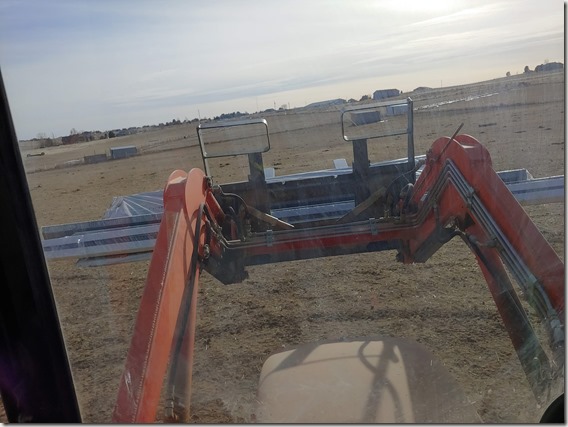
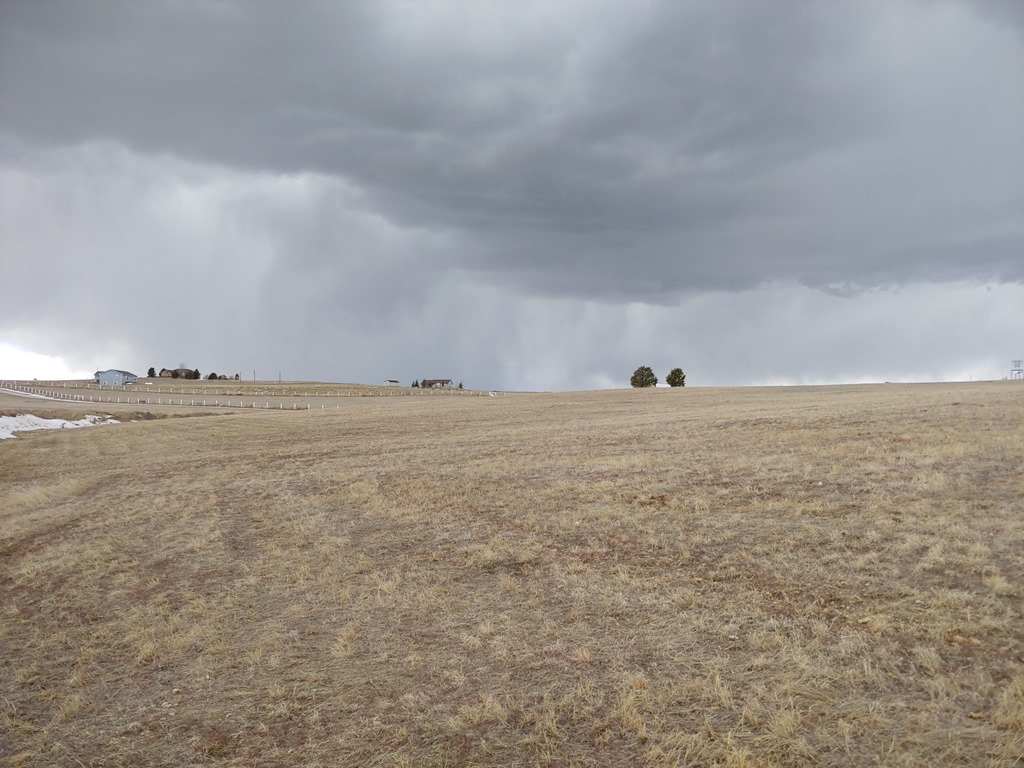
This done, it was too late (3pm), getting chilly, and really to windy to do this. A 3ft x 8 ft piece of metal is quite a sail, even in a little wind, so I didn’t want to wrestle these things any more. I’ll start in the am.
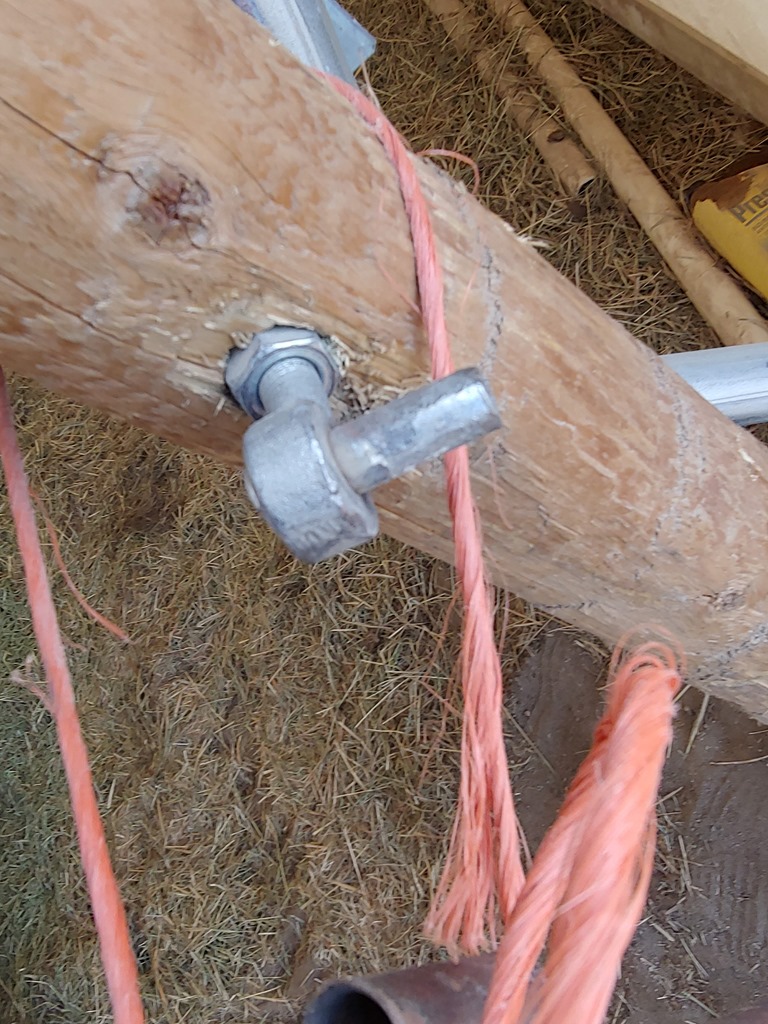
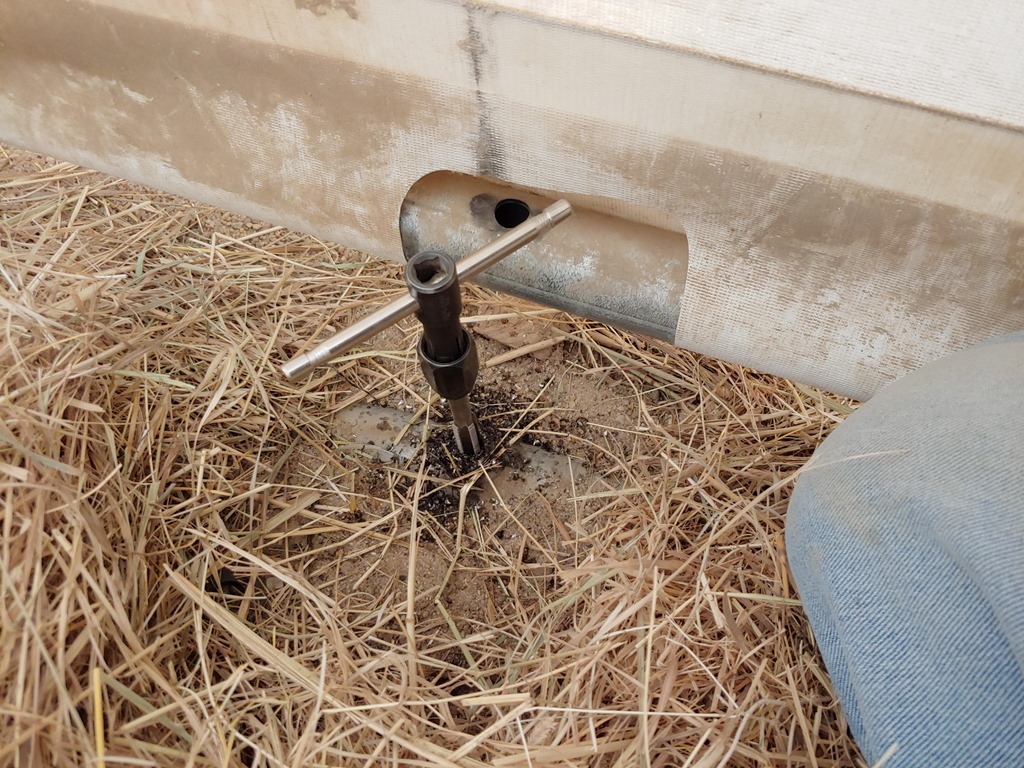
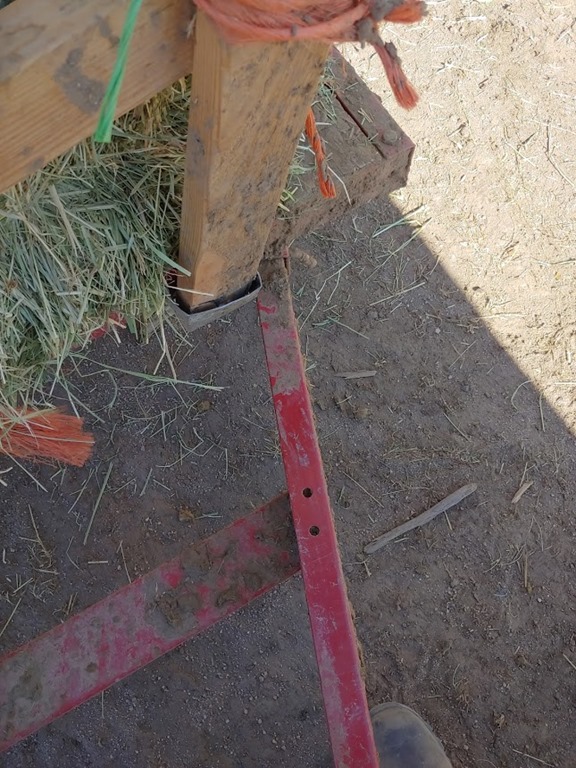
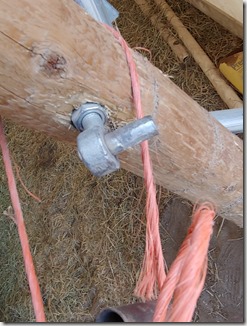
Two last repairs. First, fixing a fence bracket. This one has sunk into the wood, so I added a new washer. Not had, but not quick. Even less quick waiting for some help from my wife.
Lastly, we’d broken a strap in the riding arena. The fabric cover is essentially stitched with nylon webbing to the frame. It seems every couple years a strap breaks somewhere. Not hard to retie things back together, but in this case the break was about 22-25ft in the air. I don’t like heights, and I also needed my wife to hold the ladder.
The repair is done, and I’m somewhat tired at 4:30.
Still to come, I want to hit the gym and lift a bit. I’m proud of my progress over the last week. Most weeks should look like this. My annual review only showed about 250 workouts, which is too low for me.

After that, guitar. I didn’t do any this am, but with all the driving, I watched a few lessons. My plan is to get one more blues lesson in and then do a couple “Perfect” songs. There’s a song by Ed Sheeran and one by One Direction that I like, and they’re pretty easy in terms of complexity. Just need some practice, so I’ll work on those tonight.
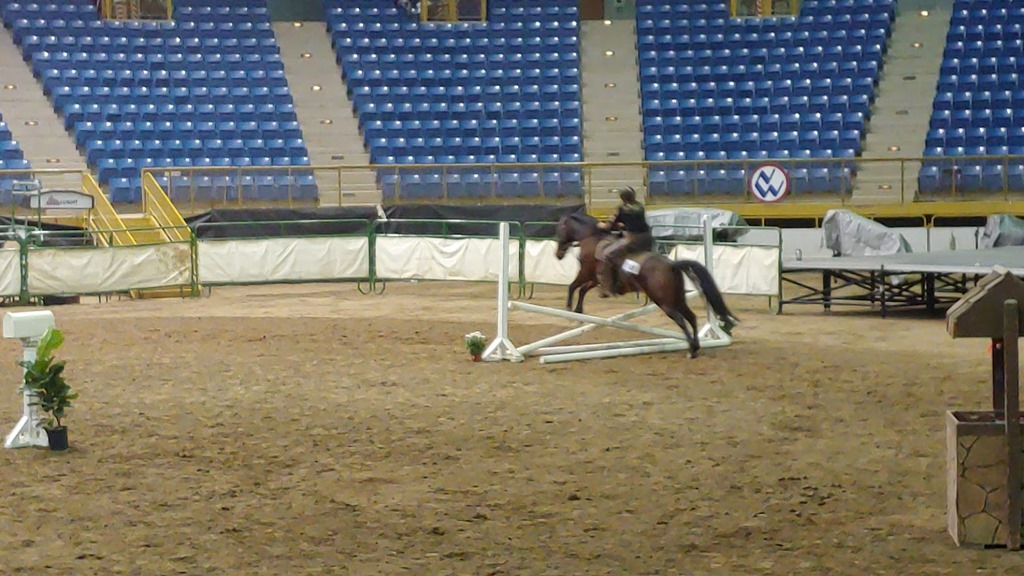
Tomorrow, I want to work on the shed. I’ll check the weather in the am and decide how to proceed. My wife is competing the next two days in the Horseman’s Challenge at the National Western Stock Show, and I want to go watch and film a bit. However, I also have weather and metal to put up, so I’ll make a call in theam. I may run down there for a half day and then come back.