Tag: Redgate

  • Better Test Data Domains with SQL Data Generator

    This is a series on SQL Data Generator, covering some interesting scenarios I’ve run into. If you’ve never tried it, SQL Data Generator is a part of the SQL Toolbelt. Give it a try today with an evaluation today.

    I’ve been working more with SQL Data Generator (SDG) because it solves some problems that many software developers have with test data. Often each developer needs to create their own set of test data, with these being the common actions:

    • Use a backup of production, perhaps old.
    • Randomly insert a few values each developer comes up with
    • Use random data from SDG, a new project each time.
    • Load a known data set from production or test systems

    While I think small amounts of random data work well, I think the data should reflect (somewhat) the types of data in production. Totally random strings don’t work, but similar words, structures, etc. make sense.

    However having a consistent set of data for each developer is a great idea. SDG can consistently generate data sets, but to make them meaningful, you might want to have control over the types of data inserted.

    Using Real Words

    I talked about the difference between random words and real words. However, what if you want to include specific types of items?

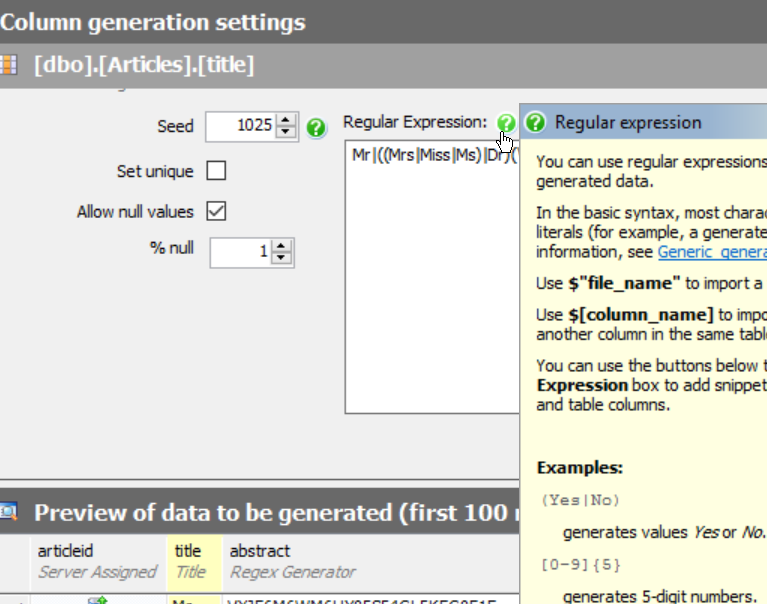
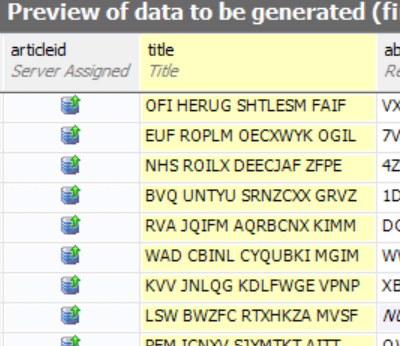
    Let’s evolve some data. If I have a varchar(500) column, SDG defaults to this:

    [A-Z0-9]*

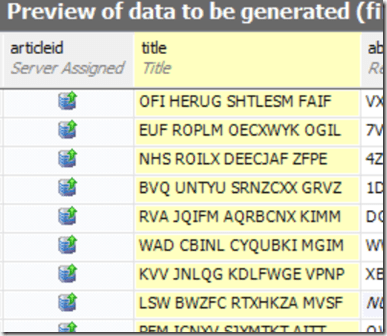
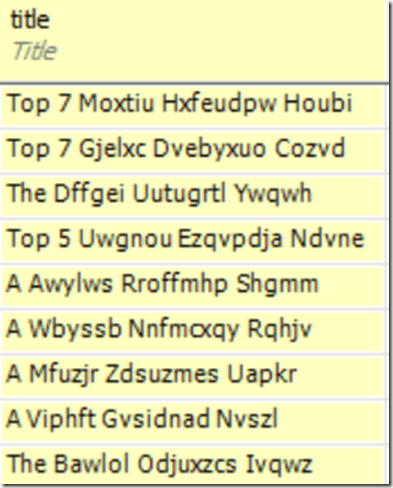
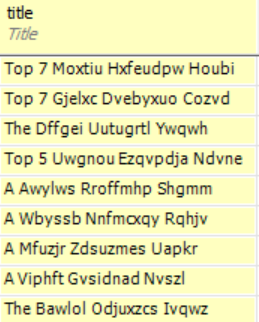
    Which gives me this:

    2015-08-28 10_03_55-New notification

    That’s not great if I wanted to examine specific rows and determine if they were being returned by a query. This is just too random and hard to verify.

    However I have options. For example, I could use the “Insert File List” item. This gives me a list of files that could be helpful. In this case, let’s choose “Color”.

    2015-08-28 10_05_33-SQL Data Generator - Fun_Article_Titles_Words.sqlgen

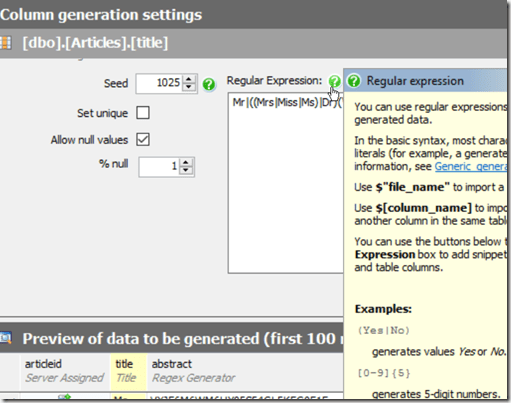
    I see this in the RegEx box.

    ($”Color.txt”)

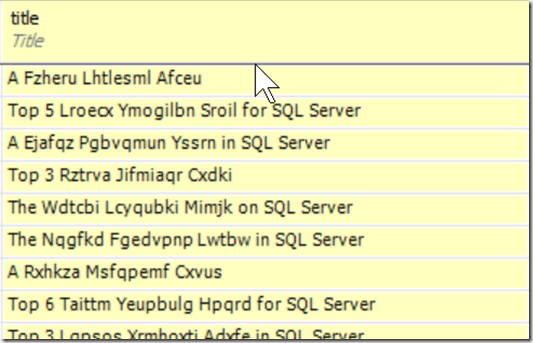
    Now my test data looks like this:

    2015-08-28 10_06_14-

    What’s in “color.txt”? Let’s see. The file is under the Data Generator 3 folder, in a Config location. I see lots of XML and text files.

    2015-08-28 10_08_09-Config

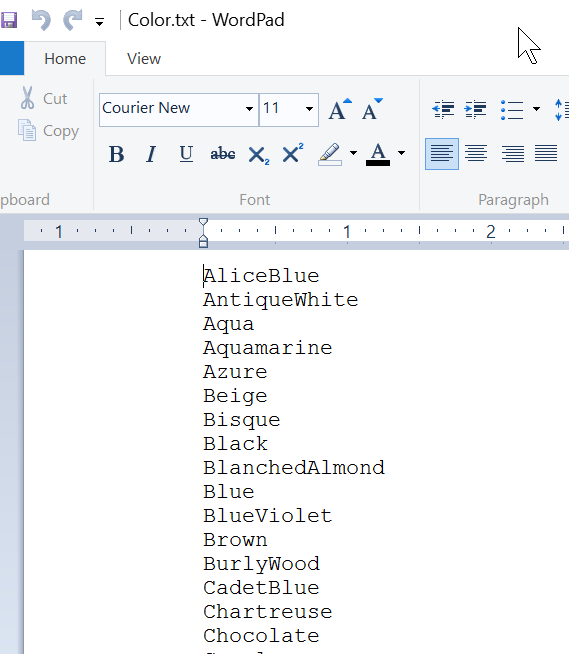
    If I open Color.txt, I see what I expect.

    2015-08-28 10_08_17-Get Started

    Now, let’s experiment. Let’s create a SQL Server file. I’ll put values in like this:

    2015-08-28 10_08_17-Get Started

    I need to change permissions on the config folder to allow saving, but I put it there.  I also had to close and re-open SDG to pick up the new file.

    Now I’ll add that to the RegEx box.

    2015-08-28 10_15_44-SQL Data Generator - Fun_Article_Titles_Files.sqlgen _

    That’s cool. What if I made a file with a number of random words in it. Like a dictionary of sorts. I could do this. I create dictionary_small.txt.

    2015-08-28 10_22_10-Get Started

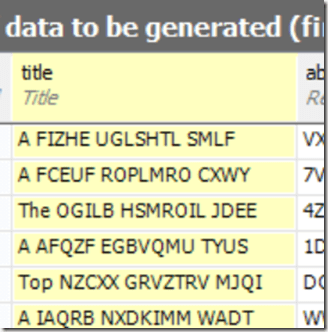
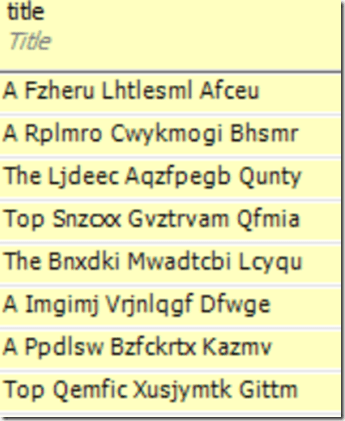
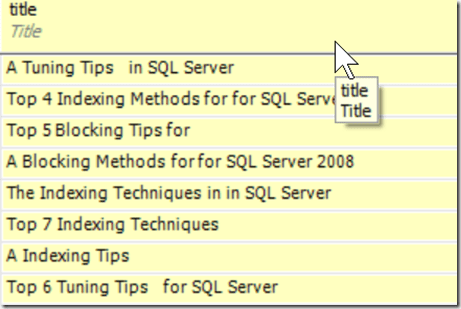
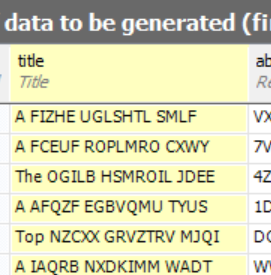
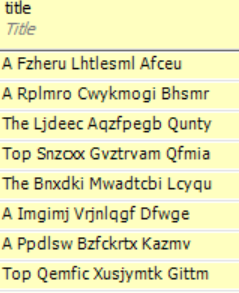
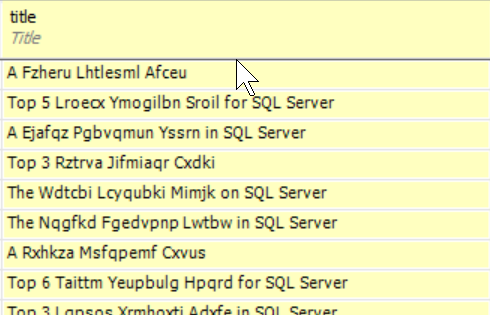
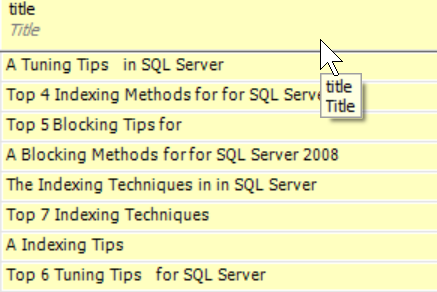
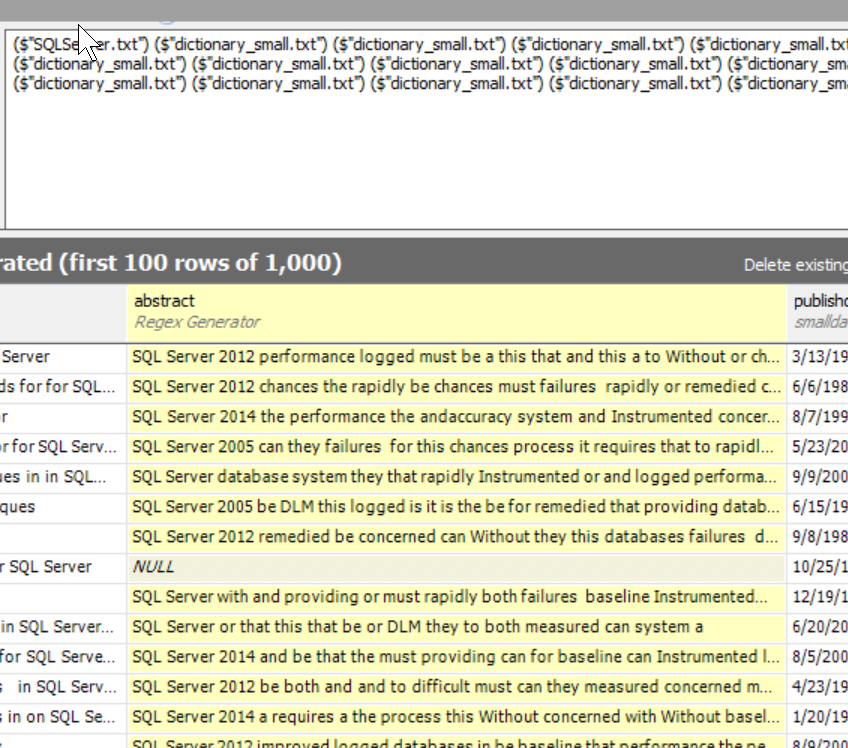
    Now I include that a number of times.

    2015-08-28 10_23_17-New notification

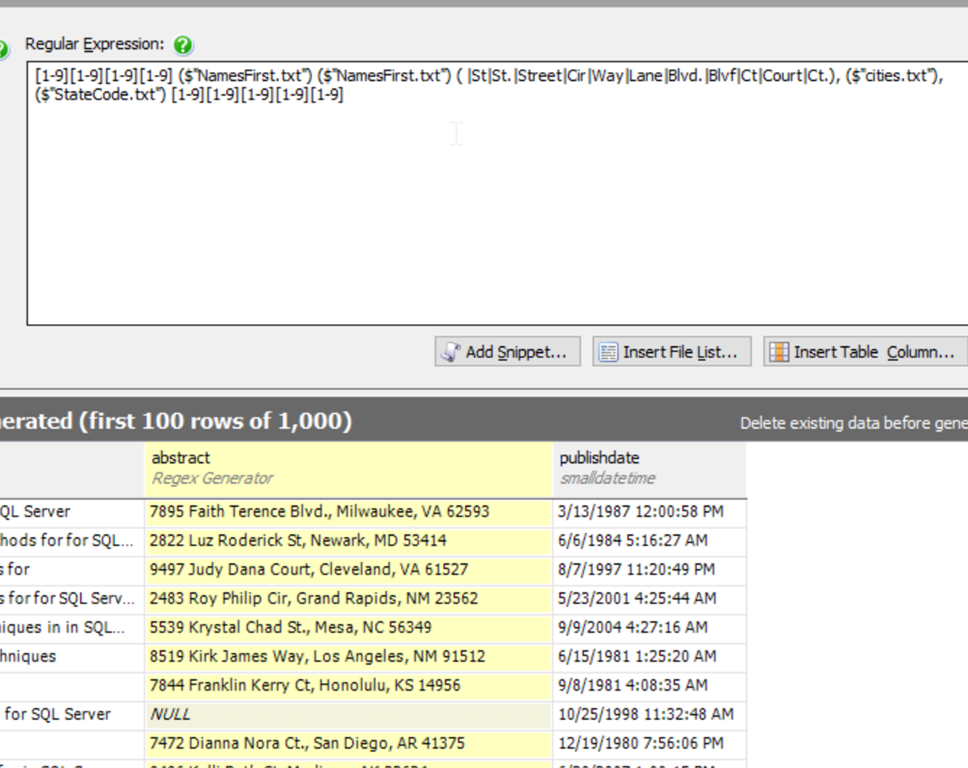
    Those are some great descriptions. I’m sure I could have fun with this in other ways as well. Let’s create some good and bad data for a cleaning operation.

    2015-08-28 10_28_38-New notification

    The ability to include data from flat files is a great option in SDG for putting together a data set that developers can actually use, understand, and count on for loading up new databases or tables, especially when creating quick code branches to test something out.

  • Maturing Your Database Development Process–Version Control

    At Redgate Software, we have a progression of the stages of a database development pipeline. These are the various ways in which you can better engineer your database development to ensure smoother releases to production, with less issues. There are five stages:

    • Manual (S0)
    • Source Control (S1)
    • Continuous Integration (S2)
    • Release Management (S3)
    • Monitoring (S4)

    As I travel around, speaking on these topics, I find many people working in development stops that are really at the S0 level.

    For databases, that is. For their .NET or Java or PHP software, quite a few are at S2, and maybe working towards S3 in many projects.

    That’s a disconnect, and it’s one that we’d like to see changed at Redgate. Certainly we can help and we’d like you to use our products, but more, we want to see better development all around.

    We’re Trying to Help New York City

    In a few weeks, on August 27, 2015, I’ll be in New York to help teach our Database Source Control workshop. Ike Ellis (Crafting Bytes) is teaching the class, and I’ll be there to support him and run the labs. This is a course that Grant Fritchey, myself, and a few others at Redgate Software have built.

    This is the chance to learn how your organization can implement version control for your database, just as most of your developers probably already have for the other software you write.

    We’ll cover setting up Source Control, deploying changes from versions, branching, merging, and more. This is a great hands-on introduction to stabilizing your database development. We’ll provide a VM with labs that you will actually complete.

    We’ve put this first step to building a DLM pipeline on sale for $100. If you’re close to NYC, consider taking a day off and joining us at the Microsoft office in Manhattan for a little database education.

    If you can’t make this workshop, look through our schedule and join us somewhere at a future time.

  • Connecting, Saving, Discarding, Branching, and Merging in the Big Apple

    We’ve got another DLM workshop on Database Source Control taking place in New York City on August 27. It’s in Manhattan, at the Microsoft office all day, with lots of hands on labs to help you learn a number of skills:

    • connecting your database to a VCS with SQL Source Control.
    • discarding changes and recovering an older version of your code from a VCS.
    • branching your database code
    • merging changes from branches together.
    • using migration scripts for custom code changes and preserving these in your VCS.
    • and more

    Register today, and spend a day with Ike Ellis and myself  learning about database version control. The class is only $100 for a limited time, so make plans to join us.

    You’ll need to bring a laptop, but we’ll provide a VM ready for you to practice the skills on, and we’ll provide the food and refreshments for the day.

    Using a Version Control System is essential for application developers, and it should be for database developers as well. Learn how you can start to ensure your database code is protected and versioned, just like all your other code.

  • Clearing Out a Database With SQL Compare

    SQL Compare is a core product from Redgate and I’ve got a series on some of the interesting things I’ve found. Download a trial today if you haven’t tried it.

    I ran into a question recently about how to clear out a database of all objects. I assume someone was testing some type of deployment scenario, and didn’t want to drop the database, but rather just remove objects and redeploy.

    I know SQL Compare could do this, so I mocked up a quick project.

    I’ll start with a database. I grabbed one I had lying around, and in this case, I’ll use the Sandbox database, which has a number of tables in it.

    2015-07-23 11_19_06-XML_Basic_Queries.sql - ARISTOTLE.sandbox (ARISTOTLE_Steve (69)) - Microsoft SQL

    Perhaps I’m testing upgrades, installations, or something and don’t want to drop this. Perhaps it’s in Azure, and recreating it is a pain. Maybe I want users/roles/security still to be there. Whatever the reason, this is a use case that SQL Compare can handle.

    First, I need a new database.

    2015-07-23 11_36_06-SQLQuery2.sql - ARISTOTLE.tSQLt_Exercises (ARISTOTLE_Steve (65))_ - Microsoft SQ

    With this, I can now run SQL Compare and look at my two databases.

    2015-07-23 11_36_49-New Project_

    I am comparing the blank database to the existing one. The empty database is essentially development. I want to get the existing one to look like this one. I might need to edit the filter rules on the left to exclude roles, users, etc., but running the comparison shows me the differences that I can examine in more detail.

    2015-07-23 11_37_47-SQL Compare - New Project_

    In my case, I did exclude security, and once I was happy with the list, I clicked the Deployment Wizard button. This immediately generated a script, but gave me warnings.

    2015-07-23 11_38_05-Deployment

    I am well aware that dropping these objects could result in lost data. That’s because I’m removing tables. However that’s what I want.

    If I open the script in an editor, I can see all the drops, properly ordered, in the script.

    2015-07-23 11_40_46-SQL Compare844a2b43-aebf-4f51-bf84-ab3f73065053.sql - (local).sandbox (ARISTOTLE

    This is a quick way to remove the objects from a database to test your installation or rebuild of a database. I’m not sure this makes sense for most deployments, as you’ll usually want to just remove the objects that were added in the failed deployment.

    Generating a rollback script is a task for another day. For now, if you need a clean database, here’s one way to remove everything from an existing database.