Tag: SQL Change Automation

  • Adding the ReadyRoll Extension in VSTS

    As I’m doing a little development with ReadyRoll, I’m documenting some of the things I learn about the product.

    A few weeks ago I needed to do a demo with ReadyRoll for Redgate Software. I built a new project, and wanted to perform a build in Visual Studio Team Services (VSTS). However, I realized that I needed to install the extensions for my project to work. This is pretty easy, but worth a short post.

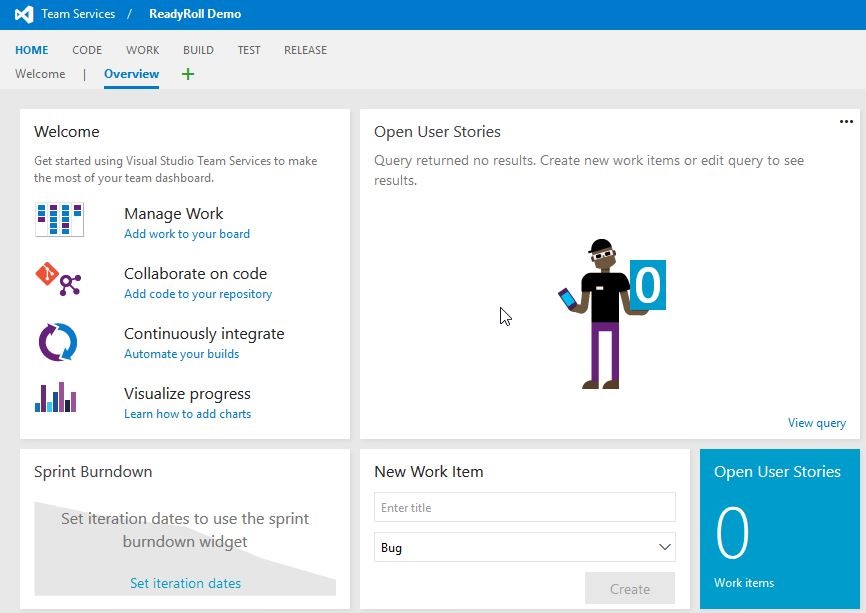
    If I create a new VSTS project, I get a blank, empty project page. 2016-07-15 11_30_27-Highlight
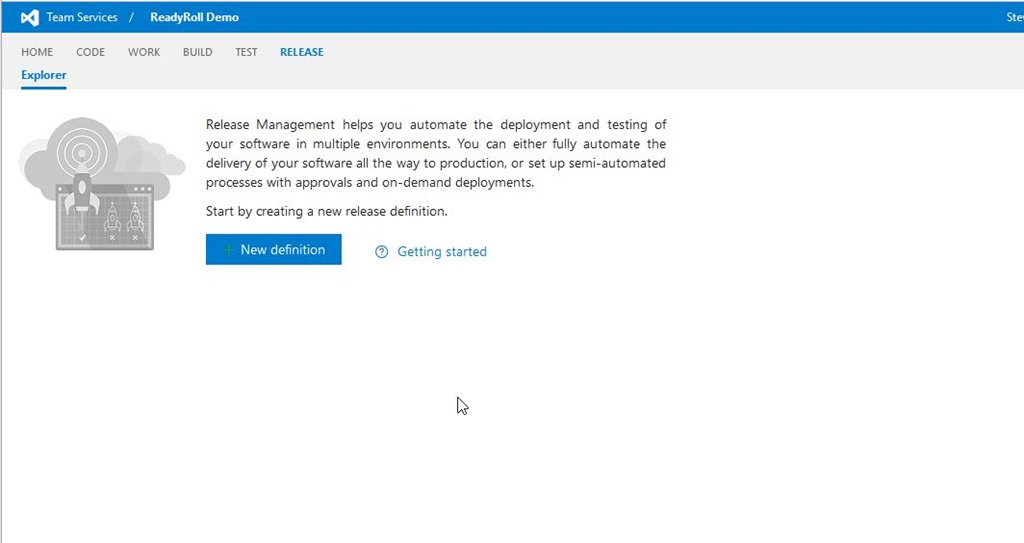
    If I navigate to the Release page, of course, I have nothing there.
    2016-07-15 11_38_51-Highlight

    And when I look to add something to a release definition, I have a fairly small list of tasks from which I can choose. These are in alphabetical order, and there’s no “r” tasks.

    2016-07-15 11_49_57-Highlight

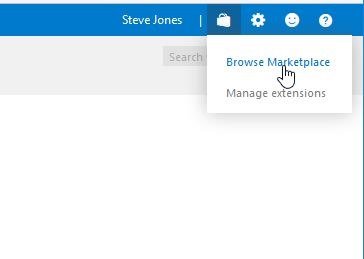
    I do need a build setup, but once that’s done, I still have the same list of three items. I want to add the ReadyRoll extension. To do that, I’ll click the shopping bag in the upper right of the screen. Once I do that, you’ll see I can browser or manage extensions.
    2016-07-15 11_41_15-Highlight

    I’ll choose Browse, which opens the marketplace. There are extensions for many, many developer tasks, and I’d encourage you to look through the list.
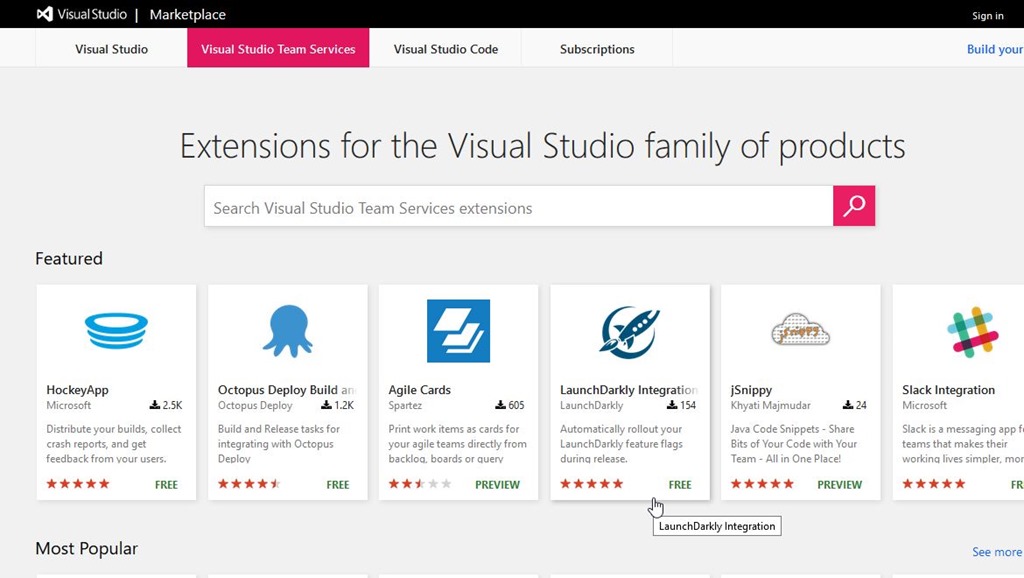
    2016-07-15 11_41_45-Highlight

    In my case, I’m looking for ReadyRoll, so I’ll enter Redgate to search.
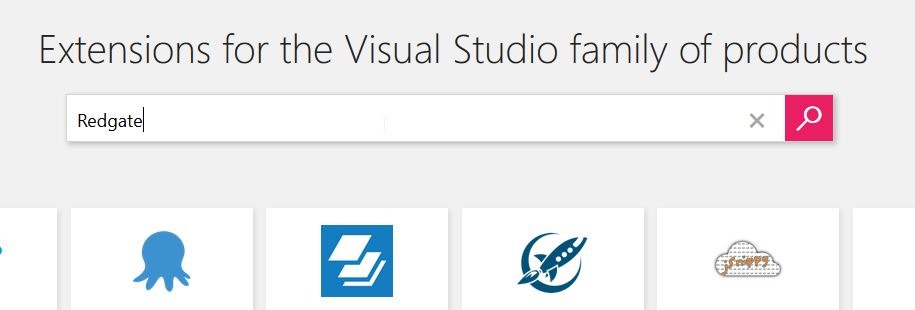
    2016-07-15 11_41_55-Highlight

    There are three results, the first of which is ReadyRoll.
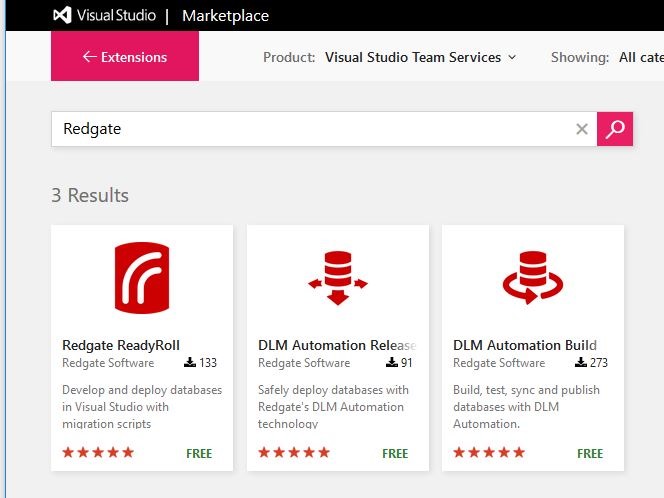
    2016-07-15 11_42_02-Highlight

    I can click on the box, and I’ll get more details on the extension.
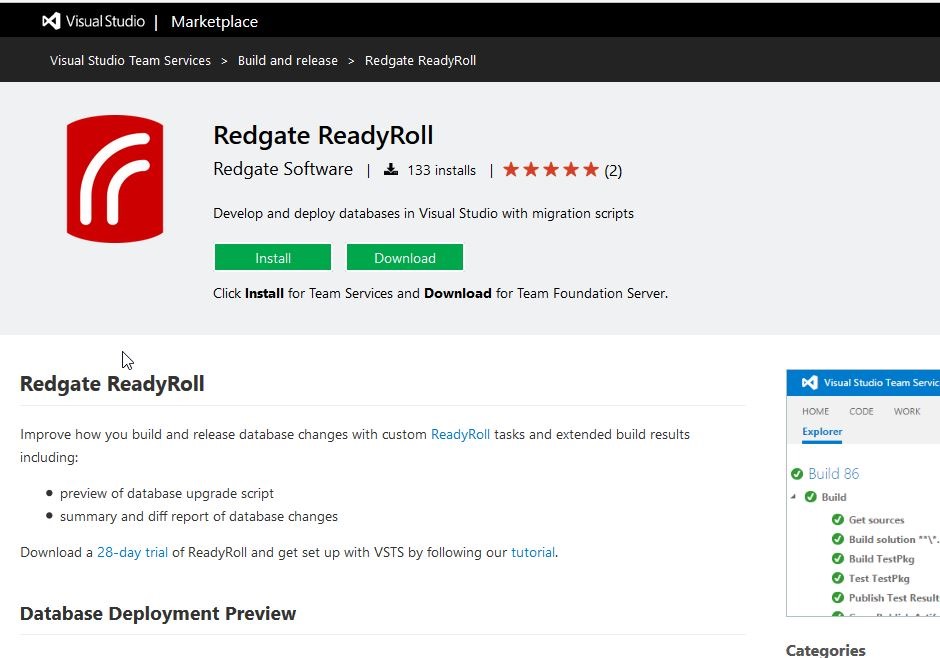
    2016-07-15 11_42_10-Highlight

    The extension is free, but I do need ReadyRoll on my desktop to build a ReadyRoll project in Visual Studio. As the page notes, you can download a 28 day trial to play with the product if you like.

    If I click “Install”, I’ll get a dialog asking me to confirm the installation to this account. Note there is a drop down if you have access to multiple accounts. The permissions needed are also listed.

    2016-07-15 11_47_30-Highlight

    Once this is installed, I get a confirmation:
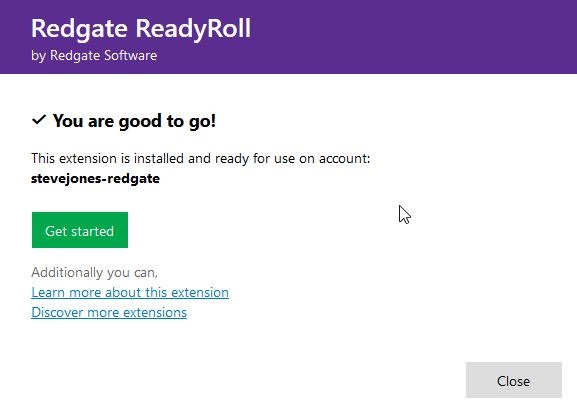
    2016-07-15 11_48_14-Highlight

    And now when I go to add a task, I see ReadyRoll listed.
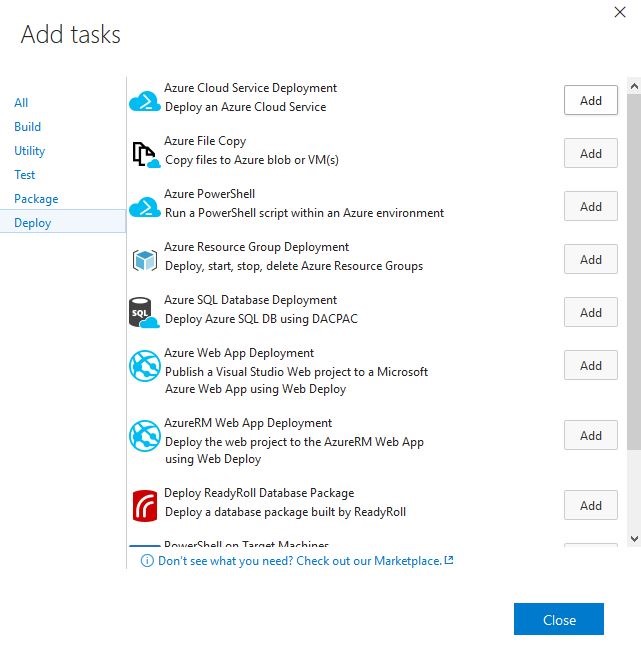
    2016-07-15 11_49_11-Highlight

    I click “Add” and then can configure the task.
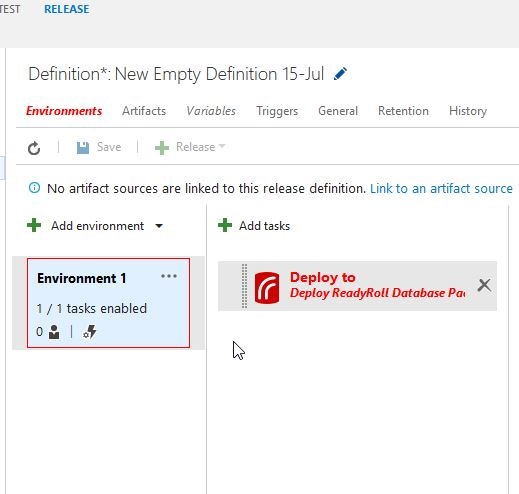
    2016-07-15 11_49_25-Highlight

    That’s how easy it is to add ReadyRoll, or really any extension to your VSTS account.
  • Better ReadyRoll Script Naming

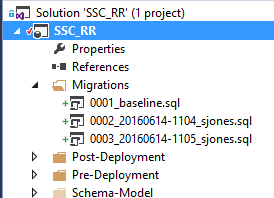
    One of the things that I like about ReadyRoll is that the product will automatically build new scripts that are named in a sequential order. This usually results in a few scripts that look like this:

    2016-06-14 11_05_15-Movies & TV

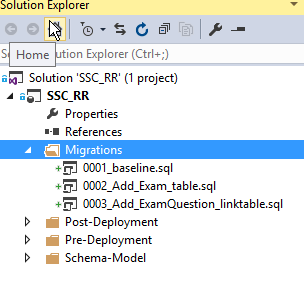
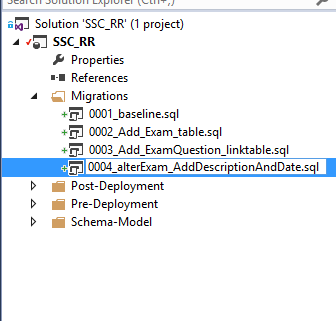
    As you can see, these scripts aren’t very intuitive. In fact, if you get lots of scripts, this starts to look fairly complex and confusing. What about something more like this:

    2016-06-14 11_08_13-Movies & TV

    That’s easier to read and understand. I’d also have a better idea of what happens in each script. How can I do this? It’s easy.

    Add an Object

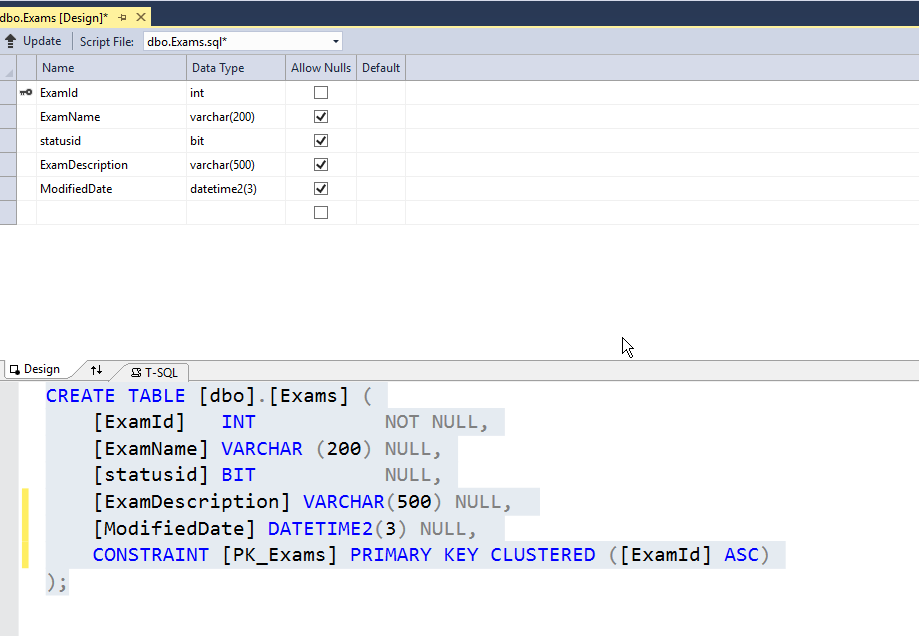
    First, let’s add an object in ReadyRoll. I’ll alter my Exams table to add a few columns. To keep this simple, imagine I want to add a modified date and a short description. I could do this in SSMS, but I’ll open the designer in VS. Here’s the table.

    2016-06-14 11_10_30-Photos

    I’ll make my changes.

    2016-06-14 11_11_01-Photos

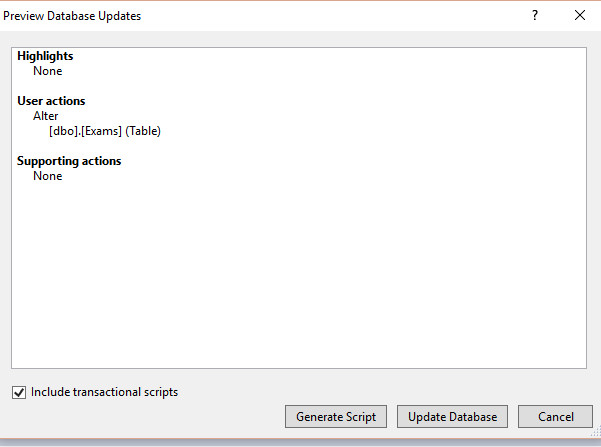
    Now, I click the “Update” button in the upper left. When I do this, I get a Generate script item. I could do other things, but I like to do this and see my script before applying it to the dev database.

    2016-06-14 11_12_04-Movies & TV

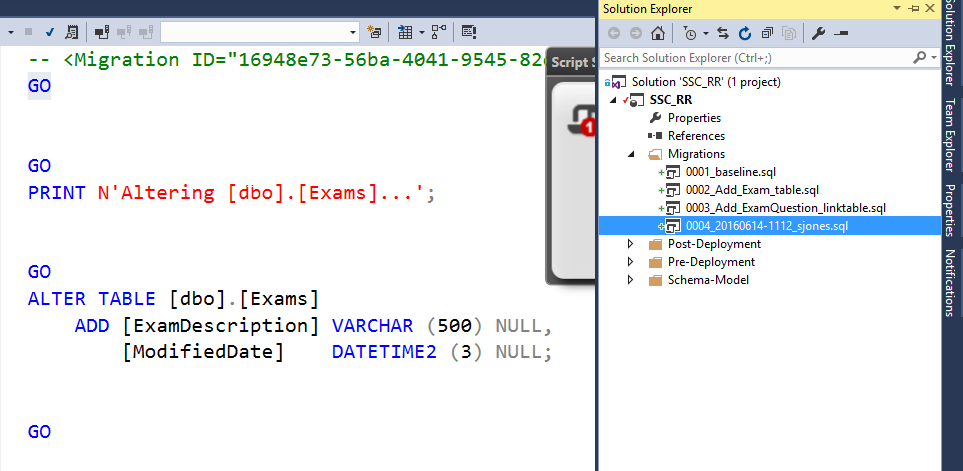
    I click Generate, and I get the script. Notice, it’s named with some random number (after the 0004) on the right.

    2016-06-14 11_12_34-Photos

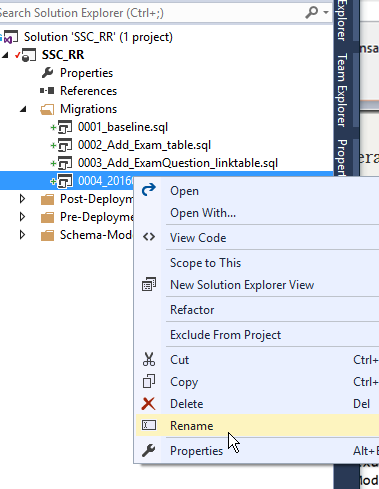
    If I right click the script, I can do all the normal file operations.

    2016-06-14 11_13_32-Photos

    Let’s give this a more descriptive name. It’s taken me a long time from my 8.3 name days, but I’ve learned to take advantage of file names to make them descriptive. A few bytes in a name is cheap.

    2016-06-14 11_13_58-Photos

    That’s it.

    ReadyRoll does use the first characters in front of the underscore (_) to order scripts, so I don’t want to change those. I could, but in this case, I need script 4 to come after script 2 at the very least.

    After the underscore, I can do whatever I like. In this case, I can see the changes being made to my database, just reading down the scripts and seeing how things will occur. I always have the detail in the code, but at a high level, I can see the changes.

    I’m sure if you adopt this technique, you’ll find that it’s much easier to manage scripts and track what’s happening to your database.

  • Starting ReadyRoll with an Existing DB

    I’ve been working with ReadyRoll quite a bit the last few months, and wanted to start putting out some information. I’m looking to do a longer series, but here’s a quick post on getting started.

    When you install ReadyRoll, you get a new project type under SQL Server.

    2016-06-14 12_27_14-Photos

    This is a database project that will track all changes to your database as a series of migration scripts. Let’s get started. I’ll choose this and give it a name.

    Once I do this, I get the ReadyRoll window with some information. What I really want to do here is point this to my existing database. Right now it’s looking at a LocalDB instance.

    2016-06-14 12_28_07-Photos

    I’ll click the configure link and get the Connection String dialog. This is the database that mirrors one of the SSC databases, with lots of objects in it.

    2016-06-14 12_29_38-Photos

    Once I’ve done this, the project will use this database. The Shadow database will also be on this instance.

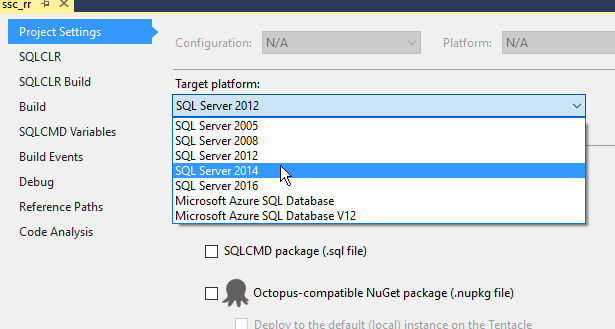
    I need to make one other change and set the correct version in the Project Settings.

    2016-06-14 12_48_29-Photos

    Now, back to the ReadyRoll window. I’ve configured the DB connection, so I can ignore that. What I want to do is import my database, getting a baseline script.

    2016-06-14 12_49_32-Movies & TV

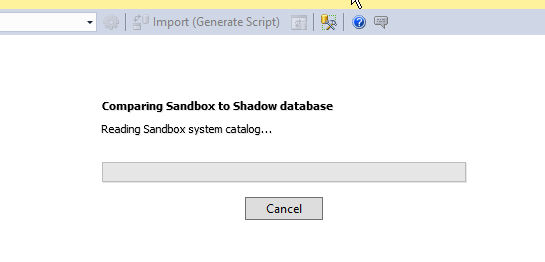
    I click that and ReadyRoll creates a Shadow database (since one doesn’t exist) and begins to import objects.

    2016-06-14 12_49_39-Photos

    Once that’s done, I get a list.

    2016-06-14 12_49_48-Photos

    And a migration script.

    2016-06-14 12_49_58-Movies & TV

    This is my baseline, starting script. This contains all the objects that exist in the database at this point. These are also added to the Schema-Model, but I can ignore those. I’m going to work on the database itself.

    The ReadyRoll widget notes this was an import, and there’s no need to deploy anything since these aren’t changes, but just the state of the db.

    2016-06-14 12_52_09-Movies & TV

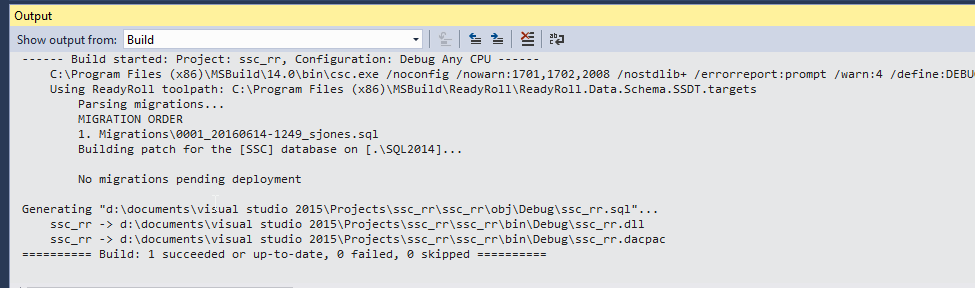
    I can see this if I do a Visual Studio build. Note the message in the middle: No migrations pending deployment. The changes in script 1 (001_20160614-1249_sjones.sql) are already in the db.

    2016-06-14 12_52_50-Photos

    Now I can make changes to my database and get new scripts. Add a table in the designer?

    2016-06-14 12_54_55-Photos

    When I click Update (and Generate Script), I get a new migration script.

    2016-06-14 12_55_09-Movies & TV

    Note that I just generated this script. I’ll write more about this process later, but for now, I’ll click Deploy Project to execute this against my database. When I do that, VS does a build, and one migration is executed.

    2016-06-14 12_56_06-Photos

    Add a procedure?

    2016-06-14 12_57_13-Photos

    Generate a new migration script.

    2016-06-14 12_57_35-Movies & TV

    And so it goes. I can work with my database in VS and get new scripts. I can also do an import if someone else makes changes to the database from their own machine with VS, SSMS, SQLCMD, isql, etc. The import will generate another migration script that gets added.

    This is a really basic look at ReadyRoll, but it will get you started. I’ll tackle more topics and different ways of working with database development in another series of posts.