Tag: SQL Change Automation

  • Updating VSTS to SQL Change Automation

    We (Redgate) released SQL Change Automation a few weeks back. This is the first stage to implementing a combined toolset that works with both state/comparison development and migrations based development. The change updated both our migrations toolset (previously ReadyRoll) and our build/release cmdlets (DLM Automation) to SQL Change Automation (SCA).

    I have pipelines that are setup with Redgate DLM Automation tasks. This post shows how I updated the first of these to SCA.

    Finding the Build

    Here’s my current VSTS build pipeline for a project. Note that these are DLM Automation 2 tasks. There is a single task that you configure with the Operation (on the right) to build, test, or sync a database.

    2018-06-28 16_56_49-SQL Server Builds - SOC-CI - Visual Studio Team Services

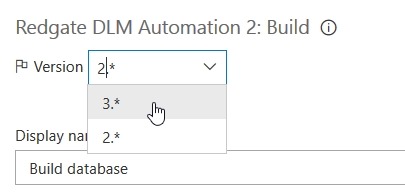
    Note that there is a version drop down at the top of the right side. Here I need to drop this down to find the SCA task, which is version 3.

    2018-06-28 16_58_05-SQL Server Builds - SOC-CI - Visual Studio Team Services

    Once I select this, you’ll see that my task changes to SCA, both on the left and right.

    2018-06-28 16_58_14-SQL Server Builds - SOC-CI - Visual Studio Team Services

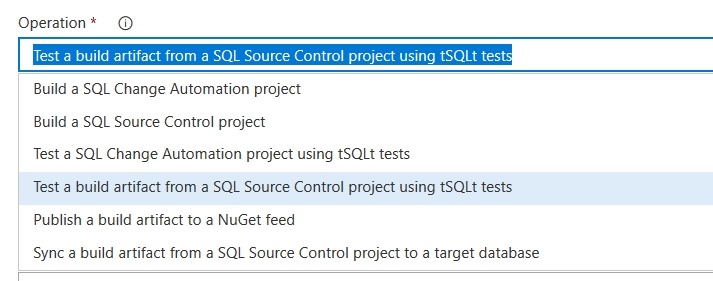
    I can change both tasks to v3 and I’m set. This is really the change that we’ve done, and we’ve combined operations. If you drop this down you will see there are SCA (migrations) projects here along with SQL Source Control state projects.

    2018-06-28 16_59_28-SQL Server Builds - SOC-CI - Visual Studio Team Services

    This means that if I convert from a SQL Source Control/state project, my pipeline stays intact. I’ll just change the operation from a build with SQL Source Control to one with SCA.

    This mostly works, but there are some path differences for release, so I’ll talk about those in another post.

    This is a simple change, but it’s important for future strategy. You can watch a bit of our strategy in this SQL in the City video on the database deployment pipeline. If you want to give this a try, download SQL Source Control and/or SQL Change Automation and start a test project.

  • Updating to SQL Change Automation

    The SQL Change Automation release was early this week.  This is replacing ReadyRoll and our DLM Automation products, rolling them into a single product and is the first stage of unifying our state and migration based solutions.

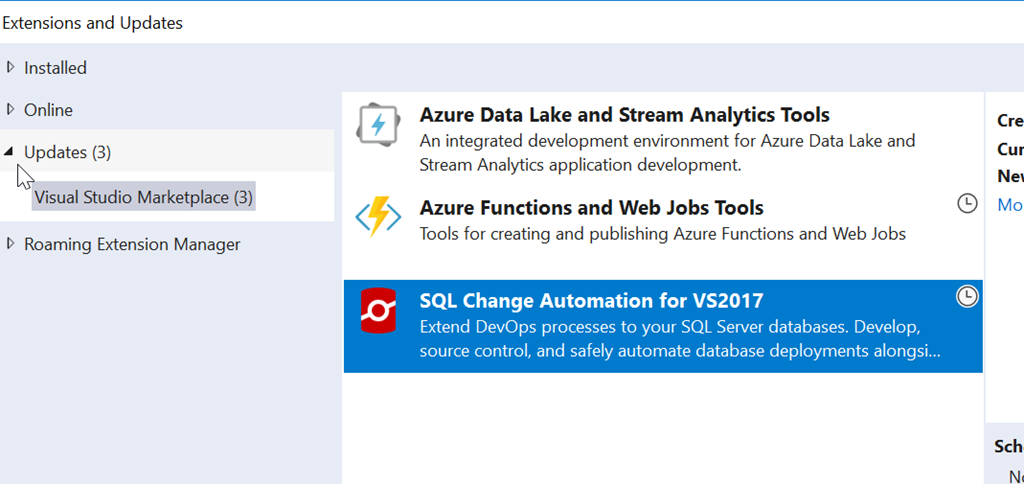
    When I logged into Visual Studio and checked updates this week, I found a new item:

    2018-06-20 16_45_32-Extensions and Updates

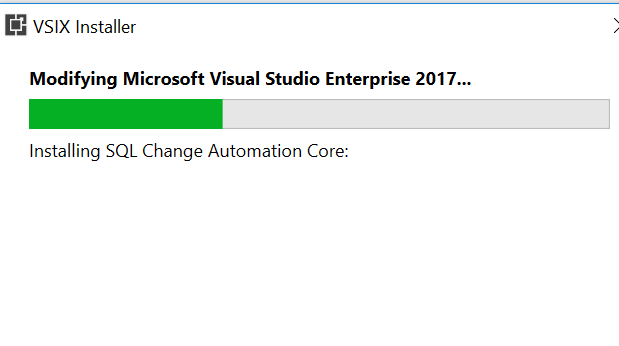
    I selected this for upgrade, which replaces my ReadyRoll installation. Once I did this, it downloaded and I had to exit Visual Studio. That triggers the install.

    2018-06-20 16_47_12-VSIX Installer

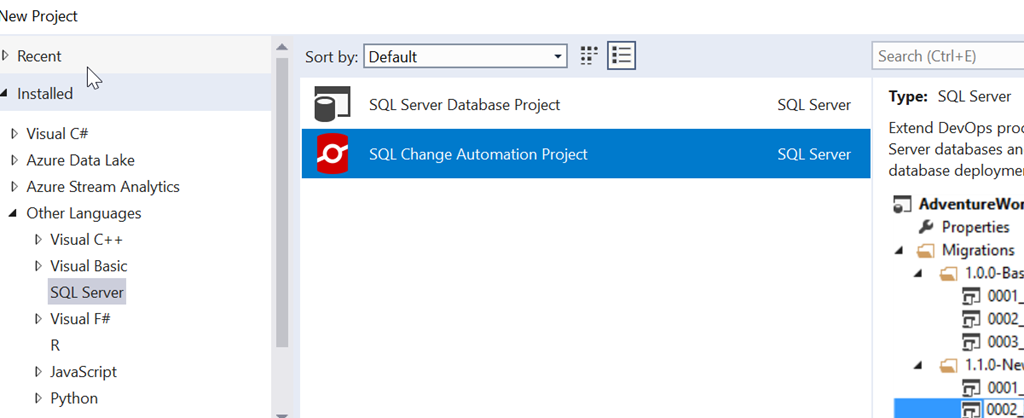
    It’s a painless process, and when complete, I see the change in my projects.

    2018-06-20 17_08_14-New Project

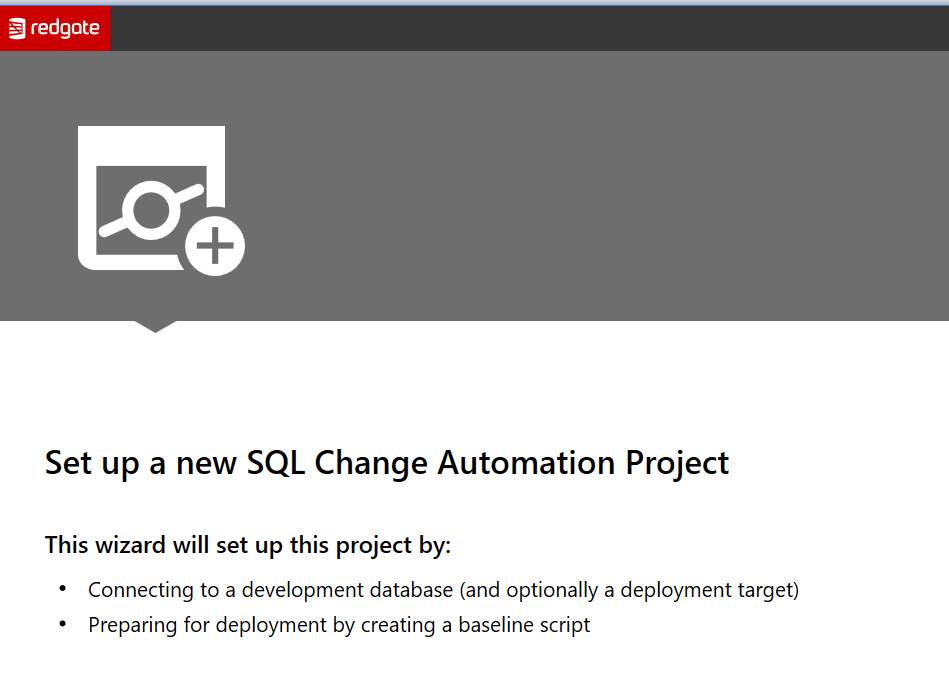
    This works the same as the old ReadyRoll system, though there have been lots of updates to the product this year. The setup is a little better, giving you some help getting started. We have the obligatory welcome screen:

    2018-06-20 17_09_16-

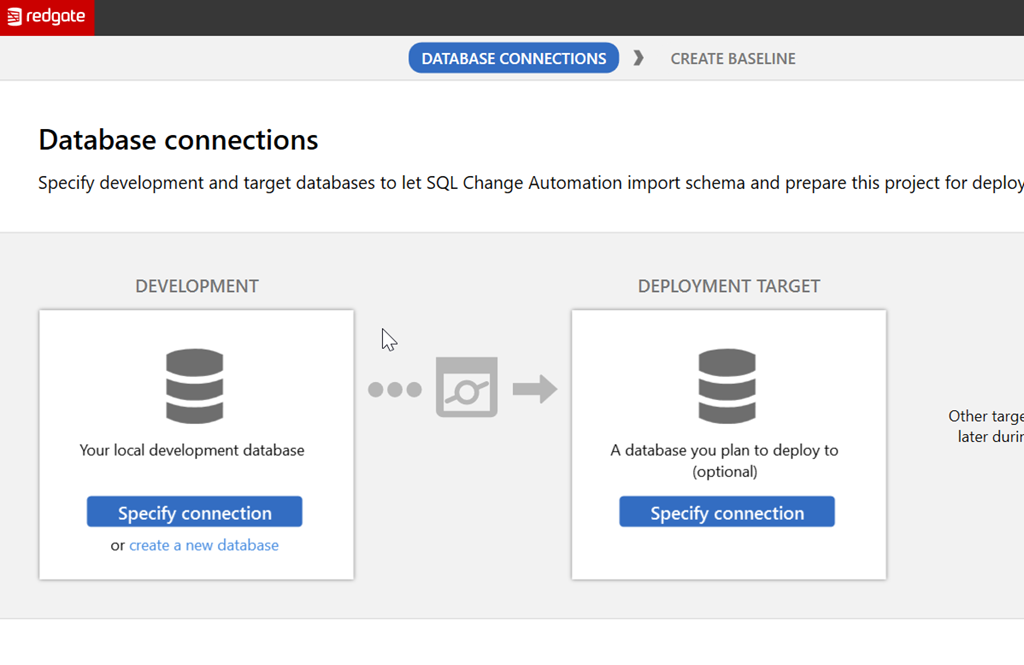
    But after this, we help you understand a bit about what to configure. The next screen lets you see there is a development and deployment target that are needed, and these are used to try and ensure you realize you’re building a flow here.

    2018-06-20 17_09_22-

    There’s more work to be done, and certainly more information I can provide. Look for me to build some PoC type projects here soon to help you learn to get started.

  • Moving Lookup Data with ReadyRoll

    I’ve been using ReadyRoll for a small project and wanted to move some lookup data. There are some tables where I want to keep data in sync across environments, so if my build and release pipeline can do this, great. ReadyRoll makes this easy, and this is a short post to show how.

    The Current Environment

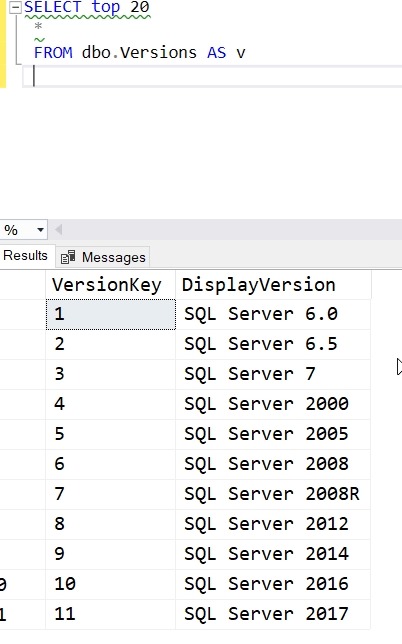
    I’ve got a table in my dev database that has SQL Server versions. I can see the list here:

    2018-01-31 12_15_05-SQLQuery6.sql - (LocalDB)_Projectsv13.SSBuilds_1Dev (PLATO_Steve (51))_ - Micros

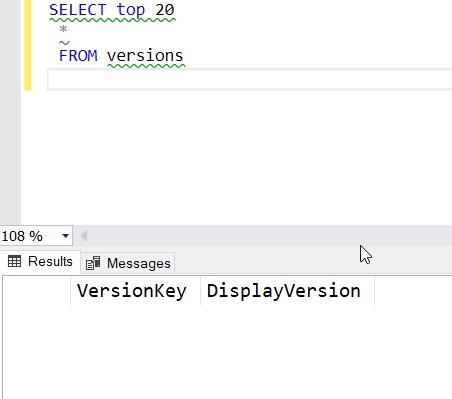
    In my QA and staging systems, I see this (only one is shown, but it’s the same in both).

    2018-01-31 12_13_41-SQLQuery5.sql - dkranchstaging.database.windows.net.ssbuildsRRstaging (vstsdeplo

    The goal is to have this data migrate with other changes in a build and release pipeline.

    Adding Data to the Project

    I’ve already built this as a ReadyRoll project and set up a build and release pipeline in VSTS. Now I want to include my data.

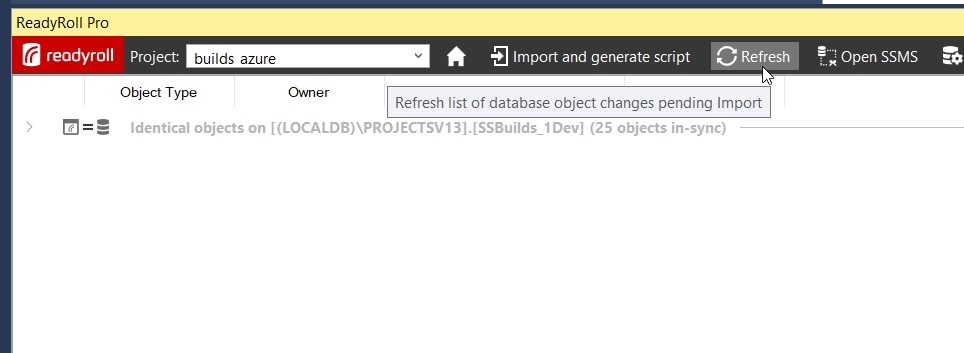
    In the ReadyRoll tool window, I have refreshed the project and I see everything in sync. That’s good, and that’s how I want to be starting a small section of development.
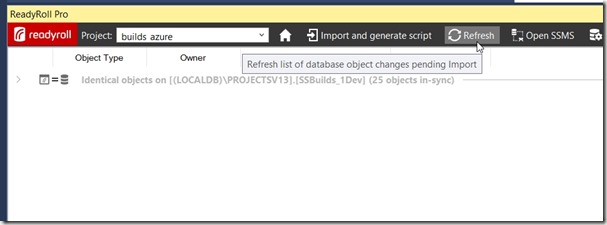
    2018-01-31 12_11_09-builds_azure - Microsoft Visual Studio

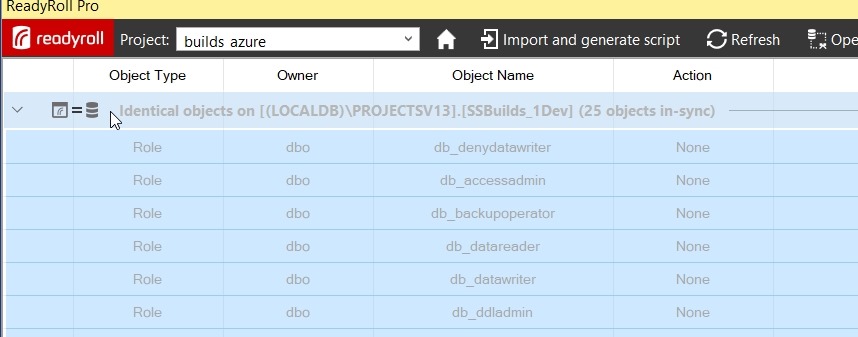
    I want to find my table, so I need to expand the “Identical Objects”. When I do that, I see a list of all objects in the database.
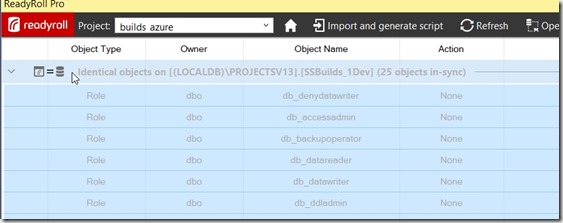
    2018-01-31 12_17_22-builds_azure - Microsoft Visual Studio

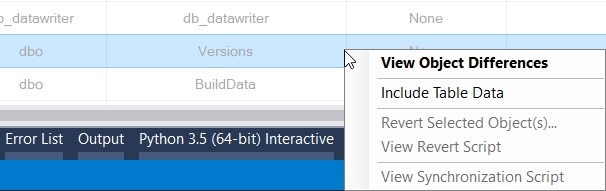
    I can scroll down to find my table. When I do, I’ll right click it to get a few options. One of these is “Include Table Data”. We want to pick this one.
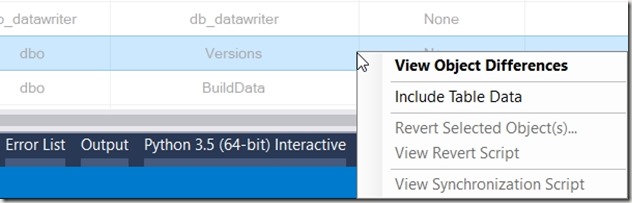
    2018-01-31 12_20_01-

    Once I do that, I get a note to refresh again. This is so RR can determine what table data needs to be added to a migration script.

    2018-01-31 12_21_07-builds_azure - Microsoft Visual Studio

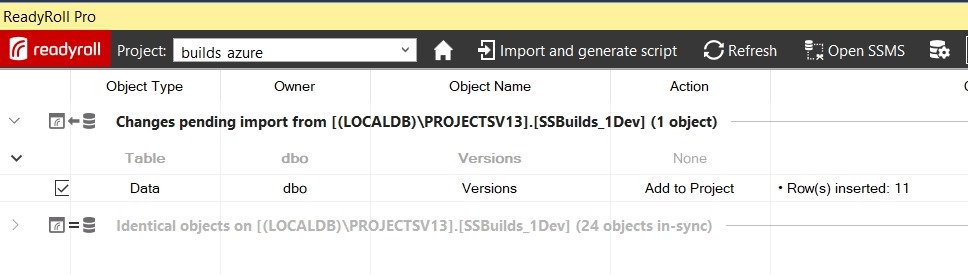
    My changes show that I need to get 11 rows of data into a new script.
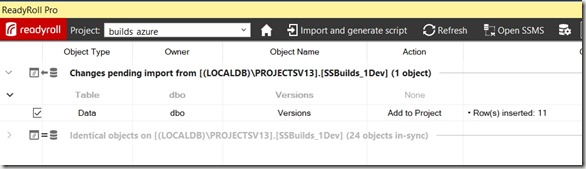
    2018-01-31 12_21_44-builds_azure - Microsoft Visual Studio

    I click Import and generate script, which will build my migration script and add it to the project. In my case, this is script 4.

    2018-01-31 12_23_00-builds_azure - Microsoft Visual Studio

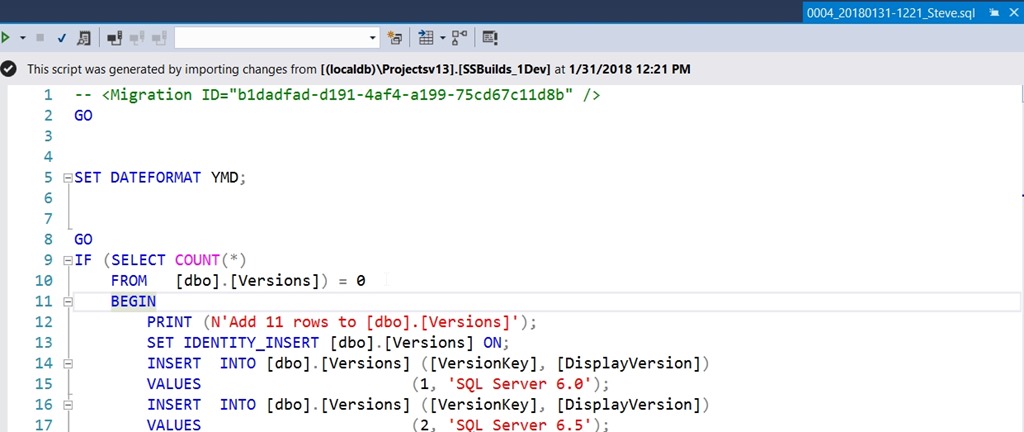
    Note that this script has a few things in it, based on a call to SQL Data Compare in the background. First, it sets a dateformat. Next, it does the insert for an empty table, since that is the situation I’m in. Last, this uses the SET IDENTITY_INSERT option.

    If you don’t like these options, change them here. You can alter this script to suit your environment. Remove the IF, let the identities be what they are, make the changes that matter to you.

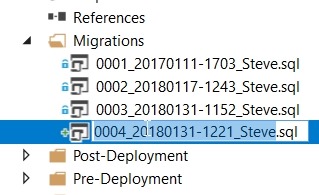
    The only thing I’ll do is click the script name twice to edit it.
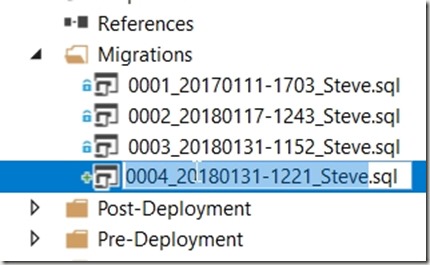
    2018-01-31 12_25_08-builds_azure - Microsoft Visual Studio

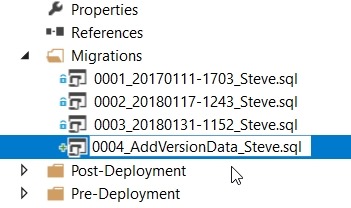
    The numeric sequencing is important. The rest, not so much. I’ll choose something simple here.
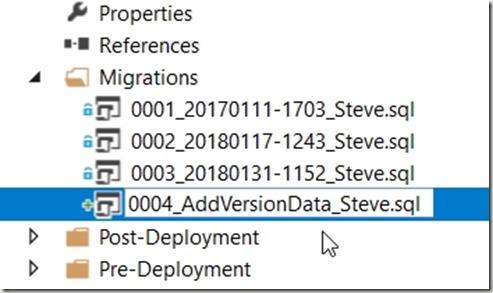
    2018-01-31 12_25_21-builds_azure - Microsoft Visual Studio

    Build the Project

    I can build locally, and I always should to be sure things work. Once I see this and I’ve tested a few things, I’ll let the “system” do more work.

    2018-01-31 12_28_32-builds_azure - Microsoft Visual Studio

    The nice thing about ReadyRoll is that I can include my database project alongside application projects, if I want. For application developers or hybrid developers, I can use a consistent interface for saving changes to version control.

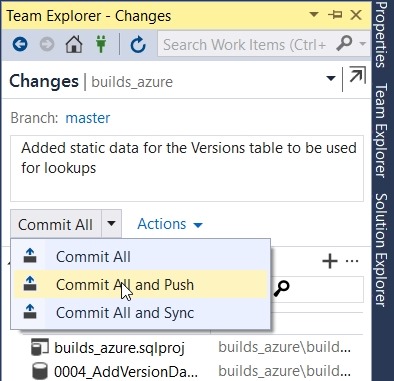
    In Team Explorer, I’ll check changes, add a comment, and then Commit and Push.
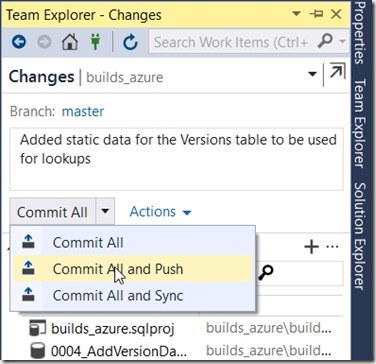
    2018-01-31 12_30_36-builds_azure - Microsoft Visual Studio

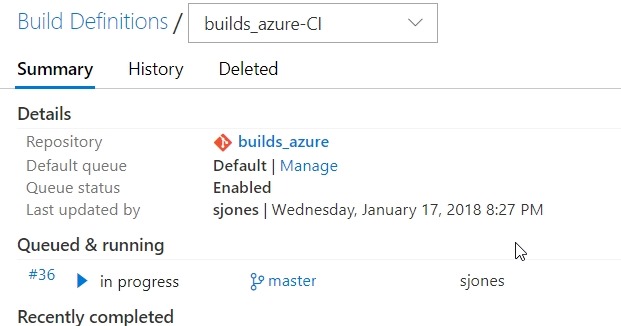
    If I go to VSTS, I’ll see the build in progress. I’m using a local build agent and usually within 15 seconds, my build will start. Sometimes it’s really fast.
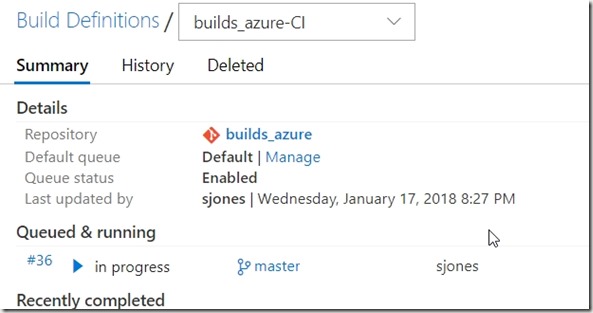
    2018-01-31 12_31_04-builds_azure-CI summary

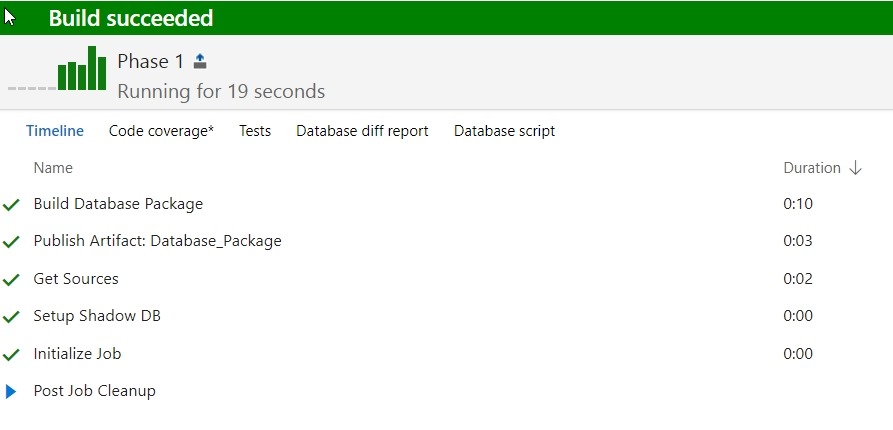
    If I click the build number, I can see I’ve barely caught this before it finished.

    2018-01-31 12_31_19-Build 36

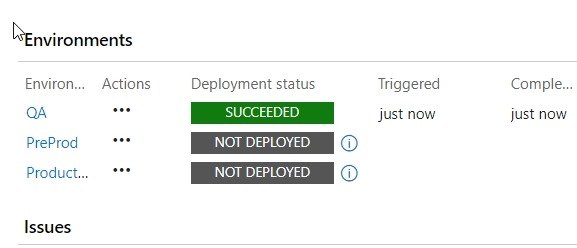
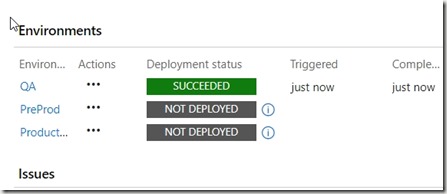
    The build completes, so now I need to check releases. I have a CD trigger that will deploy to a local QA instance when the build succeeds. If I go look at the release, I’ll see that’s occurred.
    2018-01-31 12_35_49-Release-14 - Visual Studio Team Services

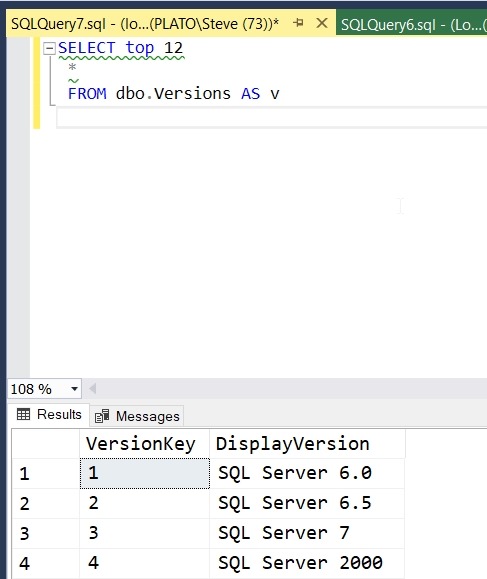
    This worked, so let’s check the QA instance. As you can see, my data was deployed.

    2018-01-31 12_36_43-SQLQuery7.sql - (local)_SQL2016.ssbuilds_rr_sjones_2_integration (PLATO_Steve (7

    If you were watching closely, you see I have a small data issue. I need to correct that, but that’s for another post.

    ReadyRoll is a part of the SQL Toolbelt, and if you’re a customer, I’d urge you to start a PoC and see what you think of the tool. ReadyRoll Core, with limited features, is included with Visual Studio Enterprise, and if you’re a customer of Microsoft, you can try that. We also have 14 day trials if you’d like to do this on your own.

  • Live on Channel 9 with ReadyRoll

    I was interviewed in Redmond a couple months ago and the video was just published. I show and demo some database migration work with ReadyRoll in this video:

    https://channel9.msdn.com/Shows/Visual-Studio-Toolbox/Database-DevOps-with-RedGate-ReadyRoll/player