

The SQL Change Automation release was early this week. This is replacing ReadyRoll and our DLM Automation products, rolling them into a single product and is the first stage of unifying our state and migration based solutions.
When I logged into Visual Studio and checked updates this week, I found a new item:
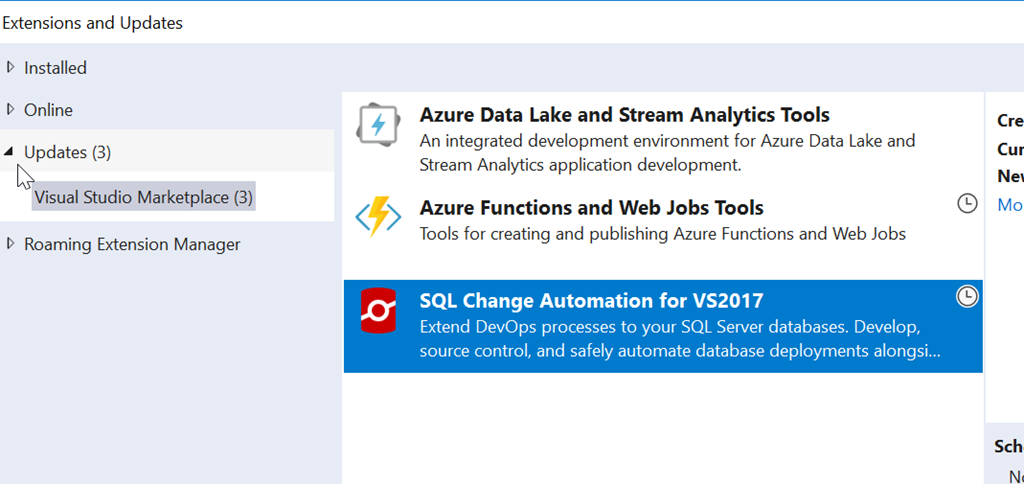
I selected this for upgrade, which replaces my ReadyRoll installation. Once I did this, it downloaded and I had to exit Visual Studio. That triggers the install.
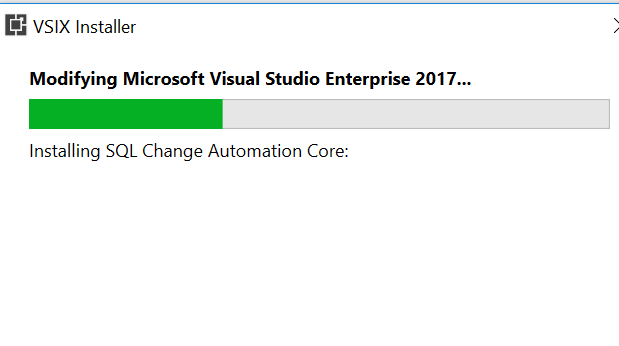
It’s a painless process, and when complete, I see the change in my projects.
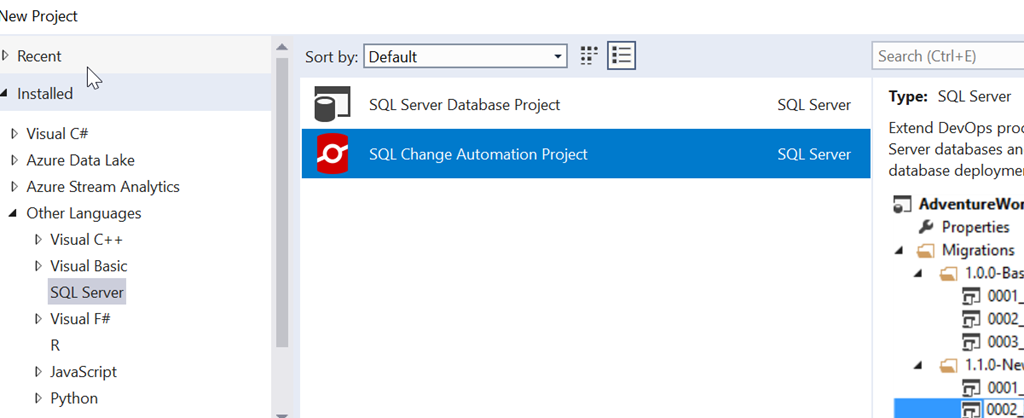
This works the same as the old ReadyRoll system, though there have been lots of updates to the product this year. The setup is a little better, giving you some help getting started. We have the obligatory welcome screen:
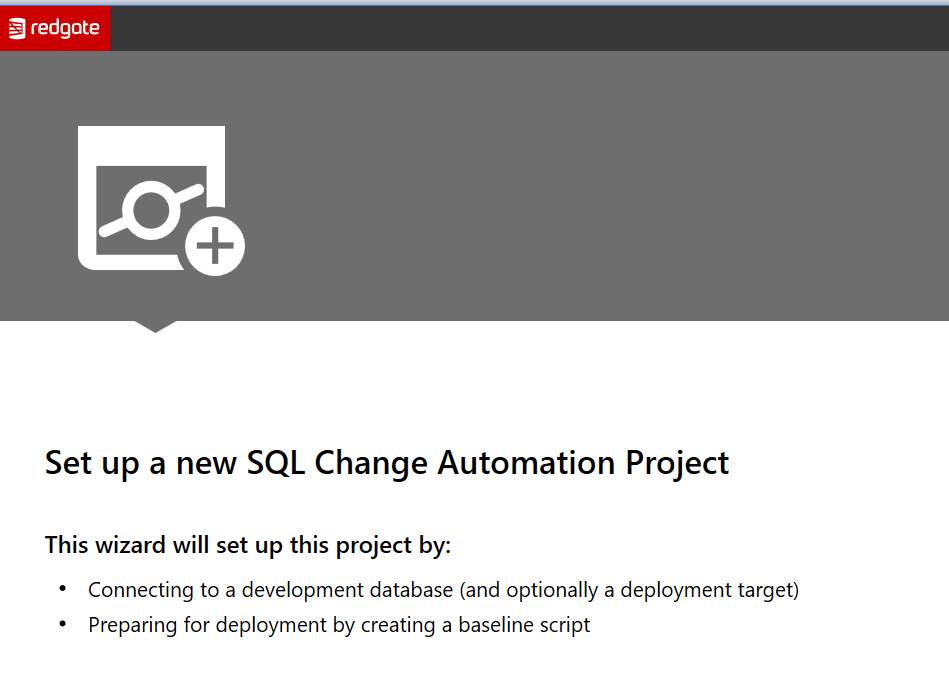
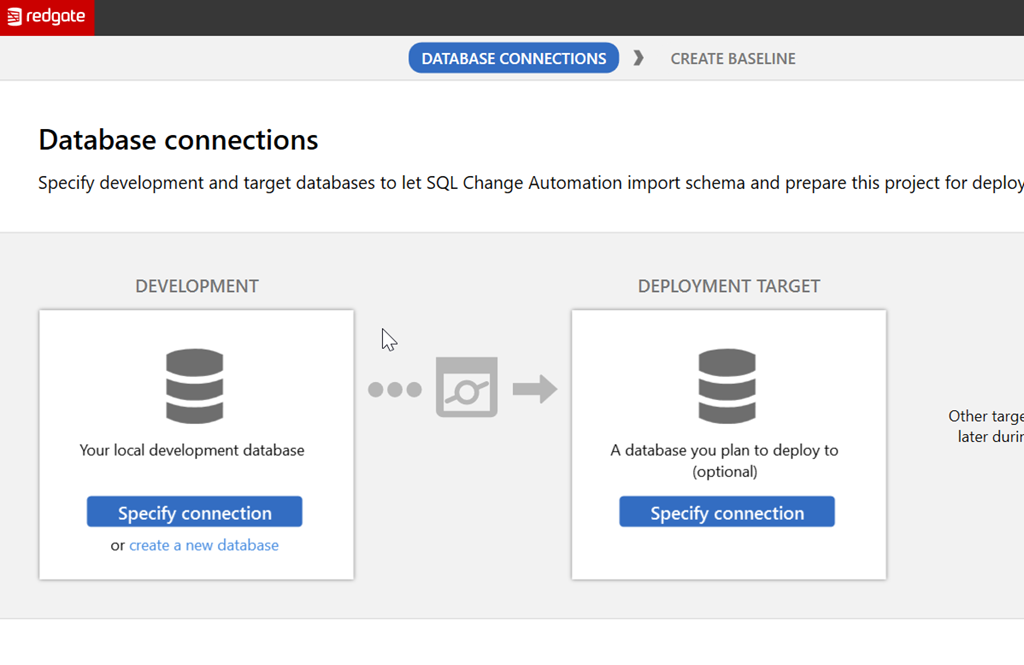
But after this, we help you understand a bit about what to configure. The next screen lets you see there is a development and deployment target that are needed, and these are used to try and ensure you realize you’re building a flow here.
There’s more work to be done, and certainly more information I can provide. Look for me to build some PoC type projects here soon to help you learn to get started.


