There are times you really do want to stripe backups across multiple files. If you have a short backup window, or a large data set, if you can write the backup to multiple files at the same time, you can drastically reduce your backup window. I think I heard one person say they had a client that was backing up a 2TB database in around 30 minutes with striping. Now that’s cooking with gas!
My company, Red Gate Software, makes a nice backup product called SQL Backup Pro, which offers a number of features, compression and encryption being the two most notable ones. However I noticed at one point that it supported striping as well, so I decided to play with it.
I started the backups, picking a database and then getting to the backup file screen.
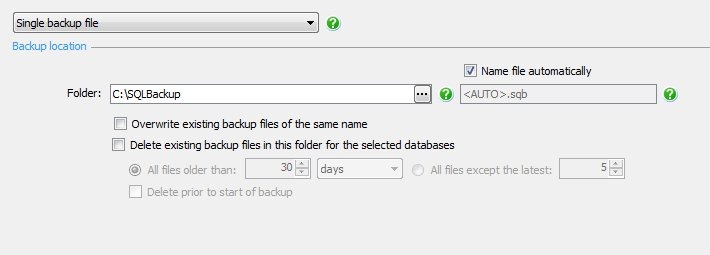
There’s a drop down in the upper left, which gives you a few choices. One of these is the backup and mirror and the other is a backup to multiple files.

I selected the “Split backup into multiple files”, which equates to striping, and then added a file to the file dialog.
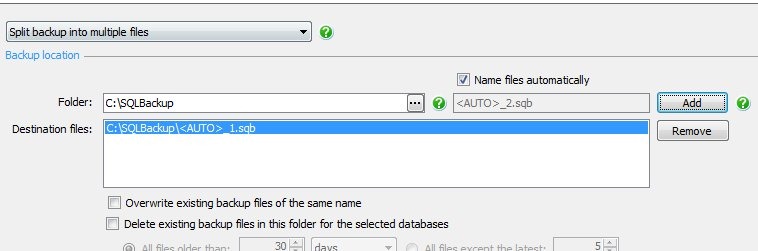
However I wanted to add a second file. I clicked “Add” again.
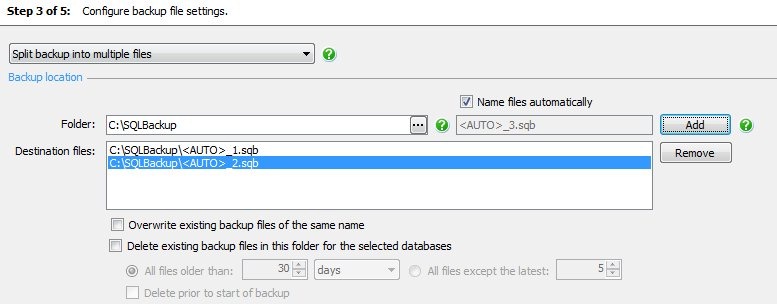
It’s nice that the names are changed, but adding a second file to the same path isn’t likely to give me much more throughput on the backup. Both files would write to the same I/O device. I was thinking that “Add” might give me a dialog for a different drive/path, but it didn’t.
Instead I needed to click on the ellipsis next to the folder (I’ve added the arrow in the image below):
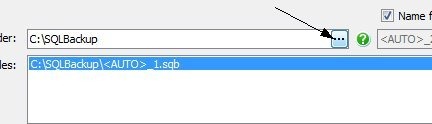
This brought me to a dialog that shows me the drives my machine can see. I didn’t test UNC paths, but I assume any valid path would work. You can set a path, or you can pick one, and you can even create a new folder. Handy since this could be a remote machine. The SQL Backup Pro client is like SSMS, it’s a client view to a remote service.
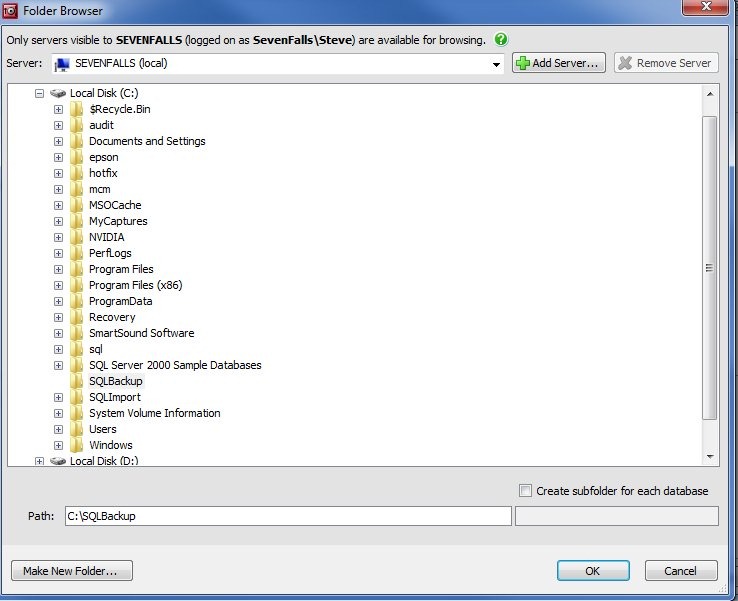
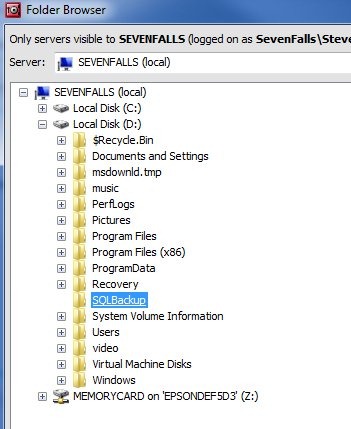
I select the D: drive on my machine, which is actually a separate physical drive.
I get back to the main dialog, and this time when I click “Add”, I get the desired result. A second file on a different path.
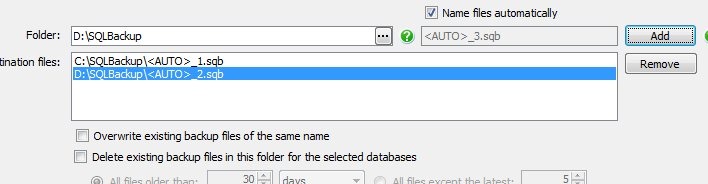
I run the backup, and sure enough, I have files in two places, each a little over 1MB. There’s some overhead, so it’s not a completely even stripe.
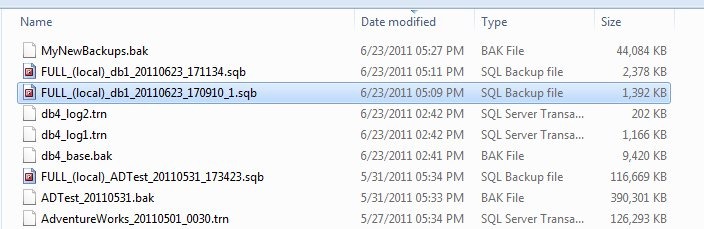

As a comparison, I’ve highlighted a regular backup I made after this, same db, with one file:

That seems a little cumbersome, but I’d anticipate that you would only set this up once for each set up databases, and since you can easily script a SQL Backup set of commands (on the last screen) or create template, this shouldn’t be too hard to manage. In fact, the command for multiple databases does support striping as well, as in this example:
EXECUTE master..sqlbackup ‘-SQL “BACKUP DATABASES [AdventureWorks,AdventureWorks_SSC,AdventureWorks2008R2]
TO DISK = ”F:\Program Files\Microsoft SQL Server\MSSQL10_50.MSSQLSERVER\MSSQL\Backup\<AUTO>_2.sqb”,
DISK = ”C:\Program Files\Microsoft SQL Server\MSSQL10_50.MSSQLSERVER\MSSQL\Backup\<AUTO>_1.sqb”
WITH DISKRETRYINTERVAL = 30, DISKRETRYCOUNT = 10″‘
Since striping is usually done with only very large databases, this might not even be necessary. Most databases won’t need striping, and you can set a template for them that backs up to whatever location you wish.
SQL Backup Pro has some nice features, and allows you to easily manage lots of backups across lots of servers. The compression ratios are nice and it has some great features, like this striping of backups, that can really improve your backup performance.