Tag: syndicated

  • SQLBits 2017 In April

    I’m getting excited, with the announcement that SQL Bits 2017 is scheduled. The conference goes back to Telford, which I enjoyed and takes place April 5-8, 2017. 

    I’m getting my presentations ready for submission, and I really hope I get the chance to speak again. This is a fun event, and one I try not to ever miss.

    Registration opens soon, and the schedule should be out early in 2017, so start planning your trip today. 

  • Interviewed on Channel 9

    Had a quick interview at Microsoft on Channel 9 last month, and it’s now live. Enjoy.

    https://channel9.msdn.com/Blogs/vsppstories/Including-the-database-in-your-DevOps-pipeline/player

  • Easily Move Databases with Copy-SqlDatabase

    One of the things that people have asked to be implemented for many years is an easy way to copy databases. SSIS has the Copy Database Task, but that has been problematic over time. As a result, while easy, it’s cumbersome to take a backup of a database, copy it to a new instance, and restore it. Or use the detach/copy/attach/attach method.

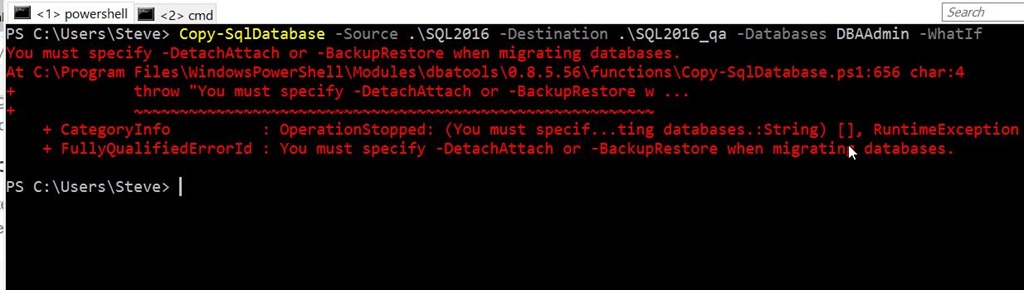
    dbatools gives us a nice, easy Posh command to perform this task: Copy-SqlDatabase. I made a quick test recently to see how this works. Using the –Whatif option, I tried to copy a database from one instance to another on my main computer.

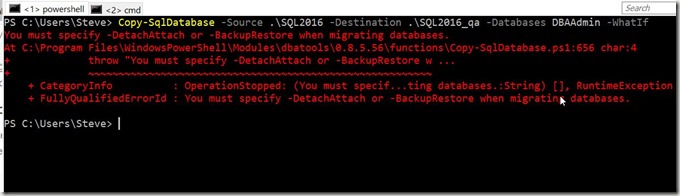
    My first attempt didn’t do well.
    2016-11-22 10_32_58-powershell

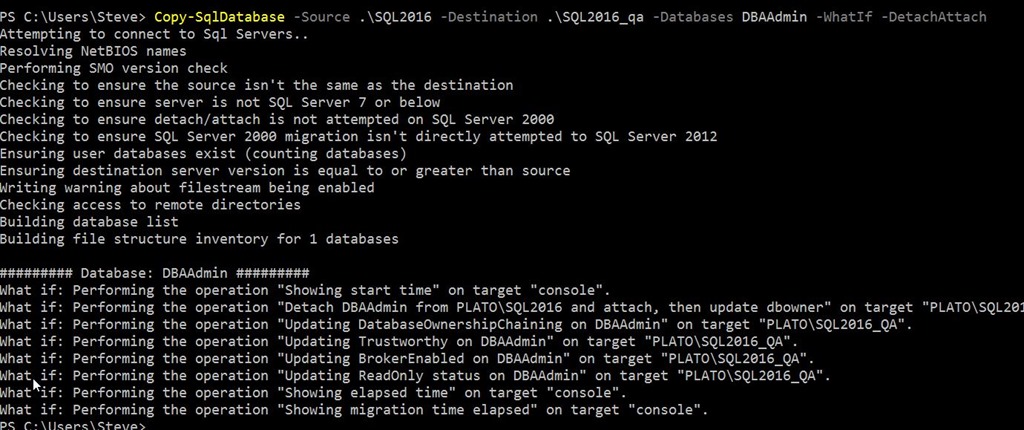
    I was thinking there would be a default method, but there isn’t. You must specify using the backup/restore method or the detach/attach method. I decided to try the detach/attach method.
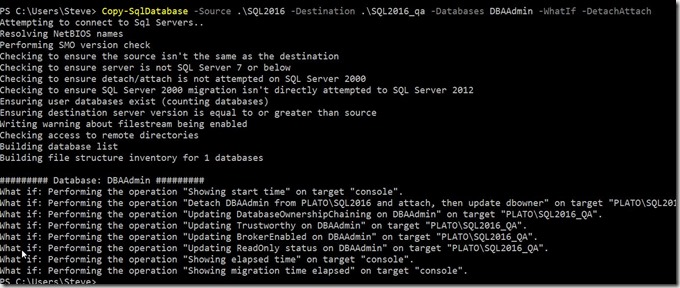
    2016-11-22 10_31_08-powershell

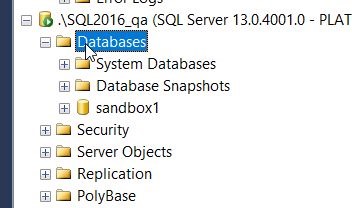
    As you can see, this looks to detach and then reattach the database, so let’s try it. First, check my QA instance. There is no DBAAdmin database.
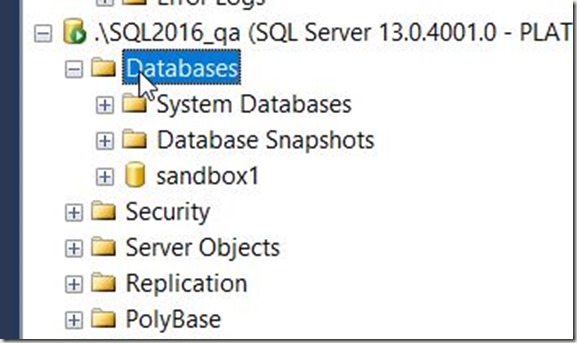
    2016-11-22 10_31_42-SQLQuery1.sql - localhost_SQL2016.DBAAdmin (PLATO_Steve (67))_ - Microsoft SQL S

    This is a small database with just a few procs and tables in it. When I remove the –Whatif option, it works.

    2016-11-22 10_31_28-powershell

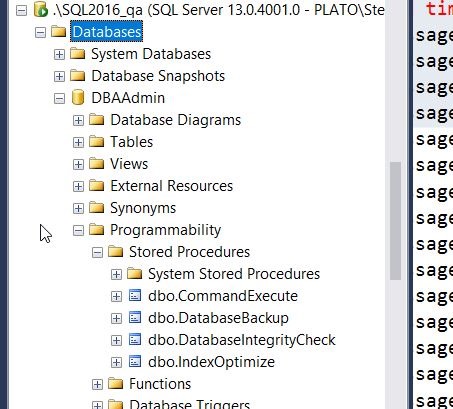
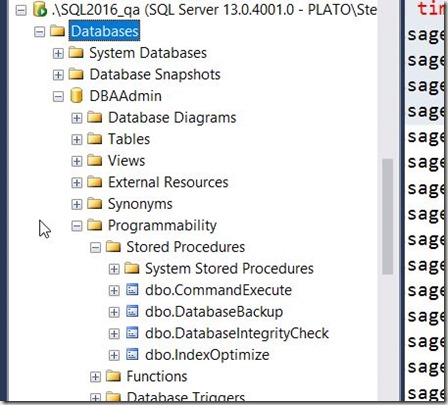
    I saw the green PoSh flash in the middle as the file was copied from one location to the next using the BITS method. When I looked in my SQL2016_qa instance, I saw the database and objects.
    2016-11-22 10_31_54-SQLQuery1.sql - localhost_SQL2016.DBAAdmin (PLATO_Steve (67))_ - Microsoft SQL S

    All in all, this took about two minute for me to move this database. Certainly that is about the time of a backup, but I did this with one command, and it felt much, much easier.

    There was a downside for me. I need to double check this, but I didn’t get the database re-attached at the source, and I had to do that myself. The files were there, just not attached. Perhaps it’s just me, so I’ll retest when I get the chance, but it seems to be a minor bug.

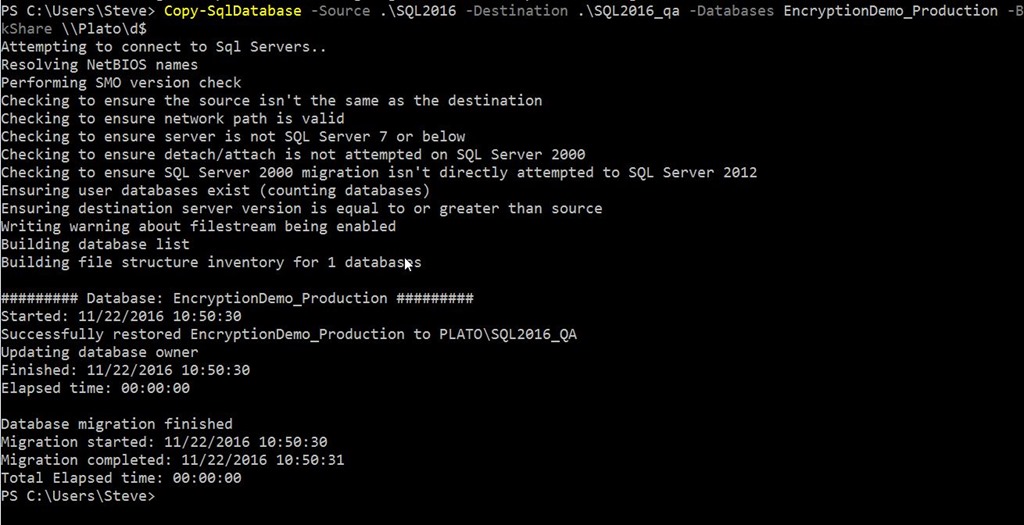
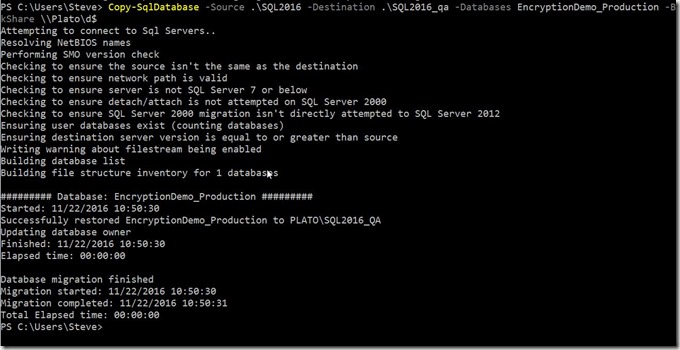
    I also tried the backup/restore option here. I had to provide a fileshare, which I chose to be my local D: drive. Note, this has to be provided or a popup will appear. This also has to be \\server\share, not d:
    2016-11-22 10_51_03-powershell

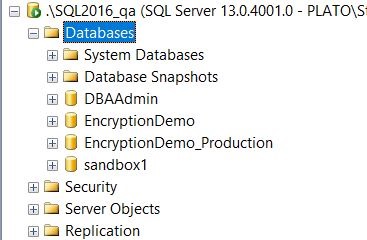
    This worked, with the new database appearing on my second instance.

    2016-11-22 10_50_47-SQLQuery5.sql - localhost_SQL2016.sandbox (PLATO_Steve (63)) - Microsoft SQL Ser

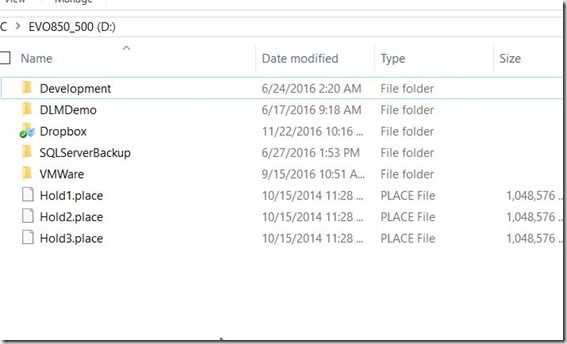
    The backup was also removed from my drive:
    2016-11-22 10_51_25-EVO850_500 (D_)

    Overall, this is handy, and I’ll likely use this as my default method for moving databases between instances.
  • What Port Should I Use?–#SQLNewBlogger

    Another post for me that is simple and hopefully serves as an example for people trying to get blogging as #SQLNewBloggers.

    This is a quick post on checking the port for your SQL Server instance. It’s in line with Tim Ford’s request for simple, beginning blog posts this year.

    How do you know what port your instance is listening on? Many of you might not know, depending on the SQLBrowser to be running. That’s not necessarily a good idea, as some security protocols insist this be disabled.

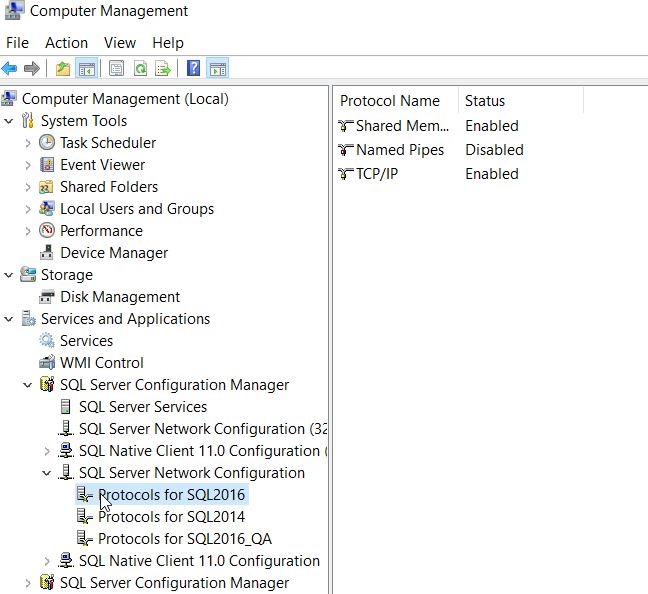
    There are ways to check. First, you could use a the Configuration Manager. On my desktop, this is in the Manage tool for the computer. Once inside, I can select the Server Network Utility.

    2016-11-15 15_06_51-Computer Management

    Notice that I have multiple instances here, so I need to choose one. Once I do, I see the protocols on the right. In this case, I want to look at the properties of TCP/IP, which is where I’ll get the port.

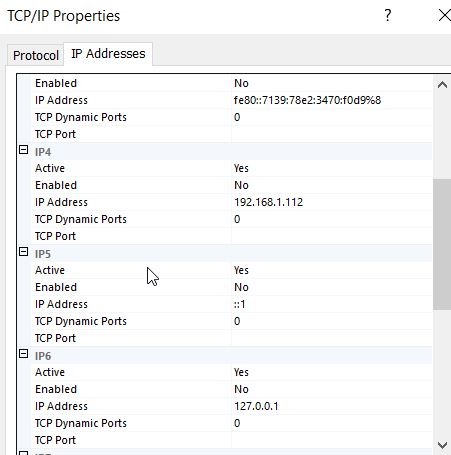
    If I look at properties, I’ll start with the Protocol tab, but I want to switch to the IP Addresses tab. In here, you can see I’ll see an entry for each of the IPs my instance is listening on. I can see which ones are Active as well as the port. In my case, I have these set to dynamic ports.

    2016-11-15 15_07_38-TCP_IP Properties

    This doesn’t help. If I had specific ports, I’d see them listed for each IP.

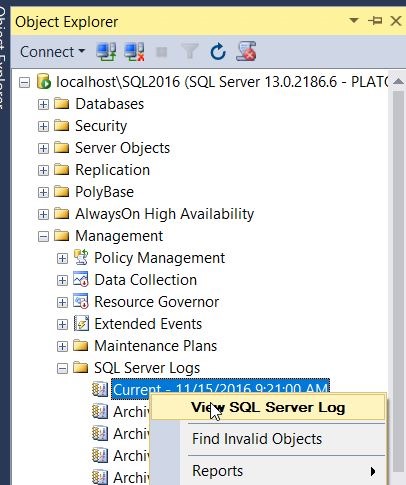
    The way I tend to check the specific port is that I will go to the SQL Server Error log.

    2016-11-15 15_12_28-SQLQuery1.sql - localhost_SQL2016.sandbox (PLATO_Steve (65)) - Microsoft SQL Ser

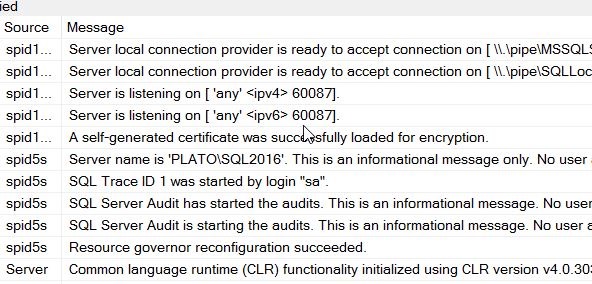
    When I open this up, I see my error log entries. I want to look at the startup of my current session and scroll up slightly. At some point you will see an entry like “Server is listening on…”

    2016-11-15 15_16_37-Log File Viewer - localhost_SQL2016

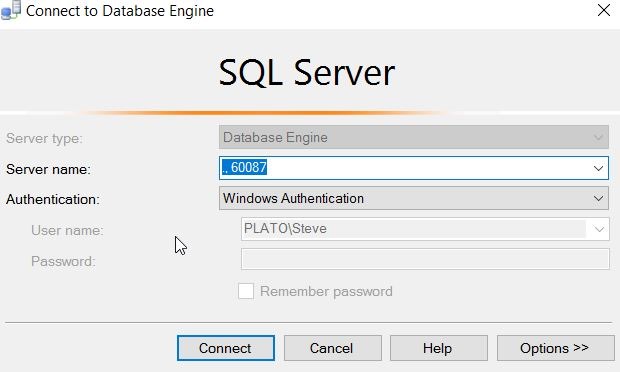
    In my case, you can see above that I am listening for this instance on 60087. I can verify this with a connection in SSMS.

    2016-11-15 15_17_49-Connect to Database Engine

    Note that this is a named instance, and I normally connect to “.\SQL2016”. The SQLBrowser determines the port, since I send the name in, and then get a port back to where I will then connect. However, here the name doesn’t matter. I just send in the port and I can connect.

    #SQLNewBlogger

    Everyone working with SQL Server should know this. It’s a simple item, like checking the printer is plugged in. Know how to check this.

    And blog about it.