Author: way0utwest

  • SQL Data Generator –Specific Domains for a Column

    This is a series on SQL Data Generator, covering some interesting scenarios I’ve run into. If you’ve never tried it, SQL Data Generator is a part of the SQL Toolbelt. Give it a try today with an evaluation today.

    I was mocking up some test data and wanted to limit my list of values to specific items. In this case, I was modeling the game, Rock Paper Scissors. In my modeling, I had a field for the value played by someone. In this case, I used a text field in a quick model, but I wanted only those three values in the list.

    However I wanted a lot of data and used SQL Data Generator to put a few thousand rows in the table. In doing this, I needed to customize the pattern for this field.

    TLDR; Use (Rock|Paper|Scissors)

    My table was simple, a player, a game, the play, and a win. The schema looked like this:

    2016-03-10 11_17_50-Start

    In data generator, I selected a first name for the first column, and then noticed the default data generation preview.

    2016-03-10 11_19_08-Store

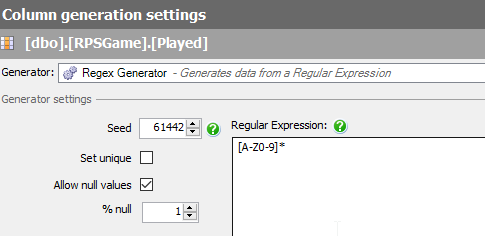
    Random text, which isn’t what I need. This comes from this mask.
    2016-03-10 11_20_03-Store

    This is a Regular Expression, and will use random letters to fill the field. What I want is specifics. To do this, I need to specify the values I want. If I replace the middle values with Rock, I get this:

    2016-03-10 11_22_09-Store

    Not really what I need. This is randomly choosing values. What I want is a literal, so I’ll change the brackets to parenthesis.

    2016-03-10 11_22_52-Store

    This gives me Rock in places, repeats or NULL in others.

    To specify an OR, I use the | operator. This allows me to choose one of two options.

    2016-03-10 11_23_12-Store

    Or three

    2016-03-10 11_24_05-Store

    Removing the * removes the matching multiple times.

    If I have a domain of specific values (say for a lookup table or limited entries), using a custom regular expression can allow you to generate useful, but specific, test data.
  • BYOD

    This editorial was originally published on Jan 18, 2012. It is being re-run as Steve is on vacation. Some minor edits were made

    As laptop prices have plummeted over the last few years to the point where most technical people can afford to purchase their own machine for around $500. Unless you want a really high end machine, in which case you’ll be looking at something over $1000. I have even used Macbooks for my work. There are quite a few people working with SQL Server on OSX, however, so if you want one for work, you can make the switch, and here are a few blogs for you (Aaron Bertrand, Brent Ozar, Joe Webb)

    As computers become a commodity, and we use them more and more to live our lives as well as work, does it make sense for workers to purchase their own machines and use them in a corporate setting? I know some companies give workers a computer allowance and the workers can take the machine with them if they quit, presumably if they work at the company for longer than a few months. Other companies give their employees money for technology, which can be exciting for technical people that might want to upgrade their monitors or other accessories regularly.

    There are definite security and data concerns, but with cheap memory, disks, and hypervisors, it’s possible to get around those issues, and allow employees to work with the tools they are familiar with. I ran across this blog that talks about workers owning their own devices in the future, even being required to provide them. Just like many other professions where the workers must own their own set of tools.

    On one hand this seems crazy. Employers should provide computers, and as a young worker in this business, I would have struggled to purchase a $1500-2000 laptop. Or maybe I wouldn’t have. Maybe I would have seen it as an investment in my career, just like college was. These days, we have even more devices, and while IT departments struggle to secure them, that doesn’t stop people from using them, or wanting them. I think I’d like to provide my own smartphone and laptop, and get some sort of allowance from my employer each year to offset the cost.

    I don’t know how we’d handle the data/security pieces of this scenario, but I’m there would be no shortage of ideas from the various software vendors.

    Steve Jones


  • High DPI Test

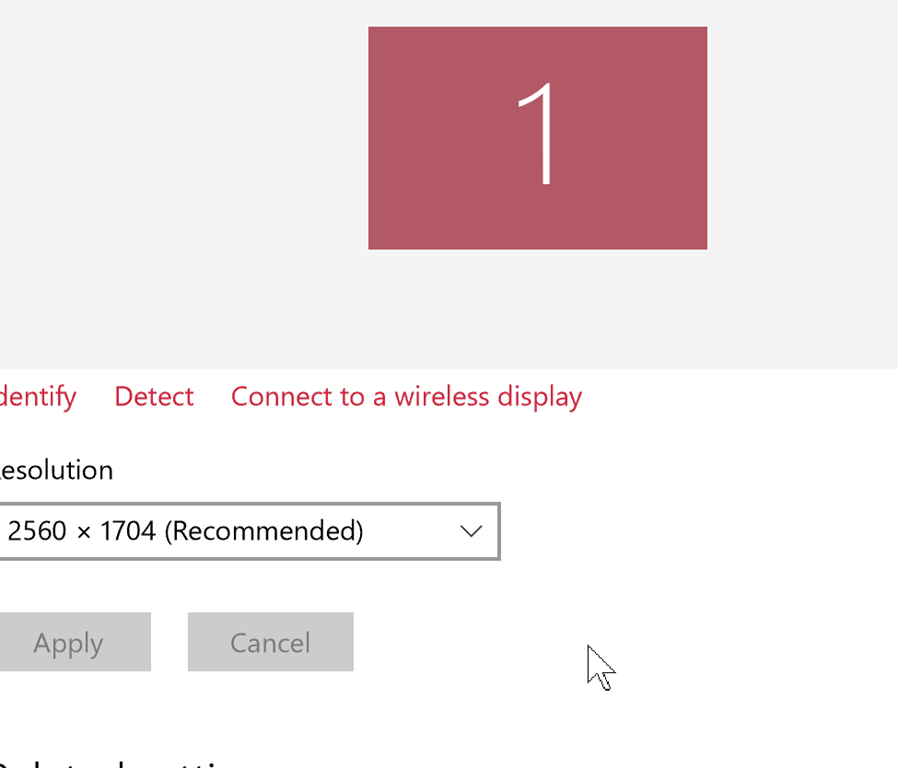
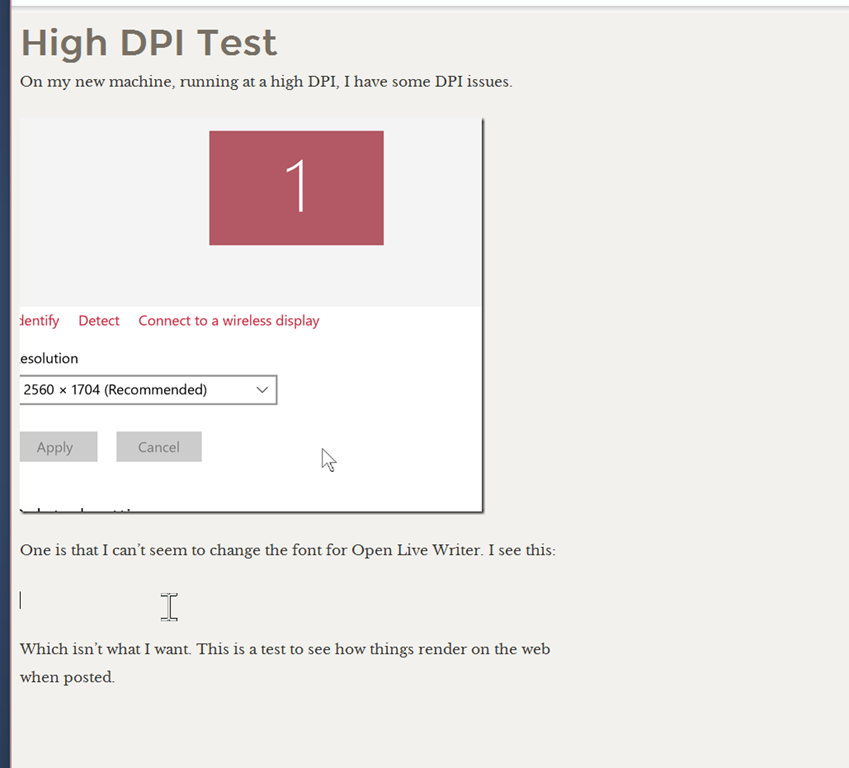
    On my new machine, running at a high DPI, I have some DPI issues.

    2016-03-17 11_52_25-Settings

    One is that I can’t seem to change the font for Open Live Writer. I see this:

    2016-03-17 11_52_56-High DPI Test - Open Live Writer

    Which isn’t what I want. This is a test to see how things render on the web when posted.

  • What Database am I in?

    Another post for me that is simple and hopefully serves as an example for people trying to get blogging as #SQLNewBloggers.

    I saw someone trying to get the database context recently and they were confused. They had some code referencing @dbname, but received an error with this code. I thought maybe they meant @@DBMAME, but when I looked, there isn’t a variable tracked by SQL Server.

    A quick search (really experimenting with SQL Prompt) showed me there is a DB_NAME() function. Without a parameter, this returns my current context. That’s useful in programming systems.

    If I pass in a database ID, I get the name.

    I haven’t typically had an issue here. In code, if I doubt anything, I issue a USE statement to set context, but if you are looking to take actions in a generic script based on the database, this can help.