Author: way0utwest

  • A New Word: Mauerbauertraurigkeit

    mauerbauertraurigkeit – n. inexplicable urge to push people away, even close friends whose company you generally enjoy, like a poker player who keeps folding a promising hand in order to avoid the pain of losing, or temp down the urge to go all-in.

    This one is close to home. It’s especially easy to push away people away early in a relationship when you don’t trust that things will continue to grow and improve. It’s quite easy to get nervous and suspect that the person will hurt you in the future.

    I’ve done this in both dating relationships and friendships, when I felt that I was spending too much time, investing too much, and not seeing that reciprocated. Who knows where things might have gone if I’d have been more mature and communicated openly rather than worrying.

    I’ve seen this in jobs as well. I’ve left a few jobs, mostly because I didn’t trust others in charge, and was worried they might let me go. I’ve seen good employees do this in the past, sometimes justified, sometimes prematurely.

    In any case, mauerbauertraurigkeit is something that I think is prevalent when there is a lack of trust and transparency between people.

    From the Dictionary of Obscure Sorrows

  • Building Your Own Software

    Lots of AI usage has been spent inside companies on building new software. Sometimes people are trying to rebuild existing software. I’ve seen more than a few articles say that Slack is dead (it’s changing), or Monday is dead, or some other SaaS isn’t going to survive because people can vibe code their own replacement. I know a few people trying to do this, with very mixed success.

    I saw this post from Jason Friend of Basecamp, where he noted that most products wouldn’t exist if everyone were an entrepreneur. This is because the great products exist precisely because an entrepreneur had a great idea and followed it through. They made mistakes, they learned, and they spent a lot of time getting the product right. The coding was likely a part of this, but the mistakes, the changes of direction, the decisions on what to add or take away, those are time-consuming things not shortcut by AI. The coding isn’t the big delay in lots of products. A great response to the post notes this: there are many decisions that go into a product. Many people don’t think about all those decisions.

    Certainly, some people will use AI and do a great job coding a replacement for some existing product. They’ll make their own version of a product, likely learning a lot from existing software. They will shortcut some design and testing time since they know what they want. It’s the software they already use, and they know how it works. They don’t need to design it.

    However, the software is just part of the process, especially in the SaaS world. Infrastructure and operations are big. While a replacement Slack might not need quite the level of hardware, networking, DR, disks, etc., it needs a lot more than an individual can build and manage. An LLM might help you determine where your bottlenecks are and help you build the systems needed to manage more resources, but it’s going to take time. Especially if you don’t know what sorts of hardware and bottlenecks will occur as more people use your software.

    It’s also going to make mistakes.

    Imagine your LLM gives you a piece of bad code that doesn’t perform. We can refactor and fix that. Now imagine your LLM doesn’t configure DR correctly. Fixing that is a little harder, especially if you don’t realize DR is lacking until an incident occurs.

    Software is hard. One thing I’ve learned over the years in advocating for customers’ requests in Flyway, SQL Prompt, or Redgate Monitor is that the coding takes time and effort, but much less than the decisions on what and how to build something. Those eat up time and focus. Once you solve these, AI definitely helps the rest go quicker, especially if you have AI building tests. However, until you solve the problems around coding, it’s not necessarily faster or better.

    Steve Jones

    Listen to the podcast at Libsyn, Spotify, or iTunes.

    Note, podcasts are only available for a limited time online.

  • Adding an HTTP MCP Server to VSCode

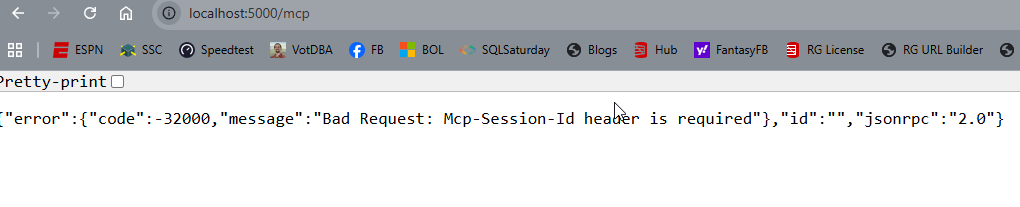
    I wrote earlier this week about the SQL MCP Server using the Data API Builder. In that post I showed how to query the MCP server from VSCode, but I didn’t explain the setup. This post shows how I did that.

    First, you need to ensure you have access enabled for MCP access. There is a doc on this, though  I found it slightly confusing. I think the doc is trying to make this easier as there are public MCP servers available and a bit of a VSCode marketplace. However, that’s not what I wanted.

    I wanted a local server, using the http URL as that’s what DAB exposes. The command palatte makes this easy, so I open this (CTRL+Shift+P) and type MCP. I see the “Add Server” entry. Pick that.

    2026-07_0317

    This gives you a choice of a few different items. I’ll use http.

    2026-07_0318

    Once I select that, it asks me to enter the URL. Below I typed this, but the actual URL needs to http. I should have typed “http://localhost:5000/mcp”

    2026-07_0319

    Once I do that it asks for a name. I’ll give it one:

    2026-07_0320

    This is it and I’m done. The user config opens and I see my item entered with my other MCP servers (I’ve experimented a bit here).

    2026-07_0321

    Accessing the MCP Server

    I don’t have these running by default. I can start them by using the command palette. There is an MCP: List servers item.

    2026-07_0330

    This gives me a list of servers. I can select my sql-northwind server.

    2026-07_0331

    Once I select it, I have options. I’ll choose start.

    2026-07_0332

    In the terminal output, I see the server connects. Note, DAB has to be running.

    2026-07_0325

    Accessing the Server

    I can open an Agent session and then add this server to it. If I click the “+” in the lower left, I can see a list of things. I want tools.

    2026-07_0326

    Note, I need to be in Agent mode (not plan or ask).

    From here, I can search for my server, since there are a lot of tools. I could add specific tools, but for most of the time I’m using MCP, I want all tools.

    2026-07_0327

    Now I type. Note that once I have a query, the MCP server is listed as an active tool. I get asked for permissions as we don’t want agents to do whatever. Each access asks for permissions or I can give the agent permissions for the session.

    2026-07_0328

    It runs a few queries and gets the answer.

    2026-07_0329

    MCP server in action.

    Summary

    An MCP server is a resource. Just like I might access the DAB GRAPHQL endpoint and run a query, knowing I can also GET/POST/SELECT/MUTATE things, for an MCP server, this gives the LLM certain things it can do. In this case, there are 7 tools, as noted in my previous post.

    This post just shows how to add http servers, but other protocol types are similar. VSCode makes a lot of things easy, though I think the agent is very wordy. I prefer Claude, which works as well.

    2026-07_0334

    If you’re having issues, you want to ensure chat is enabled. The User settings have some MCP settings. I’ve searched for MCP in the settings below. The big one is the chat access.

    2026-07_0316

  • Make It Routine

    The first one is hard. The rest are boring.

    I heard this statement from someone recently, and it sounds like something a technical person would do. It’s been a goal of mine, or maybe a direction to aim for, though I sometimes think that goal is more aspirational than actual. It can be hard to do that for every task.

    The first time I tackle something, it should be hard. It’s new work. It’s a new process/code/thought/action/etc. It’s unfamiliar, and I spend more time on it than I want. After that, I’d hope I could repeat the thing again in much less time. That’s the goal, and that’s what we aim for in a lot of DevOps work. Make the things we think are hard, less hard. Make them boring by codifying things, using automation, and have the computer replicate the task.

    I think the second one is often hard as well. How often have you tried to reproduce something you did and can’t quite get it? Heck, I now depend (and use) SQL History constantly because I will write some code, change it a bunch and then realize that I can’t reproduce the version that did thing thing (or broke the thing) I was working on. I need to rewind things and figure them out again. Usually by the 4th time I’ve done something, it’s starting to become easier. By the 10th its boring.

    Unless I’m playing guitar, in which case, some things take a few more reps than 10.

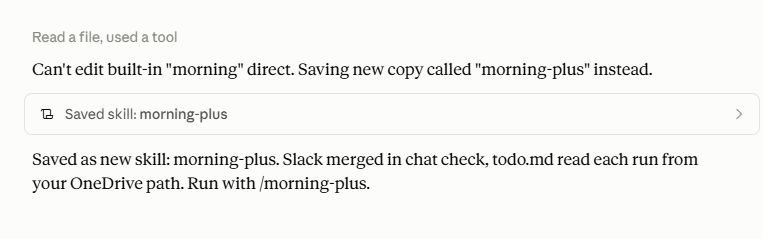
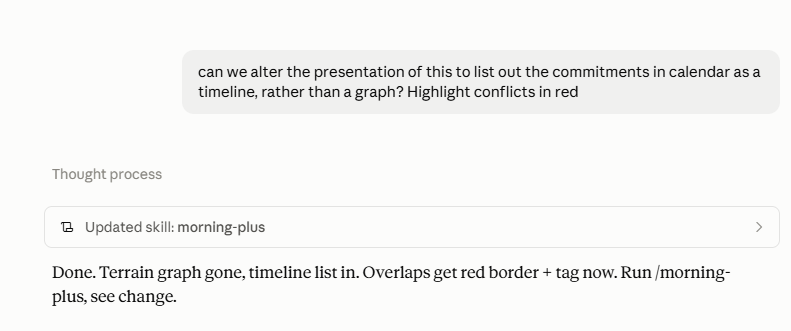
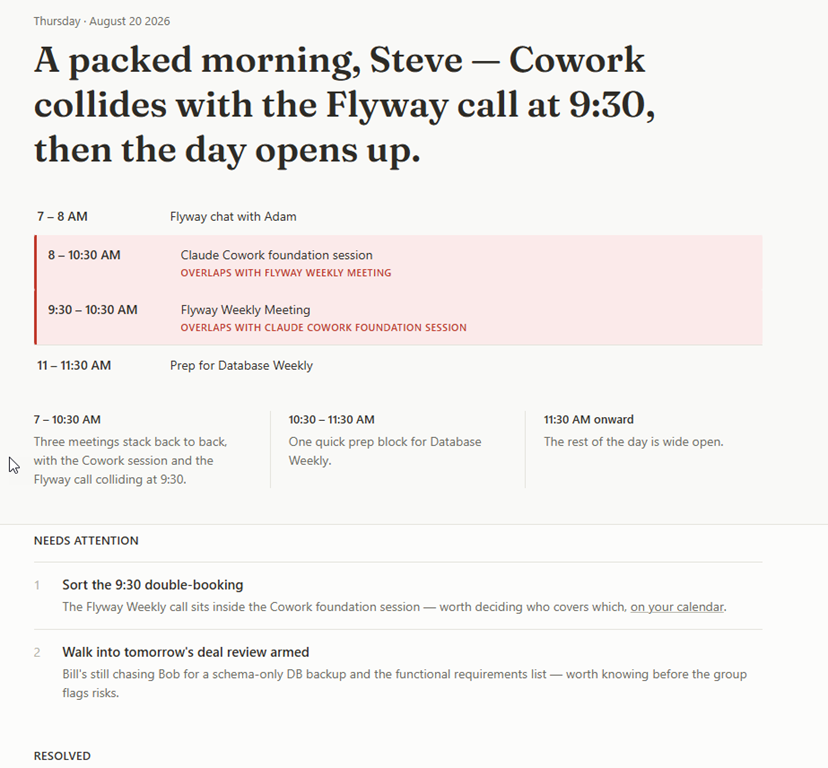
    I’ve had plenty of developers say never repeat yourself. If you can automate it, you should. In practice, that’s hard. Sometimes I’m unsure of whether I’ll do something again, or often enough to spend the time automating it. There are also times I’m not sure it’s worth the effort. I spent a day once trying to automate a bunch of Outlook appointments, only to realize the whole Office API and deluge of information out there made this much harder than the 15 minutes a year I spend putting in all my Database Weekly reminders.

    I don’t want to discourage you from automating things and making them routine or boring. My database deployments ought to be routine. The daily checks should be so boring and automated that I don’t bother with them because I know the machine is doing the work and will let me know if there is something I should examine. The efforts to refresh dev dbs, or respond to audit requests, or even reset a password ought to be boring and easy. Some of us build ways to smooth these tasks and ease our jobs, and some of us treat every one as an ad hoc thing that we do over and over.

    The stuff you do over and over is going to be handled by AI at some point (maybe soon). Maybe soon, maybe in a few years, but a lot of simple stuff that you keep doing- that mindless, tedious stuff that doesn’t require a lot of thought – is going to be handled by AI agents. Either you’ll direct them, or your boss will ask someone else to do it after you leave. AI can handle things like figuring out when disks are full and cleaning out old log files, shrinking databases, archiving things, and then writing scripts (and scheduling them) to prevent issues. If that’s your job, your days are numbered.

    Make things routine by thinking about the pattern, how we could reduce or eliminate a lot of labor, and how we can use a computer to handle them. Even better, learn how to guide an AI to do that work and prove your worth.

    Steve Jones

    Listen to the podcast at Libsyn, Spotify, or iTunes.

    Note, podcasts are only available for a limited time online.