Author: way0utwest

  • Down for a week but keeping ahead

    I work in a publishing business at SQLServerCentral, which means that I often have things written, edited, and scheduled out ahead of time. As much as we want the site to be dynamic, fresh, and changing in content, it takes a bit of work to keep a pipeline of things ready to go.

    When I’m traveling, or the holidays are near, I try extra hard to be prepared, since I know that life will get in the way of things, I’ll be distracted, and I forget things. I often have a week to ten days worth of stuff ready and often scheduled.

    This past week I was glad I had done that.

    The weekend between Christmas and New Years I started to feel ill, which wasn’t what I wanted. Not that I ever want to be sick, but there are better and worse times. We had a trip planned to Steamboat Springs for a few days and as I packed skis, I knew it was unlikely I’d get on the slopes. I didn’t, and spent a couple days out of town, mostly in bed reading. Good for relaxing away from life, not what I wanted.

    Basically I was in bed all last week, only at my computer Wednesday briefly when I returned from the mountains to schedule a few things before back in bed. I didn’t even leave my room Thur and Fri. I felt slightly better over the weekend, but wiped out again today.

    I managed to go find a laptop and power cable, needing to schedule a few other things to get through another couple days, but this has been a rough time time on my body. Some flu bug, so I’m glad I a) work at home and b) don’t have to be working every day to survive.

    Hope everyone else is well and had a good holiday season, and hope to be back and moving well soon.
  • Pro SQL Server on Linux–Getting Started

    As part of my learning goals for 2018, I wanted to work through various books. This is part of my series on Pro SQL Server on Linux from Bob Ward.

    I purchased Pro SQL Server on Linux and started reading it in December. I’ve been playing with the Linux version of SQL Server 2017 for a few years, but very lightly. Mostly I’ve just tested stuff I do on Windows to see what works on Linux. After talking to Bob Ward at our SQL in the City Summit events, I decided to dive in deeper and work through some basics as my knowledge here is spotty.

    I didn’t have a Linux machine handy in December while traveling, but I started to read anyway. This is a first look at what I got through.

    Why SQL Server on Linux?

    The opening chapter describes some of the history of SQL Server and how the version was built on Linux. Between MVP sessions, some online reading, and some other presentations, I’ve seen a lot of this, but it’s still neat to review it.

    To me, this is one of the more impressive software ports I’ve seen, especially since the core engine really is the same, with the code being shared between Windows and Linux. Microsoft is easily maintaining two platforms here in a way that they couldn’t do with Windows.

    Interesting to read.

    Install and Config

    I’ve done this a few times, but it’s good to go through. Bob covers some common Linux commands you’ll use, and it’s good to see these. While I read this without a VM, I vaguely remember some of this. Need to go through this when I get in front of a setup.

    The install of SQL Server is done a few times, a very high level, and then a more detailed look. There are also some troubleshooting references to review with lots of links. We’ll check this later.

    Chapter 3, 4, 5

    I bundled these as they are SQL Server basics that aren’t really related to Linux. Chapter 3 is about building a database and some T-SQL fundamentals. I know most of these, so I skimmed this one.

    Chapter 4 lets you build a basic Node.js app and connect. This also covers some advanted T-SQL structures. Again, for someone that’s used SQL Server for any length of time and tried new features, you’ll want to skip this.

    Chapter 5 is tools. I know most of the tools, though I’ll review the linux variants later.

    The First Half

    This is what I got done before the end of the year, reading on planes and during downtime. This is almost the first half of the book, but it’s a lot of pages. I’m looking forward to digging into more parts of the book during the rest of January.

  • The Giving Back Workload

    One of the amazing things about the #sqlfamily is that we often help each other in a very giving way. Certainly other technical communities have lots of sharing and helping, though often with more of an RTFM attitude. I don’t know how well many other industries share information with each other, but the nature of being connected with technology through blogs, free events, #sqlhelp and more certainly seems to facilitate lots of sharing.

    When SQL Saturday first started, Andy Warren and I worried that we would struggle to get speakers to donate time for a number of free events. The first year we had discussions about how to find speakers if we were to get 10 events scheduled in a year. That proved to be a non issue. It’s amazing to think that these days we have 6 or 7 events on a single date, and I’m looking forward to the time when there are actually 10 events on one Saturday.

    Our speakers donate a lot of their own time and money to give back to others. In 2018, I’m particularly impressed by Kevin Feasel, who I was lucky enough to see at a number of events and even share a bus ride on a double decker in Cambridge. I’ve also met a number of volunteers and attendees who have had similar schedules during a year or two, where they have lots of excitement. What often happens is that after a few years, they scale back, some of them even giving up on all of their efforts.

    It’s wonderful that people give back, but I do worry about sustainability, both for events and individuals. Andy Warren wrote recently about volunteer time and the load in life. I haven’t tracked my time, but I know that it sometimes is quite a load. While Redgate often covers my expenses, the time away from home to speak at events comes out of family time as I still need to work a normal week when I’m speaking on Saturday.

    I do think it’s important to volunteer and give back to others. Help those getting started, those less fortunate, or those that are inspired to move forward in life. There’s a time and place for all of us, and I do hope all of you think about where and how you can help others, either in this field or in other ways. If not now, then at some point in the future.

    Time is a valuable resource, and while I think Andy underestimates the amount spent on his endeavors, I think it’s good that after many years of helping others, he is trying to quantify the time spend and perhaps inspire some of you to think about where you might do the same. 50 hours a year is both a lot and a little. What are your plans for the coming year and could you spare 50 hours to help others? Leave a comment here, and let Andy know what you think of his plans.

    Steve Jones

    The Voice of the DBA Podcast

    Listen to the MP3 Audio ( 3.9MB) podcast or subscribe to the feed at iTunes and Libsyn.

  • A New PiHole in the Sky

    Last year I set up a PiHole server on my RaspberryPi to help block some ads and malicious stuff (tracking, malware, etc) on my home network. It’s not perfect, but it’s a layer.

    Unfortunately the Raspberry Pi was unstable and would die or lag or restart fairly often. I’d end up with poor performance and that drove me crazy. Eventually I gave up and started to just run normal DNS again. However, I was frustrated with Netflix overseas and decided to set up a cloud version and see if that helps.

    I started the project by looking at a blog post that covers the general cloud setup.

    Creating a VM

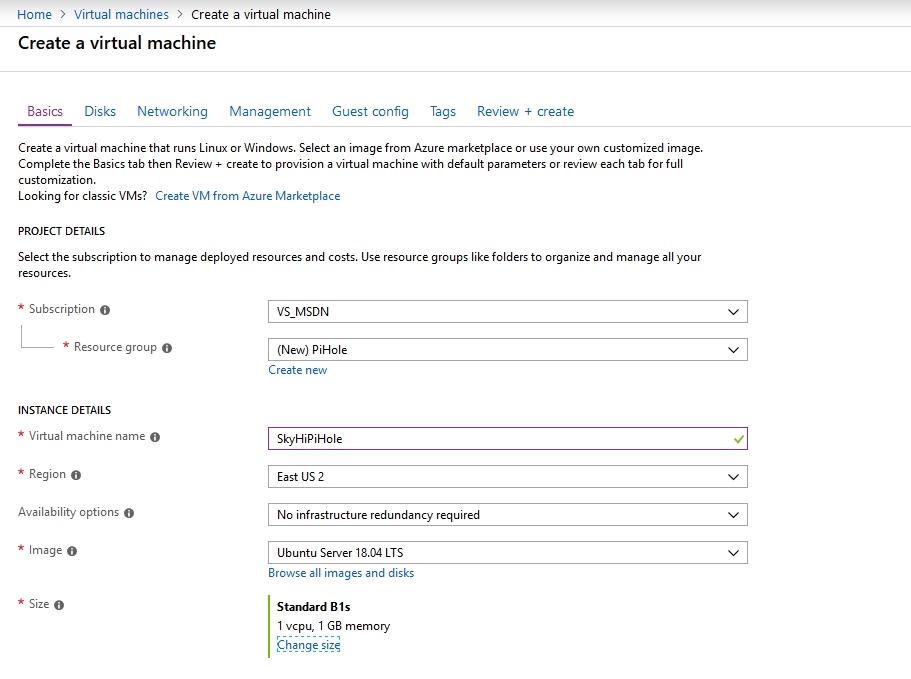
    I started by going to the Azure Portal and clicking on a new Virtual Machine. The default I got was actually Ubuntu 18.04 LTS, which is what I’d like.

    2018-12-27 12_04_11-Create a virtual machine - Microsoft Azure

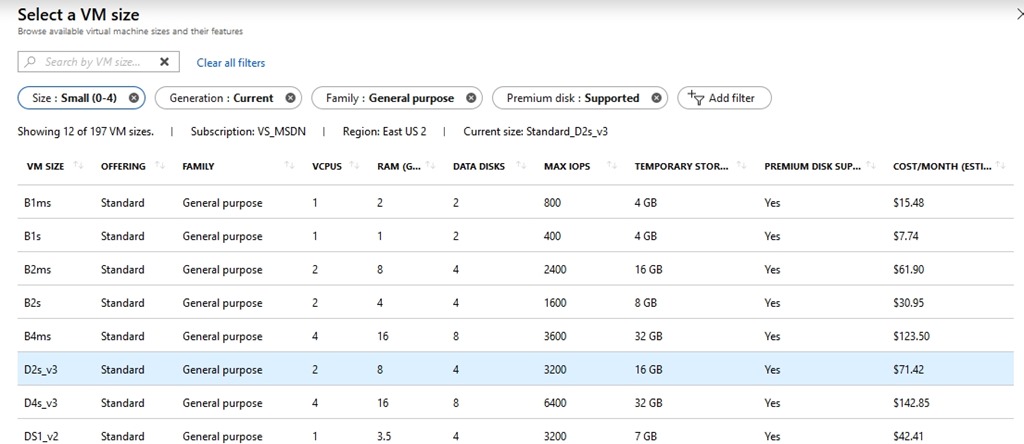
    I went with it, giving my new machine the wonderful anme of SkiHiPiHole. I wanted this to be inexpensive, as it uses minimal processing power. I decided to check the various sizes, and if you look to the right, you’ll see that you don’t want to just blindly click the top item. The sizes aren’t ordered by cost.

    2018-12-27 12_03_58-Select a VM size - Microsoft Azure

    I picked the B1s, which should eat up about US$8/month. I can spare that as I usually have about $50 credit from MSDN left every month.

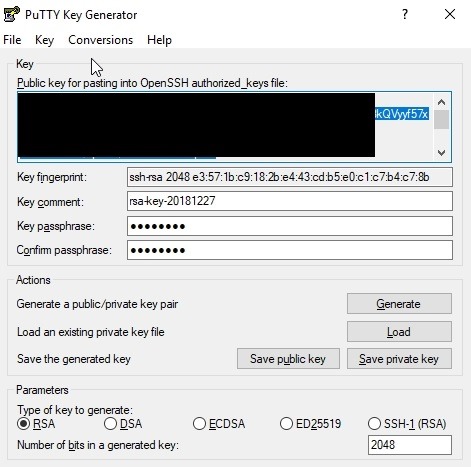
    I picked this, and then had to generate an SSH key. I tried this with sshkeygen on Windows, but had issues. I won’t document what I did, but I have PuTTy installed, so I used puttykeygen instead.

    2018-12-27 12_16_54-PuTTY Key Generator

    I copied and pasted this file into the Portal and then created the VM.

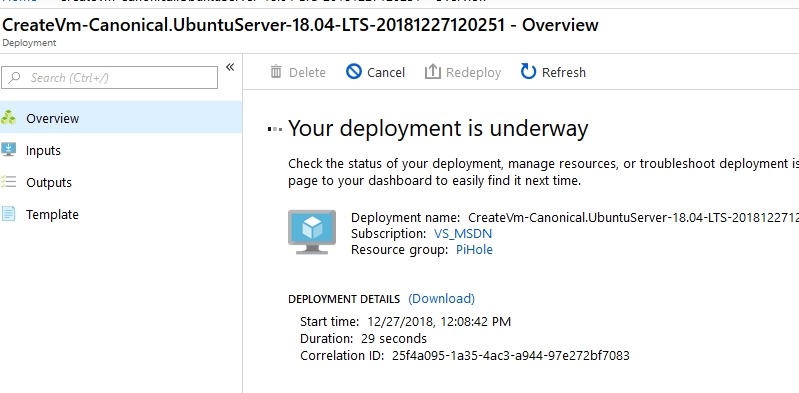
    2018-12-27 12_09_12-CreateVm-Canonical.UbuntuServer-18.04-LTS-20181227120251 - Microsoft Azure

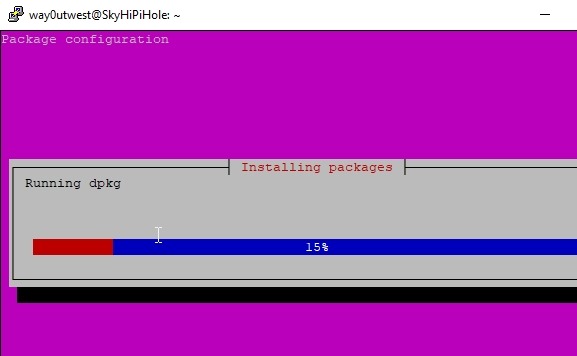
    Once this was done, which was minutes, I connected with PuTTy to complete the install. I updated the OS and ran the Pi-Hole install, according to the blog above. I accepted defaults and then the system ran.

    2018-12-27 12_28_34-way0utwest@SkyHiPiHole_ ~

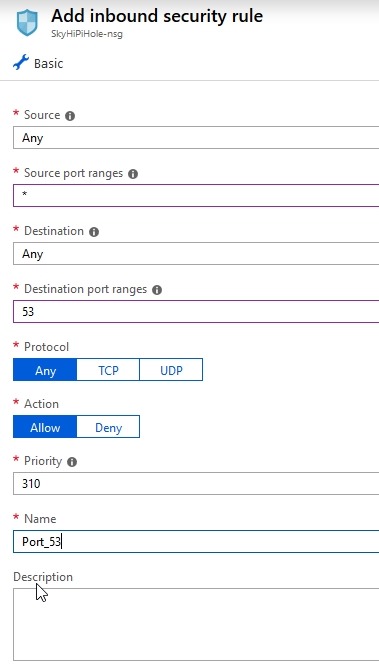
    Once this was done, I went into the Azure Portal for my VM and added firewall rules to let me connect with DNS (53) and for the admin console that’s web based. I limited the latter to my home network, but I can change it on the road if needed.

    2018-12-27 12_38_23-Add inbound security rule - Microsoft Azure

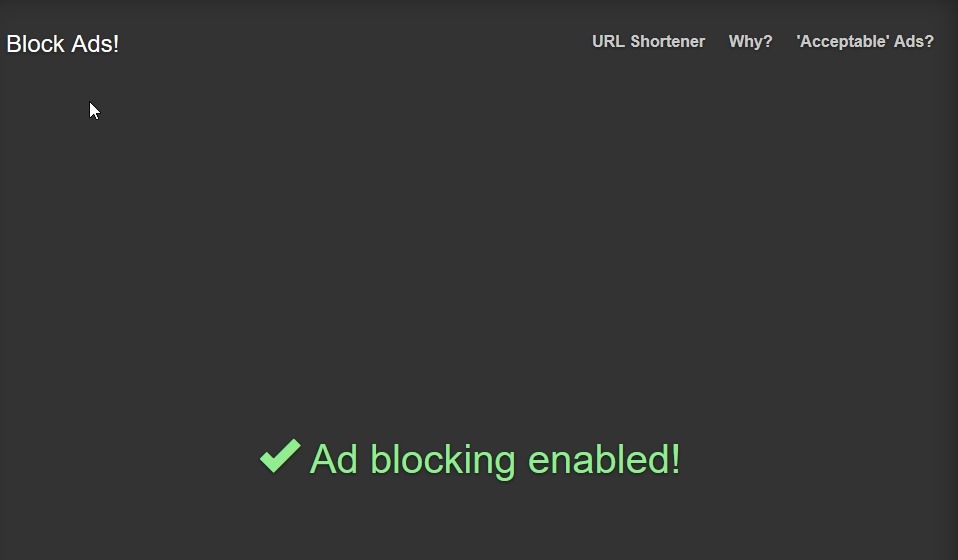
    With all that done, I changed my local DNS settings to use this server and tested it on a few pages.

    2018-12-27 12_56_09-Block Ads!

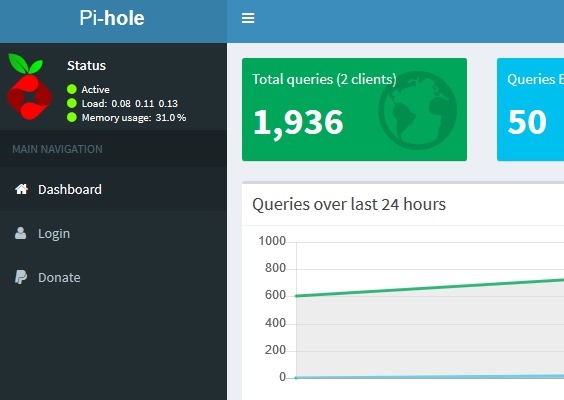
    I could also see the admin panel. Success!

    2018-12-27 12_52_31-Pi-hole Admin Console

    Now we’ll see if this works overseas.