I was looking over my travel calendar this fall, and I’m somewhat amazed at the variety of events that are being held for SQL Server professionals. There are a number of SQL Saturdays, and if you can attend those, I’d highly urge you to do so. Most are free, or perhaps cost you a lunch fee, but they are great chances to see SQL Server presentations, network with colleagues, and get inspired with new ways to work with SQL Server. They take a day out of your life (they’re usually on Saturday) and there’s no break from work, but they price is right.
However if you want something a little more exotic, or with a few more frills, you’ve got some great choices out there. I’m listing a few that I’m attending, and I hope to see some of you at one of these events.

I list this one first because these events are sponsored by Red Gate Software, my employer, and they’re a lot of fun. They are also the right price: free.
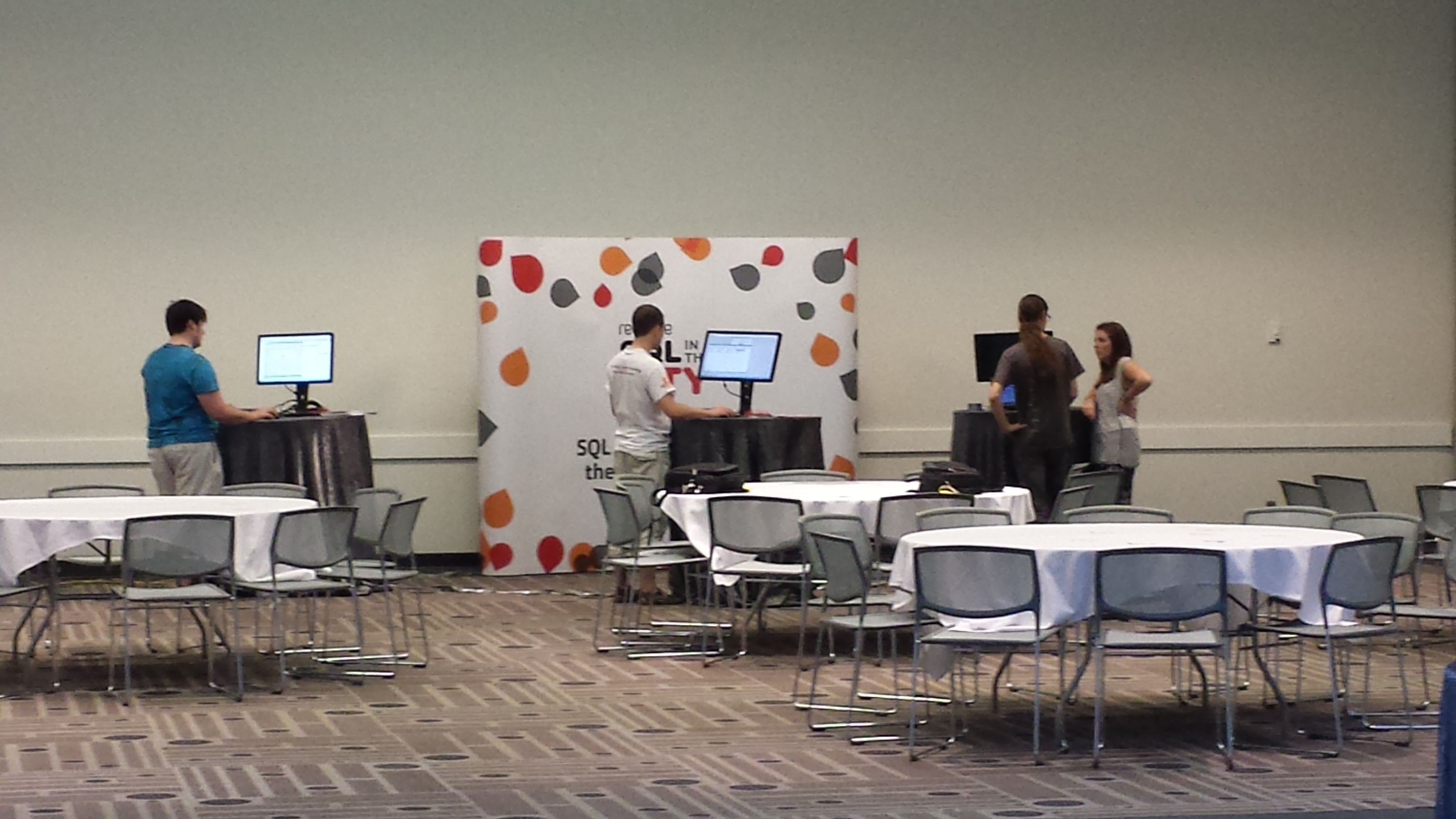
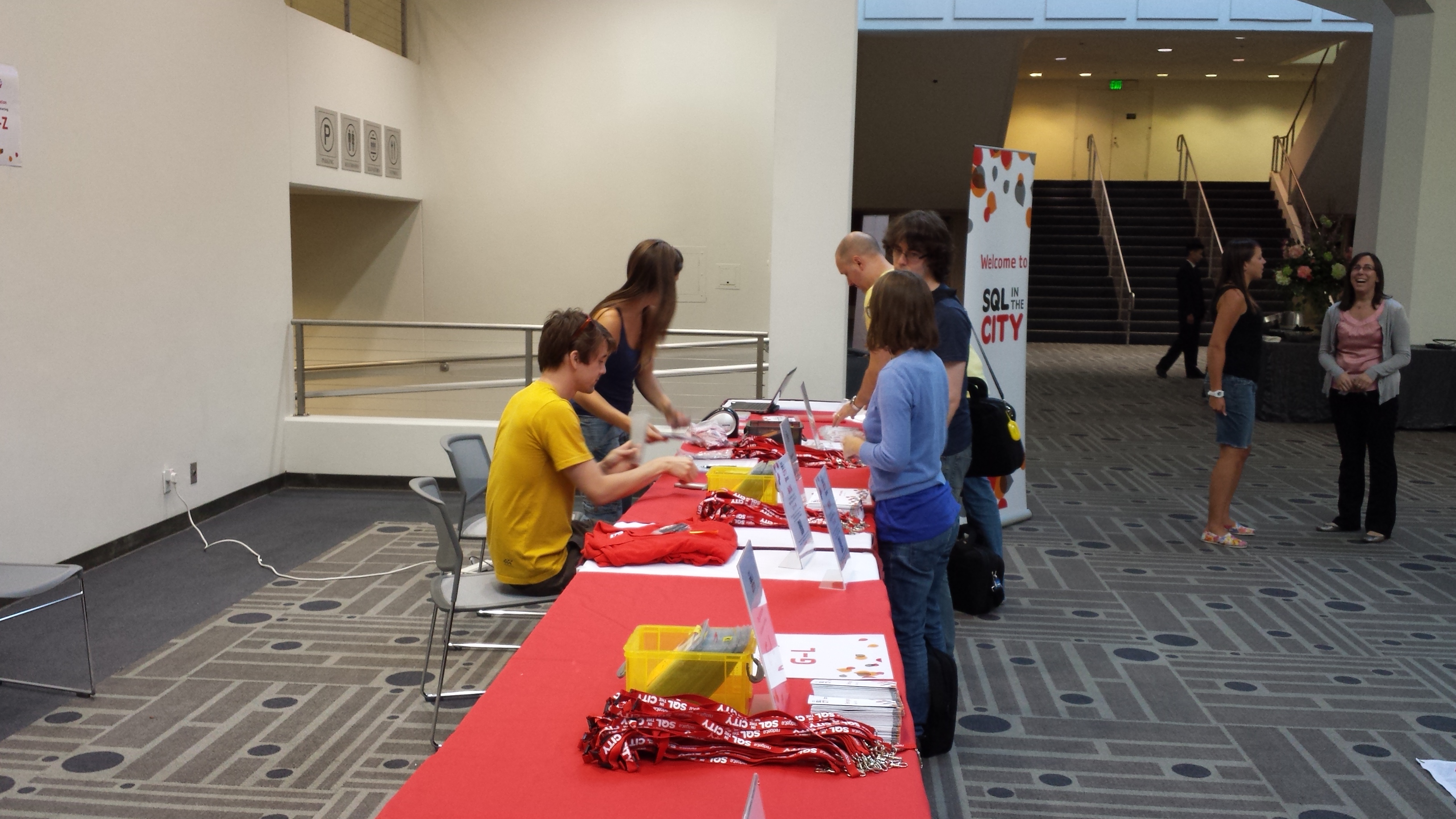
Like some of the paid conferences, Red Gate does a great job with amenities and food. The locations are nice, and even though it’s a one day event, it’s a lot to absorb in one day. This fall we have 3 large events, and 2 (possibly 4) smaller, seminar events taking place in the US. We’d love to have you attend SQL in the City if you can. The locations we’ve picked this year are:
- San Diego – A seminar event, with the DBA Team, on Friday Sept 20, 2013.
- Denver – A seminar event on development, on Friday, Sept 27, 2013.
- Pasadena – A large event, on Wednesday, Oct 9, 2013.
- Atlanta – A large event, on Friday, Oct 11, 2013.
- Charlotte – A large event, on Monday, Oct 14, 2013.
We’ll talk about some real world issues you face, and give you possible solutions. We do show Red Gate tools, but that’s because they’re the quickest way to show you a solution to a problem.
Register today if there’s a SQL in the City event you can come to.
DevConnections
 I have spoken at and enjoyed the DevConnections events for a few years. This fall the event returns to the MGM in Las Vegas from Sept 30 – Oct 4, 2013. There’s a great lineup of SQL Server speakers, of which I am one. There’s a lot to do, a lot to learn, and a lot of fun to be had in Las Vegas. With the schedule, this is a perfect event to attend and add in a weekend vacation with family.
One of the great things about this event is that there are 5 conferences taking place together, and with your registration, you can attend any session in any one of them. This is a great event for those of you that don’t just work with SQL Server.
If you’ve never been, consider coming to DevConnections this fall.
SQL Intersection
 SQL Intersection is a new event, managed by SQLskills. I spoke at the event this part spring, and I enjoyed it. Like DevConnections, the event takes place in Las Vegas, located in the MGM Grand from Oct 27-30. The speakers are selected and invited, and there are some very popular and talented speakers in this group. I’m honored to be a part of the event. I think you’ll get a ton of SQL Server knowledge here that you can apply back at work.
There are 5 events taking place at the same time, so if you are interested in learning more about development, cloud computing , Sharepoint, or Azure, this might be a good choice for you. It’s also a fantastic time to take an extra day or two in Las Vegas. Halloween is truly a spectacle in that city.
Take this letter to your boss, then register, and I hope to shake your hand when you come. If you use “Jones” as a registration code, you’ll get $100 off, and I get some credit 
The PASS Summit
 This year the PASS Summit returns to the East Coast, to Charlotte, NC from October 14-18, 2013. The first day of pre-cons overlap with our SQL in the City event. This is the most popular, and largest, SQL Server only event in the world. There is a ton of networking that takes place, and it’s a great time to get to know other people in the community.
There are a ton of sessions, too many in fact. Buy the DVD of the sessions since you’ll miss more than you attend. You can register today, and if you’re there early, look for me on Tuesday. I won’t be speaking at the Summit this year, but there are lots of other great speakers that you’ll enjoy.
The Conference Argument
I’ve got a busy fall. In addition to the events above, I have a few SQL Saturdays to attend and skiing to get in. I won’t be at SQL Live 360, but that’s another event you might consider attending. I’d love to speak there, but I need a break. Perhaps in 2014.
I love attending these events, and I’d recommend them over a specific training class. Here’s why.
If you aren’t self-motivated, you’ll waste a lot of time and not get much out of a conference. It’s easy to go to some sessions, or sit by the pool all day. However I’d argue that most of the people who aren’t looking to drive their career won’t get a lot our of week long class either.
If you are motivated, you can learn the JIT skills from a book, by yourself, or with a relatively inexpensive class like the ones Pluralsight offers. However, at a conference, you’re the person that will network with others, talk about your problems, and get some inspiration or potential solutions from those conversations. You’ll also get new ideas and inspirations from many of the sessions. You’ll recharge better than you do from a class, and most people seem to come back to work more excited about SQL Server than when they left.
If you’re a person that wants to move forward and are motivated enough to do so, consider attending one of these events this fall.