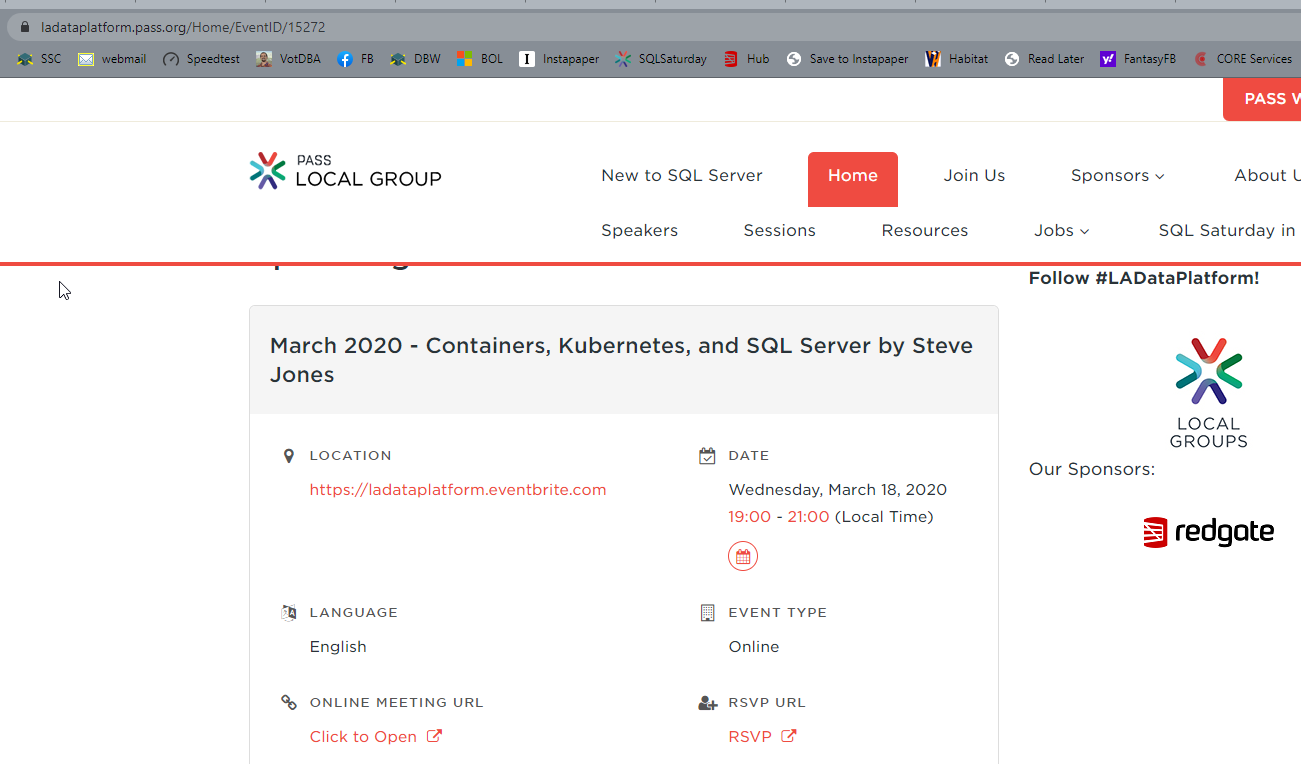
I delivered a talk on Containers, Kubernetes, and SQL Server.
Tag: containers
-
Pgadmin Environment Variables
I’ve had to do some work on PostgreSQL, and I wrote an article at SQLServerCentral about getting started. Once I had things working, and could connect from Azure Data Studio(ADS), I also wanted to get pgadmin working in a container for admin tasks.
I downloaded the container and ran it with this:
docker container run -p 5050:5050 \

-e 'PGADMIN_DEFAULT_EMAIL=sjones@sqlservercentral.com' \

-e 'PGADMIN_DEFAULT_PASSWORD=Str0ngPwd!' \

--name="pgadmin4" --hostname="pgadmin4" -d dpage/pgadmin4
However, when I checked status, it would always be down. When I checked the logs (docker container logs pgadmin4), I’d see this:

Ugh. I kept looking through docs and checking different posts. Lots of different options with quotes that I kept trying, but eventually when I went with double quotes, things worked.
Leaving off the –d let me see this was actually starting up.

This was on Docker for Windows, with Linux containers for me.
I would swear that I tried just double quotes before this, but I bet I kept adding single quotes and double quotes in different ways, like this:
docker container run -p 5050:5050 \

-e 'PGADMIN_DEFAULT_EMAIL="sjones@sqlservercentral.com"' \

-e 'PGADMIN_DEFAULT_PASSWORD="Str0ngPwd!"' \

--name="pgadmin4" --hostname="pgadmin4" -d dpage/pgadmin4
In any case, I got it working. I couldn’t connect for some reason to the PostgreSQL server, but that’s for another post.
-
Running Express Edition in a Container–#SQLNewBlogger
Another post for me that is simple and hopefully serves as an example for people trying to get blogging as #SQLNewBloggers.
Recently I was looking through the forums and someone had a question on JSON and the Express edition of SQL Server 2019. I was sure JSON worked, but I also didn’t have Express set up on my machine. I decided a container would be a quick way to test this.
I’ve started lots of containers, but I rarely do anything other than the Developer edition. I know you can set the edition, but didn’t know how, so I had to look it up. This post covers the quick way to do this.
Environment Variables
There are a lot of environment variables that we can use to configure containers, and SQL Server in particular. There are two that are required:
- ACCEPT_EULA
- SA_PASSWORD (or MSSQL_SA_PASSWORD)
These two need to be supplied to start the container. Beyond that, you can add others that are useful for you.
To run as Express, you will want to MSSQL_PID variable, which can be set to any of these:
- Evaluation
- Developer
- Express
- Web
- Standard
- Enterprise
- A product key
For my situation, this means I run Express like this:
docker run -e "ACCEPT_EULA=Y" -e "SA_PASSWORD=password" -e "MSSQL_PID=Express" -p 51433:1433 --name express2019 -h express2019 -d mcr.microsoft.com/mssql/server:2019-CU7-ubuntu-16.04
This starts up a new container, and I can connect, where I’ll see the correct version.

SQLNewBlogger
It took me about 5 minutes to get this working, and then it was a question of writing this post and capturing an image. I had the code, because I’d just used it.
Overall, a good way to show a few things about containers and SQL Server, and a skill that an interviewer might ask about.
-
The Challenges of Resetting Databases
I was working on a demo recently where we had a database in version control and a development database. This was a team environment, with a few of us making changes and syncing them across our dev systems using git. We had some advanced technology with our dev environments in containers, Flywaydb, and GitHub. Once we had our scenarios working, someone wanted to reset our git repo and capture a new database image.
However, when we reset the repo back, we had some issues with the database. In this case, there were changes in the database that didn’t exist in the repo, giving us a mismatch. Not a big problem, but cleaning things out to get the db to match the repo, without putting those changes into the repo, was a challenge.
A developer I was working with got a little frustrated, because when working in C#, there is no state. If we reset the repo and sync our local copy, we have everything ready to go. However, a database repo isn’t the same because there is often a database that exists separately.
This is the main challenge when working with databases, relational or otherwise, in a development environment. Experiments, bug fixes, even testing data changes persist over time. Resetting data to repeat tests, or even automating tests, can be hard.
This is one reason I think containerization and subsetting of production datasets will become very important over time as we try to ensure we can react to business requirements and keep our teams coordinated. These technologies ensure we always have a known starting point for our databases. At least at any particular moment. We certainly need to update this foundation as we deploy changes to databases.
Hopefully Microsoft, more vendors, and us as developers help advance these technologies, as well as help all developers build more skills. I’m grateful to Andrew Pruski, Anthony Nocentino, and others for the information they share about containers and databases. Hopefully we see more people engaging in these areas over time.
Steve Jones
Listen to the podcast at Libsyn, Stitcher or iTunes.