Tag: hardware

  • Stress Testing

    Many of the DBAs that manage production systems will at some point determine what level of hardware is needed to support a workload. Whether this is a physical server purchase or a cloud “rental”, someone has to decide what hardware is needed. How many cores, the amount of RAM, the number of disks, which hopefully correspond to some level of IOPs, and more. Even in the Azure SQL Database world, you must decide what database capacity you will pay for.

    Since this is a big decision, and changes can be hard to make, many DBAs overbuy hardware. After all, no one wants to have a slow server. This is true for Azure as well, at least for many people I know. While changing from an S3 to a P2 is quick and easy in the Azure portal, it’s not such an easy sell to management. If they’ve budgeted $150/month and you tell them we want to go to $900/month, the technical change is the easiest part of this.

    As a result, I’m surprised that we don’t really have better ways to determine if hardware will support our workload. I see this question asked all the time, and although there are tools and techniques suggested, I’ve yet to see many people have a set, known standard way of evaluating hardware and a particular workload.

    One one hand, I think there should be better tools to do this, whether from Microsoft or someone else. I suspect since this is such a rare activity and businesses have been willing to overbuy hardware (or deal with substandard performance), that there isn’t any large impetus to solve this issue.

    However I wanted to ask if any of you actually stress test hardware? Either your current hardware or new purchases. If you don’t know what your level your current hardware performs at, how do you compare that to new hardware?

    Do you have a way to replay and measure a workload? Do you have the time to do so when new hardware arrives? Is there a documented method you use? Apart from discussing this today, I’d love to see some articles that detail exactly how you test hardware from a technical tool perspective, and then a followup that examines and evaluates the results.

    Steve Jones

    The Voice of the DBA Podcast

    Listen to the MP3 Audio ( 3.2MB) podcast or subscribe to the feed at iTunes and LibSyn.
  • BYOD

    This editorial was originally published on Jan 18, 2012. It is being re-run as Steve is on vacation. Some minor edits were made

    As laptop prices have plummeted over the last few years to the point where most technical people can afford to purchase their own machine for around $500. Unless you want a really high end machine, in which case you’ll be looking at something over $1000. I have even used Macbooks for my work. There are quite a few people working with SQL Server on OSX, however, so if you want one for work, you can make the switch, and here are a few blogs for you (Aaron Bertrand, Brent Ozar, Joe Webb)

    As computers become a commodity, and we use them more and more to live our lives as well as work, does it make sense for workers to purchase their own machines and use them in a corporate setting? I know some companies give workers a computer allowance and the workers can take the machine with them if they quit, presumably if they work at the company for longer than a few months. Other companies give their employees money for technology, which can be exciting for technical people that might want to upgrade their monitors or other accessories regularly.

    There are definite security and data concerns, but with cheap memory, disks, and hypervisors, it’s possible to get around those issues, and allow employees to work with the tools they are familiar with. I ran across this blog that talks about workers owning their own devices in the future, even being required to provide them. Just like many other professions where the workers must own their own set of tools.

    On one hand this seems crazy. Employers should provide computers, and as a young worker in this business, I would have struggled to purchase a $1500-2000 laptop. Or maybe I wouldn’t have. Maybe I would have seen it as an investment in my career, just like college was. These days, we have even more devices, and while IT departments struggle to secure them, that doesn’t stop people from using them, or wanting them. I think I’d like to provide my own smartphone and laptop, and get some sort of allowance from my employer each year to offset the cost.

    I don’t know how we’d handle the data/security pieces of this scenario, but I’m there would be no shortage of ideas from the various software vendors.

    Steve Jones


  • High DPI Test

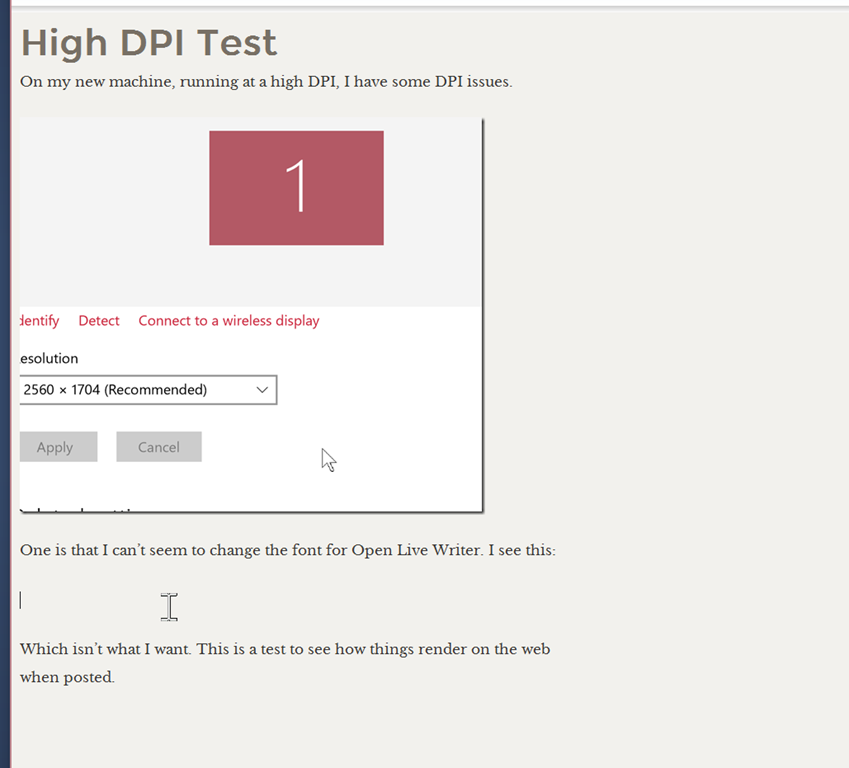
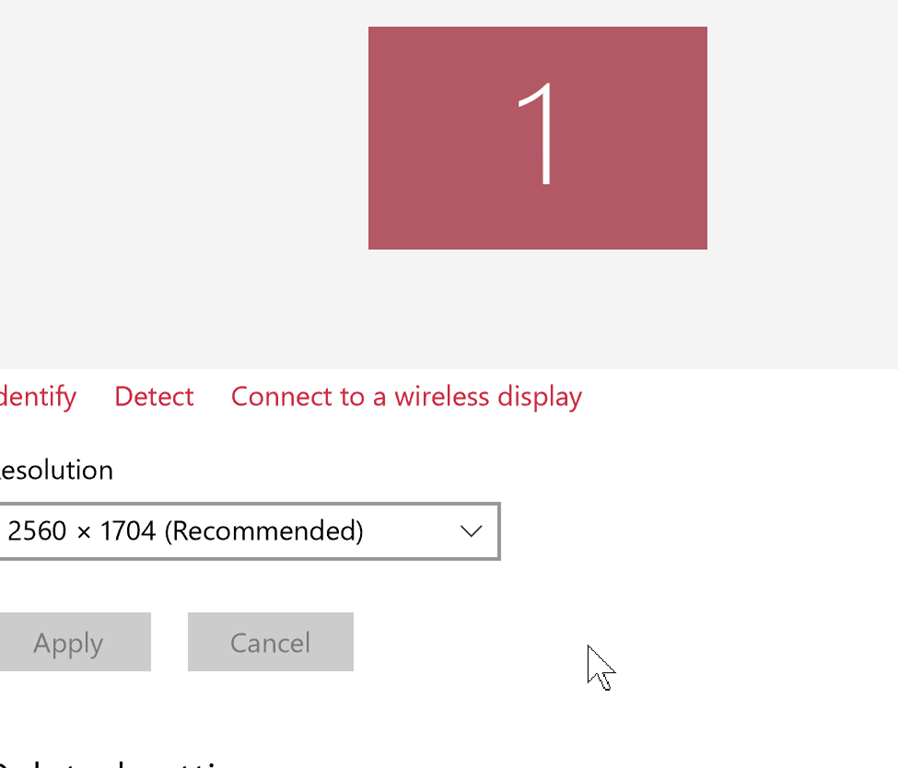
    On my new machine, running at a high DPI, I have some DPI issues.

    2016-03-17 11_52_25-Settings

    One is that I can’t seem to change the font for Open Live Writer. I see this:

    2016-03-17 11_52_56-High DPI Test - Open Live Writer

    Which isn’t what I want. This is a test to see how things render on the web when posted.

  • Interesting Data Centers

    I’ve spent a couple decades in technology working with lots of companies. As an employee, a consultant, or a sales engineer, I’ve had the chance to visit quite a few data centers over the years, some of which were quite interesting. A few impressive, and perhaps a few more that were quite scary.

    When I started working in technology, the “server” was often just one box that lived on a desk in the office. In a few of my early small business clients, our server was often used by the secretary for Wordperfect typing while also serving applications and acting as a file server. In a few larger clients, including at a state government agency, multiple servers were piled on shelves in a closet.

    Over time, lots of small businesses, and a few larger ones, learned that hot closets don’t work for multiple servers, nor does a lack of clean, UPS power serve them well.  I’ve worked with quite a few companies to upgrade their facilities to include better power and cooling, often racing to keep up with the proliferation of server systems.

    As time progressed I found many companies that didn’t want to invest in a data center, including us here at SQLServerCentral. In the early 2000s, companies began to trust co-location facilities, those professional data centers built and run as a business. I toured many and saw some well built environments, and some not so well built. One small company SQLServerCentral visited had two corners of an office building downtown, on separate floors, with cool hoses (about 2ft in diameter) run outside, up the side of the building.

    As we look to move to the cloud, which is the next evolution of the co-location facility, I expect that more and more of us may never visit a data center in our lives. Some small startup companies don’t even own servers, outsourcing their email, VCS, build systems, and more to some vendor.

    That’s not for everyone, but it is becoming more commonplace. Vendors are even trying new ideas to lower their costs, while still maintaining the level of service we expect. There are data centers being built in mines, which provide cheaper cooling than traditional buildings. There are container based systems, and while electricity and water don’t usually mix, Microsoft is looking to try putting data centers in the ocean. Of course, not all ideas are good ones, as the ill-fated Sealand showed.

    The future of data centers and where and how we run server hardware will certainly be interesting. I wonder how many future DBAs may never physically touch the actual hardware that contains all their bits and bytes.

    Steve Jones

    The Voice of the DBA Podcast

    Listen to the MP3 Audio ( 4.2MB) podcast or subscribe to the feed at iTunes and LibSyn.