Tag: hardware

  • Laptop Cattle

    I traveled to Cambridge recently for some meetings at Redgate Software and to attend SQL Bits. I arrived on Tuesday, worked a bit, and then came back to the office Wednesday for the SQL Clone launch (a success, by the way. Watch it. Now. Well, not now, but after this post).

    After the first two SQL Clone broadcasts, I walked back to my desk and tried to get some work done. I was updating the release pipeline for a demo and kept getting an error during the restore from production step. It was strange as I hadn’t changed anything, and had actually demo’d this step the previous week. I tried a few things before I read the error message and then realized I had a corrupt .dll. Not great, but sometimes a restart will clear things if this is some bad bits in memory.

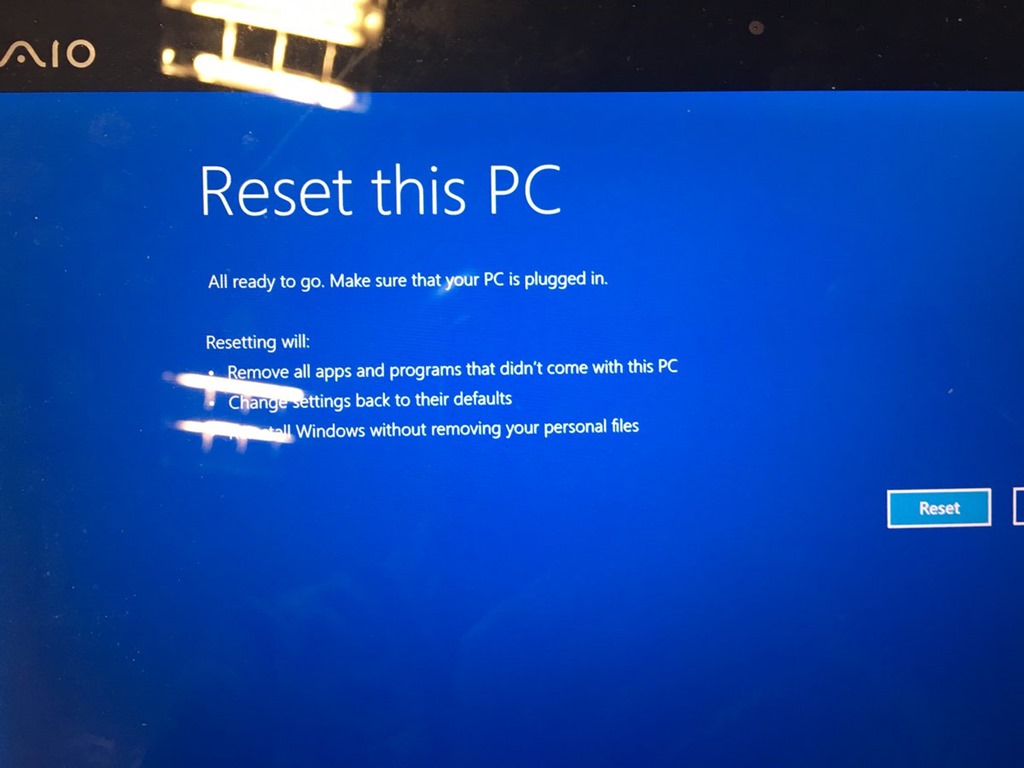
    I closed Windows and then clicked “restart” and got this.

    IMG_1385

    Not the end of the world, and I assumed this was some transient. I let this go and went to get coffee. I returned to see this screen, but I could swear the percentage was different.

    It was. The machine was rebooting, crashing, and getting back here. I powered down, waited the customary 5 seconds and 5 more, and booted back up. I got to the Windows recovery screen. There were a few options, System Restore Point, System Image, etc., but nothing was working. After about 20-30 minutes, and another 10 considering whether I should walk down the road and buy a new machine, I decided to reset and reinstall Windows. Not my favorite option, but I didn’t think I had another one.
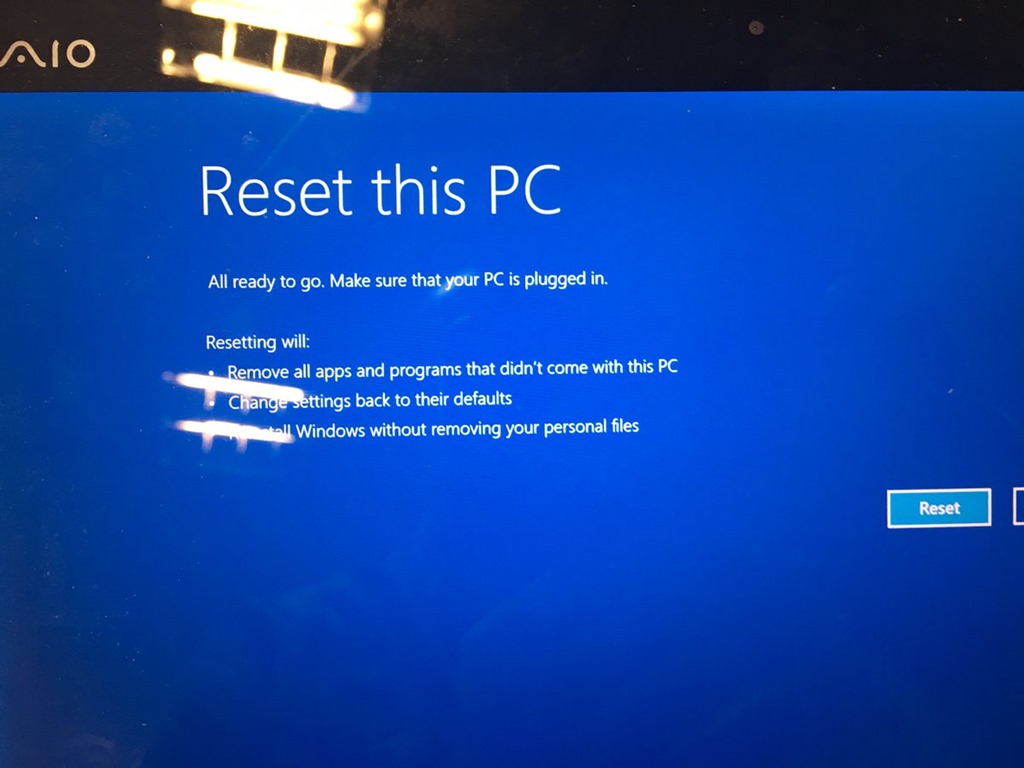
    C8F5sILXwAAHil6

    I clicked the button and started watching Windows reset itself.

    IMG_1390

    And watching, but fortunately I had another broadcast to do for SQL Clone, and I had my phone.

    IMG_1392

    Eventually the install finished, and Windows configured itself. I’d done this a few times for other machines (desktop and laptop) in the last year, but by choice, after I’d made backups. This time I was forced, and was hoping that I didn’t lose too much stuff.

    IMG_1393

    When I was able to log in, I saw there were still a few things, including some configuration that Windows restored as a side effect of using a Live login, or whatever Microsoft calls it now. When I first logged in, I was greeted by my new install.

    IMG_1394

    From there, I needed to get going. I had some Windows config, and more of the stuff in the Documents, Pictures, etc, libraries were there (Actually all of it), but anything in\ Program Files, \Windows, etc. was gone. Not fun.

    Fortunately I have rebuilt some machines recently and have found Chocolatey to be invaluable. I first got Chrome going, then added Dropbox and kept other installs going in the background as I got ready for broadcast 3.

    IMG_1395

    Throughout the evening, I manually added back my O365, SSMS, and SQL installs, and kept thinking of the stuff I needed for demos. git, Github and VSTS got my code back down, and I had to re-authorize some apps with new passwords, but I was 90% running before I went to the hotel that night.

    Reinstall Windows to running SSMS demos with SQL Server in about 4 hours, minus about an hour in the SQL Clone launch.

    The next day I had pretty much everything running again by noon, minus a few sample database backups. I’ve learned that the default SQL backup path is no bueno on a laptop. I’ll have to rebuild some sample data sets and I’ve already moved things to a new path that will exist if this happens again.

    I was productive and working, writing some code and testing demos the next morning. It really was about a 4-5 hour process to have a laptop back working, with code, that I could use on an airplane with the data I expect.

    My laptops are (mostly) cattle now. I’ve got a few things to square up (like SQL backups), but overall, I think I’ve improved my DR process.

    And I’ve learned to git push before I power down this machine.

  • New Video Cards

    When I want to upgrade hardware, I usually turn to Glenn Berry for advice. He’s the person I know that really watches, examines, and evaluates computer hardware. He gives good advice and upgrades often, so he actually uses the latest hardware.

    One of the upsides of his hobby is that he is regularly replacing hardware. That means he regularly has older hardware. A few times I’ve asked for advice, I’ve actually ended up buying the previous generation from Glenn because he’s already upgraded. That works out well for me, since I don’t look to be on the latest and greatest.

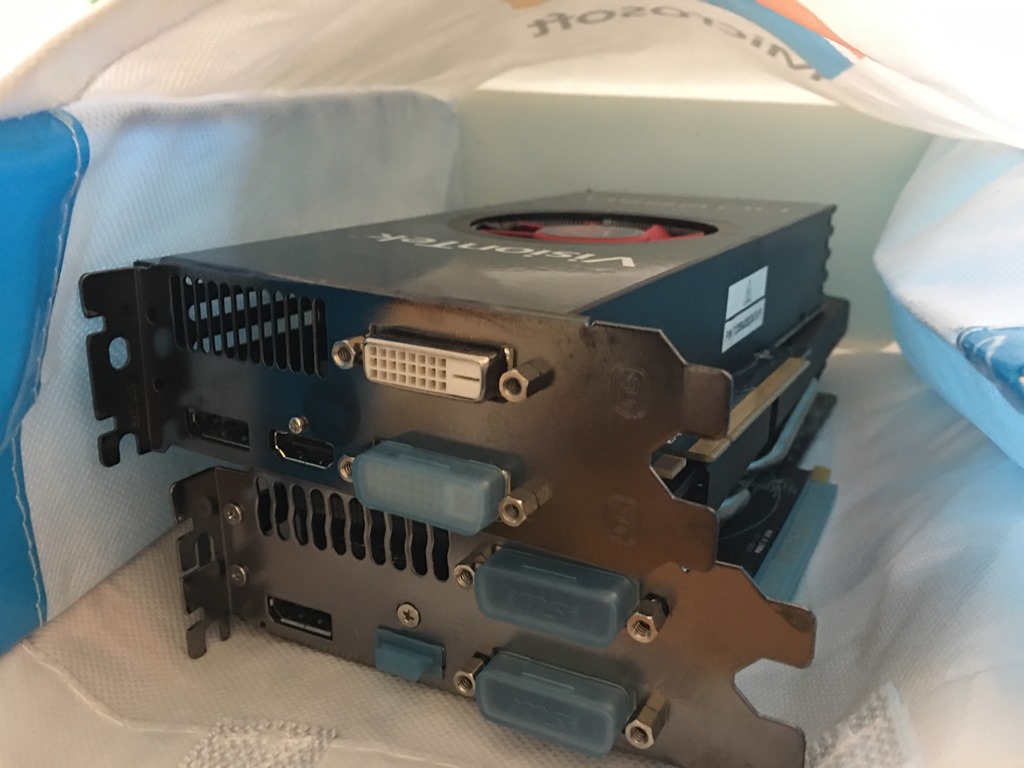
    Recently we had lunch and Glenn offered me his old Radeon R9 video card. It was ranked quite a bit higher than the GeForce GT 740 I bought last year. I didn’t need a replacement, but the price was right, and maybe I’d impress my kid a bit with the upgrade.

    I went to lunch, and got a nice, geeky gift bag.

    Photo Jan 13, 10 35 25 AM

    Inside was not one, but two video cards. Apparently Glenn’s MicroCenter Outlet was having a special.

    Photo Jan 13, 10 35 33 AM

    The cards are on my desk as I need to some time to open up my case, replace cards, and then ensure everything comes back up correctly. I’ll need drivers, and no pressure to complete things quickly.

    Hopefully I won’t need a new power supply, though I am tempted to get another monitor with all this horsepower and give Twitter and Spotify their own displays. Winking smile

  • The 2016 Home Lab

    Everyone needs a home lab. At least, everyone that works in technology and wants to grow their career or get better at their craft. I’d hope that’s most of you, but if not, that’s fine. If you’re happy with just cruising along at work, I wish you the best.

    For many people, especially those wanting to learn, they need some lab. There are plenty of free software choices you can make to build a lab. SQL Server, SSMS, Visual Studio Code, Virtual Box, you can get these for free. The thing you’ll need to provide is the hardware. From my own experience, to learn about many features, you’ll want at least 2-3 VMs, or instances that can run different versions, provide some separation, and even a spare instance when you blow one up. If you want to experiment with the AlwaysOn technologies, you might want 4 or 5 spaces. You can do lots of this in Azure, but many people don’t want to commit, or have open ended costs. Or they don’t want to eat up bandwidth.

    I’m not a hardware geek, and honestly don’t care what I run. It just needs to go fast and work well. I rebuilt my desktop, on advice from Glenn Berry, but I just followed advice. I didn’t try to determine if part A was slightly better or worse than part B. I just needed the SSD/MB/CPU/etc. to work.

    I’m sure plenty of you might be considering a lab, or might need to upgrade. I ran across two great posts that give you a few ideas on what might work for you. Allan Hirt showcases a great portable lab, which I may adopt as a traveling companion. However, if you want another desktop that might run a slew of VMs for experimenting with SQL Server features, Glenn Berry from SQLskills has his own post that you can use for advice.

    If you’ve got recommendations or ideas, or questions, please add them to the discussion. If you’re proud of your own setup, let us know. If you have found Azure (or AWS) to be a friendly, cost-effective place for a lab, I’m sure people would love to know that as well.

    Steve Jones


  • The Quiet Zone

    I’ve been in a data center when most servers turned off. I’ve actually heard dozens of systems powered off quickly, and it’s a strange sound. You become so used to the white noise of numerous fans that having them turned off is a little unnerving. It’s neat when it’s a scheduled patch day and all servers cleanly shut down together. It’s an altogether different experience when there’s an unexpected issue and management sees their expensive hardware not working.

    However, imagine losing your servers because of a loud noise. That’s what happened to ING Bank when a fire extinguishing test caused a number of hard drives to fail. To be fair, the loud noise was north of 130db, which is very loud. Since sound is really vibration, the impact to read/write heads caused numerous failures. The bank needed 10 hours to restart systems in their DR center, and managed to do so. While that might not have been what the bank officials wanted, this is a good DR test, and I hope they learned a few things that might help to fail over much quicker in the future.

    This might be a good reason to think about SSDs, which are less susceptible to vibration than the older, spinning rust drives. I’d guess that there are other issues that could affect SSDs and someone is going to discover them at an inopportune time. Already we’ve seen dramatic improvement in SSD technology, driven by numerous early issues relate to writes and reliability.

    Engineering facilities is hard, and there can be many unexpected issues. I’m sure the people that designed the fire suppression system weren’t concerned about the noise; they were concerned about shutting down flames quickly. I’m sure that the people filling the system didn’t think a little extra pressure would matter. These seemingly innocuous decisions can cascade, which is why we practice and preach DR preparation. Not just backups, but restores and quick fail over.

    If it’s not your organization, it might be humorous rather than stressful, but you never know what design flaws might lurk inside your facilities. I once worked in a data center that had only about half the cooling that we expected. Why? The engineers assumed that since we worked an 8 hour day, so did the computers, which we’d turn off at night. Luckily they had built a pad into their calculations so we were only short half the capacity rather than two thirds.

    Steve Jones

    The Voice of the DBA Podcast

    Listen to the MP3 Audio ( 3.7MB) podcast or subscribe to the feed at iTunes and Libsyn.