Tag: syndicated

  • Lots of Resources

    I’ve got a small Azure subscription, but there are a lot of resources in my mini lab. Forty seven, to be exact right now.

    2017-07-18 16_31_56-All resources - Microsoft Azure

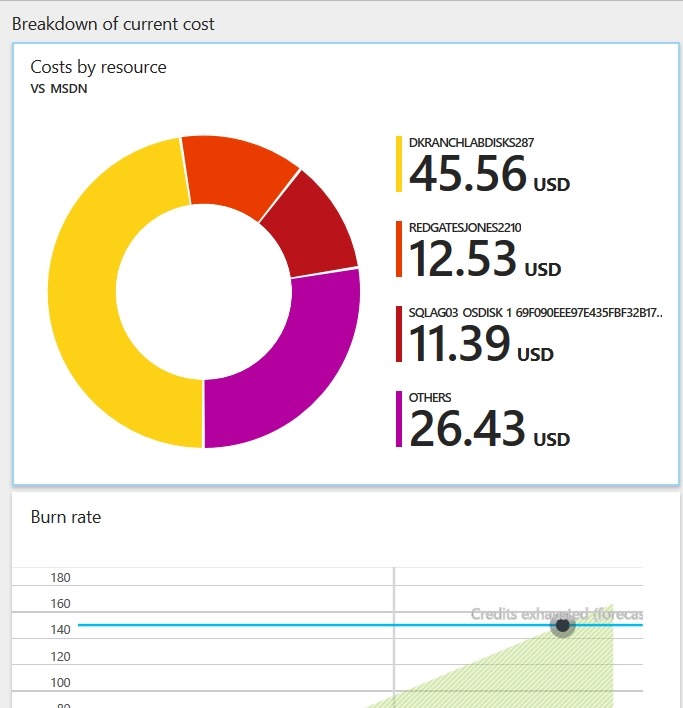
    When I look at my bill, it’s got lots of details, but not always easy to understand.I get a breakdown and burn rate.

    2017-07-18 16_33_17-VS_MSDN - Microsoft Azure

    I can also see details, but tracking these down to ensure I’m making good use of my credits and other charges is hard.

    2017-07-18 16_33_27-Costs by resource - Microsoft Azure

    I can only imagine what this looks like for a company like Redgate, and the struggles between developers, admins, and finance people trying to determine what we have, use, need, and can let go.

  • Back to the Big Easy and SQL Saturday #628 in Baton Rouge

    I’ve been fortunate enough to get to the Baton Rouge SQL Saturday a number of times. I think I’ve been 3 times and am heading back in a week for my fourth.

    This is an amazing event, one of the largest in the country. I’ve met people from Texas to Florida to Tennessee, all of whom drive to join the crowd of 500+ developers and database professionals. Held at LSU, it’s also a beautiful location.

    If you’re anywhere close, come down for a great, free day of training and inspiration. I’ll be doing two sessions:

    Hopefully I’ll see a few of you there.

  • DevOps Basics–Git log

    Another post for me that is simple and hopefully serves as an example for people trying to get blogging as #SQLNewBloggers. This is also a part of a basic series on git and how to use it.

    In a few previous posts I’ve looked at getting going with git, and in this post we continue by looking at how we can get some information about the actions we’ve taken.

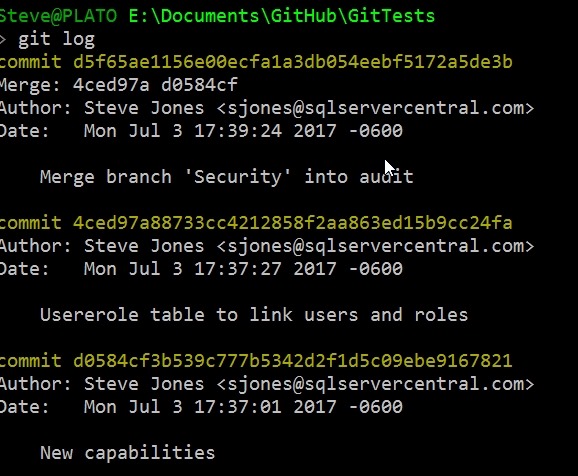
    If we want to see what has happened in our repo, lots of clients will show a list of changes, but from the command line we use a simple “git log”. When I do this, I see the reverse chronological view of commits.

    2017-07-05 11_21_52-cmd - git log

    There are a lot of options for the log command, but there are a few I use often.

    Limit Entries

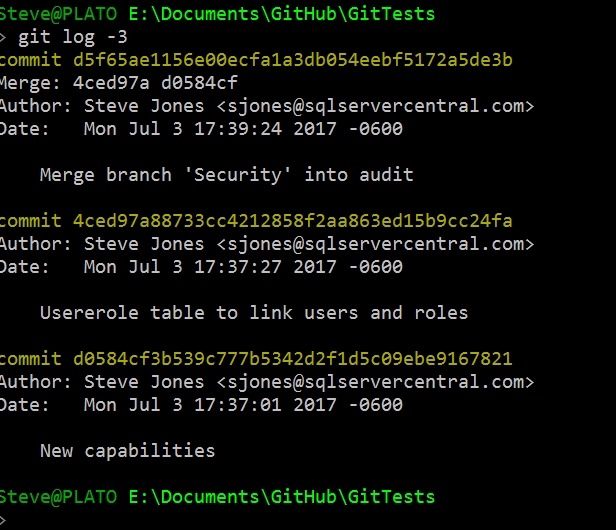
    I often use a –n, where n is a number, to limit what’s returned. For example, I’ll use –3 to show the last 3 commits.
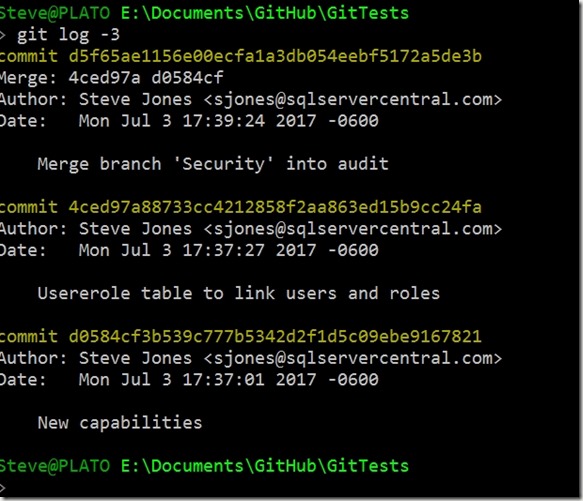
    2017-07-05 11_27_17-cmd

    I also like the –p option, which will show differences. As you can see here, I added the UserRoles.SQL file, putting in new lines.

    2017-07-05 11_28_53-cmd - git log -3 -p

    At times, I like the –decorate option, which lets me know which branch was affected. This is helpful if I’m moving around on branches and I get confused. That does happen.

    2017-07-05 11_32_29-cmd - git log -4 --decorate

    There are lots of search options, and I use them at times, but rarely, so I’m usually searching for the documentation to know the dates or patterns. I do look at the –committer= syntax with my name. That lets me find my changes among others.

    I also like to keep things small, so using the –pretty=oneline option is handy.

    2017-07-05 11_36_04-cmd

    Now I can easily see what I’ve done lately.

    There are lots of ways to look at history, and certainly a client makes things easier, but I’d say that you should learn the command line, just in case there’s some issue and your client doesn’t display it properly.

    Last thing, when you run git log and end up with a colon prompt, you’re in the less utility (I think, been a long time since Unix). To get out just type:

    q

  • SQL Server 2017 RC1 is Here

    And I’ve got it.

    2017-07-17 10_33_19-SQLQuery1.sql - 192.168.1.210.master (sa (52))_ - Microsoft SQL Server Managemen

    Glenn Berry posted a a link to the MSDN blog and almost immediately a note that the link was still the CTP. I decided to fire up my Ubuntu install and check. No updates there, though a few people reported Docker had the new bits.

    A short while later, the Windows link was correct, and my Linux update worked.

    I did re-register the repository

    curl https://packages.microsoft.com/config/ubuntu/16.04/mssql-server.list | sudo tee /etc/apt/sources.list.d/mssql-server.list

    And then the rest was the same as previous updates. Quick and easy, a few command line things to type and I was updated.

    Now I need to get Docker working, since I’m betting we’ll see updates and changes there faster than anywhere else.